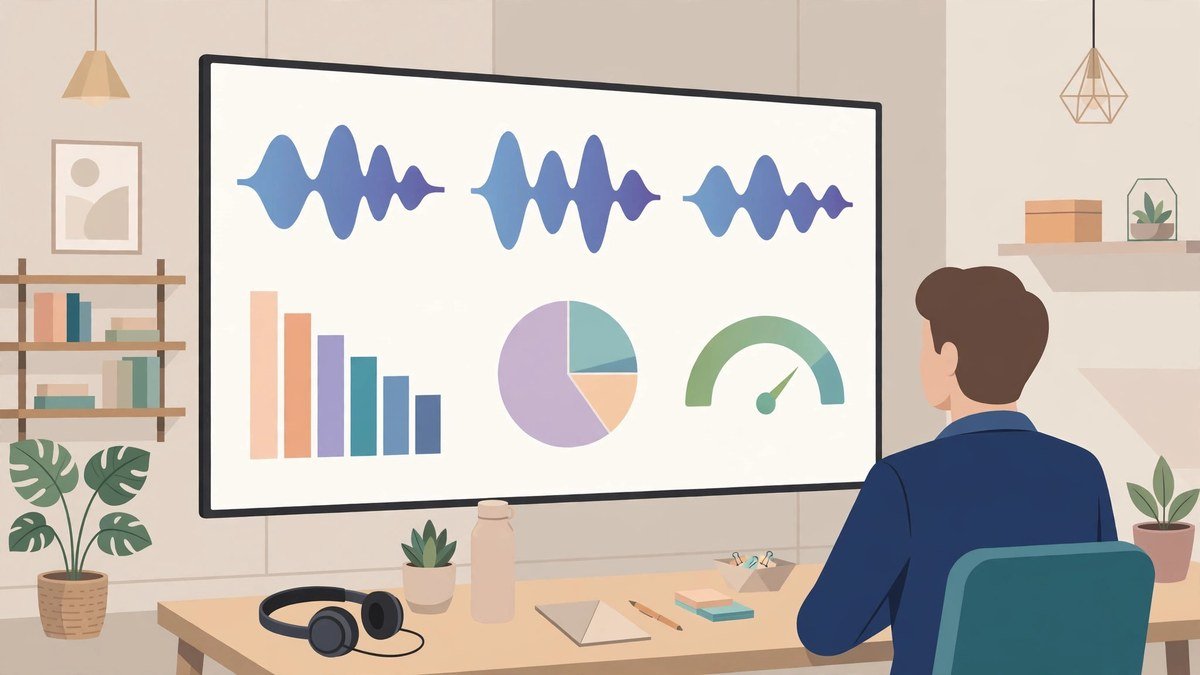
An AI voice generator turns text into speech that sounds human, so a creator can narrate a video, make a podcast, or read an audiobook, without recording in a studio. It can clone a voice, speak in many languages, and change tone, pace and emotion, all from a script.
This guide compares the AI voice generators that work best in 2027, on the same things: how natural the voices sound, how many languages they support, what they cost, and where each one falls short. Prices change, so treat the prices here as approximate starting prices and check the current plan before buying. No tool in this list is linked to its own website. All links in this article go to other occcy.com guides.
The short answer is simple. For most creators, ElevenLabs is the best place to start, because its voices sound the most natural. For video and podcast editing, Descript is the most useful. For a free starting point, Google’s text-to-speech tools are hard to beat. The rest of this guide explains why, and when to choose something else.
Key takeaways
- Best overall for most creators: ElevenLabs, from about $5 a month, with the most natural-sounding voices.
- Best for video and podcast editing: Descript, from about $16 a month, with voice cloning and text-based editing.
- Best free starting point: Google Cloud Text-to-Speech, with a free tier and many voices.
- Best for audiobooks: PlayHT, from about $19 a month, with long-form narration and many voices.
- Always get consent before cloning a voice: cloning someone else’s voice without permission is not allowed.
At a glance: the shortlist
| Tool | Best for | Starting price | Standout limit |
|---|---|---|---|
| ElevenLabs | Most creators | Free tier; paid from about $5 a month | Credits limit generation |
| Descript | Video and podcast editing | Free tier; paid from about $16 a month | Voice cloning needs consent |
| PlayHT | Audiobooks | Free tier; paid from about $19 a month | Pricey for casual use |
| Murf AI | Business narration | Free tier; paid from about $19 a month | Fewer creative voices |
| Google Text-to-Speech | Free, developers | Free tier; pay per character | Less natural than rivals |
| Speechify | Reading, accessibility | Free tier; paid from about $12 a month | Less control over tone |
| WellSaid Labs | Professional narration | From about $49 a month | High price, business focus |
ElevenLabs — Best overall
ElevenLabs is the best starting point for most creators because its voices sound the most natural in this list. It can generate speech in many languages, clone a voice with consent, and change tone, pace and emotion, with a free tier to try first and paid plans from about $5 a month. It works for video narration, podcasts, audiobooks and games, with a simple interface that is easy to learn.

Credits limit how much audio you can generate, so a creator who needs hours of narration will need a higher plan. For most creators, with a few videos or episodes a month, the starter plan is enough. For long-form work, PlayHT or WellSaid Labs may be better.
Pros: Most natural voices, many languages, voice cloning with consent, free tier.
Cons: Credits limit generation, needs a paid plan for long work, output needs checking.
Descript — Best for video and podcast editing
Descript is best for video and podcast editing, from about $16 a month, with a free tier. It lets you edit audio and video by editing the transcript, clone your own voice with consent, and fix a mistake by typing the correct word, without re-recording. It is most useful for a creator who records, edits and publishes in the same app, and wants their voice to sound consistent.
Voice cloning needs consent and a voice sample, and it is less suited to generating a voice you do not own. For a creator who wants to fix their own recordings, it is the most useful tool in this list. For generating a new voice, ElevenLabs will be better.
Pros: Edit audio by editing text, voice cloning with consent, good for podcasts, easy to learn.
Cons: Cloning needs consent, less suited to new voices, pricey for casual use.
For creators who edit video, our guide to best AI video editing tools in 2027 covers the video editors that work best alongside a voice generator.
PlayHT — Best for audiobooks
PlayHT is best for audiobooks and long-form narration, from about $19 a month, with a free tier. It has many voices, supports many languages, and can turn a book, a course or a long article into audio, with controls for tone, pace and pronunciation. It suits an author, a teacher, or a business that needs hours of narration, without hiring a voice actor.
It is pricey for casual use, and its voices are less natural than ElevenLabs’ on some samples. For long-form work, it is a strong choice. For short video narration, ElevenLabs will be cheaper and faster.
Pros: Good for long-form narration, many voices and languages, pronunciation controls.
Cons: Pricey for casual use, voices less natural than rivals, learning curve.
Murf AI — Best for business narration
Murf AI is best for business narration, from about $19 a month, with a free tier. It has voices for e-learning, training, presentations and ads, with controls for tone, pitch and emphasis, and it works in a studio-style editor that is easy to learn. It suits a business that needs professional narration, without a studio or a voice actor.
It has fewer creative voices than ElevenLabs, and it is less suited to characters or storytelling. For business narration, it is a good fit. For creative work, ElevenLabs will be better.
Pros: Good for business narration, professional voices, easy studio editor.
Cons: Fewer creative voices, pricey for casual use, less control than rivals.
Google Cloud Text-to-Speech — Best free starting point
Google Cloud Text-to-Speech is best for developers and for a free starting point, with a free tier and pay-per-character pricing after that. It has many voices and languages, with WaveNet and neural voices that sound good, though less natural than ElevenLabs’. It works well for apps, websites and accessibility tools, where a voice needs to be generated on demand.
It is less natural than the best rivals, and it needs a developer to set up well. For a developer who needs a voice in an app, it is a strong choice. For a creator who needs a voice for a video, ElevenLabs will be easier.
Pros: Free tier, many voices and languages, pay per use, good for developers.
Cons: Less natural than rivals, needs a developer, less control over tone.
Speechify — Best for reading and accessibility
Speechify is best for reading and accessibility, from about $12 a month, with a free tier. It can read web pages, PDFs and books aloud, with natural voices, speed controls, and highlighting, so a person can listen instead of reading. It suits students, professionals, and anyone who wants to listen to documents on the go.
It gives less control over tone than ElevenLabs or Murf AI, and it is less suited to generating narration for a video. For listening, it is the best tool in this list. For creating narration, a dedicated generator will be better.
Pros: Good for listening, natural voices, speed controls, easy to use.
Cons: Less control over tone, not for creating narration, pricey for casual use.
For teams that write scripts, our guide to best AI writing tools in 2027 covers the writing tools that work best alongside a voice generator.
WellSaid Labs — Best for professional narration
WellSaid Labs is best for professional narration, from about $49 a month. It has studio-quality voices, with fine control over tone, pace and emphasis, and it is built for businesses that need consistent, professional narration for training, e-learning and marketing. Its voices sound polished, and its studio is easy to use for a team.
Its price is high, and it is built for business, not for casual creators. For a business that needs professional narration at scale, it is worth the price. For a creator on a budget, ElevenLabs will be cheaper.
Pros: Studio-quality voices, fine control, good for business, consistent output.
Cons: High price, business focus, not for casual creators.
How to choose
Start with what you need the voice for. If you narrate videos, start with ElevenLabs. If you edit podcasts or video, choose Descript. If you make audiobooks, choose PlayHT. If you need business narration, choose Murf AI or WellSaid Labs. If you are a developer, choose Google Text-to-Speech. If you want to listen, choose Speechify.
Check three things before paying. First, the credits: how much audio can you generate, and what happens when you run out? Second, consent: can you clone a voice, and do you have permission to use it? Third, the exit: can you download your audio, and use it after you cancel? Our guide to best AI tools for comparing subscription renewal terms in 2027 covers the renewal terms that matter for any AI tool subscription.
Checklist: before you pay
Use these checks before subscribing to any AI voice generator.
- Try it with your real script for at least a week, not with test text, and listen to the full output.
- Check the voices: do they sound natural, or robotic, and do they suit your audience?
- Check credits: how much audio can you generate, and what does extra audio cost?
- Check consent: do you have permission to clone a voice, and does the tool require it?
- Check languages: does it support the languages your audience actually speaks?
- Check export: can you download your audio, and use it after you cancel?
Frequently asked questions
What is the best AI voice generator?
For most creators, ElevenLabs, because its voices sound the most natural. For video and podcast editing, Descript is best. For audiobooks, PlayHT is best.
Is there a free AI voice generator?
Yes. ElevenLabs, Descript, PlayHT, Murf AI, Google Text-to-Speech and Speechify all have free tiers, with limits on credits, voices or length. They are enough to try the tool and generate a first narration before paying.
How much does an AI voice generator cost?
Most tools in this guide start at about $5 to $19 a month, with a free tier on most. WellSaid Labs is more expensive, at about $49 a month, for professional narration.
Can I clone my own voice?
Yes, with most tools, if you provide a voice sample and give consent. Cloning someone else’s voice without their permission is not allowed, and most tools require consent before cloning.
Which voice generator sounds most natural?
ElevenLabs, in most tests, with the most natural-sounding voices in this list. PlayHT and WellSaid Labs are also good, especially for long-form narration.
Can I use AI voices commercially?
It depends on the plan. Most paid plans allow commercial use, while free tiers may not. Check the licence for the plan you buy, and keep a record of the voice and the consent, if you clone a voice.
The bottom line
For most creators, start with ElevenLabs. For video and podcast editing, choose Descript. For audiobooks, choose PlayHT. For business narration, choose Murf AI or WellSaid Labs. Do not pay for the most expensive tool if you will not use it, and do not choose the cheapest if its voices sound robotic.
Try the tool with your real script, listen to the full output, and get consent before cloning any voice. A voice generator only helps if its voices sound natural, and if you can use them with confidence.
Note: Prices and plans change. Check the product’s current plan details before buying — no link is provided here by design, all links in this article go to other occcy.com guides.