
A good organizing system makes the pictures you care about easy to find without requiring you to fix everything in one sitting. Your family photos may live on phones, computers, old drives, and in boxes. Some may have piled up over years of busy life. Metadata means information saved with a digital image, such as its capture date, location, and keywords. A useful system helps you find, protect, and revisit the memories that matter. Choose a system simple enough to keep using after the initial cleanup is finished.
Key Takeaways
- Start with an inventory of your photo locations.
- Sort large archives in small, dated batches.
- Keep meaningful digital images and printed photos.
- Use date-based folders or a photo catalog for computer files.
- Keep separate copies of important digital images.
- Display a few favorites, then rotate them over time.
What Does the Best Way to Organize Photos Look Like for Your Collection?
If your pictures are spread across a phone, computer, old drives, and boxes, start by listing those locations rather than opening everything at once. The best way to organize photos is a small, repeatable project that fits your collection and available time. Start with a clear goal, such as finding family pictures or protecting printed photos.
Your inventory can be a simple note with each device, album, and box. Decide whether you mainly want to find images, share them, preserve prints, or do all three. Then choose one place to begin, instead of trying to manage thousands of photos at once.
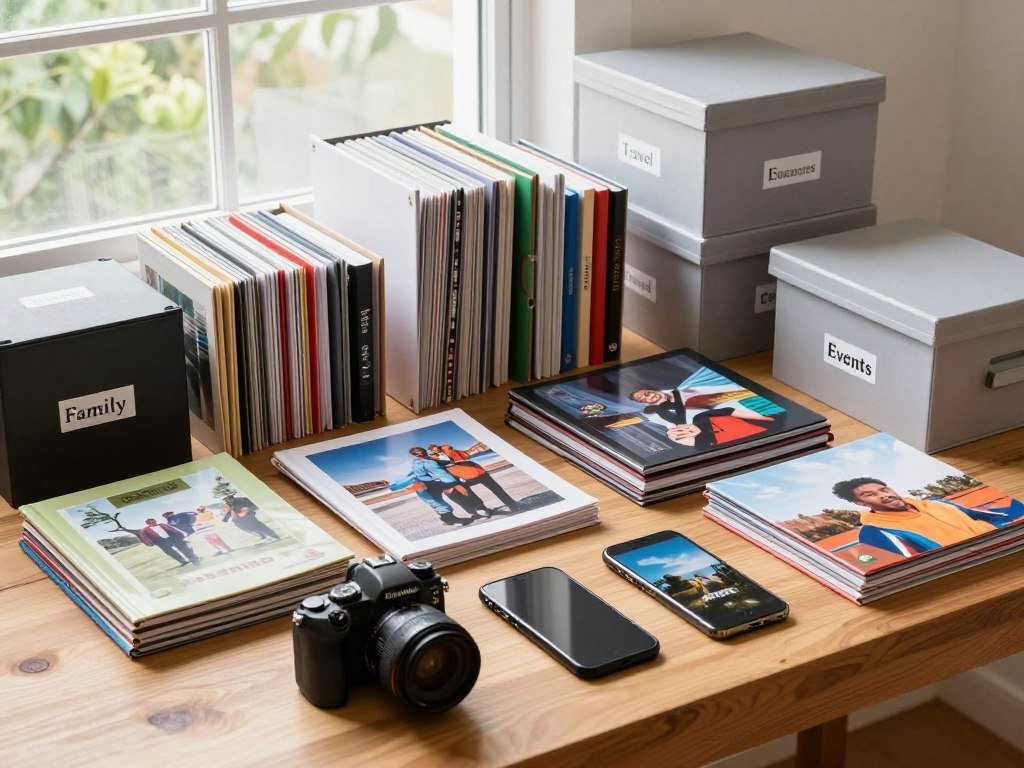
Work in small batches, and let progress matter more than finishing the whole archive in one sitting.
Set a small goal and gather everything
Bring a single batch together, such as one album or a folder from an old drive. A manageable project gives you a clear start and finish. It also helps you learn what your collection needs before you change everything.
Keep a note of missing pieces, such as albums you have not scanned or dates you cannot identify. That record can help you pick the next batch without reopening every box. Set a modest time limit so the work does not crowd out your day.
Choose a timeline before sorting
Begin broadly when dates are uncertain. Divide older archives by decade, then narrow each group to years, months, or events where the dates are clear.
A 30-year collection can be handled in decade-sized groups. If you know only that a picture came from the early 1990s, record an approximate date rather than making up a month or day.
A weekly favorites-and-deletion habit can keep a phone camera roll from growing unchecked. Set one monthly session for sorting new pictures and making a backup. Mark uncertain dates as approximate so a guess does not become a misleading record.
Which Photos Are Worth Keeping, and What Can You Delete?
A useful first pass is to remove images that are clearly redundant or unusable before making harder sentimental decisions. Keep photos worth keeping because they are clear, distinct, or tied to a meaningful moment. Look for a good reason to keep each image, rather than judging a picture only by technical quality.
Cull digital duplicates and weak shots
A five-point check can make digital culling feel less personal. Use it on one batch at a time, and compare similar pictures before deleting anything.
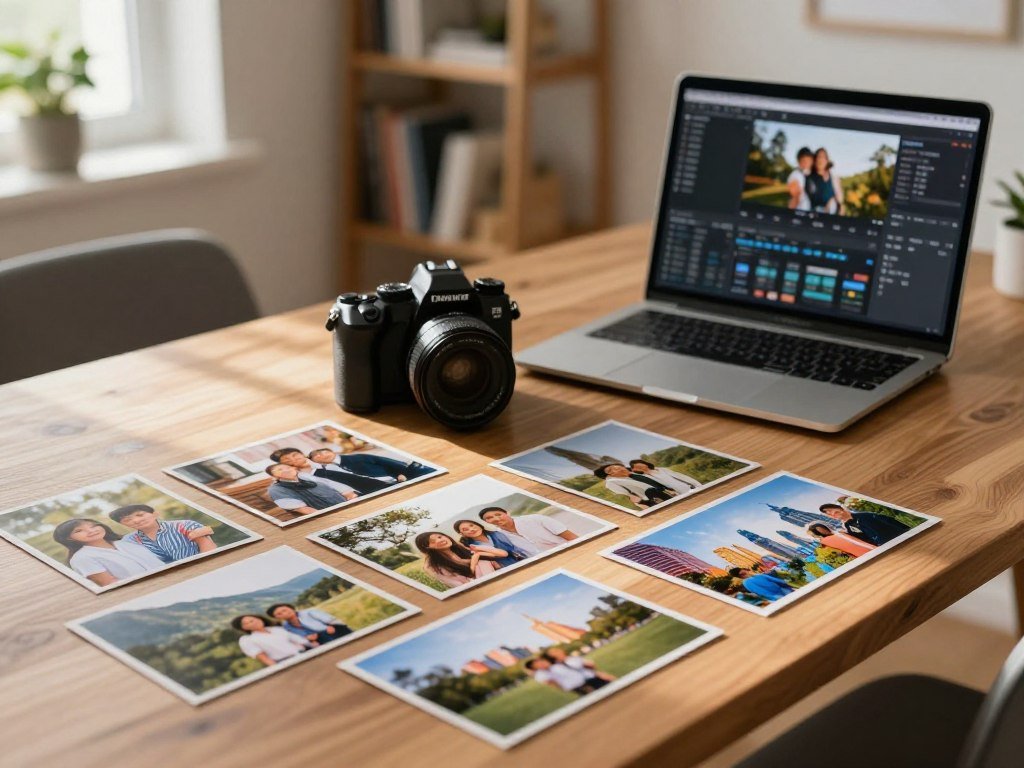
- Duplicate: remove extra copies and repeated burst shots.
- Focus: check whether the subject is sharp.
- Crop: remove images with unusable framing.
- Screenshot or meme: delete throwaway captures you no longer need.
- Meaning: keep pictures that capture a person, place, or moment you value.
A small image may look sharp on screen but turn out blurry at full size. Inspect it at 100% zoom before deciding. For a burst or near-identical sequence, keep the best two shots when they capture the moment well.
Some similar frames belong together. Keep a short sequence when it shows a changing expression, a child learning a skill, or the steps of an event. Those pictures tell more than one frame can.
Keep printed images that tell the story
Printed photos need the same thoughtful judgment, but a unique picture can carry a family story that no digital copy holds. Remove damaged duplicates when a better print survives. Ask relatives whether they recognize unidentified images before you make a final choice.
A picture with no name or date may still matter if it shows a place, home, or gathering. Add a note when a family member can identify the people. Ask a relative about an unrecognized print before discarding it if it could be the only surviving copy.
How Do You Organize Digital Photos on a Computer?
A date-first folder structure gives a computer library a dependable path from year to month to event. Use date-based folders for a simple system, or choose a photo catalog when you want deeper search tools. Give every image a clear identity, even outside its folder.
Keep the date and a memorable event or place in each filename. That makes a photo easier to recognize if you move it or share it. The same approach works on Windows, another PC, or a laptop.
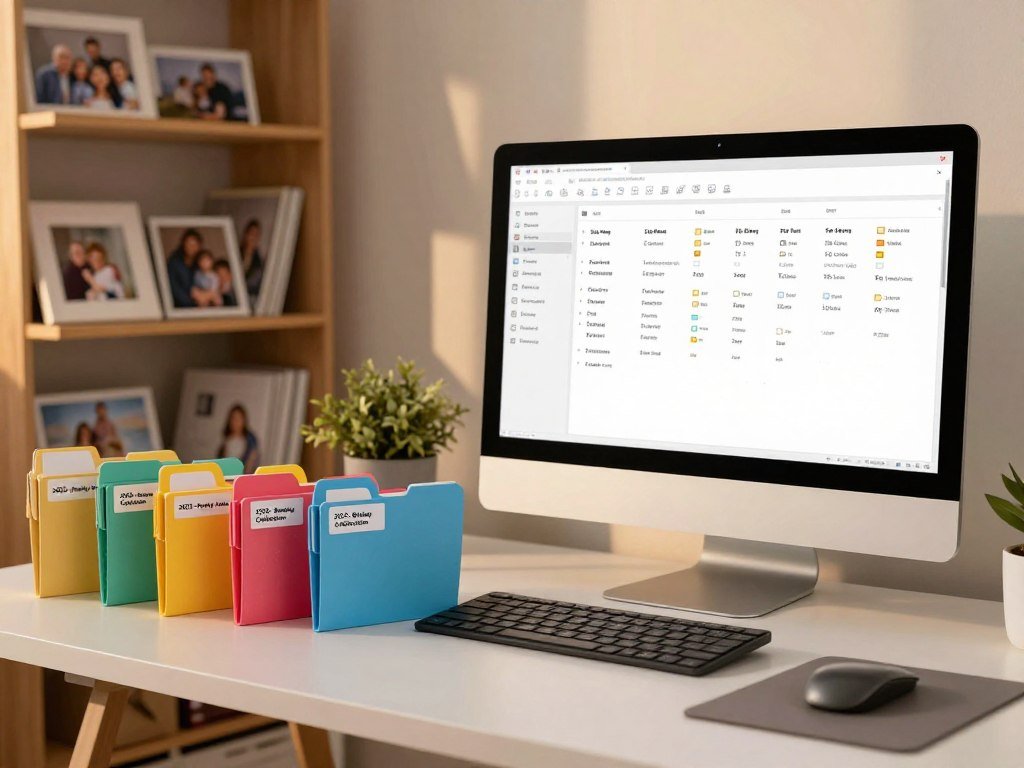
Build date-based folders on a computer
Create a year folder, then month folders, then event folders when needed. For example, place a birthday folder inside the right year and month. This gives you a clear path without requiring special software.
A date-based filename pattern can look like YYYY_MM_DD_ClientName_TypeofShoot. For personal pictures, replace client details with an event or location, such as a birthday or a park name.
Renaming only the folder is a common mistake. Individual files may be moved away from that folder, losing its context. Use a consistent name on each file, and keep a separate backup on an external hard drive.
The best way to sort photos on Windows is to use dated folders and recognizable filenames. The same method helps you organize photos on a PC or organize photos on a laptop.
Choose a catalog for search, tags, and editing
A folder system is easy to understand, but a photo catalog adds search tools and ways to group images without moving files. Excire Foto 2027 processes photos locally and offers AI keywording, natural-language search, facial recognition, duplicate search, and AI-assisted culling.
It also has a map view, OCR text search, ratings, labels, flags, and metadata filters. Excire Foto 2027 uses a one-time license and can work alongside Adobe Photoshop, Skylum Luminar Neo, and Lightroom.
Adobe Lightroom Classic supports ratings, labels, flags, Collections, and Smart Collections. It also lets you edit photos in the program. Pick Excire Foto 2027 for local AI search, or Lightroom Classic when you want organization and editing together.
| Tool or approach | Organization and search | Editing workflow |
|---|---|---|
| Excire Foto 2027 | Local processing; AI keywording, natural-language search, face and duplicate search, culling, map, OCR, ratings, labels, flags, metadata filters | Works alongside Photoshop, Luminar Neo, and Lightroom |
| Adobe Lightroom Classic | Ratings, labels, flags, Collections, Smart Collections | Edit photos in the program |
| Date-based folders | Event and date naming; searchable filenames; no catalog-based AI features | Use separate editing software |
Choose an organizer that suits how you actually look for images. Keep filenames understandable on their own so an image remains identifiable if it is moved.
How Do You Organize Photos on iPhone and Android?
On iPhone, start with albums for trips, people, or events, then use the album controls to change how those images appear. Albums are the practical way to group photos; folders organize albums, not individual pictures. Group images by how you want to find them, rather than making an album for every small moment.
Sort albums and folders on iPhone
The iPhone Photos app can sort album items newest to oldest, oldest to newest, or in a custom order by dragging thumbnails. Album items can be sorted in three ways, and filters can show photos, videos, or favorites.

Use folders when several albums belong together, such as grouping family trips by year. If you take many pictures on your phone, compare iPhone cameras and photo features as you choose a device for future images.
Sort Android photos by capture date
Android gallery apps differ, but most let you sort images by capture date. That date comes from image metadata, so scanned or imported pictures may appear in the wrong place when the date is missing or incorrect.
Check a few images from older albums after sorting. If the displayed date seems wrong, use an app that lets you fix image details, or group those pictures by the known event instead.
A photo-organizing app can help with albums, search, or face grouping. Keep the same date structure across devices, so images do not become hard to track when you move them. Check a few older Android images after sorting, since a wrong capture date can place them far from their actual event.
How Should You Store Printed Photos and Back Up the Originals?
A safe storage spot is a cool, stable interior space rather than an attic, basement, or garage without climate control. Keep printed photos flat in photo-safe boxes or albums, away from strong light. Stable conditions help prints last, while heat and damp can speed damage.
Aim for 65-70°F and 30-50% relative humidity for long-term print storage. Choose acid-free archival boxes, sleeves, and albums. Ordinary cardboard and magnetic sticky-page albums can harm prints over time.
Protect prints with archival materials and stable conditions
Store prints flat in boxes, not standing upright. An interior room or closet offers steadier temperature and humidity, with less light than many garages or attic spaces.
The National Archives shares guidance for family photo storage, including photo-safe enclosures that pass the ANSI Photographic Activity Test. Avoid PVC sleeves, which can damage photographs.
| Gaylord Archival format | Capacity | Storage or display detail |
|---|---|---|
| High-capacity box with envelopes | Up to 1,700 4 x 6-inch photographs | Dividers for four quadrants |
| Box album | Up to 50 landscape 4 x 6-inch photographs | Stores an album in a protective box |
| Perfect-bound album | 500 photographs | Acid-free pages, page protectors, lined note areas |
| Leatherette photo album | Up to 300 4 x 6-inch photographs | Bound album format |
A post-bound scrapbook kit is another format for arranging photos and adding notes. These examples show different storage styles, not endorsements. Choose based on print size, how often you browse, and whether you want room for captions.
Scan important pictures and keep separate copies
Scan important pictures with a flatbed scanner or a phone scanning app. Keep the original print after scanning, since digital files can be lost or become hard to open later.
Keep at least two digital copies in separate locations, such as an external hard drive and cloud storage. The 3-2-1 standard means three copies on two types of media, with one copy off-site.
iCloud is a syncing service, not a pure backup, so a deletion may carry across devices. Online backup services can hold an off-site copy; check each provider’s terms directly. For help comparing options, read this cloud storage service comparison.
Review or migrate older hard-drive backups about every five years. Check that the backup is separate from the device that holds the original before counting it as another copy.
Where Should You Display Family Photos at Home?
A few carefully chosen pictures in a shared living space can make family memories part of everyday life without covering every wall. Choose a small display that fits the room, then leave space around each group. A little breathing room helps frames feel like one arrangement.
Use frames with a shared color or finish, and rotate images when you want a fresh look. Feng shui is a tradition, not a universal design rule. Its guidance favors gathering rooms such as living rooms, family rooms, or dining rooms.
Feng shui guidance favors shared gathering rooms and cautions against certain other placements, but these are traditional preferences, not rules for every home.
- A small gallery wall with matching frame colors.
- A few framed prints on a shelf.
- A rotating tabletop frame for changing favorites.
- A digital frame for a changing set of pictures.
In that tradition, avoid bedrooms, bathrooms, fireplaces, and displays facing the front door. You can follow those ideas if they suit your home, but practical concerns like glare and room layout matter too.
Let the space guide the size of the display. Leave visible wall space around a group of frames so the display reads as one arrangement rather than visual clutter.
Conclusion
An organized photo collection is built through clear choices and small, repeatable sessions. Even one sorted album or box makes it easier to find a memory when you want it. You do not need to finish every year of your life at once.
A system can grow as your collection changes. Keep the parts you can maintain, and adjust them when a new device or family event adds pictures. A steady habit matters more than a perfect archive.
Set aside one short session this week to sort a single album, month, or box.
FAQ
Is it better to store photos in albums or boxes?
Albums are better for browsing, while acid-free boxes work well for loose prints. Both can protect photographs when you choose photo-safe materials and keep them in stable conditions. Albums also make it easier to add captions beside images. Boxes take less room for groups of loose prints and can hold them flat. Pick the format you will use and maintain.
What is the best photo organizer software?
Excire Foto 2027 suits people who want local AI search and a one-time license. Lightroom Classic suits people who want photo organization and editing in one program. Excire offers tools such as natural-language search, face grouping, and duplicate search. Lightroom Classic includes ratings, labels, flags, and Collections. Consider how you search and edit before choosing.
What can I do with thousands of family photos?
Start with one manageable batch, then sort older material by decade before narrowing it by year or event. You might begin with one album, a computer folder, or a single box. A weekly review can help you choose favorites and remove unwanted images. Set a monthly time to sort new files and make a backup, so clutter does not build again.
How do I organize my 30 years of photos?
Divide the archive into decade-sized groups first, then sort into years, months, or events when dates are known. This gives a large collection a clear starting point without forcing you to identify every picture right away. Use approximate dates when that is all you know. Work through one decade at a time, and keep a monthly habit for new pictures.
Where not to put family photos in home?
Feng shui guidance discourages family photos in bedrooms, bathrooms, on or beside fireplaces, and facing the front door. These are traditional placement preferences, not rules that apply to every home. You can choose a different location based on comfort, room use, light, and available wall space. A living or dining room often gives family pictures a shared place.
How to display family photos without looking cluttered?
Choose a small group, use frames with a shared style, leave space around the arrangement, and rotate pictures over time. A short row of framed prints on a shelf can feel calmer than filling every wall. Keep the frames in scale with the room and furniture. For a changing set, a tabletop or digital frame can show different favorites without adding more wall frames.
Which wall should not have family photos?
Feng shui guidance advises against displays facing the front door, but it does not name one compass direction for every home. Treat this as a traditional preference, not a universal rule. Think about how people move through the room and whether the display feels welcoming. A wall with clear space and good viewing light may work better for your layout.



