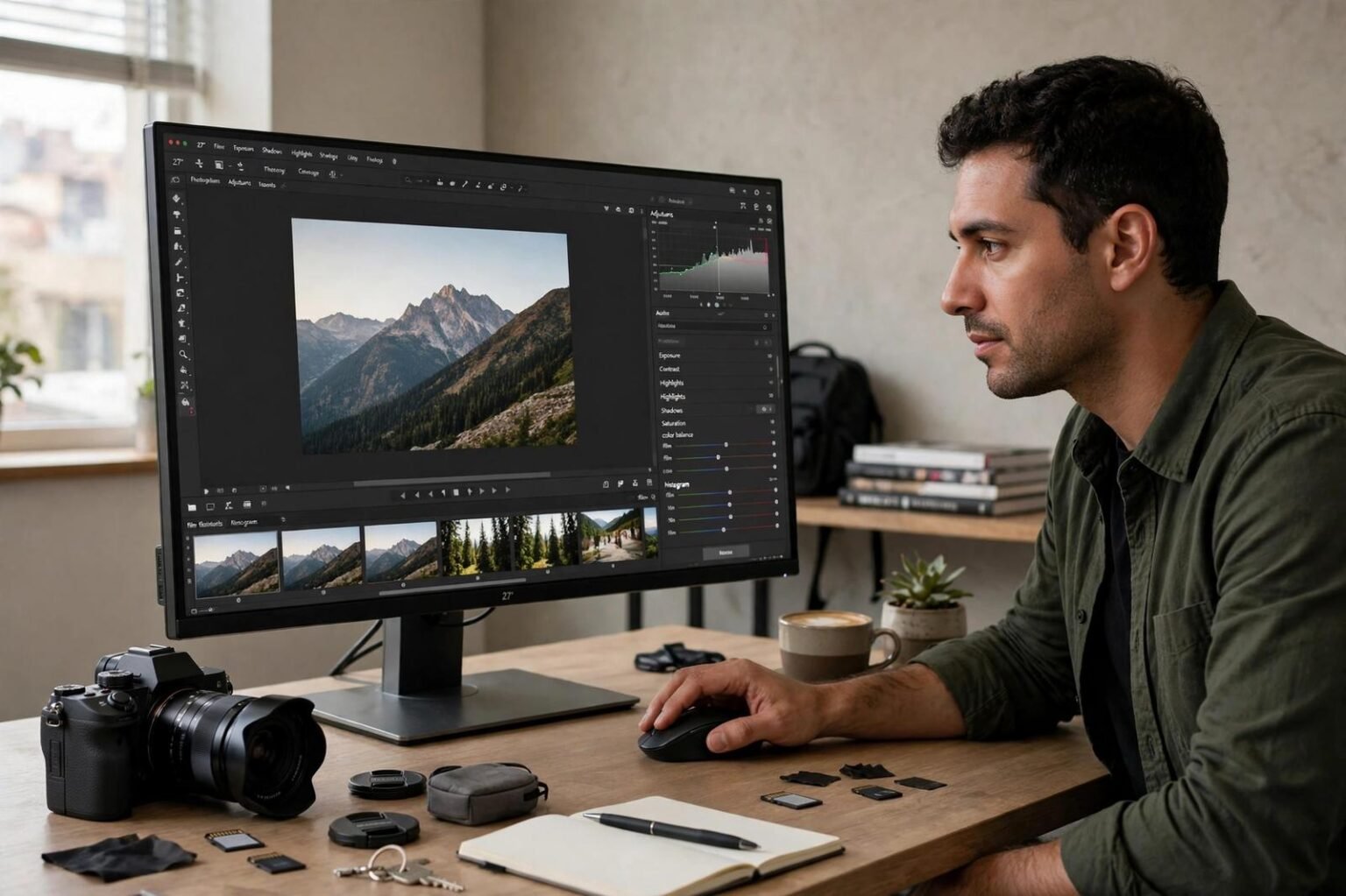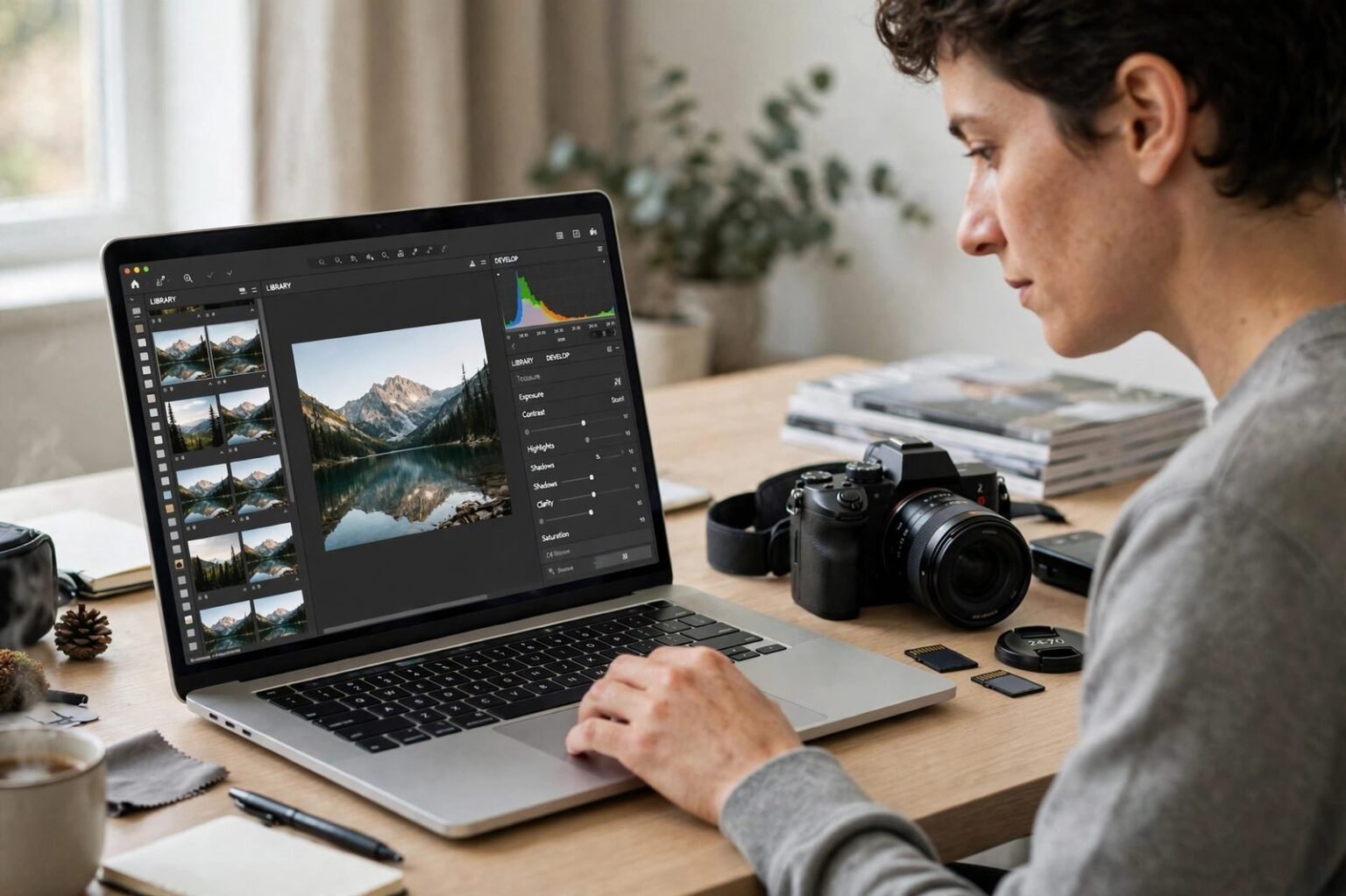
The best photo editing software for Mac in 2027 depends on what kind of photographer you are, but the short answer is this: Adobe Lightroom leads for organising and editing large photo libraries, Photoshop leads for detailed retouching, Capture One leads for professional tethered shooting and colour work, and Pixelmator Pro is the best Mac-native alternative for most people. The rest of this guide compares the leading options, explains the difference between a photo organiser and a photo editor, and helps you choose based on your workflow and your budget.
Mac users are well served for photo editing. The Mac has long been the platform of choice for photographers and designers, and every major photo editor runs well on it — often better than on other platforms, thanks to Apple’s silicon chips and their fast image processing. That abundance is also the problem: with so many good options, choosing the right one takes some thought. The answer depends less on which tool is best in general and more on which tool fits the way you work.
Key takeaways:
- Lightroom leads for organising and editing large photo libraries.
- Photoshop leads for detailed retouching and compositing.
- Capture One leads for professional tethered shooting and colour accuracy.
- Pixelmator Pro is the best Mac-native alternative, with a one-off price.
- Apple Photos is free and capable for everyday editing.
- Choose based on your workflow: library management, retouching, or both.
What makes good photo editing software for Mac
Good photo editing software for Mac is judged on its editing quality, its library management, and how well it uses the Mac. Editing quality is about the tools: exposure, colour, sharpening, noise reduction, and the ability to make local adjustments to part of an image. Library management is about organising thousands of photos — searching, tagging, rating and finding the ones you need. A tool that edits well but cannot organise a large library will frustrate a working photographer.
How well it uses the Mac matters too. Native Mac apps tend to be faster, use less battery, and integrate better with the system — with Apple Photos, with the Files app, and with the trackpad and keyboard shortcuts Mac users expect. That integration is a real advantage, and it is why Mac-native tools such as Pixelmator Pro feel so good to use.
Adobe Lightroom: best for organising and editing
Best for: photographers with large libraries who need to organise, edit and export photos efficiently.
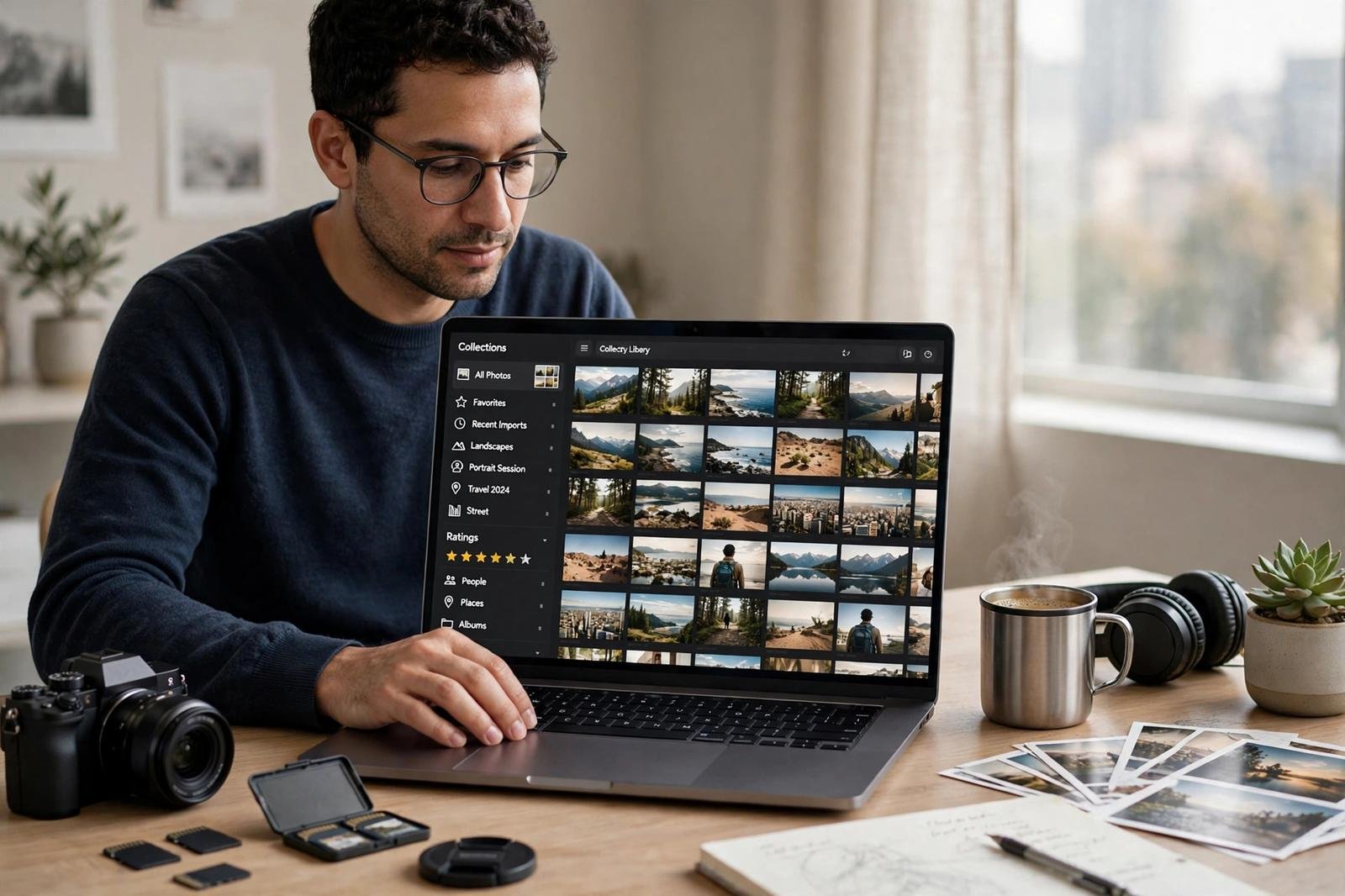
Lightroom is the standard tool for photographers who shoot a lot. It combines a photo library — with ratings, keywords, collections and search — with a capable non-destructive editor that covers exposure, colour, cropping, local adjustments and lens corrections. Its strength is workflow: you can import a thousand photos from a shoot, rate the best ones, edit them consistently, and export them in minutes.
Lightroom is subscription software, available as part of Adobe’s Creative Cloud photography plan, which also includes Photoshop. Check current pricing. Its main limit is that it is not a pixel editor: for detailed retouching, compositing or graphic design work, you need Photoshop alongside it. For most photographers, the combination of Lightroom and Photoshop is the standard setup.
Adobe Photoshop: best for retouching
Best for: detailed retouching, compositing, and any photo work that needs pixel-level control.
Photoshop is the most powerful photo editor available, and it remains the standard for retouching, compositing and creative photo work. Its tools for removing objects, blending images, retouching skin, and working with layers and masks are the most developed available. Its AI features — including generative fill, which can extend or alter an image from a text prompt — have become genuinely useful for working photographers and retouchers.
Photoshop is subscription software, available alone or as part of Creative Cloud. Check current pricing. Its main limit is that it is not a photo organiser: it has no library management, and it is slow for editing hundreds of photos. Most photographers use Lightroom for the bulk of their editing and Photoshop for the images that need detailed work. See our Photoshop vs Lightroom comparison for a fuller explanation of how the two work together.
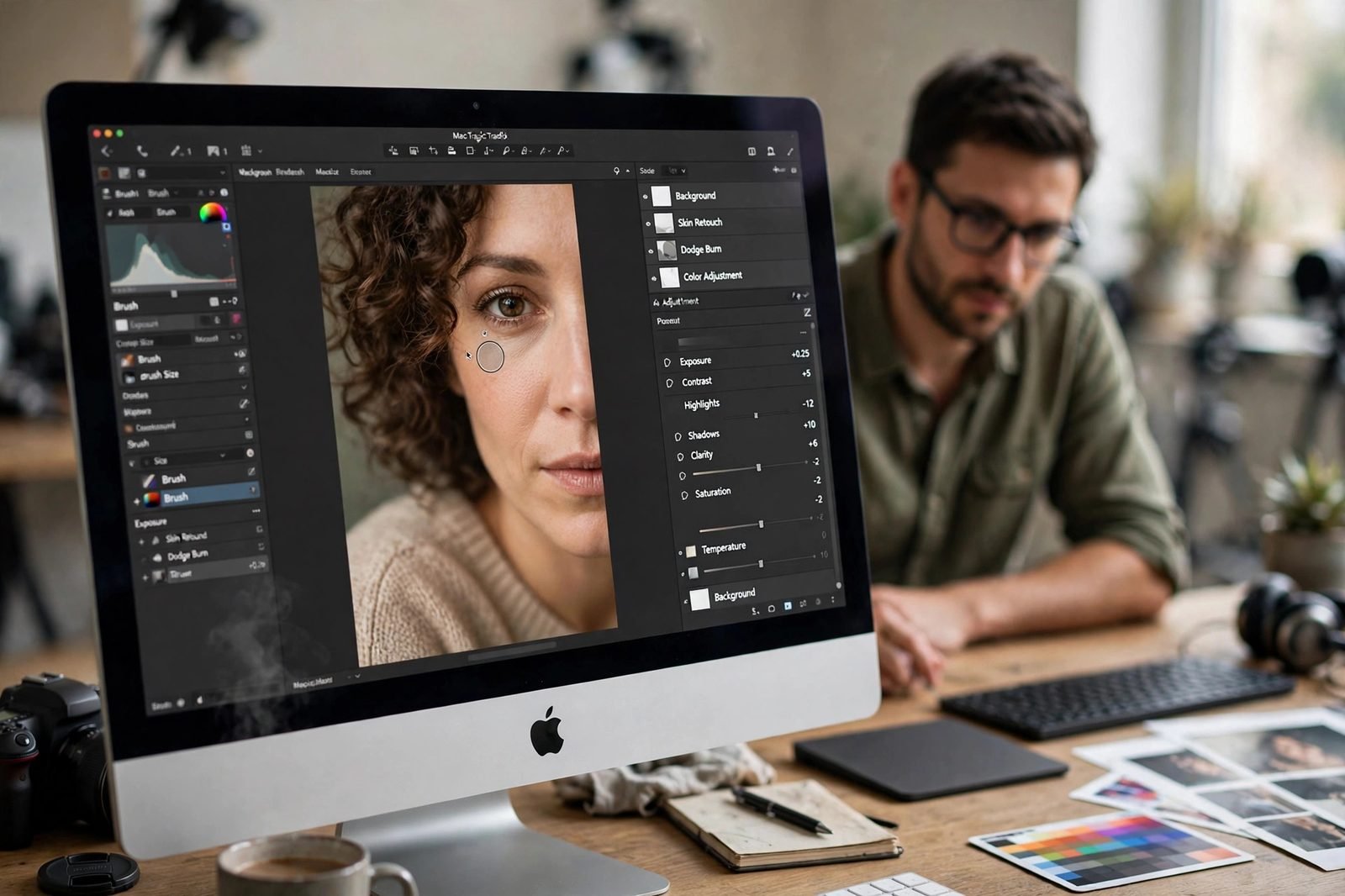
Capture One: best for professionals and colour work
Best for: professional photographers who need the best colour accuracy, tethered shooting, and precise control.
Capture One is the choice of many professional studio and commercial photographers, and its strength is colour. Its colour editing tools are more precise than Lightroom’s, and its tethered shooting — connecting a camera directly to the computer and seeing images appear as you shoot — is the best available. For a studio photographer, that combination is essential.
Capture One is available by subscription or as a one-off purchase, depending on the version. Check current pricing. Its main limit is its learning curve and its narrower ecosystem: fewer presets, fewer tutorials, and a smaller community than Lightroom. It suits professionals who need its specific strengths and are willing to learn it properly.
Pixelmator Pro: best Mac-native alternative
Best for: Mac users who want a capable, fast photo editor with a one-off price and no subscription.
Pixelmator Pro is a Mac-native photo editor that has become the best alternative to Adobe’s tools for many Mac users. It offers layers, retouching, colour adjustments, and AI-powered tools for removing objects and upscaling images, all in a clean, fast interface designed for the Mac. Its performance on Apple silicon is excellent, and it integrates well with Apple Photos and the Mac’s file system.
Pixelmator Pro is a one-off purchase from the Mac App Store. Check current pricing. Its main limit is library management: it is an editor, not a photo organiser, so it does not replace Lightroom’s catalogue. For a Mac user who edits individual photos rather than managing a large library, it is excellent value.
Apple Photos: best free option
Best for: everyday photo editing, and anyone who wants a capable editor at no cost.
Apple Photos is free on every Mac, and it is better than many people realise. It offers capable editing tools — exposure, colour, cropping, filters and portrait adjustments — along with automatic organisation, face recognition and iCloud sync across Apple devices. For everyday photography, family photos and social media, it is often all that is needed.
Its limits are real: it has no advanced retouching, no layers, and no professional colour tools. But it is free, it is fast, and it is already on your Mac. Before paying for anything, check whether Apple Photos does what you need.
How the leading tools compare
| Tool | Best for | Price model | Standout feature |
|---|---|---|---|
| Adobe Lightroom | Organising and editing libraries | Subscription | Best photo library workflow |
| Adobe Photoshop | Retouching and compositing | Subscription | Most powerful pixel editing |
| Capture One | Professional colour and tethered shooting | Subscription or one-off | Best colour accuracy and tethering |
| Pixelmator Pro | Mac-native editing | One-off purchase | Fast, Mac-native, no subscription |
| Apple Photos | Everyday editing | Free on Mac | Free, fast, integrated with iCloud |
A practical checklist for choosing photo software for Mac
- Decide whether you need a library or an editor. If you manage thousands of photos, you need Lightroom or Capture One. If you edit individual images, Photoshop or Pixelmator Pro will do.
- Check your file format. If you shoot RAW, make sure the tool supports your camera’s RAW format. Most major tools do, but check before you buy.
- Test performance on your Mac. Photo editing is demanding. Try the free trial on your own Mac with your own photos, and check how it handles large files.
- Consider the subscription question. Lightroom and Photoshop are subscriptions; Pixelmator Pro and Capture One offer one-off purchases. Work out the two-year cost of each option.
- Try the free options first. Apple Photos is already on your Mac, and GIMP is a capable free editor. Use them before paying for anything.
- Check the export you need. Make sure the tool exports in the formats you need — JPEG, TIFF, PNG — at the quality you need for print or web.
RAW files, libraries and non-destructive editing
Two concepts matter when choosing photo software. The first is RAW. A RAW file is the unprocessed data from your camera’s sensor, and it contains far more information than a JPEG. Editing a RAW file gives you much more control over exposure, colour and detail. If you shoot RAW, you need software that handles it well — Lightroom, Capture One and Pixelmator Pro all do.
The second is non-destructive editing. A non-destructive editor does not change your original file; it records your edits as instructions and applies them when you export. That means you can always go back and change an edit, or start again, without losing the original. Lightroom and Capture One are non-destructive by design. Photoshop is destructive by default, though it supports non-destructive workflows with smart objects and adjustment layers. For most photographers, non-destructive editing is the right approach.
FAQs
What is the best photo editing software for Mac?
Lightroom is the best overall for most photographers, because it combines library management with capable editing. Photoshop is the best for retouching, Capture One is the best for professional colour work, and Pixelmator Pro is the best Mac-native alternative.
Is Lightroom or Photoshop better for Mac?
They do different jobs. Lightroom is better for organising and editing large numbers of photos. Photoshop is better for detailed retouching and compositing. Most photographers use both, and Adobe sells them together in a photography plan.
Is there a good free photo editor for Mac?
Yes. Apple Photos is free and capable for everyday editing. GIMP is a free, open-source editor with more advanced tools. Both are worth trying before paying for anything.
Do I need a subscription for photo editing on Mac?
Not necessarily. Pixelmator Pro and Capture One offer one-off purchases, and Apple Photos and GIMP are free. Lightroom and Photoshop are subscription-only.
What is the best photo editor for Mac for beginners?
Apple Photos is the best starting point for a beginner, because it is free, simple and already on your Mac. Pixelmator Pro is the best next step if you want more control without a subscription.
Does Capture One work well on Mac?
Yes. Capture One runs well on Mac, including Apple silicon, and it is widely used by professional photographers on the platform. Its tethered shooting and colour tools are its main strengths.
The bottom line
The best photo editing software for Mac in 2027 starts with Lightroom for library management and editing, Photoshop for retouching, Capture One for professional colour and tethered work, and Pixelmator Pro as the best Mac-native alternative with a one-off price. Apple Photos is free and capable for everyday use. Choose based on your workflow — library or editor, subscription or one-off — and test the free trial on your own photos before committing. If you are comparing the two Adobe tools, our Photoshop vs Lightroom comparison explains how they work together, and the Lightroom vs Capture One comparison covers the professional choice in more depth.