A thesis is the longest document most students will ever write, and its hardest parts are rarely the ideas. It is the structure that holds across a hundred pages, the academic tone that stays consistent, the citations that have to be exact, and the months of revisions that slowly wear down motivation. The right tools do not write the thesis — they remove the friction that stops you finishing it.
AI tools now help at every stage: organising chapters, checking academic language, catching grammar and citation errors, paraphrasing awkward sentences, and keeping a bibliography in order. Used honestly, they are like a patient supervisor who is always available. Used dishonestly, they are the fastest way to fail a degree.
The seven tools below were chosen for undergraduate, master’s and PhD writers. Prices are approximate starting prices, and several offer free tiers that cover most of what a thesis needs.
Key takeaways
- Scrivener is the best overall pick for organising and drafting a long thesis.
- Overleaf is the best choice for theses with equations, code or LaTeX formatting.
- Trinka is the best AI editor for academic language and tone.
- Paperpal is the best all-in-one academic assistant, from drafting to submission checks.
- Check your university’s AI policy first — disclosure rules vary, and they matter.
At a glance: the shortlist
| Product | Best for | Starting price | Standout limit |
|---|---|---|---|
| Scrivener | Organising a long thesis | $59.99 one-time | Steep learning curve |
| Overleaf | Maths, code and LaTeX | From $10/month | Needs LaTeX knowledge |
| Trinka | Academic tone and grammar | From $20/month | Fewer features than Paperpal |
| Paperpal | Drafting to submission | From $19/month | Best for science and medicine |
| QuillBot | Rewriting awkward sentences | From $9.95/month | Easy to overuse |
| Grammarly | Everyday grammar checks | From $12/month | Not academic-specific |
| Jenni AI | Getting unstuck | From $12/month | Risk of over-reliance |
Scrivener — Best overall
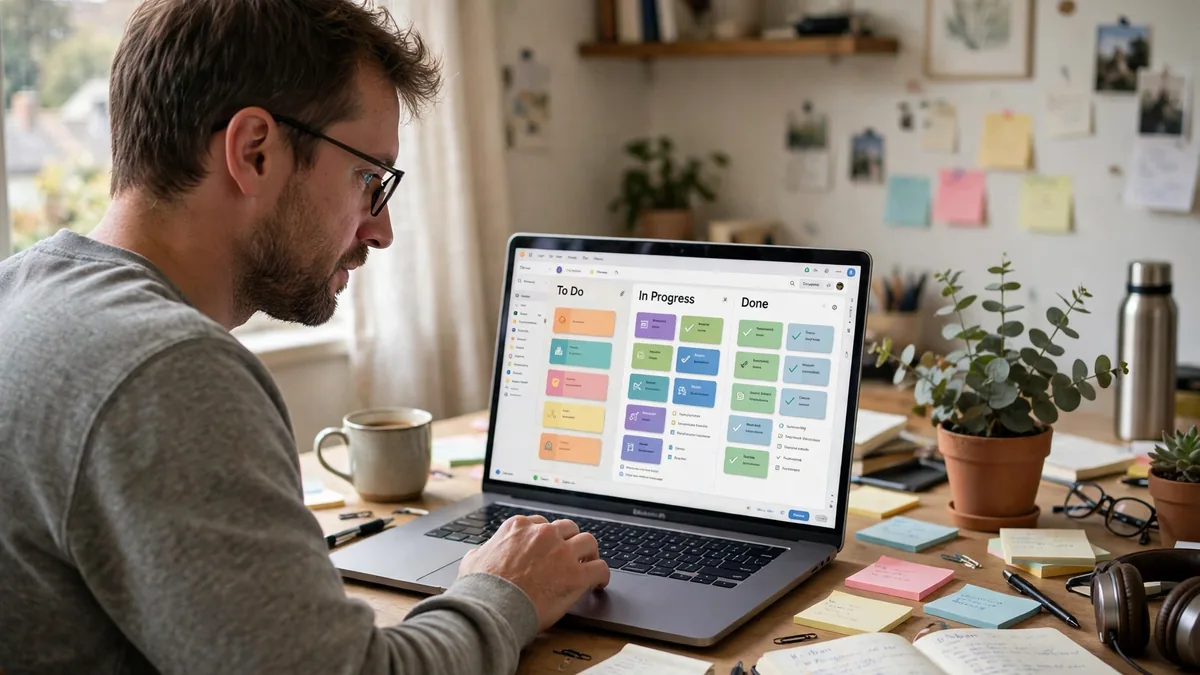
Scrivener breaks a thesis into chapters and sections you can move around like index cards, with research notes, PDFs and ideas stored beside the draft. For a document that will run to a hundred pages or more, that structure is the difference between a thesis you can hold in your head and one that falls apart.

Before you draft, make sure your research base is solid — our guide to the best AI tools for literature review covers the best ways to screen and synthesise your sources.
It compiles everything into a clean manuscript in Word, PDF or LaTeX, and it costs once rather than monthly. There is no AI built in, which is a feature here: the tool organises your thinking instead of doing it for you.
Pros: Superb long-form organisation; research stored with draft; one-time purchase.
Cons: Steep learning curve; no AI features.
Overleaf — Best for LaTeX
Overleaf is an online LaTeX editor that handles equations, code listings, figures and bibliographies with the precision a thesis demands. It compiles in the cloud, so there is nothing to install, and its templates cover most university thesis formats.
Collaboration is built in, which makes supervisor feedback easy, and the free tier covers most student needs. The trade-off is that LaTeX itself takes learning — but for a technical thesis, that learning pays off fast.
Pros: Precise LaTeX output; great templates; easy collaboration.
Cons: Requires LaTeX knowledge; less friendly for non-technical writers.
Trinka — Best for academic language
Trinka is an AI editor built specifically for academic writing: it corrects grammar, improves tone, checks consistency and flags language that sounds informal for a thesis. It understands the conventions of academic English in a way general grammar checkers do not.
The free tier covers basic checks, and the paid plan adds advanced tone and consistency features. For a non-native English speaker writing a thesis, it is the single most useful editing tool available.
Pros: Built for academic English; strong tone checks; helpful for non-native writers.
Cons: Narrower feature set; no drafting help.
Paperpal — Best all-in-one academic
Paperpal covers the whole academic writing process: it drafts, paraphrases, checks grammar, verifies citations and runs a submission readiness check before you hand a thesis in. It is the closest thing to an academic writing coach in a single tool.
It is strongest in science and medicine, where its training data is deepest, and a little weaker in the humanities. The free tier is genuinely useful, and the paid plan is modest for what it checks.
Pros: Full workflow from draft to submission; citation checks; good free tier.
Cons: Strongest in science and medicine; weaker in humanities.
QuillBot — Best for paraphrasing
QuillBot paraphrases sentences in different tones — formal, academic, simple — which is exactly what a thesis draft needs when a paragraph sounds clumsy but the idea is right. It also summarises papers and checks grammar, making it a useful second editor.
The free tier covers basic paraphrasing, and the premium plan is cheap. The risk is overuse: paraphrasing your own work is fine, but paraphrasing sources without citing them is plagiarism, so keep the distinction clear.
Pros: Good paraphrasing modes; cheap; useful summarizer included.
Cons: Easy to overuse; paraphrased text still needs checking.
Grammarly — Best for grammar
Grammarly is the most familiar writing assistant in this roundup, and its strength is reliability: it catches grammar, spelling and punctuation errors in real time, in the browser and in Word. For a thesis, that constant background check catches the small errors that accumulate across a hundred pages.
It is not built for academic writing, so its tone suggestions are generic and it will not check citations. Used alongside an academic tool like Trinka, though, it covers the everyday errors the specialist tools miss.
Pros: Reliable and fast; works everywhere; good free tier.
Cons: Not academic-specific; no citation checks.
Jenni AI — Best for drafting help
Jenni AI helps you draft academic text by suggesting the next sentence or paragraph as you write, drawing on sources you provide. For a writer stuck on an introduction or a transition, that suggestion is often enough to get moving again.
It cites sources as it drafts, which keeps the output grounded, but it is easy to lean on it too heavily. Use it to get unstuck, then take over the writing yourself — the argument has to be yours.
Pros: Good for getting unstuck; cites sources while drafting; affordable.
Cons: Easy to over-rely on; drafts need heavy editing.
How to choose
Start with how your thesis is built. If it is long and complex, buy the organiser first: Scrivener will save more hours than any editor. If it has heavy maths or code, Overleaf is the only sensible choice. And if the draft exists but the language needs work, an academic editor like Trinka or Paperpal will improve it more than a general grammar checker.
Check your university’s rules before you use any AI tool on a thesis. Some institutions allow AI for editing and language, others require disclosure, and a few restrict it entirely. Our roundup of the best AI tools for researchers also covers the research tools that support the evidence behind your thesis.
Finally, pick tools that will still work in a year. A thesis takes months, and a tool that changes its pricing, drops a feature or shuts down mid-project can cost you weeks. Favour established tools with export options, and keep your own backups regardless of what the tool promises.
Checklist: before you pay
- Read your university’s AI policy and disclose AI use where required.
- Back up your thesis daily — use cloud sync plus a second copy.
- Confirm citations export cleanly to your reference manager.
- Test the free tier on a real chapter before paying.
- Check the renewal price against your submission date.
- Confirm you can export the full document if you cancel.
Common mistakes to avoid
- Using AI to write analysis or argument and presenting it as your own work.
- Not disclosing AI use where your university requires it.
- Accepting paraphrases that change the meaning of a source you are citing.
- Leaving citation errors in the bibliography because the tool formatted them.
- Starting organisation in the final month instead of setting up the structure on day one.
Frequently asked questions
Can I use AI to write my thesis?
You can use AI to organise, edit and polish a thesis, but the research, analysis and argument must be your own. Most universities allow AI for language help and require disclosure; writing the thesis with AI and presenting it as your own work is academic misconduct.
Which AI tool is best for a PhD thesis?
Scrivener is the best organiser for a long thesis, and Overleaf is best if you need LaTeX. For language and submission checks, Paperpal is the strongest all-in-one academic assistant.
Can AI check my citations?
Yes. Paperpal and Trinka both check citation style and consistency, and reference managers like Zotero work alongside them. Always verify the final bibliography yourself — citation errors are the most common reason a thesis is sent back for corrections.
Is there a free AI thesis writing tool?
Yes. Overleaf, Scrivener’s trial, QuillBot and Grammarly all have free tiers, and Semantic Scholar covers the research side for free. For a broader look at free research tools, see our guide to the best AI tools for summarizing.
How do I keep my thesis organised?
Break it into chapters and sections in Scrivener or Overleaf, keep research notes beside the draft, and use a reference manager from day one. The tools in this roundup all support that structure — the key is starting it early, not in the final month.
Will AI make my thesis sound generic?
It can, if you accept its suggestions without editing. The fix is simple: use AI for grammar, flow and clarity, then read every paragraph aloud and rewrite anything that does not sound like you. Your supervisor can tell the difference, and so can your examiners.
The bottom line
For most thesis writers, Scrivener is the pick: it holds a long document together, keeps research beside the draft, and costs once. Pair it with Trinka or Paperpal for language, and you have the two things a thesis needs most — structure and polish.
The thesis is still yours to write. These tools remove the friction — the formatting, the grammar, the lost citations — so the months you spend go into the thinking, which is the part no tool can do for you.
Note: Prices and plans change. Check the product’s current plan details before buying — no link is provided here by design, all links in this article go to other occcy.com guides.