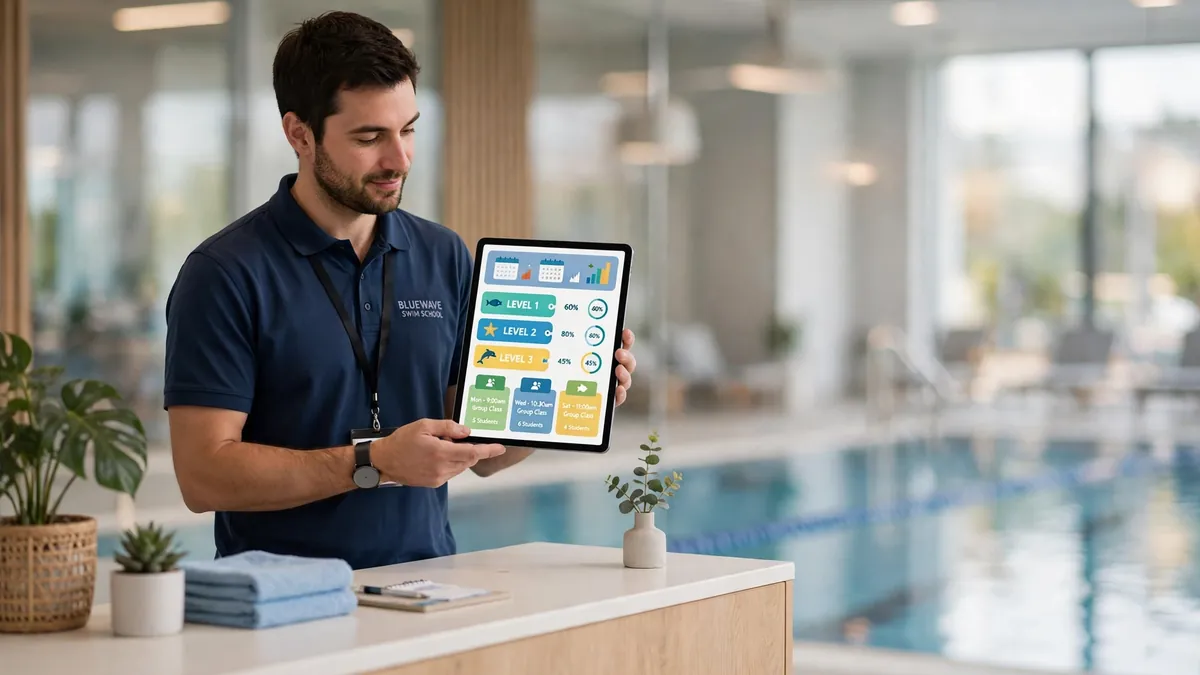
Running a swim school means juggling class schedules, student progress levels, instructor rosters, billing, and parent communication, often at once. The best swim school management software pulls all of that into one dashboard, so the front desk can enrol a swimmer, move a student up a level, and take a payment without opening five tools. In 2027, the strongest platforms handle online registration, recurring billing, skill tracking, and parent messaging as standard, not as expensive add-ons.
What matters most is not the longest feature list. It is whether the software matches how your swim school actually works: how many pools and locations you run, whether you teach babies, children, or adults, how you charge families, and how much admin time your team can realistically spend each week. A small single-pool school needs simple enrolment and payment collection. A multi-location operator needs level progression tracking, instructor scheduling, waitlists, and reporting that shows which classes are full and which are losing students.
We compared the leading platforms on class scheduling, skill and level tracking, billing and payment processing, parent communication, ease of use, and starting price. The shortlist below covers options for single-pool schools, growing franchises, and large multi-site operators. Prices change often, so treat any starting price as a guide and check current pricing before you buy.
Key takeaways
- Jackrabbit Swim is the best overall pick for most swim schools, with strong class management, skill tracking, and billing in one system.
- iClassPro suits larger class-based programs that need deep reporting and a polished parent portal.
- Uplifter and SwimDesk are the most swim-specific options, built around swim levels, badges, and progression.
- Budget-conscious schools can start on SimplyBook.me, but it lacks swim-specific skill tracking.
- Before you commit, check renewal pricing, payment processing fees, data export, and whether a free trial covers your real class schedule.
At a glance: the shortlist
| Product | Best for | Starting price | Standout limit |
|---|---|---|---|
| Jackrabbit Swim | Most swim schools | From around $49 per month | No free plan |
| iClassPro | Large class-based programs | From around $129 per month | Higher entry price |
| Uplifter | Swim-specific progression | Custom pricing | Smaller template library |
| SwimDesk | Small and independent schools | Check current pricing | Fewer third-party integrations |
| Amilia | Multi-program recreation centres | Custom pricing | Can feel complex for small schools |
| Sawyer | Growing kids-activity businesses | Custom pricing | Less swim-specific depth |
| Omnify | Simple online class bookings | From around $49 per month | Basic skill tracking |
| SimplyBook.me | Budget and solo operators | Free plan; paid from around $9.90 per month | No swim skill tracking |
Jackrabbit Swim — Best overall
Jackrabbit Swim is the swim-focused version of Jackrabbit Class, one of the most widely used class management platforms for children’s activity businesses. It covers the full daily workflow of a swim school: online registration, class scheduling, attendance, skill tracking, and billing. Families can register and pay online, and staff can see at a glance which classes have open spots, which students are ready to move up a level, and which accounts have outstanding balances.
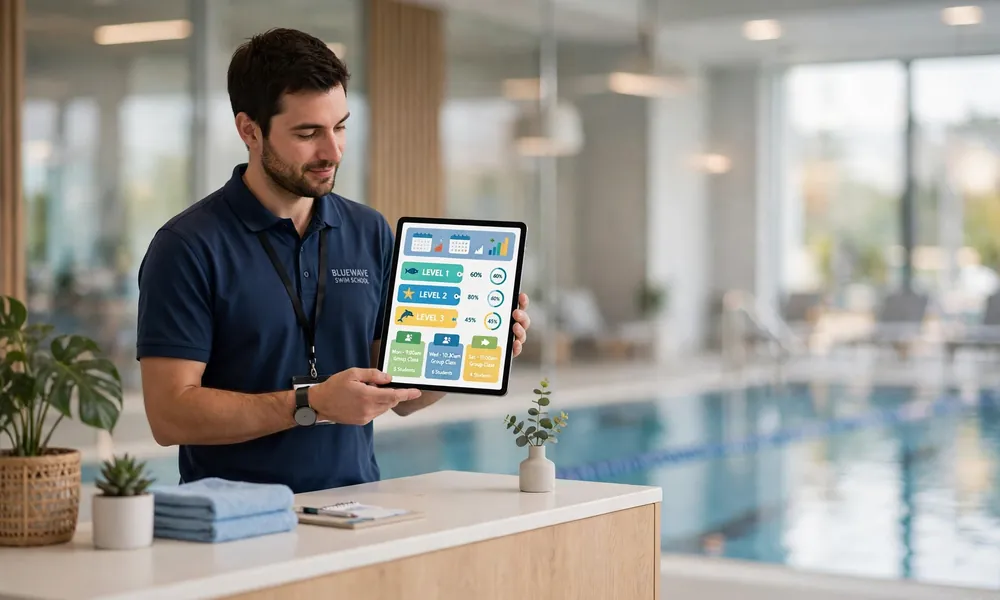
The skill tracking is a genuine strength. Instructors can record progress against each level’s skills from poolside, and parents can follow their child’s progress through the parent portal. That visibility reduces the number of “when will my child move up?” conversations at the front desk, which is one of the biggest time drains in any swim school. Billing supports recurring tuition, family discounts, and card payments, and the reporting shows enrolment trends, retention, and revenue by class or location.
Jackrabbit Swim works well for schools running one pool or several locations, because the same setup scales without a rebuild. The interface is practical rather than flashy, and new staff can learn the core tasks quickly. Like other class-based tools, it is not a general business suite, so schools that also run camps, retail, or childcare programs may need to check how much of that it covers. If your school teaches structured swim levels across multiple classes each week, the approach used by Jackrabbit will feel familiar, and similar class-based scheduling ideas are covered in our guide to the best childcare management software for activity programs.
Pros: Strong skill and level tracking; online registration and recurring billing; parent portal reduces front-desk questions; scales from one pool to multiple locations.
Cons: No free plan; interface is functional rather than modern; advanced reporting takes time to set up properly.
iClassPro — Best for large class-based programs
iClassPro is a class management platform used by gymnastics, dance, cheer, and swim programs that run dozens or hundreds of classes each week. It is built for volume: class scheduling, enrolment, attendance, tuition billing, and staff management all live in one system, with a parent portal and a mobile app for families. For a large swim school, the ability to manage waitlists, transfer students between classes, and track skills across levels without spreadsheets is the main draw.
The parent experience is polished. Families can view schedules, enrol, pay, and track skill progress, and the system sends automated emails and text reminders about upcoming classes, payments, and schedule changes. That automation matters at scale, because manual reminders do not survive a timetable with fifty classes a week. iClassPro also offers solid reporting on enrolment, retention, revenue, and class fill rates, which helps managers decide where to add classes and where to consolidate.
The trade-off is price and setup effort. iClassPro costs more than the budget options on this list, and getting the most from it means investing time in setup, training, and configuration. Smaller schools may find it more than they need. For operators with several locations, large class counts, or plans to franchise, that investment usually pays off in saved admin hours. Check current pricing, because iClassPro’s plans are quoted based on the size and needs of the program.
Pros: Built for high class volume; strong parent portal and mobile app; automated reminders and waitlists; detailed enrolment and revenue reporting.
Cons: Higher starting price; setup takes longer than simpler tools; may be too much for a single-pool school.
Uplifter — Best swim-specific platform
Uplifter is built specifically for swim schools and aquatic programs, and it shows in the details. The platform is organised around swimmer progression: levels, skills, badges, and assessments are first-class features, not bolted-on extras. Instructors can evaluate students against the skills in each level and record results digitally, which removes the paper assessment sheets that many swim schools still rely on.
Registration and billing are handled through the same system, with online enrolment, recurring payments, and family accounts. Uplifter also supports multiple locations and programs, so a school that runs learn-to-swim classes alongside squad training or adult lessons can manage them all in one place. The parent portal lets families see progress, upcoming classes, and account balances, and automated emails keep parents informed about schedule changes and assessment outcomes.
Because Uplifter is swim-specific, its workflows match how swim schools actually operate, from term-based enrolment to continuous monthly billing. The trade-off is a smaller ecosystem than the big general class platforms: fewer third-party integrations and a smaller library of templates and community resources. Pricing is custom, so you will need to request a quote based on your number of students and locations. For a swim-only school that wants progression tracking to be the centre of the system, Uplifter is a strong fit.
Pros: Built around swim levels, skills, and badges; digital assessments replace paper sheets; supports multiple locations and program types; parent portal with progress visibility.
Cons: Custom pricing only; smaller integration ecosystem; fewer community resources than larger platforms.
SwimDesk — Best for small and independent schools
SwimDesk is a swim school management platform aimed at independent and smaller schools that want swim-specific features without enterprise pricing or complexity. It covers online bookings, class management, student progress tracking, and payments, with a setup that is designed to get a small school running quickly rather than after weeks of configuration.
The progress tracking follows the familiar swim school model: students sit in a level, instructors mark off skills as they are achieved, and the system flags who is ready to move up. Parents can see their child’s progress and book or pay online, which cuts down on phone calls and front-desk queues. SwimDesk also handles waiting lists and class transfers, two features that matter a lot when popular class times fill up fast.
For a single-pool school or a small operator with a handful of instructors, SwimDesk offers a good balance of swim-specific depth and simplicity. It does not have the integration range of the largest platforms, and schools with complex multi-site needs may outgrow it. Check current pricing before deciding, as SwimDesk’s plans are priced for smaller operators and may be quoted in local currency depending on your region.
Pros: Swim-specific without enterprise complexity; quick setup for small schools; progress tracking and waitlists included; parent self-service reduces admin calls.
Cons: Fewer third-party integrations; less suited to large multi-site operators; pricing varies by region, so check current pricing.
Amilia — Best for multi-program recreation centres
Amilia is a registration and management platform for recreation centres, sports clubs, and activity providers that run many different programs under one roof. If your swim school sits inside a leisure centre that also runs gym classes, camps, and kids’ activities, Amilia lets you manage all of it from a single system with one customer database, one storefront, and one set of payment tools.
The platform handles online registration, class scheduling, memberships, and payments, with an e-commerce style storefront where families can browse and book activities. For swim programs, it covers enrolment, level-based classes, and attendance, and the reporting gives managers a view across every program, not just swimming. That cross-program view is useful when the same families buy swim lessons, holiday camps, and birthday parties.
Amilia’s breadth is also its weakness for a swim-only school. It can feel complex and heavy if all you need is swim class management, and the setup and pricing reflect its recreation-centre focus. Pricing is custom, quoted on the size of your organisation. Choose Amilia when swimming is one program among many; choose a swim-specific tool when swimming is the whole business.
Pros: One system for swim, camps, and other programs; strong online storefront; cross-program reporting; single customer database.
Cons: Custom pricing only; can feel complex for swim-only schools; setup takes longer than simpler tools.
Sawyer — Best for growing kids-activity businesses
Sawyer is a platform for children’s activity businesses, including swim schools, that are growing fast and want a polished booking and enrolment experience. It combines class scheduling, online registration, payment processing, and customer communication in a system designed for parents booking activities for their children. The interface is modern and parent-friendly, which helps conversion when families discover your school online.
For swim schools, Sawyer covers class enrolment, recurring billing, attendance, and rosters, with tools for managing multiple locations and instructors. Its marketing features, including email campaigns and booking links you can share on social media, help smaller schools fill new classes. The platform also supports camps and one-off events, which suits schools that run holiday swim intensives alongside regular term classes.
Sawyer is less swim-specific than Uplifter or SwimDesk, so its skill tracking is not as deep. If detailed level progression is the heart of your program, check how Sawyer handles it before committing. Pricing is custom, so request a quote based on your enrolment volume. For a growing kids-activity business that values a modern parent experience and marketing tools, Sawyer is a strong option.
Pros: Modern, parent-friendly booking experience; marketing and email tools included; supports camps and events alongside classes; multi-location support.
Cons: Less swim-specific skill tracking; custom pricing only; may need workarounds for detailed level progression.
Omnify — Best for simple online class bookings
Omnify is a class booking and scheduling platform for fitness studios, swim schools, and other service businesses that sell classes, memberships, and packages. Its strength is simplicity: you can set up a booking page, publish your class schedule, and start taking payments quickly, without a long onboarding process. Families can book a class, buy a package, or join a membership from your website or a branded booking link.
For swim schools, Omnify covers the essentials of scheduling and payments, including recurring memberships, class packs, and attendance tracking. It also offers a mobile app and integrations with common tools. Where it falls short of the swim-specific platforms is skill and level tracking, which is basic. If your school runs a simple timetable with a small number of levels, that may not matter. If progression tracking is central to how you teach, a swim-specific tool will serve you better.
Omnify’s pricing starts from around $49 per month, with higher tiers adding features such as branded apps and advanced reporting. Check current pricing, because plan names and limits change. For a new or small swim school that mainly needs a reliable online booking system, Omnify is one of the easiest ways to get started, and the same kind of class scheduling challenge is covered in our guide to the best yoga studio management software for studio owners.
Pros: Quick setup and easy booking pages; memberships and class packs included; affordable starting price; mobile app available.
Cons: Basic skill and level tracking; limited swim-specific features; higher tiers needed for advanced reporting.
SimplyBook.me — Best budget option
SimplyBook.me is a general online booking system used by many small service businesses, including swim schools that need online bookings and payments without a big monthly bill. It offers a free plan with a limited number of bookings, and paid plans start from around $9.90 per month, making it the cheapest option on this list by a wide margin.
The platform covers appointment and class booking, online payments, reminders, and a booking page you can add to your website or share as a link. You can set up recurring classes, take payments in advance, and send automatic email and text reminders to reduce no-shows. For a solo instructor or a very small school with one pool and a simple timetable, that is often enough.
The limits are clear. SimplyBook.me has no swim skill tracking, no level progression tools, and no parent portal designed around children’s swimming. As your school grows, you will likely need to move to a swim-specific platform. But as a starting point, or as a booking add-on for a school that already tracks progress elsewhere, it is hard to beat on price. Check current pricing and booking limits on the free plan before relying on it for a full timetable.
Pros: Free plan available; very low starting price; quick to set up; automatic reminders reduce no-shows.
Cons: No swim skill or level tracking; limited class management depth; free plan has booking limits.
How to choose
Start with your class structure. If you teach structured swim levels with skill assessments, a swim-specific platform such as Uplifter or SwimDesk, or a strong class platform with skill tracking such as Jackrabbit Swim, will save your instructors hours of paperwork. If you run a simple timetable with a few levels, a general booking tool may be enough, and you can spend the savings on marketing or instructor training.
Next, look at billing. Most swim schools charge monthly tuition, so recurring billing, family discounts, failed payment handling, and clear reporting on outstanding balances are essential. Check the payment processing fees separately from the monthly subscription, because they add up fast across hundreds of families. Also confirm whether the platform supports the payment methods your families actually use.
Then test the parent experience. Sign up for a trial as a parent would: find a class, register a child, pay, and check progress. If that flow is confusing, families will call the front desk instead, which defeats the purpose. Ask about data export before you buy, so you can leave with your student records if you switch later. Finally, run a real trial with your actual class schedule and a few real families, not just a demo with sample data. A trial that covers your busiest week will tell you more than any sales call. If you are comparing other class-based tools, the same selection criteria apply in our guide to the best tutoring management software for lesson-based businesses.
Checklist: before you pay
- Run a free trial with your real class schedule, levels, and a few real families.
- Confirm the full monthly cost, including payment processing fees and any per-student charges.
- Check the renewal price, not just the introductory or first-year price.
- Test skill and level tracking from poolside, not just from a desktop demo.
- Confirm you can export student records, payment history, and class data at any time.
- Ask how cancellation works and whether your data stays accessible after you leave.
Frequently asked questions
What is swim school management software?
Swim school management software is a system that handles class scheduling, online registration, student skill and level tracking, billing, and parent communication for a swim school. Instead of spreadsheets, paper attendance sheets, and separate payment tools, everything runs from one dashboard that staff, instructors, and parents can use.
How much does swim school management software cost?
Most swim school platforms charge a monthly subscription, from around $10 per month for basic booking tools to around $129 per month or more for large class management systems. Payment processing fees are usually charged separately, and some platforms quote custom pricing based on the number of students and locations. Always check current pricing and ask for the full cost, including processing fees.
Do I need swim-specific software, or will a general booking tool work?
A general booking tool works for a small school with a simple timetable, but swim-specific software adds skill tracking, level progression, and assessment tools that general tools lack. If your teaching is built around structured levels and you need to show parents clear progress, swim-specific software is worth the extra cost.
Can parents track their child’s swim progress online?
Yes, on most platforms on this list. Jackrabbit Swim, iClassPro, and Uplifter all include a parent portal or app where families can see their child’s current level, completed skills, and upcoming classes. That visibility is one of the main reasons schools switch from paper records to software.
Can I move my student records from another system?
Most platforms offer data import from spreadsheets or from another system, either self-service or with help from their support team. Before you commit, ask exactly what can be imported, how long it takes, and whether there is a fee. Keep a full export of your current data before any migration.
Is there a free option for a small swim school?
SimplyBook.me offers a free plan with a limited number of bookings, which can work for a very small school or a solo instructor. Most swim-specific platforms do not offer a free plan, but many offer a free trial. A trial is the best way to test whether the software fits your timetable before paying.
The bottom line
For most swim schools, Jackrabbit Swim is the safest pick: it covers registration, scheduling, skill tracking, and billing in one proven system, and it scales from a single pool to multiple locations. Schools that run a large number of classes each week should look closely at iClassPro, while schools that want progression tracking at the centre of everything should shortlist Uplifter and SwimDesk.
If budget is the main constraint, start with SimplyBook.me and upgrade when skill tracking and reporting become the bottleneck. Whatever you choose, run a real trial with your actual classes and families before you commit, and confirm the full cost, including processing fees. The right software should cut admin time and give parents a clear view of their child’s progress, not add another system your team has to fight.