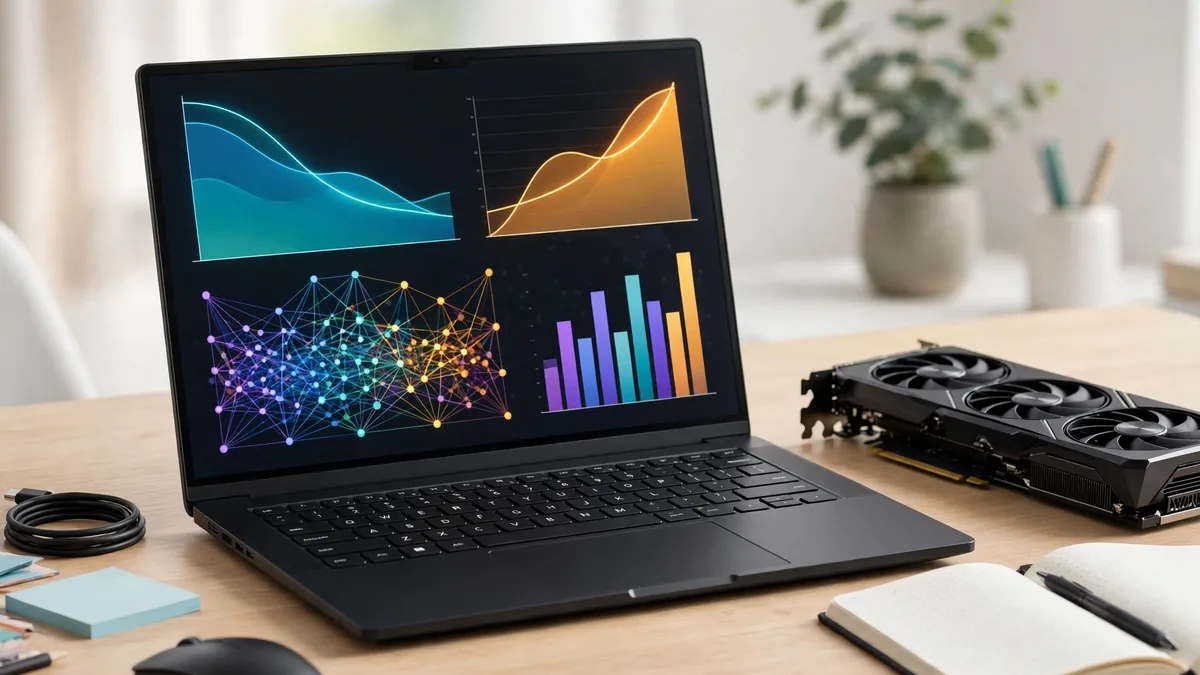
Training a machine learning model on a laptop used to mean waiting overnight for a small dataset to finish. In 2027, that has changed: the best laptops for machine learning now carry discrete GPUs with 12GB or more of video memory, unified memory up to 128GB, so you can train real models and fine-tune open-weight language models without renting cloud GPUs for every experiment.
The right machine depends on what you actually run. A data scientist prototyping in Jupyter needs fast CPU cores and plenty of RAM, while a deep learning engineer training vision models needs a powerful discrete GPU and strong cooling. This guide ranks eight laptops across those use cases, with honest starting prices and the specs that matter for ML work.
Every laptop below was chosen for its GPU, memory ceiling, thermal design, and display quality. Prices are approximate starting prices, so check current pricing before you buy.
Key takeaways
- Apple MacBook Pro 16 with M4 Max is the best overall laptop for machine learning in 2027, thanks to unified memory up to 128GB.
- VRAM is the single most important spec for deep learning: aim for at least 12GB, and 16GB or more if you fine-tune language models locally.
- The ASUS ROG Strix Scar 18 gives the most GPU power per dollar, while the Acer Predator Helios Neo 16 is the best budget entry point.
- At least 32GB of system RAM is the realistic minimum for serious ML work, and 64GB is the sweet spot for larger datasets.
- Avoid thin ultrabooks with no discrete GPU for training work: they stall on real model training.
At a glance: the shortlist
| Laptop | Best for | Starting price | Standout limit |
|---|---|---|---|
| Apple MacBook Pro 16 (M4 Max) | Overall ML work | From $3,499 | Up to 128GB unified memory |
| Lenovo ThinkPad P16 Gen 3 | Windows workstation | From $2,899 | RTX 5000 Ada GPU option |
| ASUS ROG Strix Scar 18 | GPU power per dollar | From $2,599 | RTX 5080, 175W TGP |
| Dell XPS 16 | Premium ultrabook | From $2,199 | RTX 5070, 64GB RAM ceiling |
| Razer Blade 16 | Portable power | From $2,799 | RTX 5080 in a 19.9mm body |
| HP ZBook Fury 16 G11 | Certified workstation | From $3,199 | 128GB RAM, ISV certifications |
| Acer Predator Helios Neo 16 | Budget ML | From $1,499 | RTX 5060, 8GB VRAM |
Apple MacBook Pro 16 (M4 Max) — Best overall
The MacBook Pro 16 with the M4 Max chip is the strongest all-round machine learning laptop you can buy in 2027. Its unified memory lets the GPU access up to 128GB of shared memory, so models that would overflow a 16GB discrete GPU can run directly on the MacBook.
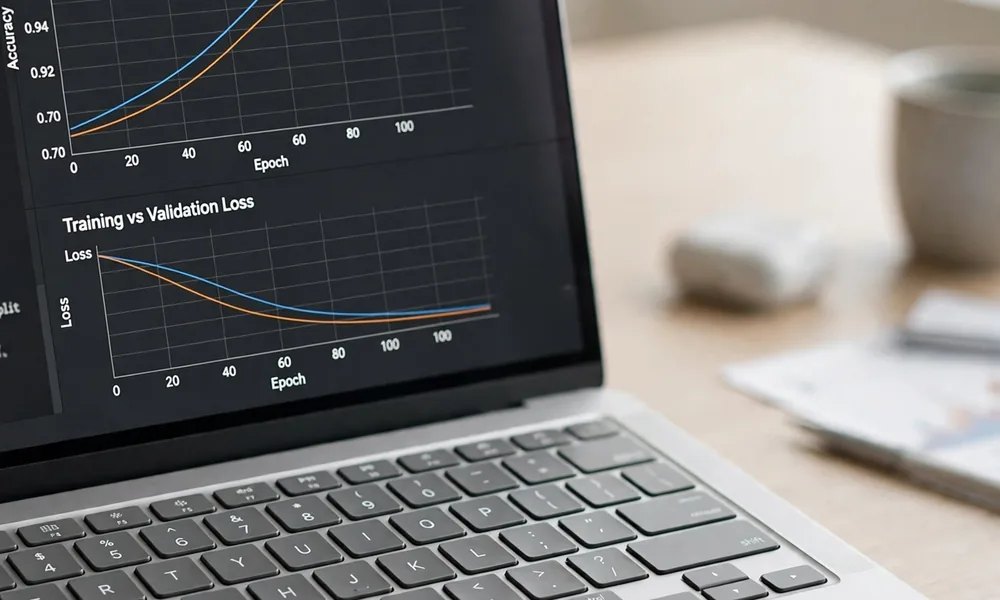
It also wins on efficiency: full performance on battery, quiet under load, and a superb display. The trade-off is the ecosystem: CUDA workflows need adaptation, since Apple uses Metal and MLX. For a broader view of the platform, see our guide to the best AI tools for everyday workflows.
Pros: Up to 128GB unified memory, outstanding battery life, quiet under load, superb display.
Cons: Expensive at higher configurations, no CUDA support, limited upgradeability.
Lenovo ThinkPad P16 Gen 3 — Best Windows workstation
The ThinkPad P16 Gen 3 is a true mobile workstation for engineers who need certified drivers and maximum memory. It supports up to 128GB of DDR5 RAM and professional NVIDIA RTX Ada GPUs, including the RTX 5000 Ada with 16GB of VRAM, which makes local training of medium-sized models practical. ISV certifications mean drivers are validated for scientific software, so crashes during long training runs are rare.
Display options include a 4K OLED panel, and the keyboard is the best on any laptop. Dual fans and a vapor chamber keep the GPU at full power during sustained training. It is heavy at over 2.9kg, so this is a desk-first machine.
Pros: Professional GPU options, up to 128GB RAM, ISV-certified drivers, excellent keyboard.
Cons: Heavy, expensive with top GPUs, battery life under load is modest.
ASUS ROG Strix Scar 18 — Best GPU power per dollar
If your priority is raw training throughput for the money, the ROG Strix Scar 18 is hard to beat. Its RTX 5080 runs at the full 175W power limit for desktop-class training performance, and the 18-inch display fits a notebook, a terminal, and a monitoring dashboard side by side. Liquid metal cooling keeps the GPU at boost clocks through long runs.
The trade-offs come with any gaming laptop: large, loud under full load, and short battery life when the GPU is working. It ships with 32GB of RAM and a fast 1TB SSD. If gaming matters too, our roundup of the best laptops for gaming covers the same hardware from a different angle.
Pros: Full-power RTX 5080, excellent cooling, huge 18-inch screen, strong value.
Cons: Bulky and heavy, loud fans under load, short battery life.
Dell XPS 16 — Best premium ultrabook
The Dell XPS 16 is the best choice for ML practitioners who want a slim, premium laptop that can still train models. The RTX 5070 with 8GB of VRAM handles small to medium training jobs, prototyping, and inference comfortably, and the 16.3-inch display is a pleasure to work on. At under 2.2kg it is genuinely portable, and the aluminum and glass build feels a class above most workstations.
The limits are real: 8GB of VRAM caps the size of models you can train locally, and 64GB is the maximum RAM. This is a laptop for people who prototype locally and train the biggest jobs in the cloud. For coders who want a lighter machine, our guide to the best laptops for programming covers similar ultrabooks in more depth.
Pros: Slim premium design, excellent display, good keyboard, genuinely portable.
Cons: Only 8GB VRAM, 64GB RAM ceiling, polarizing touch controls.
Razer Blade 16 — Best portable power
The Razer Blade 16 packs an RTX 5080 into a 19.9mm aluminum chassis, making it the most powerful thin laptop in this roundup. It is the pick for ML engineers who travel between offices and need serious GPU power in a bag that fits under an airplane seat. The 16-inch QHD display runs at 240Hz, which is overkill for ML work but makes the whole interface feel fast.
Thermals are the compromise: in a body this thin, the GPU cannot sustain peak clocks as long as it can in the Scar 18, and the fans get loud. But if portability and GPU power are both non-negotiable, nothing else here balances them as well.
Pros: RTX 5080 in a thin body, premium build, fast display, highly portable.
Cons: Thermal throttling under sustained loads, expensive, modest battery life.
HP ZBook Fury 16 G11 — Best certified workstation
The HP ZBook Fury 16 G11 is built for teams that need reliability above all else. It supports up to 128GB of RAM and professional NVIDIA RTX Ada GPUs, and carries ISV certifications for scientific and engineering software. The tool-free chassis lets you swap RAM, storage, and even the GPU module in minutes, which keeps the machine useful for years.
The 16-inch DreamColor display is color-accurate enough for vision work. It weighs around 2.4kg and the price climbs quickly with better GPUs, but for corporate ML teams who cannot afford downtime, the Fury is a safe, long-lived investment.
Pros: Up to 128GB RAM, user-upgradeable, ISV certifications, accurate display.
Cons: Heavy, pricey with top specs, conservative design.
Acer Predator Helios Neo 16 — Best budget pick
The Acer Predator Helios Neo 16 is the cheapest sensible way into machine learning on a laptop. Its RTX 5060 with 8GB of VRAM is enough for learning, coursework, and small training jobs, and the 16-inch 165Hz display is sharp and bright. You get 16GB of RAM and a 512GB SSD at the base price, both upgradeable, so the machine can grow with your skills.
The compromises are in the build and the screen: the plastic chassis flexes more than premium rivals, and the display is good rather than great. But for students and beginners, none of that outweighs the price: at roughly half the cost of the premium picks, the Helios Neo 16 is the best budget laptop for machine learning in 2027,.
Pros: Lowest price in this roundup, upgradeable RAM and storage, solid display.
Cons: Plastic build, 8GB VRAM limit, loud fans under load.
How to choose
Start with VRAM. For deep learning, video memory sets the ceiling on model size: 8GB is the floor for learning and small jobs, 12GB is comfortable for most work, and 16GB or more is what you want for fine-tuning language models. Next, look at system RAM: 32GB is the realistic minimum, and 64GB is the sweet spot for large datasets or Docker containers running alongside notebooks.
Then consider your workflow. If you train mostly in the cloud, a slim machine like the Dell XPS 16 is enough. If you train locally, buy the most powerful GPU you can afford and accept the weight. Finally, check your software stack: CUDA-based tools favor NVIDIA, while Apple silicon users should confirm their frameworks support Metal or MLX.
Checklist: before you buy
- Confirm the GPU has at least 12GB of VRAM for deep learning, or 8GB if you are only learning.
- Choose 32GB of RAM as a minimum, and 64GB if your budget allows.
- Check that your ML framework supports the laptop’s GPU platform: CUDA, Metal, or ROCm.
- Make sure the SSD is at least 1TB, since datasets and model checkpoints fill storage fast.
- Read reviews of the cooling system: sustained training exposes weak thermals quickly.
- Verify the warranty and return policy, and check current pricing before you commit.
Frequently asked questions
How much VRAM do I need for machine learning?
For learning and small projects, 8GB is enough. For serious work, including fine-tuning language models, aim for 12GB to 16GB or more: VRAM is the hard limit on model size.
Is a MacBook good for machine learning?
Yes. M4 Max MacBooks are excellent for ML, especially local inference and fine-tuning, because unified memory up to 128GB lets large models load directly. The main limitation is the lack of CUDA, so check your tools support Metal or MLX first.
Can I train deep learning models on a laptop?
Yes, for small to medium models. Laptops with RTX 5070 or better GPUs handle most training jobs, though large-scale training is still faster on cloud GPUs. Laptops are best for prototyping, fine-tuning, and inference.
How much RAM do I need for machine learning?
At least 32GB for serious work, and 64GB is the sweet spot for larger datasets. 16GB is workable for coursework, but it will slow you down on real projects.
Do I need a discrete GPU for machine learning?
For training neural networks, yes: a discrete GPU is many times faster than a CPU. For data analysis and classical ML with scikit-learn, a strong CPU and plenty of RAM are enough.
What is the best budget laptop for machine learning?
The Acer Predator Helios Neo 16, starting from around $1,499 with an RTX 5060, gives you a real training GPU at roughly half the price of the premium picks, with upgradeable RAM and storage.
The bottom line
For most people, the Apple MacBook Pro 16 with M4 Max is the best laptop for machine learning in 2027: its huge unified memory, quiet operation, and long battery life make it the easiest machine to live with. If you need CUDA and maximum GPU power, the ASUS ROG Strix Scar 18 gives you the most training throughput per dollar, and the Lenovo ThinkPad P16 Gen 3 is the safest choice for corporate and research teams.
On a budget, the Acer Predator Helios Neo 16 gets you a real training GPU for around $1,499. Whichever you choose, prioritize VRAM and RAM over clock speed and thinness, and check current pricing before you buy.