The best choice is the one that fits your main tasks, not the most expensive option. Your daily apps, creative work, travel habits, and budget all shape which tablet makes sense. The standard iPad covers common tasks, while the Air adds power for heavier work. The mini keeps things compact, and the Pro serves demanding creative needs.
Accessories and software support can also change your decision. A keyboard may help with long writing sessions, while the right Apple Pencil can make notes or drawing easier. Check that the apps you rely on work well with your chosen model, too. Start with what you need the tablet to do, then compare features and price.
Key Takeaways
- The iPad (A16) suits everyday apps, schoolwork, and routine browsing.
- The iPad Air (M4) offers more performance for creative work.
- The iPad mini (A17 Pro) is easy to carry and hold.
- The iPad Pro (M5) targets demanding creative workflows.
- Check software support and accessory costs before choosing a model.
Choose your must-have use first, then compare each model against that need.
Best iPads for Different Needs
The A16 iPad is the practical starting choice for most everyday users. The Air, mini, and Pro fit more specific needs, so the best iPad for you depends on your work, travel, and budget.
Choose the model that meets your regular needs without charging you for power you will not use. This table gives you a quick way to sort the main options.
| Category | iPad model | Best fit | Defining trade-off |
|---|---|---|---|
| Everyday value | iPad (A16) | Everyday apps and schoolwork | Fewer premium features |
| Creative upgrade | iPad Air (M4) | Heavier apps and larger-screen option | Costs more than entry iPad |
| Compact reading and travel | iPad mini (A17 Pro) | Portable reading and note-taking | Smaller screen |
| Premium performance | iPad Pro (M5) | Demanding creative workflows | Highest price tier |
For the best iPads to buy in 2026, start with the A16 model if you need a tablet for common tasks. The Air, mini, and Pro are more specialized options.
If you cannot name a demanding task, start with the standard iPad instead of paying for unused performance.
Reading, school notes, and routine apps do not call for the same hardware as complex creative projects. A smaller screen may be ideal for travel, but less helpful for split-screen work. Think about where you will use the tablet most often.
Is the 11th-Generation iPad Enough?
The 11th-generation iPad is enough for browsing, streaming, school tasks, and everyday apps. Its everyday strengths suit people who need a useful tablet without advanced creative tools.
The 2025 model has an A16 chip, an 11-inch display, and 128GB of base storage. PCMag listed it at $449 in 2026, with an Amazon price of $399. It received a 4.0, “Excellent,” rating in 2026 testing.
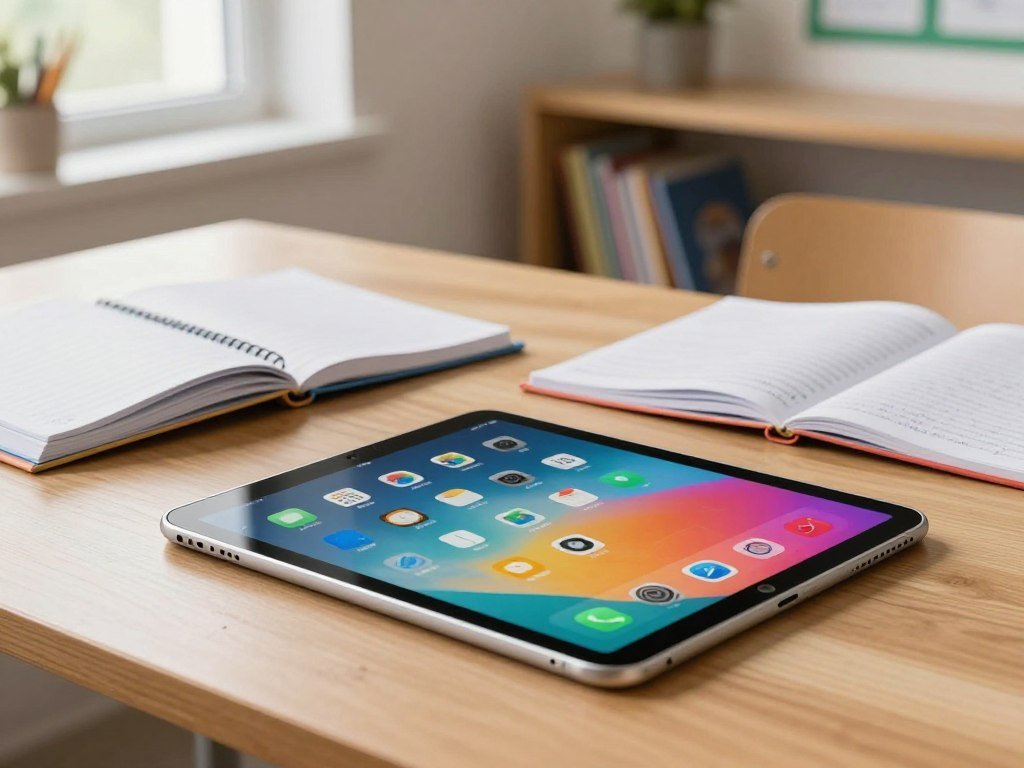
For email, video, web pages, and school apps, the standard iPad has enough performance for most people. The limits matter more with advanced creative work or features that require Apple Intelligence. This model does not support Apple Intelligence.
Check these three points before you buy:
- Confirm that 128GB suits your apps and downloads.
- Decide whether Apple Intelligence is a must-have feature.
- Check that the display size suits your reading or schoolwork.
Routine work is different from large creative projects that place heavier demands on a tablet. If Apple Intelligence matters to you, rule out this model before comparing accessories.
iPad or iPad Air: Which Is Worth It?
The Air is worth the premium when you will use its added performance for demanding apps or sustained multitasking. It gives you more headroom for creative work than the standard iPad.
The standard iPad remains the better value for routine use. If you mainly stream shows, browse the web, and check email, the Air may not improve your daily experience enough to justify its higher price.
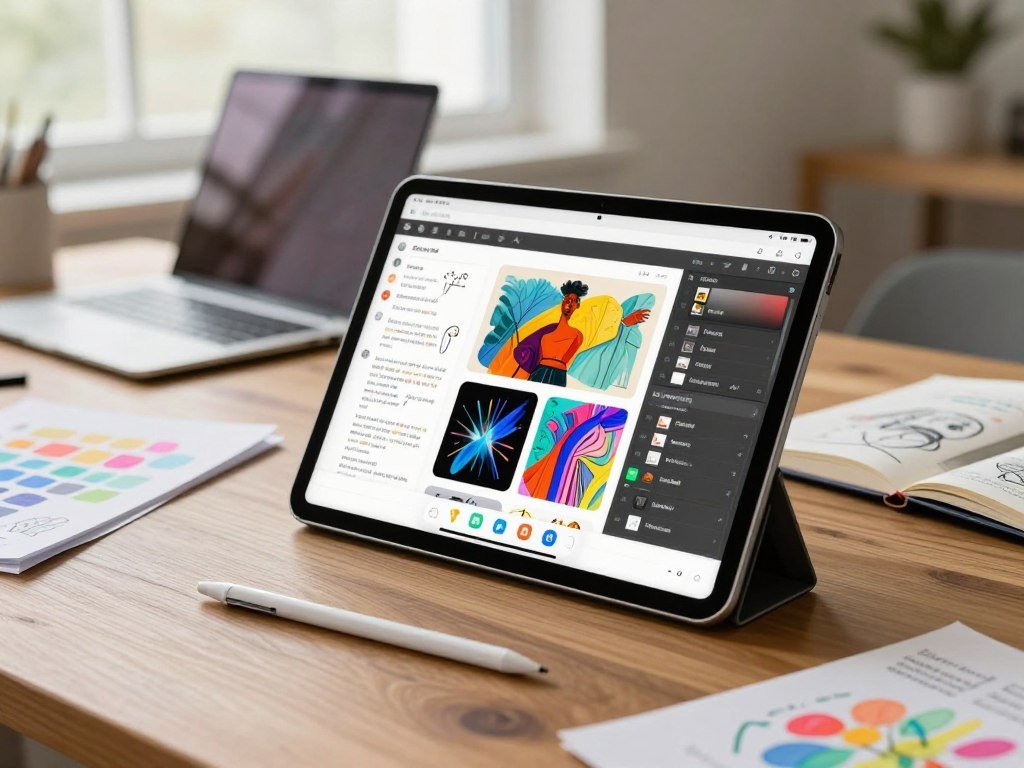
The iPad Air (M4) was listed at $749 in 2026, with an Amazon price of $709. It received a 4.0, “Excellent,” rating in 2026 testing. That step up makes more sense when heavier apps or busy workdays are part of your routine.
The Air suits people who move between creative apps, keep several tasks open, or want more capacity for future work. PCMag’s iPad Air M4 review includes hands-on performance testing and comparisons.
Do not treat a higher model as a better buy just because it has more features. You should be able to name what the added performance will help you do.
Before paying more, name the specific task that the standard iPad cannot handle well enough.
When Does the iPad Pro Earn Its Price?
The Pro earns its price when you regularly use its advanced display and performance for demanding work. Its premium screen can matter during long creative sessions.
The iPad Pro (M5) has a tandem OLED display with a 120Hz refresh rate. It comes in 11-inch and 13-inch models, with storage options up to 2TB.
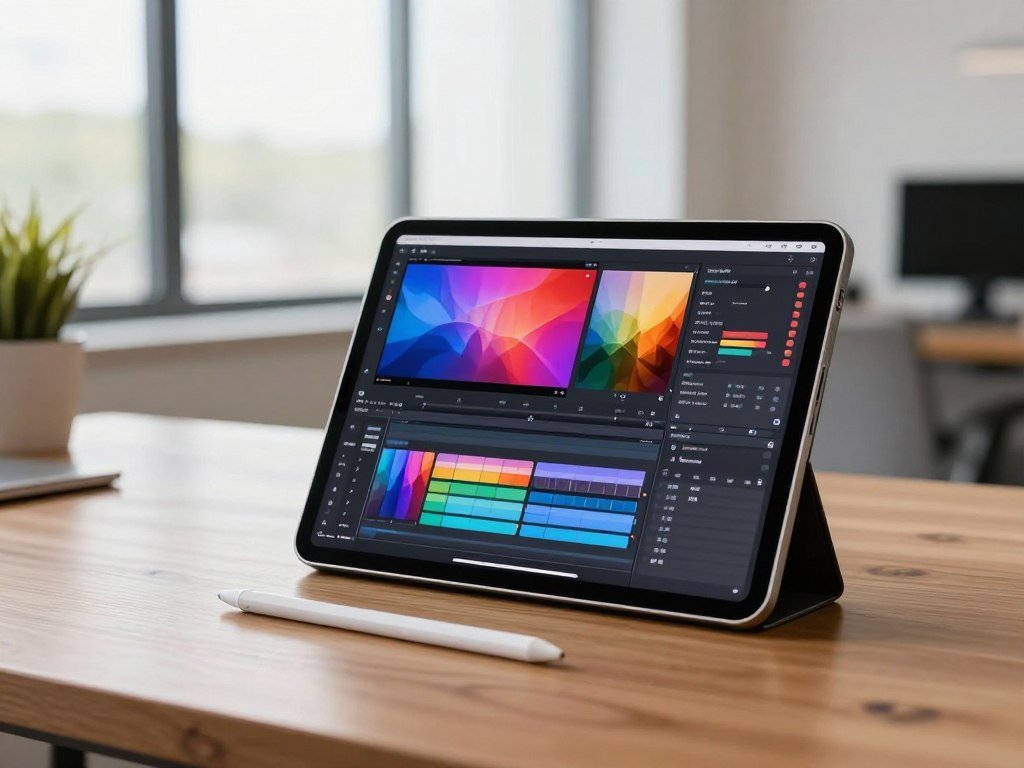
That mix suits sustained video editing, demanding creative apps, and people who value a high-end display. The 13-inch Pro lasted over 13 hours in CNN Underscored’s 4K video battery test.
PCMag listed the Pro at $1,199 in 2026, with an Amazon price of $1,099.99. It received a 4.0, “Excellent,” rating in 2026 testing. This is a premium price tier, not a must-have for casual tablet use.
Streaming shows, taking notes, and browsing do not require Pro-level capability. If your work is mostly laptop-style multitasking, a MacBook may feel more natural than an iPad.
Compare the complete setup cost, including any keyboard or stylus you plan to add, before committing.
Is the iPad mini the Best Travel iPad?
The mini is the easiest iPad to carry and a strong choice for reading and travel. Its compact size also makes quick notes and one-handed use comfortable.
Choose the mini when portability matters more than a large workspace. The iPad mini (2024) has an A17 Pro chip and supports Apple Intelligence and Apple Pencil Pro.
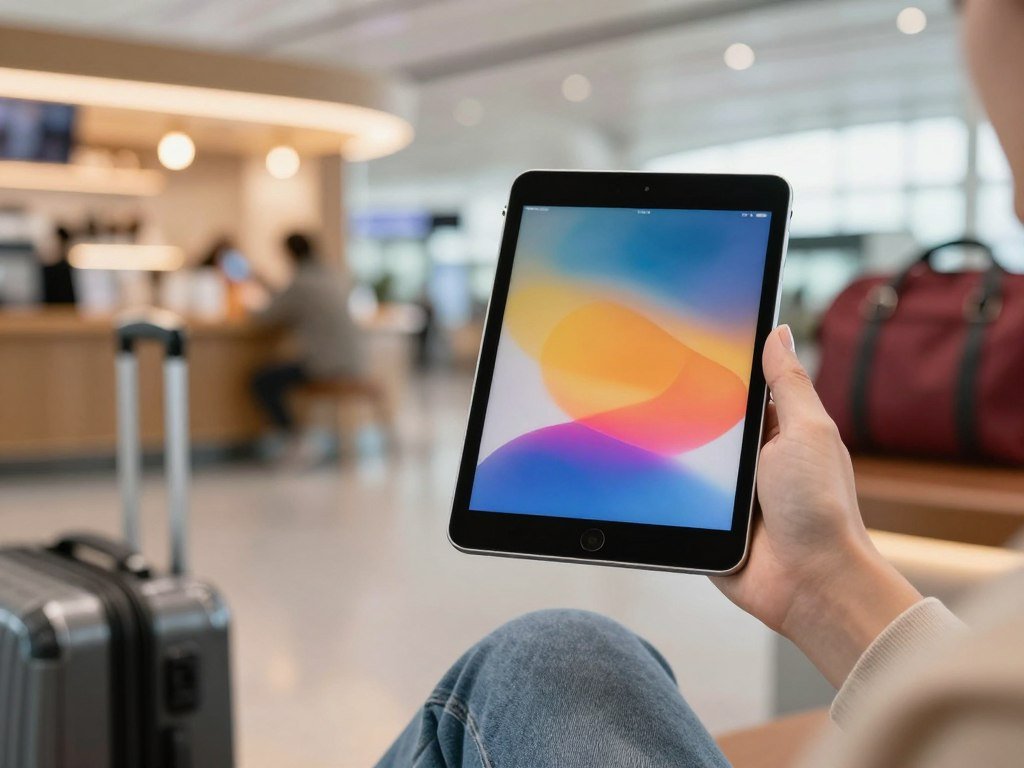
The A17 Pro chip gives the mini access to demanding apps, but the small screen still shapes the experience. A compact display is less suited to split-screen work, long document edits, or replacing a laptop.
PCMag listed the iPad mini at $599 in 2026, with an Amazon price of $559. That cost buys portability and capable features, not a workstation. A larger model may be easier for long writing sessions or detailed creative tasks.
For travel, reading, and short notes, the mini can be a better fit than a larger tablet you leave at home. Consider how often you will carry it and how often you need room for several windows.
Choose it when portability matters more often than a large workspace.
11-Inch or 13-Inch: Which Size Fits?
Choose the 11-inch Air for frequent carrying and the 13-inch Air when screen workspace matters more. The right display size depends on how you hold and use your tablet.
The 11-inch model is easier to carry, while the 13-inch model gives you more room for split-screen work and drawing. Here are the size and weight differences.
| Model | Rectangular display diagonal | Wi-Fi weight | Best fit |
|---|---|---|---|
| Air 11-inch | 10.86 inches | 1.02 pounds | Portability |
| Air 13-inch | 12.9 inches | 1.36 pounds | Workspace |
| iPad mini | 8.3 inches | 293 grams | Compact reading and travel |
The 11-inch iPad Air for everyday portability
The 11-inch Air measures 9.74 inches high, 7.02 inches wide, and 0.24 inch deep. Its display is 10.86 inches diagonally as a rectangle, with a resolution of 2360 by 1640 pixels.
At 1.02 pounds for Wi-Fi, it is the easier everyday carry. It can fit more easily into a bag and feels less bulky when you hold it for reading.
The 13-inch iPad Air for more workspace
The 13-inch Air measures 11.04 inches high, 8.46 inches wide, and 0.24 inch deep. Its rectangular display measures 12.9 inches diagonally and has a 2732-by-2048-pixel resolution.
The larger screen helps with split-screen work, drawing, and viewing more content at once. If you often hold the tablet for reading, prioritize the lighter size over the larger canvas.
Which Chip and Features Do You Need?
Everyday tasks need less processing headroom than sustained creative work or complex multitasking. Choose enough performance for the apps you use most.
Browsing, streaming, and school apps do not demand an M-series chip. Unified memory is memory shared by a device’s processor and graphics processor.
A-series performance for everyday apps
A-series iPads can handle common browsing, video, email, and school tasks. Apple Intelligence eligibility is another feature to check before you buy. The mini (A17 Pro) supports it, but the 11th-generation iPad (A16) does not.
Think about the apps you open together, not just the chip name. A tablet used for one school app at a time has different needs from one running several demanding tools.
M-series performance for creative workloads
The Air and Pro are stronger choices for demanding video editing, large creative projects, and intensive multitasking. The Air (M4) has 12GB of unified memory, an 8-core CPU, and a 9-core GPU.
Use these workload tests to guide your choice:
- How many demanding apps do you use at once?
- How large are your creative files?
- Must the iPad replace a laptop?
Match the chip to the most demanding task the iPad will handle regularly, not an occasional burst of use.
What to Expect From iPad Battery Life and Longevity
The iPad Air (M4) is rated for up to 10 hours of web browsing on Wi-Fi or video playback. Heavier workloads can change real-world battery life.
Apple rates the Air for up to 9 hours of web browsing on cellular data. Those estimates are not a promise that every task will last the same amount of time.
iPad batteries are designed to retain 80 percent of their original capacity at 1,000 complete charge cycles. Use and charging habits affect how quickly battery capacity falls.
Apple’s one-year limited warranty covers manufacturing issues and included Apple-branded accessories. It does not cover accidental damage or batteries worn down through normal use.
With AppleCare, Apple replaces an iPad battery at no extra charge if its capacity drops below 80 percent. That threshold gives you a clear point to understand when planning service.
Check warranty and service coverage before relying on a battery replacement as part of your ownership plan.
How Much Storage and Connectivity Do You Need?
Choose storage around the apps and files you plan to keep offline. Higher capacity can help if you download video, install large games, or store creative files.
The iPad Air (M4) comes in 128GB, 256GB, 512GB, and 1TB capacities. Cellular data helps when reliable Wi-Fi is unavailable, but an eSIM does not include a cellular plan.
The Air supports Wi-Fi 7 and Bluetooth 6. Wi-Fi + Cellular Air models support 5G and eSIM. The Air can also connect to one external display, up to 6K resolution at 60Hz.
| Model | Listed storage options | Cellular option | External-display support |
|---|---|---|---|
| iPad Air M4 | 128GB, 256GB, 512GB, 1TB | 5G with eSIM | One display, up to 6K at 60Hz |
| iPad (A16) | 128GB base | Optional 5G | Not listed here |
| iPad mini (A17 Pro) | 128GB, 256GB | Optional 5G | Not listed here |
| iPad Pro (M5) | Up to 2TB | Options vary by model | Not listed here |
Check these three needs before choosing:
- How much storage your current apps and media use.
- How often you need files available offline.
- Whether you need cellular data away from Wi-Fi.
Cloud storage may help with files you do not need on the tablet every day. Check how cloud storage services compare before choosing where to keep backups and shared files.
Confirm storage and connectivity on the exact configuration before checkout.
Which Apple Pencil Works With Each iPad?
Check the exact iPad model first, because similar-looking iPads can support different Apple Pencil versions. Model names matter more than appearance.
Apple Pencil Pro works with iPad Pro (M4 and M5), iPad Air (M3 and M4), and iPad mini (A17 Pro). Compatibility changes by generation.
Pencil Pro features for drawing and control
Apple Pencil Pro is the stronger choice for pressure-sensitive drawing and extra controls. It adds squeeze controls, haptic feedback, gyroscope-based tool rotation, and Find My.
Apple Pencil Pro works with the iPad Air (M4) in both 11-inch and 13-inch sizes. Check your device’s full model name before ordering, since Pencil support can differ across generations.
USB-C and older Pencil options for notes
Apple Pencil (USB-C) works with iPad Pro (M4 and M5), iPad Air (M3 and M4), iPad (A16), and iPad mini (A17 Pro). It suits note-taking but lacks pressure sensitivity.
The USB-C model pairs and charges over a USB-C port. Older Apple Pencil generations use different pairing and charging methods, and may need an adapter with USB-C iPads.
Magnetic attachment does not always mean wireless charging. The first-generation Apple Pencil offers pressure and tilt sensitivity, but its charging method differs from newer models.
Check both the iPad model name and Pencil generation before buying a stylus.
Which Keyboard and Case Should You Choose?
Accessory fit depends on the exact iPad family and generation. Check the model name before choosing a keyboard.
A keyboard made for one iPad family may not fit another. A case can protect the tablet and prop it up without adding a keyboard.
| Keyboard | Compatible iPad models | Trackpad included | Keyboard detachable |
|---|---|---|---|
| Magic Keyboard for iPad Pro | iPad Pro M4 and M5 | Yes | No |
| Magic Keyboard Folio | iPad A16 | Yes | Yes |
| Logitech Combo Touch | iPad 10th generation and selected Air and Pro models | Yes | Yes |
The Magic Keyboard for iPad Air fits iPad Air models from M2, M3, and M4 generations. Logitech Combo Touch has a detachable keyboard, trackpad, and kickstand, and connects through Apple’s Smart Connector.
Choose a keyboard for frequent typing, not just because it makes the tablet look more like a laptop. A case alone may be enough if you mainly want protection and a steady viewing angle.
RTINGS tested more than 300 keyboards using a standard process; its iPad keyboard testing compares folio and standalone options.
See our guide to choosing an iPhone case for fit and protection for general case-buying ideas, but check iPad-specific fit separately.
Add the keyboard only if you will type often enough to justify carrying it.
Best Refurbished iPads Under $500
Refurbished models can bring a more capable or portable iPad below $500, provided you check generation and condition. Older models can offer good value with clear trade-offs.
Apple-certified refurbished iPads get inspection, a new battery and outer shell, and a one-year warranty. AppleCare extended support is available for them in 2026.
Refurbished iPad Air 5 for a faster older model
The refurbished iPad Air (5th generation) has an M1 chip, a 10.9-inch IPS display, Wi-Fi 6, Touch ID, and a USB-C port rated up to 10Gbps.
In 2026, the Wi-Fi + Cellular version was listed from $408. It is a useful choice if you want an older Air with cellular support and a faster USB-C port.
Refurbished iPad 10 for a lower-cost everyday choice
The refurbished iPad (10th generation) has an A14 Bionic chip and 256GB of storage. It was listed for $339 in 2026.
Its 10.86-inch IPS display and Touch ID suit common tablet tasks. Its USB-C port runs at USB 2.0 speeds, unlike the Air 5 port rated up to 10Gbps.
The 10th-generation iPad is a 2022 model for buyers looking under $500. It gives you a less costly route to everyday use, with an older chip and slower port.
Refurbished iPad mini 6 and mini 7 for portability
The refurbished mini 6 with 64GB was listed for $379 in 2026, while its 256GB version was $450. It has an 8.3-inch display, Wi-Fi 6, and a USB-C port rated up to 5Gbps.
The refurbished mini 7 has 128GB of storage. For iPads from 2021, consider the Air 5 or mini 6, depending on whether you prefer more screen or a compact design.
Confirm the included warranty and the exact storage and cellular configuration before purchasing.
Which iPads Get iPadOS 27?
iPadOS 27 compatibility includes multiple generations of iPad, iPad mini, iPad Air, and iPad Pro. Generation and size both matter for older Pro models.
Compatibility does not promise a set number of future updates. Use the exact model name and screen size when checking a used iPad.
Compatible iPad, iPad mini and iPad Air models
Compatible standard models include iPad (A16), iPad (10th generation), and iPad (9th generation). The iPad mini (A17 Pro) is also compatible.
Compatible iPad Air models include the 4th- and 5th-generation Air, plus 11-inch and 13-inch models with M2, M3, and M4 chips.
A refurbished iPad Air 5 had at least three more iPadOS updates to look forward to in 2026. A refurbished iPad 10 had a good three years of updates remaining that year.
Compatible iPad Pro generations
Compatible 11-inch iPad Pro models include the 2nd, 3rd, and 4th generations, plus models with M4 and M5 chips.
Compatible 12.9-inch Pro models include the 4th, 5th, and 6th generations. The newer 13-inch iPad Pro models with M4 and M5 chips also qualify.
Compatibility with iPadOS 27 cannot guarantee how many later updates a model will receive. Match the exact generation and screen-size name on the device to the compatibility list before buying used.
Which iPads Offer the Best Value Under $1,000?
The A16 iPad is the value option for everyday use, while the Air is the better performance buy under $1,000. The best value depends on the features you will use.
The mini is worth considering when compact size matters, and the Air is the stronger choice for heavier work. A cheaper model is not a saving if it lacks a feature you need.
There is no single best iPad for every budget and task. Instead, match the model to what you do most days:
- Choose the A16 iPad for routine apps, reading, and schoolwork.
- Choose the mini when carrying a compact tablet matters most.
- Choose the Air for creative apps and heavier multitasking.
- Choose the Pro only when premium features serve your workflow.
The best iPads for the money are the ones that meet your needs without pushing you into features you will ignore. A compact tablet can be a better buy than a larger model if you carry it every day.
Set your budget after accounting for storage and the accessories you will actually use.
Which iPad Fits School, Work, and Creative Tasks?
The standard iPad suits most students’ everyday coursework, while the Air fits heavier multitasking and creative apps. Choose by workload, not by the most advanced model name.
Reserve the Pro for work that benefits from its premium display and sustained performance. App support and iPadOS workflow matter as much as chip speed.
The A16 iPad works well for notes, reading, streaming, and common coursework. Students who need heavier creative tools may prefer the Air. Demanding work in Final Cut Pro or Logic Pro is a better fit for higher-performance iPad models.
For more ways to match a tablet to school or work, see these tablet picks for students and work.
Check these three things before choosing:
- Which school or work apps do you need?
- Will you type often enough to need a keyboard?
- Do your creative tasks use large files or demanding software?
Confirm that your essential apps support the way you want to work on iPadOS before choosing a model.
Some office tasks still feel easier on a laptop, especially when you switch between many windows or rely on desktop software. A tablet can handle daily work well when its apps match your routine.
Conclusion
The best choice is the iPad that fits your most frequent tasks without making you pay for unused capability. The standard iPad handles everyday needs, the Air adds balanced performance, the mini favors portability, and the Pro serves demanding creative work.
Write down the two features you will use most, then check them against your chosen model. Confirm the exact model, storage, and accessory compatibility before placing an order.
FAQ
What is the best kind of iPad?
The standard iPad is the best everyday value choice for most people. Choose the Air if your apps demand more power or you multitask often. The mini fits travel and one-handed reading, while the Pro suits demanding creative work. Your daily tasks matter more than choosing the highest model tier.
How long do iPads last?
Many iPads remain useful for about 5-7 years. Battery condition, software support, and workload affect how long a tablet stays useful. A model used for reading and streaming may feel capable longer than one handling heavy creative work. Battery wear can also reduce time between charges as the device ages.
How much is an iPad?
The 11th-generation iPad starts at $449. Storage, cellular options, and model tier affect the total cost. The mini, Air, and Pro sit at higher price levels than the standard model. A keyboard, case, or Apple Pencil can also add to your full setup cost.
What is better, an iPad or an iPad Air?
The standard iPad is better value for everyday apps, schoolwork, and streaming. The Air is a better fit for demanding apps and multitasking. If you mainly browse and watch video, its added performance may not matter much. Choose it when the work you do often needs more power.
Which generation is best in iPad?
The 11th-generation A16 iPad is the straightforward choice for everyday use. The Air M4 or Pro M5 makes more sense when your regular work needs stronger performance. The best generation depends on your apps and workload, not age alone. Consider a more powerful model only when its features solve a real need.
Which iPads will no longer update?
The iPad (8th generation), iPad mini (6th generation), and iPad Air (3rd generation) are absent from the iPadOS 27 compatibility list. The list also excludes earlier standard iPads, mini models, Air models, and Pro generations not named as compatible. Compatibility changes by exact model and generation, so check the full device name before buying used.



