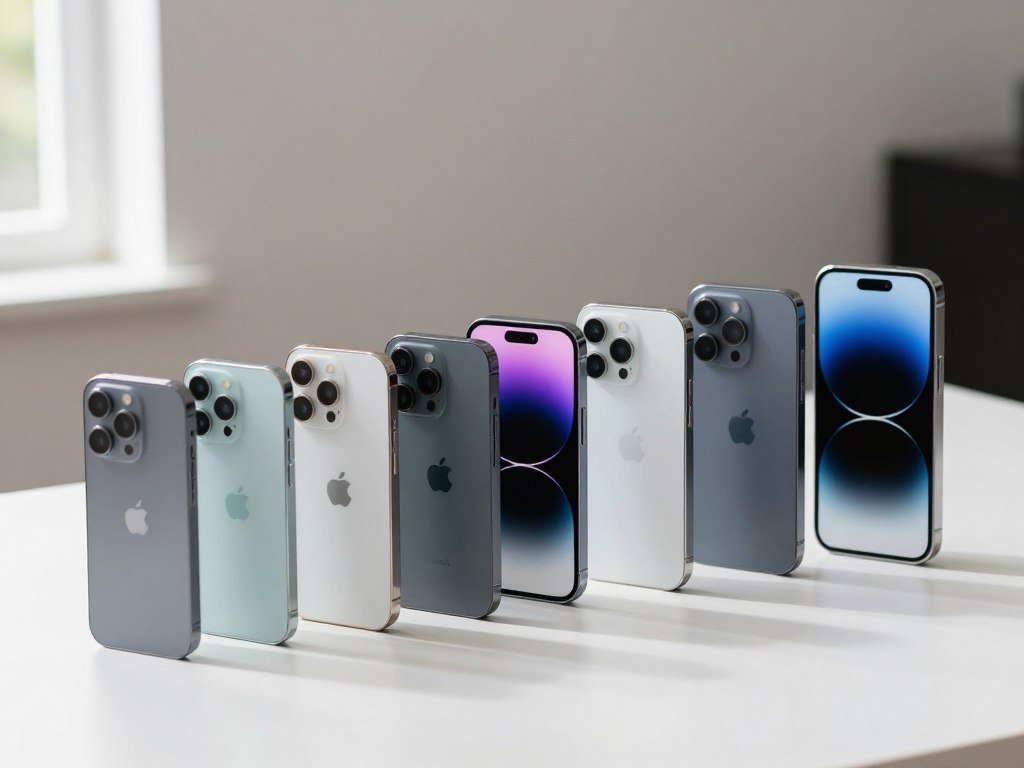
The iPhone 17 is the best starting point for most people, while budget and camera priorities can point to a different model. The 17e costs less, and the 18 Pro models suit buyers who want advanced camera features. Your price range, daily habits, and need for battery life all matter.
This guide compares current US models by price and practical features, so you can focus on what you will use. Variable refresh rate means a display adjusts its refresh rate to match what is on screen, from 1Hz up to 120Hz on the 17. A buyer who prioritizes a slim design or a folding screen should compare the Air and Duo before choosing.
Key Takeaways
- The 17 is the best all-around choice for most buyers.
- The 17e gives budget-first shoppers a lower entry price.
- The 18 Pro models add advanced camera options.
- The Air favors a thin, light design.
- The Duo opens into a larger folding screen.
Which Is the Best iPhone for Most People?
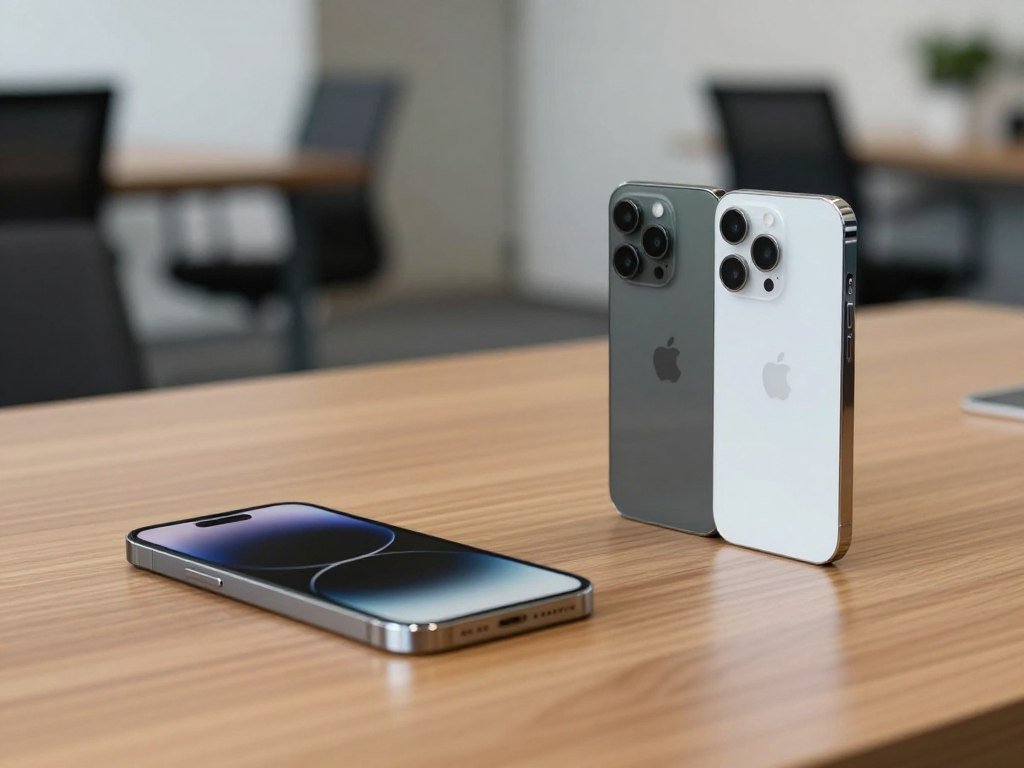
For a single recommendation that balances everyday use and capability, choose the iPhone 17. Its feature mix suits photos, messaging, video, and daily tasks, without asking most buyers to pay for Pro extras. The 17 is the best iPhone for most people in 2026.
Why the iPhone 17 is the default pick
The 17 scored 9.1 in CNET’s 2026 testing. The 18 Pro and 18 Pro Max each scored 9.3, but their higher scores reflect features some people may never use.
The 17 balances a capable camera, strong battery life, and useful everyday features. It also offers variable refresh rate, which helps motion look smooth while adjusting the screen for different tasks.
When a different model fits better
The 17e suits buyers who want a lower price and can accept a simpler display and camera. Camera-first buyers should consider the 18 Pro models, while the Air favors a slim, light design.
The Duo is for people who will use a folding screen often. It scored 8.7 in CNET’s 2026 testing, while the Air scored 8.6.
Choose the model whose special feature will matter in your daily routine, not simply the one with the highest test score.
For a Top 10 best iPhones list, a useful 2026 shortlist has six current models, not ten. Adding older or unavailable phones would make that list less helpful.
“Best iPhone of all time” is not a useful buying standard. The right choice changes with your priorities, even when one model leads the general shortlist.
Treat the top score as a guide, then choose by the feature you will use most often.
How Much Does Each Current iPhone Cost?
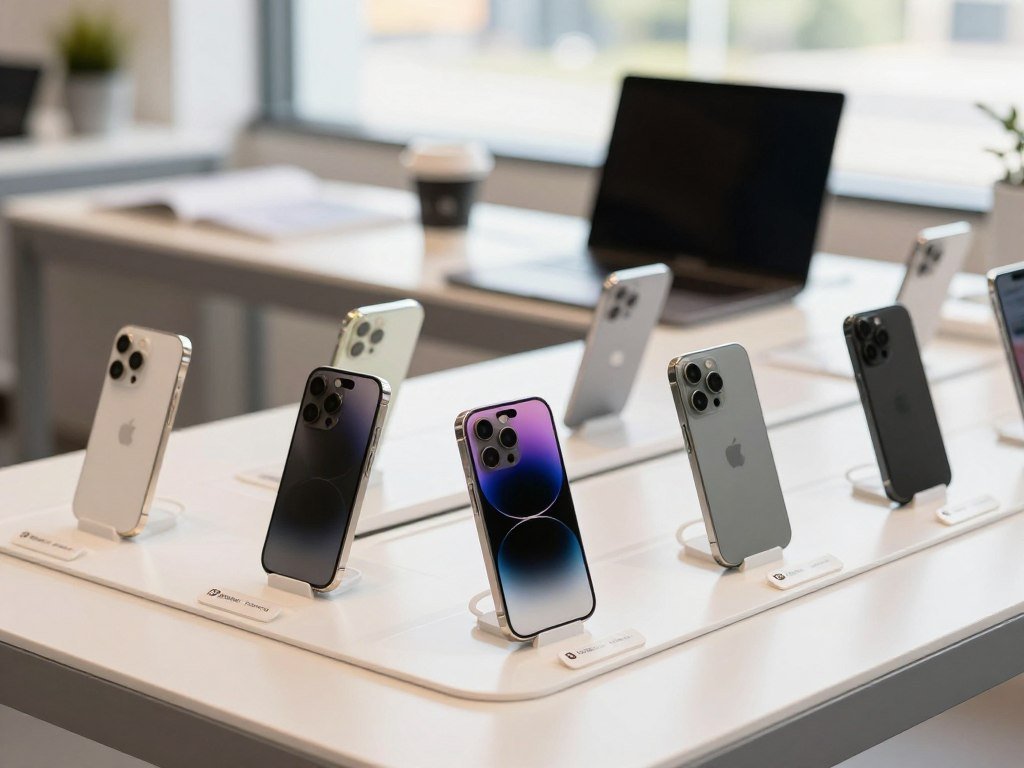
The current lineup’s starting prices run from the iPhone 17’s $929 to the Duo’s $1,999. The listed starting price can change with carrier activation and storage.
| Model | 2026 starting price | Model category |
|---|---|---|
| iPhone 17 | $929 | Standard |
| iPhone 18 Pro | $1,199 | Pro |
| iPhone 18 Pro Max | $1,299 | Pro Max |
| iPhone Air | $1,099 | Slim |
| iPhone Duo | $1,999 | Foldable |
The 17 costs $899 with carrier activation, which is a discount that requires qualified carrier activation. That lower price is not the unlocked starting price.
The Pro models start with 256GB of storage, and their configurations go up to 2TB. More storage can raise the price, so compare the configuration you plan to buy.
The Duo also starts far above the standard model, reflecting its folding design. Its listed starting price does not represent every storage option.
Some buyers may prefer paying more for storage now rather than managing space later. Others can save by choosing a smaller tier and keeping fewer files on the phone.
Compare the required upfront payment as well as the storage tier, since the starting price does not describe every configuration.
Which iPhone Is Best on a Budget?
At $799, the iPhone 17e is the clear pick for the lowest-cost current iPhone in this lineup. It gives budget buyers 256GB of base storage and an A19 chip.
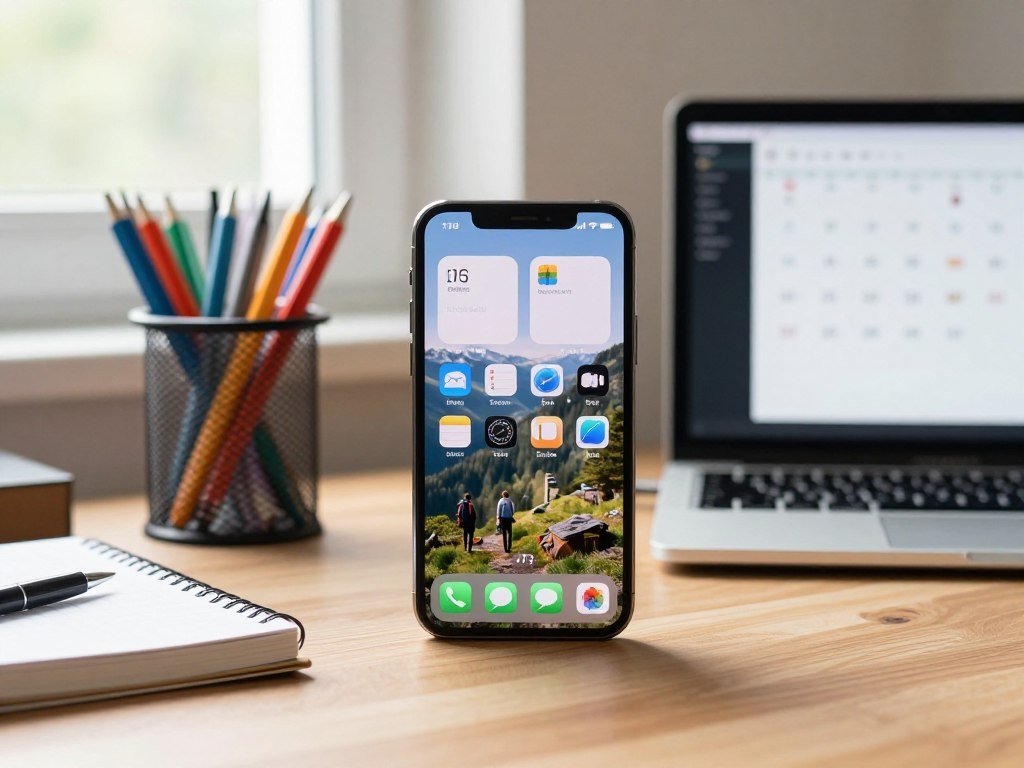
The 17e is a straightforward choice for students who need calls, messages, school apps, and everyday photos. It avoids the cost of a second rear camera and a faster-refresh display.
Its 60Hz display is simpler than the 17’s screen, and the phone has one rear camera. Those tradeoffs may be fine if you mainly take casual photos and browse apps.
Before buying, use this short checklist to see whether the budget model matches your habits:
- Prioritize the $799 entry price.
- Check whether 256GB is enough for your files.
- Decide whether a 60Hz display feels acceptable.
- Consider whether one rear camera meets your needs.
For many students, the key question is whether the phone can handle their daily school routine without stretching the budget. The 17e covers common tasks while keeping the feature set simple.
Think about how you save photos and videos, too. A phone with enough room can spare you from deleting files when you need space for a new app.
Students who keep several years of photos and downloads on the phone should check storage needs before buying.
Which iPhone Gives You the Most for the Money?
The iPhone 17 gives most buyers the stronger value when its extra base storage and newer features will get daily use. Its 256GB starting storage is twice the 128GB base storage of the iPhone 16.
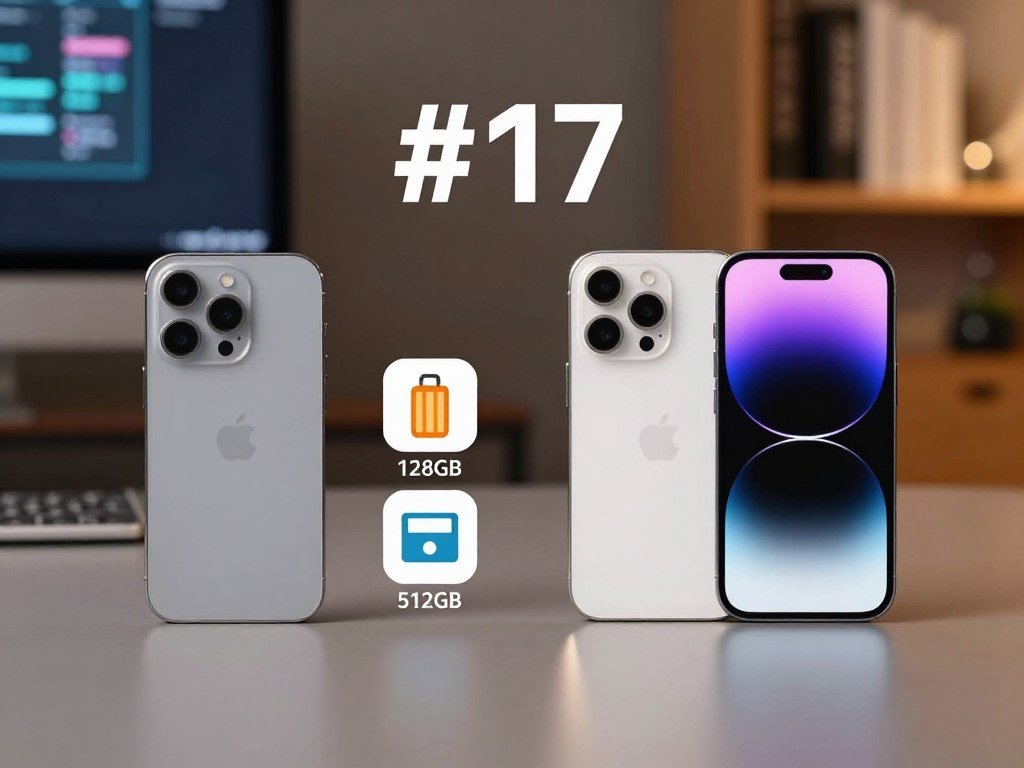
That difference matters if you keep photos and videos on your phone instead of relying on cloud storage. The extra room can also help if you download music, games, or shows for offline use.
The iPhone 16 can still make sense when its actual price is low enough to offset its older feature set. Compare the phone’s condition, remaining software support, and storage before you decide.
Camera needs may affect the choice as well. The 17 has a 48-megapixel ultrawide camera, while the 16 has a 12-megapixel ultrawide camera.
Read this iPhone camera comparison if you want to weigh everyday photo features alongside storage. The best deal is not always the phone with the lowest shelf price.
Buyers who store everything in the cloud may care less about the base storage gap. Local storage matters more when you travel or prefer keeping files close at hand.
Compare the actual price gap with how much of the 17’s extra storage you expect to use.
Which iPhone Has the Best Camera?
For the most versatile iPhone camera system, choose the iPhone 18 Pro or 18 Pro Max. Both Pro models combine three rear cameras with variable aperture and 8x optical zoom.
The iPhone 17 covers everyday photos
The 17 uses a 48-megapixel main camera and a 48-megapixel ultrawide camera. Its ultrawide captures more detail than the 16’s 12-megapixel version, especially in wide scenes.
For selfies and video calls, the 17 has an 18-megapixel Center Stage camera. It helps keep the framing suited to people in the shot.
The Pro models add zoom and controls
The 18 Pro and 18 Pro Max have a 48-megapixel main camera with variable aperture and manual aperture controls. Their 8x optical zoom gives you more reach for distant subjects.
The Air has one rear camera and no ultrawide lens. The Duo has two 48-megapixel cameras, but no telephoto camera.
| Model | Rear camera setup | Camera-specific advantage |
|---|---|---|
| iPhone 17 | 48MP main and 48MP ultrawide | 18MP Center Stage selfie camera |
| iPhone Air | One 48MP rear camera | Slim design with a single-camera setup |
| iPhone 18 Pro | Three 48MP rear cameras | Variable aperture and 8x optical zoom |
| iPhone 18 Pro Max | Three 48MP rear cameras | Variable aperture and 8x optical zoom |
| iPhone Duo | Dual 48MP cameras | Folding form with wide and ultrawide cameras |
Manual controls can help if you enjoy shaping how a photo looks. Casual shooters may get more from the standard model’s mix of wide and ultrawide views.
For a closer look at the best iPhone camera options, match the camera setup to the scenes you take most. Extra lenses matter most when you use their views often.
Choose the Pro only if zoom and aperture control are worth carrying a more expensive model.
Which iPhone Has the Longest Battery Life?
Choose the iPhone 18 Pro Max if your main goal is the longest claimed video playback time in this lineup. Apple lists up to 45 hours of video playback for the Pro Max.
Manufacturer playback claims are not the same as measured results. In CNET’s 2026 three-hour streaming test, the 17 fell from 100% to 89%, while the 16 fell to 86%.
The 17 ranked second for battery life among 35 phones CNET tested in 2026. It also offers up to eight more hours of video playback than the 16.
| Model | Video playback figure | Condition |
|---|---|---|
| iPhone 17 | Up to 30 hours | Video playback |
| iPhone 18 Pro Max | Up to 45 hours | Video playback |
| iPhone Duo | Up to 31 hours inner display or 44 hours outer display | Playback time depends on which display is used |
Those figures describe video playback, while the CNET test used streaming over three hours. The workloads differ, so the results should not be treated as one direct ranking.
The 17 supports 40W wired charging and 25W wireless charging. Those figures describe charging capacity, not how long the phone runs between charges.
These common activities can use battery power quickly:
- High screen brightness
- Streaming video
- Gaming
- Navigation with GPS
A broader phone battery comparison can help put the Pro Max’s endurance in context. Your mix of screen time, signal strength, and apps shapes daily runtime.
Compare battery tests only when their workload and test duration match your own use.
Which iPhone Size and Display Should You Choose?
A 6.1-inch screen is the easiest fit for one-handed use, while the 6.9-inch Pro Max gives more room for video and reading. Choose a size that feels comfortable before paying for extra screen area.
Pick a screen size that suits your grip
The 17e has a 6.1-inch display, while the 17 and 18 Pro each measure 6.3 inches. The Air steps up to 6.5 inches, and the 18 Pro Max reaches 6.9 inches.
The Duo offers two screen sizes in one phone: a 5.4-inch outer display and a 7.6-inch interior display. You can use the outer screen for quick tasks, then open the phone for more room.
Check refresh rate, brightness, and protection
The 17 has a 1-120Hz variable refresh rate and always-on support. Its screen can peak at 3,000 nits, and its antireflective finish helps cut glare.
Ceramic Shield 2 has three times better scratch resistance. A higher refresh rate can make scrolling look smoother, while the 17e’s 60Hz display keeps things basic.
| Model | Display size | Display detail |
|---|---|---|
| iPhone 17e | 6.1 inches | 60Hz |
| iPhone 17 | 6.3 inches | 1-120Hz and always-on |
| iPhone Air | 6.5 inches | 120Hz |
| iPhone 18 Pro | 6.3 inches | 120Hz |
| iPhone 18 Pro Max | 6.9 inches | 120Hz |
The display’s size changes how the phone feels in your hand, not just how much content fits. If you read often, larger text and wider pages may feel easier to use.
People who watch video on the go may prefer a larger screen, while a smaller model is easier to manage in a crowded train or bus. Case thickness can also change your grip.
Hold a large phone in one hand before buying if comfort matters more than screen area.
Is the iPhone Air Worth Its Slim Design?
Choose the iPhone Air when a notably thin, light design matters more than camera versatility or charging speed. Its body is 5.6mm thick and weighs 165 grams.
That slim frame is the Air’s central appeal. It may feel easier to carry in a pocket or hold for long stretches than a heavier phone.
The tradeoffs are clear: the Air has one rear camera, one speaker, and eSIM-only connectivity. It charges at up to 20W, so buyers who value faster charging may prefer another model.
One rear camera means fewer framing choices than a phone with wide and ultrawide lenses. A single speaker also gives you less built-in sound output than a model with more speakers.
eSIM stores your mobile plan digitally instead of using a removable card. That can be convenient, but frequent SIM swapping may require a different setup.
Confirm your carrier supports eSIM before choosing the Air, especially if you often move a physical SIM between phones. Carrier help may be needed when changing plans or devices.
The Air is most appealing when light weight affects your comfort every day. Its thinner body does not make the other feature tradeoffs disappear.
Confirm eSIM support with your carrier before making the Air your primary phone.
Should You Pay More for the iPhone Duo?
The iPhone Duo is the choice for buyers who want a foldable phone that opens into a 7.6-inch display. Its starting price is $1,999 in 2026.
When folded, the Duo uses a 5.4-inch outer screen for quick tasks. Open it, and the larger display gives more room for reading, video, and apps.
The Duo has a titanium frame and a hinge cover. Those parts describe its design, but they do not guarantee how it will hold up to every drop or scratch.
In a reported Duo stress test, dirt entered the hinge, minor display scratches seemed to heal, and a hard bend broke the screen. Such harsh tests do not reflect ordinary use.
Storage affects the upper price. Configurations go up to 2TB, and the 2TB version can cost as much as $3,199.
The Duo makes sense if you expect to use its large inner screen regularly. A high price alone is not a reason to choose a folding phone.
Think about whether you will open the phone for work, reading, or video most days. If you mainly use a phone for calls and short messages, a regular screen may be simpler.
Try the folded and open formats in person if one-handed comfort is a deciding factor.
What Do the iPhone 18 Pro Models Add?
The iPhone 18 Pro models earn their premium through advanced camera controls, a new A20 Pro chip, and upgraded connectivity. The A20 Pro uses 2-nanometer process technology.
Faster processing for demanding tasks
The A20 Pro’s 7-core GPU is up to 40% faster than the A19 Pro GPU. Apple also says the new chip has 50% more memory bandwidth than A19 Pro.
These are “up to” performance claims, not a promise that every app will run 40% faster. The gains matter most in demanding games and tasks that use graphics or memory heavily.
Camera controls, connectivity, and multitasking
The Pro models support Wi-Fi 7, Bluetooth 6, and Thread through Apple’s N1 wireless networking chip. These standards help connect the phone to newer routers and compatible devices.
The redesigned Dynamic Island can show up to three Live Activities at once. That can keep several active updates visible without opening each app.
Apple announced the 18 Pro models on September 9, 2026, and availability began September 18, 2026. Color options are black, silver, glacier, and burgundy.
Charging the 18 Pro Max for 30 minutes added 77% to its battery. That result describes one charging test, not a full estimate of daily runtime.
The new chip and wireless features are most useful if your daily tasks can take advantage of them. A lighter workload may not feel different from a less costly model.
Choose a Pro model for features you will use regularly, not for a benchmark claim alone.
How Long Will Your iPhone Get Software Support?
iOS 27 supports iPhone 11 and newer, so a recent phone is not automatically obsolete when a new lineup arrives. Compatibility does not promise a set number of future update years.
The supported list includes iPhone SE (2nd generation) and iPhone SE (3rd generation). A phone’s age alone does not tell you whether it can run the latest iOS.
iOS 27 app launches can be up to 30% faster. Photo Library loading for newly captured photos can be up to 70% faster, and AirDrop transfers can be up to 80% faster.
Siri can use personal context from messages, emails, and photos. It can also assist from the Camera app, which gives Apple Intelligence more ways to help with everyday tasks.
For a 2027 purchase, use the 2026 recommendations as a starting point. Recheck the current lineup and software compatibility when you buy, rather than assuming today’s newest phone will remain the best choice.
These habits can help you manage software updates:
- Check compatibility before updating.
- Back up the phone before a major update.
- Install available security updates.
Software support affects which apps and features remain available, but it is only one part of a phone’s useful life. Battery condition and storage can also shape how long a device suits you.
Recheck compatibility at the time of purchase if you plan to keep a phone for several years.
How Can You Get a Better iPhone Deal?
An advertised maximum discount is not the same as a guaranteed price for every buyer. Activation and trade-in rules can change what you pay.
| Model | Advertised savings | Conditions |
|---|---|---|
| Unlocked iPhone Air | $100 | Discount listed in 2026 |
| iPhone 18 Pro | Up to $1,200 | Qualified activation and trade-in |
| iPhone 18 Pro and iPhone 18 Pro Max | Up to $1,000 | Eligible trade-in and qualified Verizon MyPlan activation |
Best Buy lists a $100 discount on an unlocked Air. It also advertises up to $1,200 off the 18 Pro with qualified activation and a trade-in.
Another offer advertises up to $1,000 off the 18 Pro or 18 Pro Max with an eligible trade-in and qualified Verizon MyPlan activation. The maximum savings do not apply automatically.
Check these details before comparing offers:
- Unlocked price
- Activation requirement
- Trade-in eligibility and condition
- Total plan cost over the required term
A lower phone price can come with a plan that costs more each month. Add those payments across the required term before deciding whether the deal saves you money.
Trade-in value can also depend on the phone’s model and condition. A cracked screen or a device that does not qualify may change the final amount.
Calculate the final cost using only the conditions you personally qualify for.
What Should You Check Before Switching or Upgrading?
Check your port and SIM setup before you move your number or buy accessories for a replacement phone. USB-C and eSIM rules vary by model and can affect your switch.
Check the charging port and data speed
USB-C replaced Lightning starting with the iPhone 15 family. The change affects charging cables and accessories, but data transfer speeds still vary by model.
USB 2.0 models in the 15, 16, 17, 17e, and Air families transfer data at up to 480 megabits per second. USB 3.0 models support up to 10 gigabits per second.
That faster group includes the 15 Pro, 16 Pro, 17 Pro, 18 Pro, 18 Pro Max, and Duo. Large file transfers may take less time on those models.
Confirm SIM and old-phone plans
US iPhone 14 and newer models use eSIM instead of a physical SIM tray. Moving from Android or changing carriers may require help to set up your new plan.
The iPhone 16e is an older model name, not the current 17e. Check the exact model name when comparing listings, especially for older stock.
Use this checklist before you upgrade:
- Confirm carrier and eSIM compatibility.
- Check whether your current accessories use Lightning.
- Back up photos and files.
- Compare trade-in, resale, and recycling options.
- Check battery health before replacing a working phone.
Erase the old iPhone and remove it from your account before handing it to another person.
A clean handoff protects your personal information and lets the next owner set up the device. Keep your backup until you know your new phone has the files you need.
Erase the old iPhone and remove it from your account before handing it to another person.
Conclusion
For most buyers, the iPhone 17 remains the easiest recommendation to live with. It balances useful daily features without asking you to pay for tools you may rarely use.
The 17e fits budget-first buyers, while an 18 Pro model makes sense if you need advanced camera controls. Your best choice depends on the features that matter during an ordinary day.
Write down your must-have features, confirm the final price and carrier requirements, then choose the model that meets those needs.
FAQ
Which iPhone is better to buy?
The iPhone 17 is the better choice for most people, while the 17e suits buyers who want a lower entry price. Choose an 18 Pro model if advanced camera features matter more than cost. Think about the tasks you do daily, such as taking wide photos or using camera controls, before paying for extras. The best fit is the one you will use comfortably.
Is the iPhone 13 or 14 better?
The iPhone 14 is newer than the iPhone 13, but condition and price can matter more than the generation gap. Compare battery health, storage, carrier status, and screen condition before buying either one. A well-kept iPhone 13 at a much lower price may suit you better than a worn iPhone 14. Check software compatibility for the exact device, too.
Is the iPhone 13 Pro Max still worth buying?
The iPhone 13 Pro Max can suit you if you find a well-maintained unit at a compelling price. Check battery condition, carrier status, and software compatibility before paying. A worn battery can add a repair cost, while a locked phone may not work with your carrier. Compare its total cost with newer models and their warranty terms.
Does Apple still sell old iPhones?
Apple’s lineup changes, so older generations may no longer be sold directly by Apple. Retailers may still have older models, often refurbished or left in stock. Check who sells the phone, whether it is new or refurbished, and what warranty applies. Apple’s current lineup is different from third-party stock, even when both appear in the same search results.
What is the oldest iPhone that can still be bought new?
The oldest new-in-box iPhone available depends on each retailer’s leftover stock. A sealed older phone is not the same as a model in Apple’s current lineup, and its software life may be shorter. Ask whether the device is truly new, check its return terms, and confirm its carrier compatibility. The current budget entry point is the iPhone 17e.
Where is the best place to buy an iPhone?
Apple, carriers, and established retailers can all be good places to buy, depending on their terms. Compare the unlocked price, activation conditions, trade-in rules, and return period. A carrier offer may lower the upfront price but require a plan that costs more over time. Compare the total amount you will pay, not only the discount shown in an ad.
What’s the best thing to do with old iPhones?
Back up and erase the old iPhone, then remove it from your account before passing it on. You can trade it in, resell it, recycle it, or give it to someone else. Sign out of your account and use the erase-and-reset option so personal data does not remain on the device. Keep your backup until your replacement phone has the files you need.



