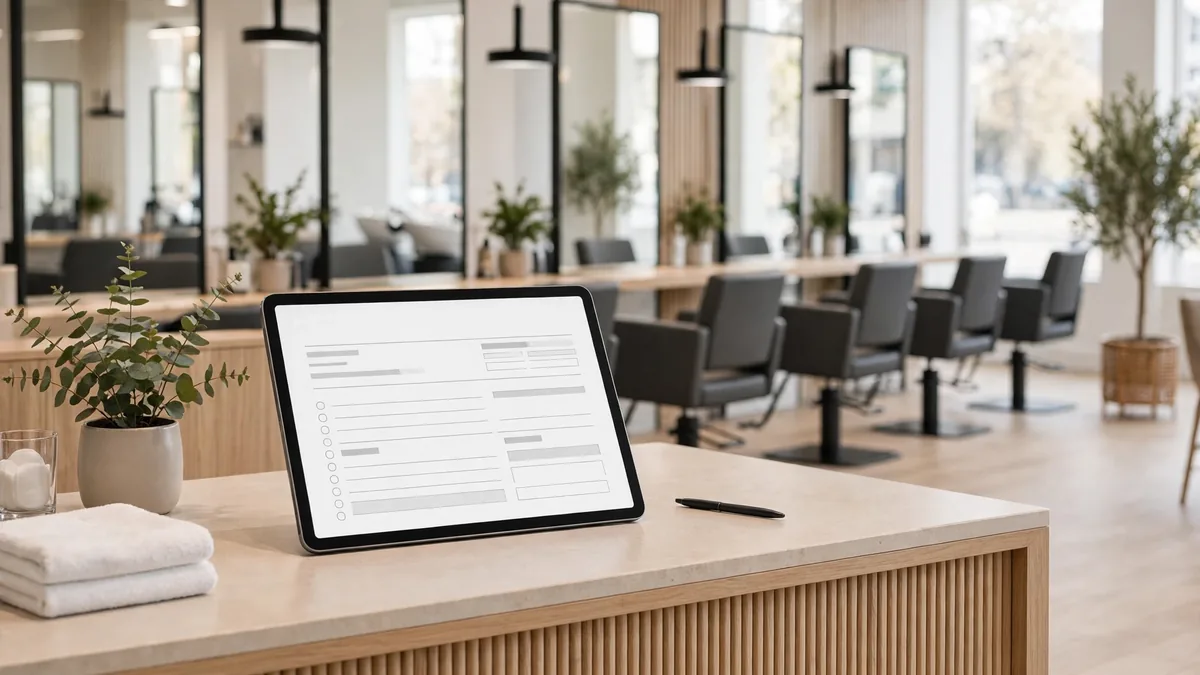
A salon sells time, skill, and products in every appointment, and the best invoicing software for salons in 2027 is the tool that bills all three cleanly without slowing down the front desk. A colour appointment, a bridal booking, and a retail product sale all need different line items, and a handwritten receipt cannot keep up once a salon has more than one stylist. The right software turns each appointment into a clear invoice in seconds.
What matters most for salons is speed at the chair and clarity after the visit. Clients should be able to pay by card, tap, or link before they leave, and the invoice should itemise services, products, and tips separately. Salon owners also need to track which stylist earned what, because commission and chair rental both depend on accurate per-stylist records. A tool that cannot split revenue by stylist will create extra work every week.
The shortlist below covers eight tools that work well for salons, from single-chair studios to multi-stylist businesses. Square Invoices leads for most salons, Fresha leads for salons that also need bookings, and Wave leads for owners who want a free start. Prices are approximate starting prices, so check current pricing before you buy.
Key takeaways
- Square Invoices is the best overall pick for salons, with fast checkout and per-stylist sales tracking.
- Fresha is the best choice for salons that want bookings, invoicing, and client records in one system.
- Wave is the best free starting point, with unlimited invoicing and no monthly fee.
- Expect to pay roughly $0 to $40 a month for the software itself, plus card processing fees on each payment.
- Pick a tool that itemises services, products, and tips separately, because salon clients expect that detail.
At a glance: the shortlist
| Product | Best for | Starting price | Standout limit |
|---|---|---|---|
| Square Invoices | Best overall | Free | Processing fees on each payment |
| Fresha | Bookings plus billing | Free | Paid add-ons for marketing |
| GlossGenius | Salon-first design | About $24 a month | No free plan |
| Booksy | Client bookings | About $30 a month | Price rises with staff count |
| FreshBooks | Simple invoicing | About $19 a month | Client limits on the cheapest plan |
| Wave | Free start | Free | No salon-specific features |
| QuickBooks Online | Full accounting | About $35 a month | Higher cost as you scale |
| Zoho Invoice | Free and flexible | Free | Paid features need other Zoho apps |
Square Invoices — Best overall
Square Invoices fits salons because most salons already take card payments, and Square handles the invoice and the payment in the same system. A stylist finishes a cut and colour, the front desk sends an itemised invoice by text or email, and the client pays by card or digital wallet before leaving. There is no monthly fee for basic invoicing, so the cost is only the processing fee on each payment.
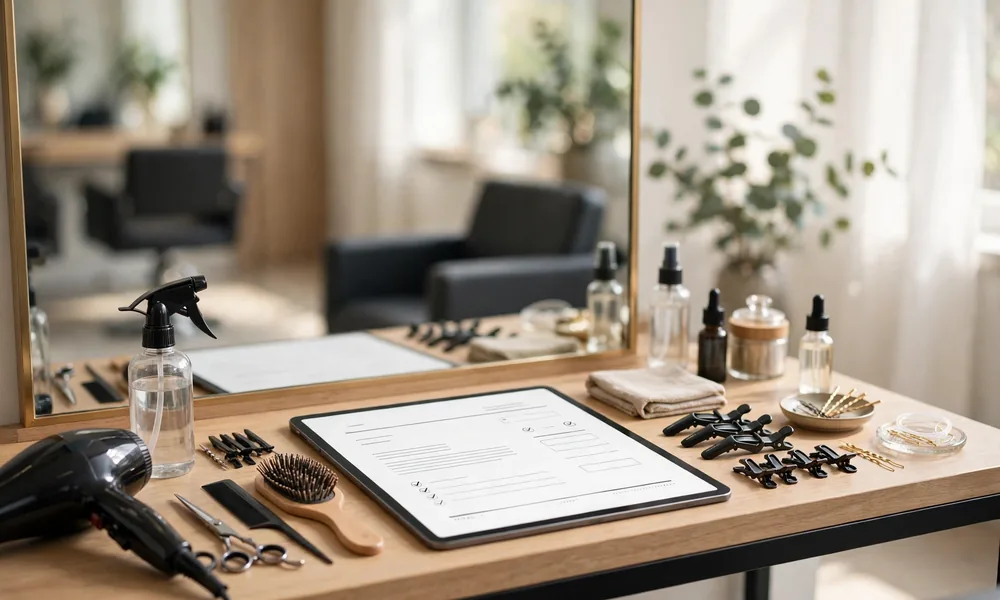
Sales reports break down revenue by service, product, and team member, which makes commission calculations straightforward. Square also sells card readers for the front desk, so a salon can take tap payments without a separate terminal. For a broader look at billing for small service businesses, the guide to invoicing software for small business covers the same fundamentals.
Pros: Free basic plan, fast checkout, per-stylist sales reports, good card readers.
Cons: Processing fees on every payment, and advanced features need paid Square add-ons.
Fresha — Best for bookings plus billing
Fresha is built for salons, spas, and barbershops, and it combines online booking with invoicing in one free platform. Clients book online, the appointment appears on the salon calendar, and the invoice is generated from the booked services automatically. That link between booking and billing removes the double entry that causes mistakes at busy times.
The client records keep notes on colour formulas, allergies, and preferences alongside payment history, which stylists value. Fresha takes a commission on bookings made through its marketplace, but bookings from the salon’s own website carry no commission. Paid add-ons cover marketing and extra features, while the core booking and invoicing tools stay free.
Pros: Free core plan, bookings and invoices linked, useful client records.
Cons: Marketplace bookings carry a commission, and marketing tools cost extra.
GlossGenius — Best salon-first design
GlossGenius is designed specifically for salons and beauty businesses, and it shows in the details. Invoices itemise services, products, and tips, and the checkout flow is built for the way salons actually take payment. The interface is clean enough for a stylist to use between appointments without training.
Beyond invoicing, GlossGenius includes booking, client messaging, and a simple website, so a small salon can run most of its front-of-house work in one place. There is no free plan, and the monthly price is higher than Square’s free tier, but owners who want a salon-specific tool rather than a generic one will find the polish worth it.
Pros: Built for salons, clean checkout, bookings and messaging included.
Cons: No free plan, and the price is per location.
Booksy — Best for client bookings
Booksy is popular with salons and barbershops because clients can book, reschedule, and pay through the app. The invoice follows the booking automatically, and the salon can take deposits for high-value appointments such as bridal hair or full colour work. No-show protection through deposits and reminders is a real benefit for busy salons.
The price rises with the number of staff, so a large salon pays more than a solo stylist. Booksy also runs its own client marketplace, which can bring new customers but takes a fee on those bookings. For salons that want bookings and billing tightly linked, it is a strong option.
Pros: Client-friendly booking app, deposits for high-value appointments, good reminders.
Cons: Price rises with staff count, and marketplace bookings carry fees.
FreshBooks — Best for simple invoicing
FreshBooks suits salon owners who want straightforward invoicing without salon-specific extras. Invoices look professional, accept online payments, and can be sent with automatic reminders for unpaid balances. Product sales can be added as line items, and expenses such as colour supplies can be tracked against the business.
The cheapest plan limits the number of billable clients, which can matter for a salon with a large client list, so owners should check that limit before subscribing. FreshBooks does not handle bookings, so a salon using it will need a separate booking tool. For owners who mainly need clean invoices and simple books, it is a reliable choice.
Pros: Clean invoices, automatic reminders, good mobile app.
Cons: Client limits on the cheapest plan, no booking features.
Wave — Best free start
Wave gives a new salon unlimited invoicing and expense tracking for free, which suits a single-chair studio watching costs. Invoices accept card payments, look professional, and can be sent with reminders. There is no monthly fee, so the only cost is the processing fee when a client pays by card.
Wave has no salon-specific features: no bookings, no per-stylist commission reports, and no client notes for colour formulas. A salon owner will need a separate booking system and a spreadsheet for commissions.
Pros: Free unlimited invoicing, no monthly fee, simple to learn.
Cons: No salon features, no per-stylist commission tracking.
QuickBooks Online — Best for full accounting
QuickBooks Online suits salons that have grown past simple invoicing and need proper accounting. Invoices, expenses, payroll, and tax reports all live in one system, and the owner can see profit per service and per stylist. That level of detail helps when deciding whether to raise prices or change commission rates.
The invoicing itself is solid, with recurring invoices for regular clients and payment links on every invoice. The price is higher than the free tools here, but salons with staff and significant product sales will benefit from the accounting depth. Pairing it with solid bookkeeping software for small business knowledge helps owners get the most from it.
Pros: Full accounting, profit tracking per stylist, wide accountant support.
Cons: Higher starting price, busier interface than simpler tools.
Zoho Invoice — Best free and flexible
Zoho Invoice is completely free and handles estimates, recurring invoices, payment reminders, and a client portal without a subscription. A salon can create branded invoice templates and convert an estimate for a bridal package into an invoice when the client confirms. Multi-currency support helps salons in tourist areas that bill international clients.
As with other generic tools, there are no salon-specific features, so bookings and commission tracking need separate tools. The wider Zoho ecosystem offers CRM and other apps for a fee, but the free invoice tool works well on its own. For a salon that wants a capable free invoicing tool, Zoho Invoice is worth trying.
Pros: Free with strong features, good templates, multi-currency support.
Cons: No salon features, and support is limited on the free plan.
How to choose
Start with how clients pay. If most clients pay at the chair by card, Square Invoices is the simplest fit. If bookings drive the business, Fresha or Booksy will save more time because the invoice follows the booking. If the salon needs proper accounts and payroll, QuickBooks Online is the right step up.
Check the processing fees as well as the monthly price, because a free plan with high card fees can cost more than a paid plan with lower rates once daily takings add up. Trial the checkout your client actually sees, and confirm tips and product sales appear as separate lines. A look at payment processing software for small business can help compare card fees across providers.
Checklist: before you pay
- Confirm services, products, and tips appear as separate lines on the invoice.
- Check the card processing fee on a typical appointment total, not just the monthly price.
- Confirm sales can be reported per stylist for commission calculations.
- Test the client view of the invoice on a phone, since most clients open it there.
- Check that you can export invoices and client data if you switch later.
- Try the free trial with a real appointment before moving all bookings across.
Frequently asked questions
What is the best invoicing software for salons?
Square Invoices is the best overall pick for most salons, because it combines fast card checkout with itemised invoices and per-stylist sales reports. Fresha is better if you also want bookings in the same system.
Can invoicing software track tips?
Yes. Square Invoices, GlossGenius, and Fresha all let clients add a tip at checkout, and the tip appears as a separate line on the invoice and in sales reports.
Is there free invoicing software for salons?
Yes. Square Invoices, Fresha, and Wave all offer free invoicing with no monthly fee, and Zoho Invoice is free too. You still pay card processing fees when clients pay by card.
How much does invoicing software cost for a salon?
Most salons pay $0 to $40 a month for the software, plus card processing fees of around 2.6% to 2.9% per payment. Check current pricing, since plans change often.
Do I need separate booking software?
It depends on the tool. Fresha, GlossGenius, and Booksy include bookings, while Square Invoices, Wave, and FreshBooks do not, so those need a separate booking system.
Can invoicing software calculate stylist commission?
It can help, but it does not do it alone. Square and QuickBooks Online report sales per stylist, which gives you the figures to calculate commission. Full payroll and commission tools need a higher plan or a separate app.
The bottom line
For most salons, Square Invoices is the safest pick: it is free to start, checkout is fast, and invoices itemise services, products, and tips clearly. Salons that want bookings and billing together should choose Fresha, and salons that need full accounts should step up to QuickBooks Online.
Whichever tool you choose, test it on a real appointment before switching fully. The invoice your client sees at the chair is the part that matters most, and it should take seconds, not minutes.