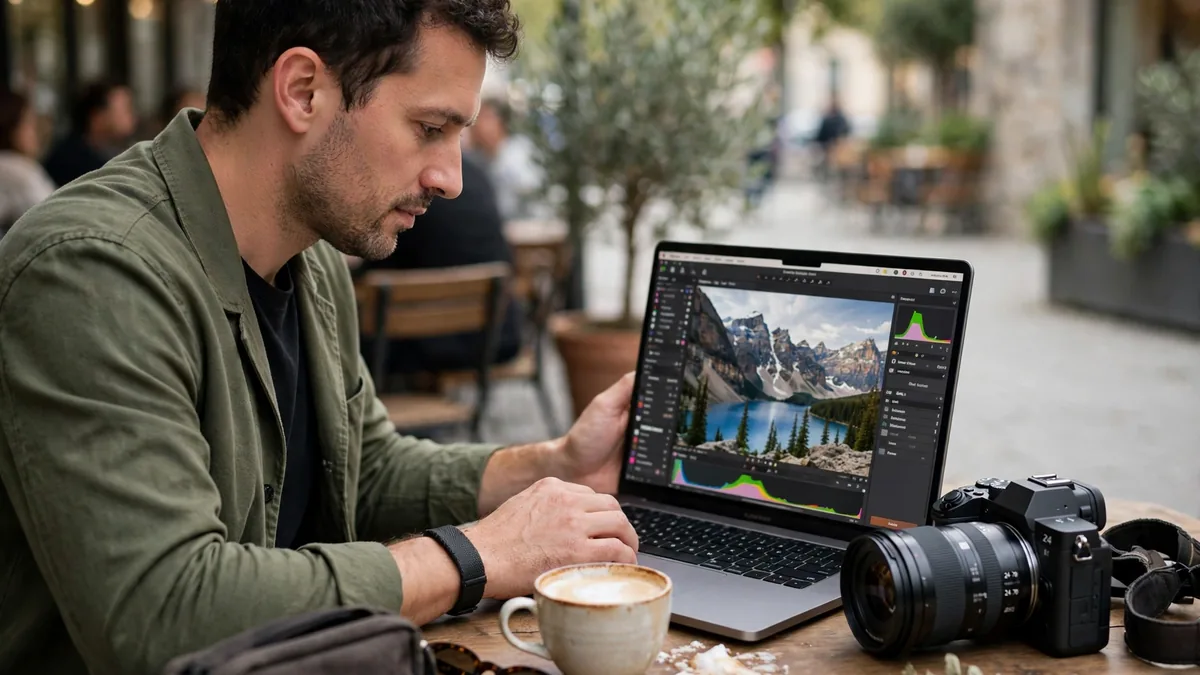
The best laptops for photographers in 2027 put the screen first, because your edits are only as good as what you can see. A colour-accurate, bright display, plenty of memory for large RAW files, and fast storage matter far more than gaming-grade graphics, and the wrong screen can quietly ruin hours of careful editing. This guide covers eight current laptops that handle Lightroom, Photoshop, and Capture One well, from the MacBook Pro 14 to budget picks under $1,000.
Prices are approximate starting prices and change often with sales and configurations, so check current pricing before you buy. Every laptop here has a good display, at least 16GB of memory, and fast SSD storage, but they differ in colour accuracy, weight, battery life, and price.
If you want one laptop that does everything well, the MacBook Pro 14 is the pick. If you travel light, the MacBook Air 15 is hard to beat, and Windows photographers should look first at the Asus ProArt P16 or the Dell XPS 14. Budget buyers get a genuine OLED screen and solid editing performance from the Acer Swift Go 14 for around $799.
Key takeaways
- Best overall: MacBook Pro 14, for its colour-accurate XDR screen and fast RAW handling.
- Best for travel: MacBook Air 15, light, silent, and with excellent battery life.
- Best Windows pick: Asus ProArt P16, with a full DCI-P3 OLED display built for colour work.
- Buy at least 16GB of memory and 1TB of storage; RAW files and catalogues fill drives fast.
- Budget pick: Acer Swift Go 14 OLED from around $799, a real OLED screen at a budget price.
At a glance: the shortlist
| Laptop | Best for | Starting price | Standout limit |
|---|---|---|---|
| MacBook Pro 14 | Most photographers | From $1,999 | Smaller screen than 16-inch models |
| MacBook Air 15 | Travel photographers | From $1,199 | No dedicated GPU for heavy work |
| Dell XPS 14 | Windows all-rounder | From $1,699 | Upgrades get expensive |
| Asus ProArt P16 | Colour-critical work | From $1,899 | Heavy and loud under load |
| Microsoft Surface Laptop 7 | Everyday editing | From $999 | Modest screen brightness |
| Lenovo Yoga Slim 7x | OLED value | From $1,199 | Fewer ports than rivals |
| HP Spectre x360 14 | Convertible flexibility | From $1,449 | Shorter battery life |
| Acer Swift Go 14 OLED | Budget photographers | From $799 | Basic build, modest speakers |
Apple MacBook Pro 14 (M4 Pro) — Best overall
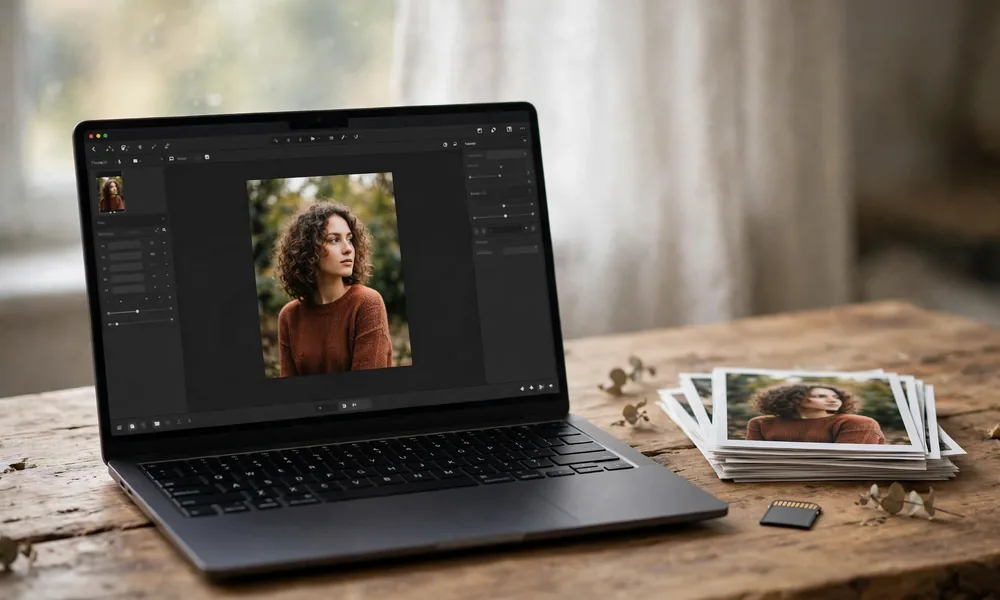
The MacBook Pro 14 is the best laptop for most photographers in 2027. Its 14.2-inch Liquid Retina XDR display is bright, sharp, and colour-accurate, with deep blacks that make shadow detail easy to judge, and the M4 Pro chip imports, previews, and exports large RAW files quickly.
It weighs about 1.6 kg, so it travels well, and battery life is excellent at 18 hours or more of mixed use. The main drawback is screen size, so many photographers pair it with an external monitor at home. For backing up shoots, our guide to the best cloud storage for creators covers services that handle large photo libraries well.
Pros: Excellent colour-accurate screen, fast RAW handling, long battery life.
Cons: 14-inch screen feels small for side-by-side editing.
Apple MacBook Air 15 (M4) — Best for travel
The MacBook Air 15 is the laptop to carry when weight matters. At 1.5 kg with a thin, fanless design, it slips into a camera bag without complaint, and its 15.3-inch Liquid Retina display is bright and colour-accurate enough for serious editing. Battery life stretches past 15 hours, so you can edit on a long flight or a full day on location.
There is no fan, so sustained heavy exports will throttle slightly, and there is no dedicated GPU for the heaviest Photoshop work. For most photographers it is fast enough, and the silence is a pleasure.
Pros: Light, silent, great battery life, lovely large screen.
Cons: No fan or dedicated GPU, so heavy exports slow slightly.
Dell XPS 14 — Best Windows all-rounder
The Dell XPS 14 is the most polished Windows laptop for photographers. Its 14.5-inch display is sharp and bright, with good colour coverage, and the slim aluminium body looks and feels premium. It runs Lightroom and Photoshop smoothly, and the large trackpad and good keyboard make long sessions comfortable.
Dell charges a lot for memory and storage upgrades, so buy the configuration you need up front: 32GB of memory and 1TB of storage are worth it for large RAW files. There are only a few ports, so a small hub is useful.
Pros: Premium build, sharp bright display, comfortable for long sessions.
Cons: Pricey upgrades, few ports, divisive touch function row.
Asus ProArt P16 — Best for colour-critical work
The Asus ProArt P16 is the Windows laptop for photographers who judge colour for a living. Its 16-inch OLED display covers the full DCI-P3 colour space with excellent accuracy, so what you see on screen matches your prints and your clients’ screens. The RTX graphics help with AI tools and heavy Photoshop work.
It is heavier than the ultraportables here at around 1.85 kg, and the fans are audible during long exports. Battery life is also average. If colour accuracy is your top priority, no other Windows laptop here gives you this screen for this price.
Pros: Outstanding OLED colour accuracy, useful dial control, strong GPU.
Cons: Heavy, audible fans, average battery life.
Microsoft Surface Laptop 7 — Best everyday editing
The Surface Laptop 7 is a quiet, well-made laptop for photographers who edit as part of a wider working day. Its 13.8-inch touchscreen is sharp and pleasant to use, with good colour, and the Snapdragon X Elite chip gives excellent battery life, often past 15 hours.
The screen is smaller and less bright than the best displays here, and some older Photoshop plug-ins still run through emulation on the ARM chip, which can be slower. For photographers who want a dependable everyday laptop at a fair price, it is a solid choice.
Pros: Great keyboard, excellent battery life, solid build, fair price.
Cons: Smaller, dimmer screen; some plug-ins run emulated.
Lenovo Yoga Slim 7x — Best OLED value
The Lenovo Yoga Slim 7x gives photographers a beautiful 14.5-inch OLED display for around $1,199, which is remarkable value. Colours are vivid and accurate, blacks are deep, and the slim 1.3 kg body makes it one of the lightest laptops here. Battery life is strong.
Port selection is limited, so you will want a hub for card readers and external drives, and some specialist software still runs best on Intel or Apple silicon. For photographers who want OLED without flagship prices, it is the best value here.
Pros: Beautiful OLED screen at a mid-range price, very light, long battery.
Cons: Few ports, some specialist software runs better elsewhere.
HP Spectre x360 14 — Best convertible
The HP Spectre x360 14 is the flexible option: a 2-in-1 laptop that folds into a tablet, so you can edit with a stylus, review images with a client, or sketch masks in Photoshop directly on the screen. The 14-inch OLED display is bright and colour-accurate,
Battery life is shorter than the MacBooks here, at around ten hours of mixed use, and it is heavier than a standard ultrabook. If you edit with a pen or show work to clients on screen, the convertible design is genuinely useful.
Pros: Folds into a tablet, stylus editing, bright OLED display.
Cons: Shorter battery life, heavier than rivals.
Acer Swift Go 14 OLED — Best budget pick
The Acer Swift Go 14 OLED is the budget surprise of this guide. For around $799 it offers a 14-inch OLED display with good colour coverage, which is the single most important thing for photo editing, plus enough performance for Lightroom and Photoshop with 16GB of memory.
The build is plastic and the speakers are basic, and the screen is not as bright as the flagship OLEDs here, so avoid editing in direct sunlight. For the price, nothing else gives photographers a real OLED screen.
Pros: Real OLED screen at a budget price, light, capable for Lightroom.
Cons: Plastic build, modest brightness, basic speakers.
How to choose
Judge the screen first. Look for wide colour coverage, at least 100% of sRGB, and ideally DCI-P3 for print work, plus brightness above 400 nits so you can edit in bright rooms. OLED and mini-LED screens show shadow detail best, but a good IPS panel is fine if it is calibrated.
Next, check memory and storage. 16GB of memory is the minimum for large RAW files and layered Photoshop documents, and 32GB is better if you work with high-resolution cameras. Get 1TB of storage as a minimum: a single wedding shoot can be 100GB of RAW files, and catalogues grow fast. Photographers starting out may also like our roundup of the best tech gifts for graduates, which includes useful accessories for a new editing setup.
Finally, think about how you work. Travel photographers should prioritise weight and battery life, studio photographers should prioritise screen size and accuracy, and everyone should check the ports: a fast card reader and a USB-C port for an external drive save time every single day. Buy the laptop that fits your shooting, not someone else’s.
Checklist: before you buy
- Confirm the screen covers 100% of sRGB, or DCI-P3 for print and client work.
- Check the laptop has at least 16GB of memory, ideally 32GB for high-resolution RAW files.
- Make sure storage is 1TB or more, with room for catalogues and previews.
- Check for a fast SD or CFexpress card reader, or budget for an external one.
- Test Lightroom and Photoshop with your own RAW files, not just demo images.
- Confirm the warranty, return policy, and check current pricing before you buy.
Frequently asked questions
How much RAM do photographers need in 2027?
16GB is the minimum for Lightroom and Photoshop with modern RAW files, and 32GB is better for high-resolution cameras, panoramas, and layered documents.
Is OLED or IPS better for photo editing?
OLED shows deeper blacks and more vivid colour, which helps with shadow detail, but it needs care to avoid burn-in from static editing panels. A good calibrated IPS panel is still excellent and often brighter.
Do photographers need a dedicated graphics card?
Most do not. Lightroom and Photoshop run well on modern integrated graphics and Apple silicon, and a dedicated GPU mainly helps with AI tools, heavy filters, and video work. Spend the money on a better screen and more memory instead.
What screen size is best for photo editing?
14 to 16 inches is the sweet spot for a laptop: big enough to see detail, small enough to carry. Many photographers pair a 14-inch laptop with a larger external monitor at home, which gives the best of both worlds.
Should I calibrate my laptop screen?
Yes, if you print or deliver client work. A hardware calibrator costs less than a lens and removes the guesswork from colour.
Can a budget laptop handle photo editing?
Yes. The Acer Swift Go 14 OLED in this guide edits photos well for around $799, and the Surface Laptop 7 is a solid mid-range choice. Freelancers on a budget can also read our guide to the best tools for freelancers for software that pairs with a new editing laptop. Check current pricing before you buy.
The bottom line
For most photographers, the MacBook Pro 14 is the best laptop in 2027, with a screen you can trust and speed that handles any RAW file. Travel photographers should take the MacBook Air 15, Windows photographers should choose the Asus ProArt P16 for colour accuracy, and budget buyers get a genuine OLED screen from the Acer Swift Go 14.
Whatever you buy, put the screen first and memory second. A colour-accurate display and enough memory to work without waiting are what make editing enjoyable, Buy the laptop that fits how and where you shoot, and it will serve you for years.