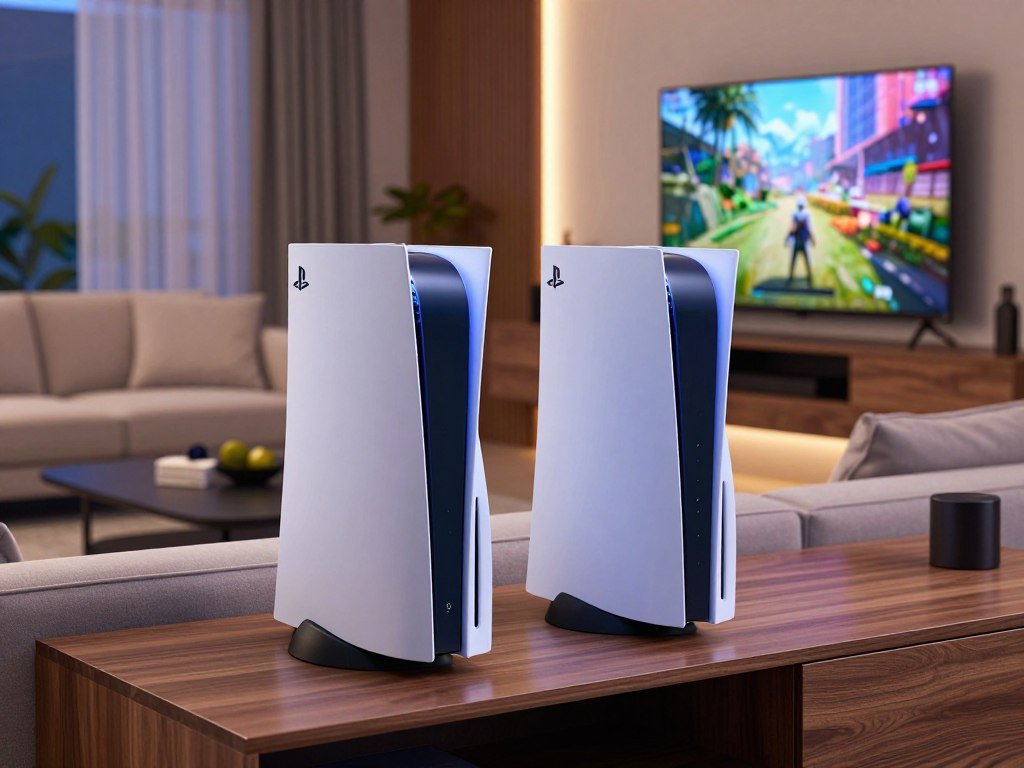
The PS5 Pro is the stronger choice for players who prioritize sharper visuals and higher performance. The standard PS5 is the smarter fit for most budget-conscious buyers.
Your buying decision depends on more than the console itself. The games you play and your living-room display shape whether the Pro’s visual upgrades will matter in daily use.
The standard model costs less to enter the PS5 library. The Pro puts more graphics power toward clearer images and smoother play in supported titles.
PSSR is Sony’s AI-enhanced resolution technology that reconstructs a sharper image from a lower-resolution render. Its benefits depend on game support, so your favorite titles matter as much as the console’s headline features.
This comparison lays out the costs, game features, disc options, and size differences. You can use those details to judge the upgrade against the setup you already own.
Your display, game library and budget are the three checks that will make the choice clear.
Key Takeaways
- Standard PS5 costs less and plays the shared PS5 game library.
- PS5 Pro adds graphics capacity and supported image upgrades.
- The Pro needs an optional Disc Drive for physical games.
- 120fps play requires a compatible display and game mode.
- PS5 Slim models offer smaller dimensions than the Pro.
PS5 Pro vs PS5 Price in 2026: What Do You Pay?
In the United States, the PS5 Pro’s recommended retail price is $899.99. The standard disc PS5 costs $649.99, and the Digital Edition costs $599.99.
The Pro now costs at least $250 more than a standard disc PS5. Sony’s recommended retail prices took effect April 2, 2026, widening the gap from launch prices.
| Model | Launch U.S. price | U.S. price effective April 2, 2026 |
|---|---|---|
| PS5 Pro | $699 | $899.99 |
| Standard disc PS5 | $499 | $649.99 |
| PS5 Digital Edition | $399 | $599.99 |
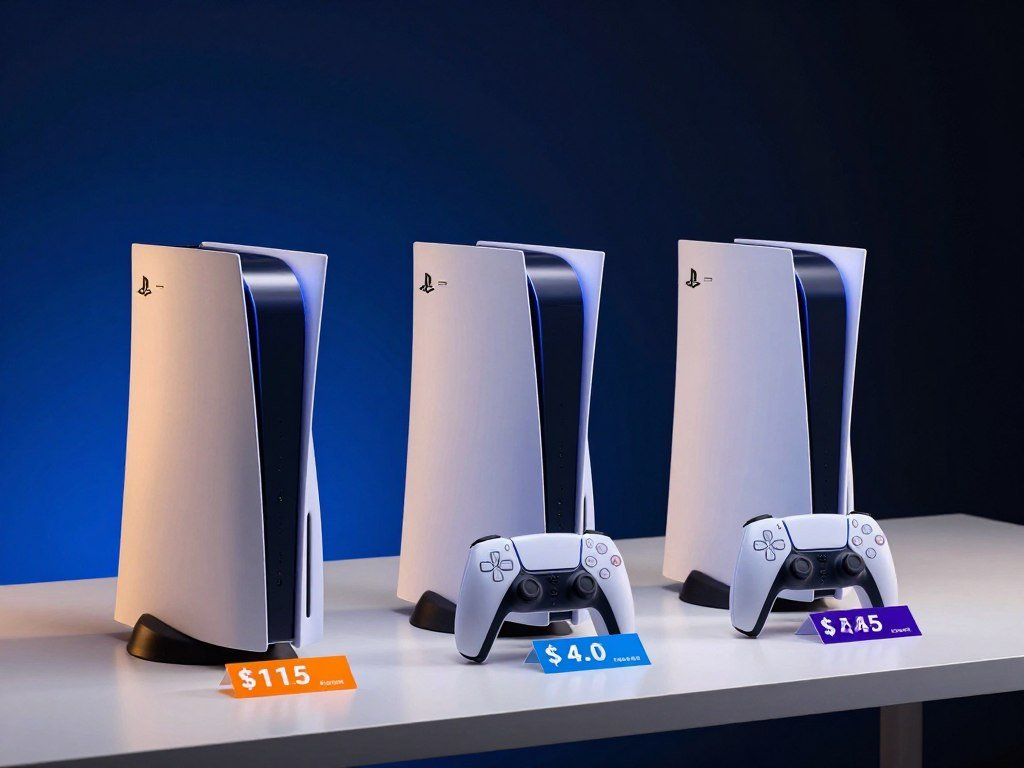
The price change makes the Pro a premium console, rather than a small step up from the base model. You pay more for graphics features that only apply to compatible games.
For players who do not need those upgrades, a lower-priced standard console remains the better value. The Digital Edition saves $50 against the disc model, but it has no built-in optical drive.
Choose the Pro only if its supported graphics upgrades justify the higher cost for the games you play.
Retail prices can differ from Sony’s recommended amount when stores run offers or sell used units. Tom’s Guide’s report on reseller prices describes listings that can rise well above the recommended price.
That kind of listing is not the same as Sony’s retail price. Check the exact console condition, seller, and included hardware when comparing a deal.
A sale can narrow the gap, but it does not change what each model offers. Your budget should account for the total console setup, not just a promotional headline.
If a retailer’s price is close to the recommended figure, compare the warranty and return terms too. Those details can matter when a console arrives with a problem.
Check the price on the day you buy, since retailers can set their own offers around recommended retail pricing.
How Do the PS5 Pro and PS5 Specs Compare?
The clearest hardware difference is graphics capacity: PS5 Pro has 60 GPU compute units, compared with 36 in the standard PS5. The Pro is principally a GPU upgrade, not a new CPU generation.
The table shows the main specifications and what they can mean in games. Clock speed is the rate a processor runs, while TFLOPS describe theoretical graphics processing capacity.
| Specification | PS5 Pro | Standard PS5 | Practical meaning |
|---|---|---|---|
| GPU compute units | 60 | 36 | More graphics processing resources |
| Peak GPU performance | 18.05 TFLOPS | 10.28 TFLOPS | Higher listed graphics capacity |
| Maximum GPU clock | 2.35 GHz | 2.23 GHz | Small difference in top clock speed |
| Maximum CPU clock | 3.85 GHz | 3.5 GHz | Shared CPU design, modest clock gain |
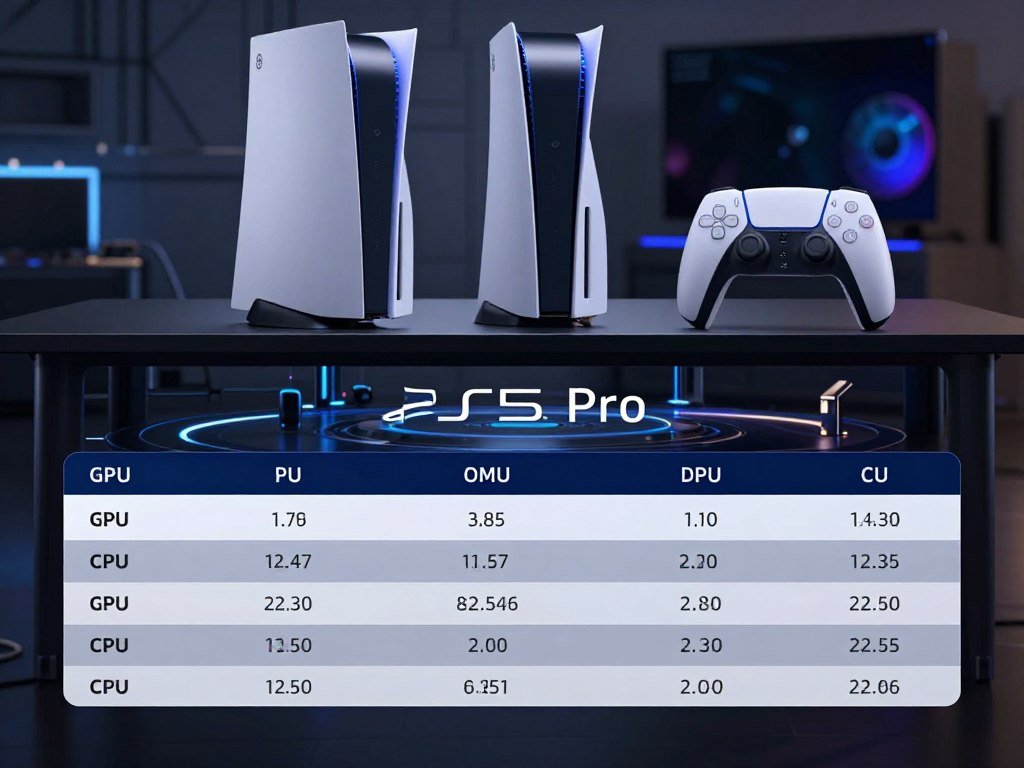
The GPU gains more than the CPU
Both consoles use a custom eight-core AMD Zen 2 CPU. The Pro can reach 3.85 GHz, while the standard model reaches 3.5 GHz.
That clock increase may help some game tasks, but the CPU architecture is shared. The larger gap sits in the GPU compute units and listed peak performance.
Even those figures do not guarantee a fixed boost in every game. Developers choose how to use the available power, and each title places different demands on the console.
Memory and bandwidth differences
PS5 Pro has 16GB of GDDR6 memory for games, plus 2GB of DDR5 system memory. The standard PS5 has 16GB of GDDR6 memory.
The Pro’s memory bandwidth is about 576 GB/s, compared with 448 GB/s on the standard PS5. Bandwidth describes how quickly data can move between memory and the system’s processors.
Those extra resources can give developers more room to manage complex scenes. They do not mean every game uses all the memory or runs at a matching rate faster.
Power and clock figures also describe different parts of the system. A higher clock alone does not tell you how a game will look or feel.
For a useful comparison, focus on supported game modes as well as the raw specs. A title’s settings determine how it spends the console’s graphics capacity.
Treat TFLOPS and compute-unit counts as indicators of graphics potential, not a promise that every title will run faster by the same amount.
What Changes in PS5 Pro Graphics and Image Quality?
The most visible Pro upgrade is its ability to use extra graphics capacity for cleaner image reconstruction and more advanced effects. Those changes depend on game support, rather than applying to every PS5 title.
PSSR means PlayStation Spectral Super Resolution. It is Sony’s AI-enhanced resolution technology that reconstructs an image to improve clarity on a 4K TV.
PSSR reconstructs a sharper image
A game can render fewer pixels at first, then use PSSR to rebuild a sharper output. That approach can help a game balance image detail with performance.
The technology does not create the same result in every title. Developers decide when and how PSSR works, so its effect can vary across scenes and games.
Sony describes PSSR as an AI image feature for clearer results on 4K displays. Its PS5 Pro feature overview also explains the console’s supported display features.
Ray tracing and output resolution
Ray tracing models how light reflects and moves through a scene. In compatible games, advanced ray tracing can improve reflections, shadows, and global illumination.
Global illumination refers to light that bounces off surfaces and affects nearby areas. A wet road, for example, may reflect more of its surroundings when a game uses suitable ray tracing.
PS5 Pro supports 8K output, while standard PS5 display specifications list resolutions through 4K. That output support does not mean games render natively at 8K.
Game developers set the render resolution and image options for each title. A console’s maximum output setting and a game’s internal render resolution are not the same thing.
The Pro can deliver about 45% faster rendering in supported games. That capacity gives developers room to add detail or improve frame rates, though each game makes its own tradeoffs.
Your screen also affects what you can see. A 4K display can show the intended output clearly, while a different screen may hide some fine detail.
For help choosing a screen, see this PS5 monitor guide, which covers 4K, refresh rates, and console support.
Judge the image improvement in the specific games you play rather than assuming every PS5 title receives the same upgrade.
Which Games Show the PS5 Pro Performance Advantage?
The clearest examples are games that combine the sharper image or extra effects of a quality mode with a 60fps target. Look at each game’s named mode, since features and frame rates differ by title.
Frames per second, or fps, measure how many images a game displays each second. A 60fps target can make motion look smoother than a 30fps target.
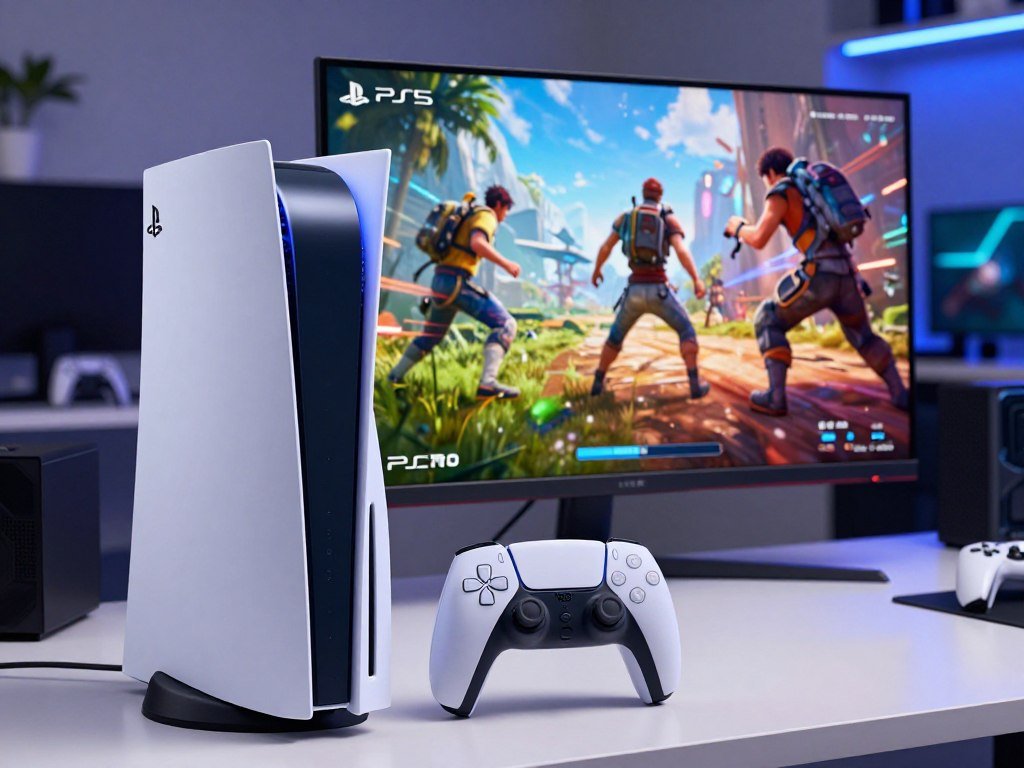
Remastered games and a role-playing game
Several enhanced titles use PSSR to combine a sharper image with a higher frame-rate target. Their listed modes show how the Pro’s added graphics capacity can be put to work.
Action games with added ray tracing
Other titles use their Pro modes to bring visual quality and faster motion together. These examples include ray tracing in named performance modes.
- The Last of Us Part I Remastered and The Last of Us Part II Remastered render at 1440p, upscale to 4K with PSSR, and target 60fps in Enhanced Rendering mode.
- Final Fantasy VII Rebirth runs at 60fps in Enhanced mode, using PSSR to reach resolution on par with its Graphics mode.
- Stellar Blade offers a PSSR upscale mode at 4K and 50fps or more. Its high-frame-rate option can reach 80fps on a 120Hz display.
- Horizon Forbidden West matches or surpasses the standard PS5 Quality-mode visuals while running at 60fps.
- Ratchet & Clank: Rift Apart Performance Pro combines Fidelity-mode 4K and ray tracing with Performance-mode 60fps. Marvel’s Spider-Man 2 Performance Pro combines 4K, ray tracing, and 60fps, while Fidelity Pro adds ray-tracing features. Marvel’s Spider-Man: Miles Morales Performance Pro combines 4K, ray tracing, and 60fps.
Those figures describe the modes listed for each game, not a promise that every scene holds an identical frame rate. A display’s refresh rate also sets the limit for what it can show.
For more on the games themselves, browse these PS5 game picks across genres. Their play styles can help you decide which examples fit your library.
If one of these games is your main reason to upgrade, make sure its mode is available in the edition you own. Different versions or updates can affect what options appear.
Before upgrading for one title, verify that the exact game mode you want is available in the version you play.
Does the PS5 Pro Have More Enhanced Games, Including GTA VI?
The PS5 Pro adds enhanced modes to a shared PS5 library, with more than 100 titles currently enhanced. There are no Pro-only PS5 games, so both consoles play the same PS5 releases.
Enhanced modes are added to selected games, rather than forming a separate library. The game still works on the standard PS5, though its visual or performance options may differ.
The enhanced library
More than 100 PS5 titles have Pro enhancements. The game library itself remains shared, giving buyers access to the same core releases on either console.
A Pro enhancement may change image quality, frame rate, or visual effects. It does not turn every supported title into a different game.
What GTA VI brings to PS5
Grand Theft Auto VI is playable on both PS5 models, so it is not a Pro-exclusive reason to upgrade. The game is scheduled for November 19, 2026, and will not be available on PS4.
- Grand Theft Auto VI is scheduled for November 19, 2026, on PS5 and PS5 Pro, but not PS4. IGN’s release-date report gives the same scheduled date.
- PlayStation Store lists the Standard Edition at $79.99 and the Ultimate Edition at $99.99.
- The game uses the PS5 ultra-high-speed SSD for near-instant loading. It also supports Tempest 3D Audio, DualSense haptic feedback, and adaptive triggers.
Those features apply to the PS5 platform, not just the Pro. The console choice comes down to the experience you want in supported games across your library.
Edition prices can affect the total cost of a new game, especially if you want added content. Check which edition includes the features you plan to use.
Check the game editions and platform compatibility you intend to use before budgeting for a new console.
Can You Play Disc Games on the PS5 Pro?
The PS5 Pro cannot play physical discs until you add its separate Disc Drive accessory. The standard disc PS5 includes an optical drive, while the Pro is digital-only out of the box.
The Disc Drive costs $79.99. You can add it if you own physical games or want to watch disc-based movies on the console.
The Pro needs an add-on for discs
Without the accessory, the Pro cannot read game discs. Once the Disc Drive is attached, you can use compatible physical PS5 games.
The standard disc model gives you that option without an extra drive purchase. The Digital Edition, like the Pro as sold, relies on digital games unless you add the compatible drive.
Physical media and setup costs
The vertical stand costs $29.99 and is sold separately for PS5 Pro and PS5 Slim. The stand is optional, and it does not affect disc playback.
Include only accessories you plan to use in your budget. A disc owner may need the drive, while a console placed flat can skip the stand.
Physical games can be useful if you already own a collection or often buy used copies. Digital purchases avoid swapping discs, but they do not give you a physical copy.
Before paying, check whether a console listing includes the Disc Drive. Some used or bundled offers may describe the model without making the included hardware clear.
If you own discs or regularly buy used physical games, count the drive before deciding that the Pro fits your budget.
Should You Upgrade Now or Choose the Standard PS5?
The PS5 Pro is the better pick for a player who wants the strongest supported-game visuals, while the standard PS5 wins on value. Choose based on the games and display you use, not the model name alone.
Compatible Pro games can offer 60fps or up to 120fps, with ray tracing and PSSR-enhanced 4K output. A 120fps mode needs a compatible display that supports the required refresh rate.
When the Pro suits your setup
The Pro suits players who care about sharper images or extra visual effects in supported games. A high-refresh display can make higher frame-rate options useful, but the game must support them.
Check your display’s HDMI input and supported resolution and refresh rate. A monitor’s high PC refresh rating does not guarantee the same mode works through a console.
- An existing PS5 owner who wants sharper visuals in supported games.
- A first-time buyer with a compatible high-refresh display.
- A player who mainly values affordability and accepts current performance.
- A player whose favorite games show little benefit from a Pro mode.
When the standard PS5 is enough
The standard PS5 remains a strong choice if you are happy with its performance and want the shared game library at a lower cost. Many players do not need extra graphics options for their favorite titles.
The standard PS5 launched in 2020, and the PS5 Pro launched November 7, 2024. As of June 30, 2026, 95 million PS5 units had been sold.
That sales total does not support the idea that PS5 is selling poorly. The console has reached a large installed base, though individual buyers still have different reasons to upgrade.
Waiting for PS6 means waiting on a release date and price that have not been announced here. Judge the purchase by the games you want today and your current budget, rather than a predicted launch.
For display options and console-ready refresh rates, see this budget gaming monitor guide. It explains why the display’s supported modes matter as much as its headline rating.
If your current PS5 already runs the games you care about the way you want, there is no need to upgrade just to own the newer model.
How Does the PS5 Pro Compare with the PS5 Slim?
The PS5 Pro’s clearest practical advantage over the Slim models is its 2TB built-in SSD. The Slim models are shorter in one dimension, while the Pro starts with more storage.
Here are the built-in storage amounts and dimensions for each model. Dimensions are listed in millimeters.
| Model | Built-in storage | Dimensions |
|---|---|---|
| PS5 Pro | 2TB | 388 × 216 × 89 mm |
| PS5 Slim disc model | 1TB | 358 × 216 × 96 mm |
| PS5 Slim Digital Edition | 825GB | 358 × 216 × 80 mm |
Storage and wireless connectivity
PS5 Pro includes 2TB of storage, compared with 1TB in the PS5 Slim disc model and 825GB in the Slim Digital Edition. More built-in space can hold more installed games before you need to manage storage.
All three can expand storage by up to 8TB with an M.2 NVMe PCIe Gen4 x4 drive. That expansion lets you add room for games without replacing the console.
The Pro supports Wi-Fi 7, while standard PS5 and PS5 Slim models support Wi-Fi 6. Your home network still affects connection speed and reliability.
Physical size and expansion
The Pro measures 388 × 216 × 89 mm and weighs 3.1 kg. The Slim disc model is 358 × 216 × 96 mm, while the Slim Digital Edition is 358 × 216 × 80 mm.
The Slim models are shorter in the first listed dimension. Their other measurements differ, so check all three before deciding whether a console will fit a shelf.
The extra storage can help if you keep several large games installed. A Slim model may suit a tighter space, while an expansion drive can add capacity later.
Measure your shelf before choosing: the PS5 Pro offers more built-in storage, while the Slim models are shorter in one dimension.
The PS5 Pro is not the smallest choice, even though its dimensions differ from the original console. Make room for the console and its cables when checking a media cabinet.
Measure your available shelf space before choosing between the Pro’s larger storage capacity and the Slim models’ smaller dimensions.
Conclusion
For most players, the standard PS5 is the stronger value, while the PS5 Pro is a targeted upgrade for graphics-focused gaming. Both consoles play the shared PS5 library, so a higher price makes sense only when its visual upgrades matter to you.
Choose the standard PS5 for a lower-cost way to play current releases. Choose the Pro when its supported modes improve the games you play on your display.
Check the Pro modes for the three games you play most, then compare the console and accessory costs against your budget. Check your three most-played games and your display before placing an order.
FAQ
What is the real difference between PS5 and PS5 Pro?
The PS5 Pro has 60 GPU compute units, compared with 36 in the standard PS5, and adds PSSR-supported enhancements. Both consoles use the same PS5 game library, so you do not need the Pro to play a separate set of games. Its extra graphics capacity helps compatible titles offer sharper images or added visual effects. The result depends on each game’s support.
Which is better, the PS5 or the PS5 Pro?
The PS5 Pro is better for supported-game visuals and higher frame-rate options on a compatible display. The standard PS5 is the better choice for a lower-cost purchase. A game must offer a suitable mode to use the Pro’s features, and a 120fps mode needs a compatible screen. If you mainly play titles without Pro enhancements, the standard model offers better value.
Is it worth upgrading PS5 to PS5 Pro?
Upgrade when the enhanced modes in your games justify the price and any Disc Drive accessory you need. The Pro can improve image quality and add performance options in supported titles, but it does not change every game. Check the modes in the games you play most, then consider whether their benefits matter on your display. Keep your current console if its results already suit you.
What is the point of the PS5 Pro?
The PS5 Pro gives compatible games more graphics capacity for image reconstruction, ray tracing, and higher performance options. PSSR can rebuild an image for greater clarity, while ray tracing can improve effects such as reflections and shadows. Developers decide which features to include. The Pro is not a separate gaming platform, and its enhancements do not apply equally across the PS5 library.
Should I buy a PS5 Pro now or wait for PS6?
Base the choice on the games you want to play now and your budget, rather than a predicted PS6 launch date or price. The PS5 Pro already offers enhanced modes in supported games, while the standard PS5 plays the same library at a lower cost. If your current setup meets your needs, waiting is reasonable. Do not plan a purchase around an unannounced console timeline.



