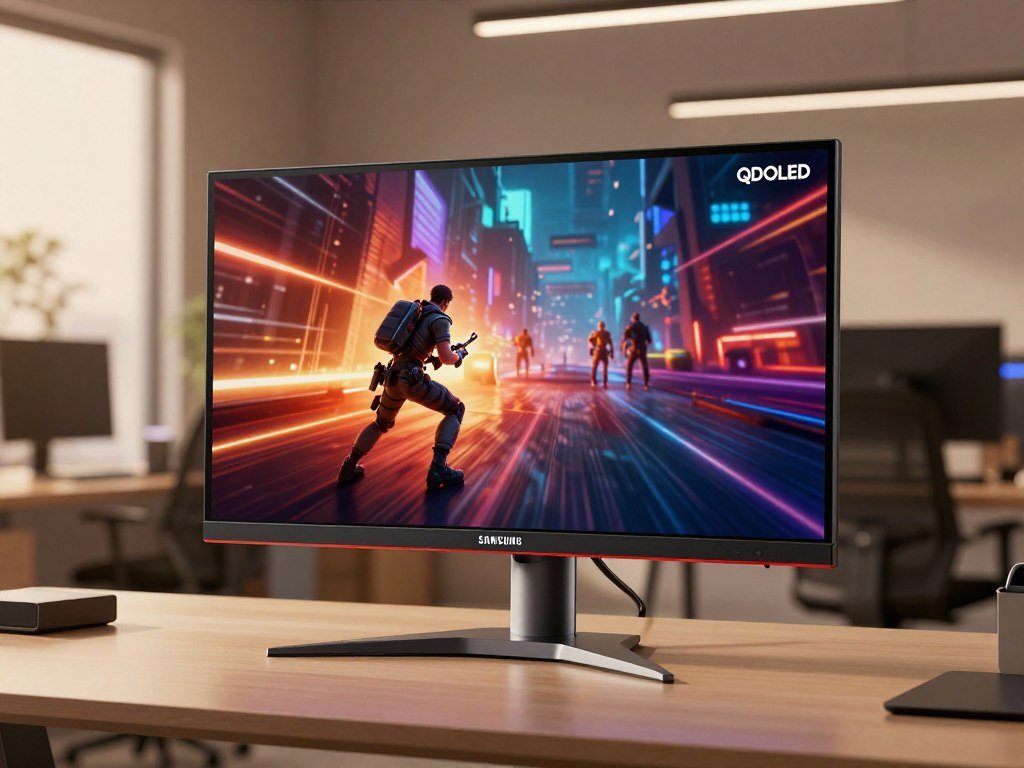
Samsung Display’s 2026 announcement pairs a 31.5-inch QD-OLED panel with 4K resolution and a 360Hz refresh rate. It is a panel announcement, not a named retail monitor you can buy. Dual Mode is a display feature that lets one panel switch between different resolution and refresh-rate combinations.
The news matters if you game, create content, or spend long hours reading text on-screen. A large, detailed image and fast motion may suit gaming, while the panel’s pixel layout could help make text easier to read. Still, panel capabilities do not tell you every detail of a finished product.
For now, the confirmed details describe what Samsung Display’s panel can support. Partner brands decide how to build a monitor around it, including its ports, firmware, and settings. This distinction can help you judge early news without treating a panel as a product already on store shelves.
Treat the specifications as panel capabilities until a finished monitor model is announced.
Key Takeaways
- Samsung Display announced a 31.5-inch 4K QD-OLED panel.
- The panel’s native refresh rate is 360Hz.
- Dual Mode reaches a higher refresh rate at a lower resolution.
- DisplayHDR True Black 600 certification sets specific test conditions.
- V-Stripe places red, green, and blue subpixels in vertical columns.
- A finished monitor’s price, ports, and release date remain separate product details.
Samsung 4K 360Hz QD OLED Monitor 2026: What’s Confirmed?
The headline combination is native 4K resolution and a 360Hz refresh rate on a 31.5-inch QD-OLED panel. Samsung Display announced the panel in 2026, and it also became the first monitor panel to pass VESA DisplayHDR True Black 600 certification.
The 360Hz figure applies to the panel’s native 4K mode. That gives you a clear starting point for judging the announcement, though it does not supply every detail of a complete monitor.
| Specification | Value | Condition |
|---|---|---|
| Panel size | 31.5 inches | Diagonal |
| Native resolution | 3840 x 2160 | 4K UHD |
| HDR tier | DisplayHDR True Black 600 | Panel certification |
The size and resolution make this a 31.5-inch 360 product aimed at users who want detailed images without giving up a high refresh rate. OLED pixels control their own light, which supports deep black levels and strong image quality in dark scenes.
That does not confirm every feature that could appear in a retail monitor. A partner-branded product may use different ports, firmware, menus, or supported settings. Its final specification sheet will describe those choices.
A panel specification describes what the display component can do, not every feature of the finished monitor.
DisplayHDR True Black 600 is part of the panel’s confirmed certification. The label has defined test limits, but it does not list a complete monitor’s other features or confirm how each brand will tune its screen.
Keep the distinction clear between a panel spec and the final features of a monitor model.
Why Is 4K at 360Hz Hard to Drive?
A display has to process more pixel data each second when both resolution and refresh rate rise. The combined load makes this panel’s 4K and 360Hz pairing a notable engineering step.
More pixels refreshed more often increase the amount of image data the display must handle. Each pixel also needs enough time to charge, while the driving circuitry must keep the image stable at speed.
Before this panel, monitors typically lowered 4K refresh rates to 240Hz or below. Other models reduced resolution to QHD for refresh rates of 360Hz or more.
More pixels mean more work per second
A 4K screen contains far more pixels than a lower-resolution screen. Raising the refresh rate means the panel updates those pixels more often, increasing the data load during gaming and other fast-moving content.
The change places demands on the display itself as well as on a PC. The panel’s resolution and refresh rate describe its capacity, while the computer still has to render each frame.
| Typical display use | Resolution | Refresh-rate pattern |
|---|---|---|
| High-resolution mode | 4K | Typically 240Hz or below |
| Ultra-high-refresh mode | QHD | Typically 360Hz or above |
| Combined workload | Higher resolution | Higher refresh rate increases pixel data per second |
The panel circuitry behind the combination
Samsung Display optimized the panel circuitry and driving system to support the combined specifications. That technology helps the panel handle more image data without reducing its native resolution or refresh rate.
The change is a panel engineering achievement, not a promise about every PC’s performance. A demanding game can still run below the panel’s maximum refresh rate, even when the monitor supports it.
If you want to compare display choices for competitive play, this gaming hardware and performance guide also shows why screen capability and game speed are separate matters.
The panel’s capability sets a ceiling, while the PC and game determine how much of it a player can use.
What Does Dual Mode Change for Competitive Games?
Dual Mode trades resolution for speed, reaching 680Hz when the panel switches to 1080p. The 680Hz mode works at Full HD, not at the panel’s native 4K resolution.
For a visually rich game, you can keep native resolution for sharper detail. For a competitive game, a lower resolution may suit you better when the game and PC can deliver more frames.
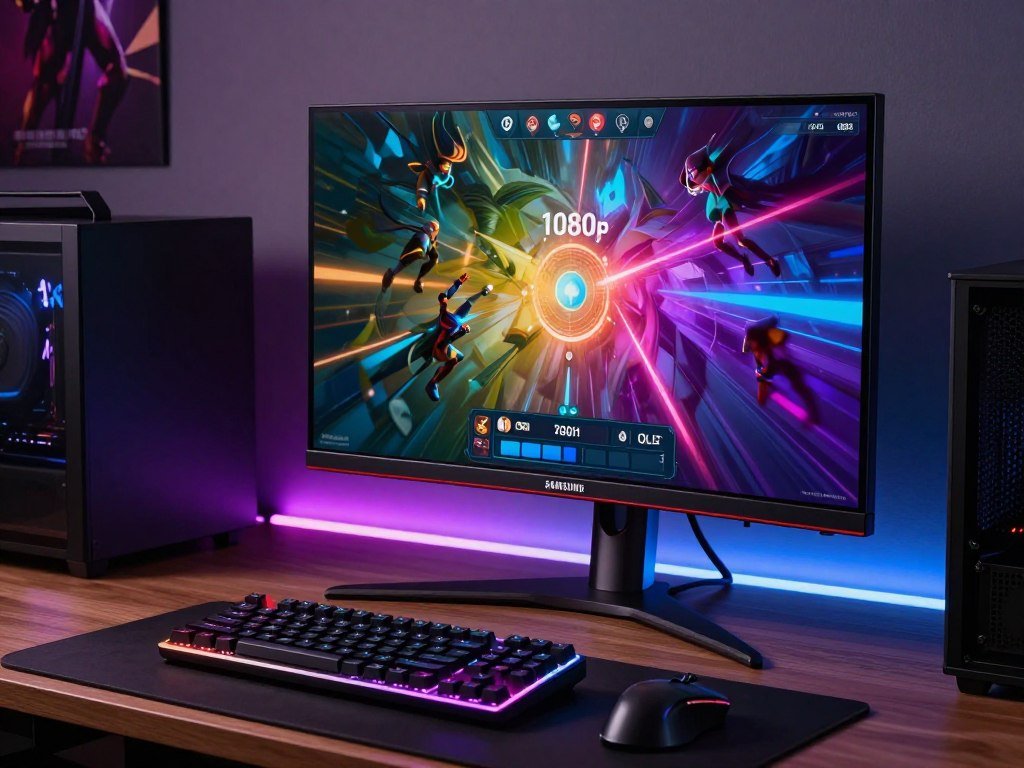
The choice is a tradeoff, not an automatic upgrade. A higher refresh rate can make motion look smoother when the game produces enough frames, but the number alone cannot promise a measurable advantage for every player.
Dual Mode gives you another way to match a screen to your game. The 360 refresh rate at native resolution favors image detail, while the Full HD mode raises the refresh ceiling for games that benefit from faster updates.
Competitive players may value quick motion and clear movement more than fine detail in a busy scene. Other games make the extra resolution more useful, especially when visual detail is part of the experience.
If you are choosing a display for console play, this competitive gaming monitor guide covers how resolution and refresh rates can shape that choice.
Choose the mode that matches the game and the frame rate your PC can sustain.
How Bright Is DisplayHDR True Black 600?
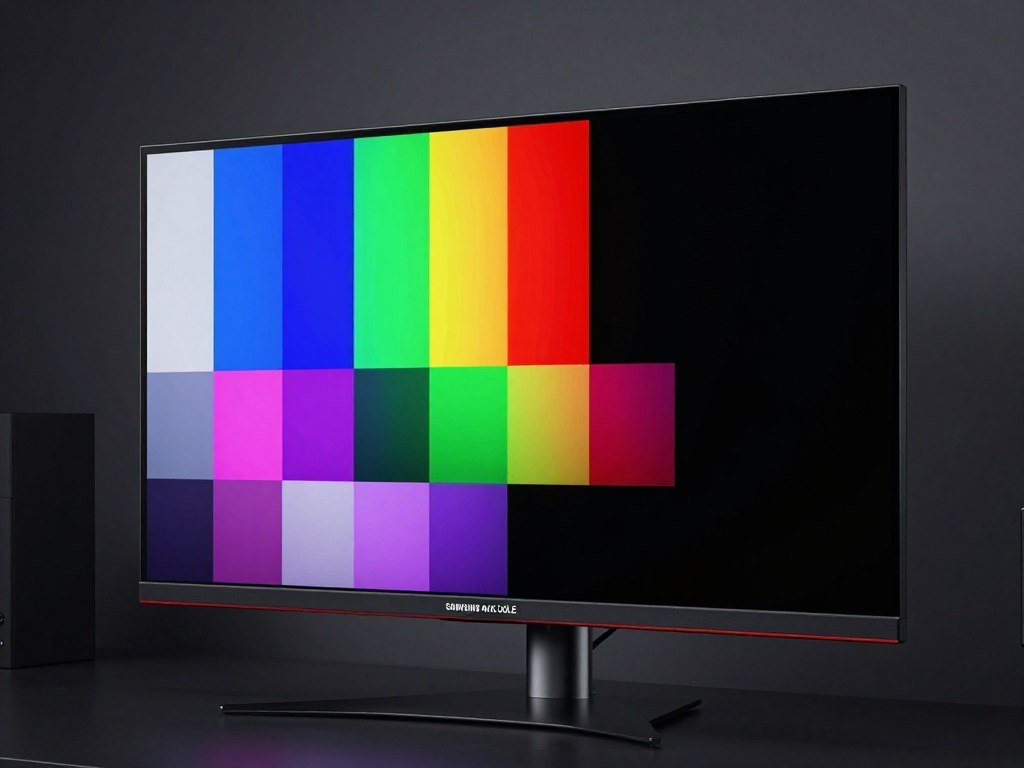
True Black 600 combines a very low black-level threshold with measured brightness requirements. The certification sets separate tests for black performance, peak brightness, and full-screen white.
Its 600-nit peak requirement applies at 10% APL, not across the whole screen. APL means average picture level, or how much of the screen is lit in a test image.
| Certification measure | Requirement | Test condition |
|---|---|---|
| Black level | 0.0005 nits or lower | Black performance |
| Peak brightness | At least 600 nits | 10% APL, white and combined RGB |
| Full-screen white | At least 350 nits | 100% APL |
The standard requires at least 600 nits for white and combined red, green, and blue at 10% APL. It also requires at least 350 nits for full-screen white at 100% APL.
VESA’s DisplayHDR performance criteria set the test conditions for these brightness and black-level measures. A lower black level helps OLED show dark scenes with less glow around bright objects.
True Black 500 was regarded as the previous top tier in the premium monitor market. True Black 600 raises that certification bar, but the figures do not guarantee sustained brightness in every scene or setting.
The certification can help you compare panels, but real image quality also depends on the content on screen. A small bright highlight and a full white page place different demands on an OLED display.
Read the APL condition alongside the nits figure rather than treating 600 nits as an all-screen brightness promise.
What Does V-Stripe Change for Text and Color?
V-Stripe changes the placement of the red, green, and blue subpixels into vertical columns. That layout aims to make text edges cleaner on a QD-OLED screen.
Vertical RGB alignment is intended to improve text-edge rendering and legibility. It changes the subpixel arrangement, not the basic way the panel makes color.
How QD-OLED produces color
QD-OLED uses blue OLED light to excite red- and green-emitting quantum dots. The dots convert some of that light into red and green, while the panel uses blue light for blue.
Older QD-OLED layouts used a triangular arrangement of subpixels. V-Stripe places the red, green, and blue subpixels in vertical columns instead.
This design may reduce color fringing along text edges, but it does not mean every trace disappears in every use. Font size, screen scaling, and the content you view can affect what you notice.
Why vertical RGB alignment can sharpen text
Text and fine lines can reveal subpixel edges more clearly than many moving images. Vertical alignment aims to make those edges easier to read during long work sessions.
The change may matter if you use one screen for gaming and work. It is relevant to several everyday tasks:
- Document reading
- Coding
- Graphics work
- Content creation
Samsung Display describes the newly announced panel as using its latest Penta Tandem QD-OLED technology. A 34-inch ultrawide 5th Gen QD-OLED panel came earlier in 2026, but the new 31.5-inch panel has no confirmed generation number.
For a broader look at OLED and other screen types, this 4K display comparison explains how panel technology can affect dark scenes and bright-room viewing.
Text clarity is a practical benefit to check in person, especially if the monitor will also serve as a work screen.
When Could a Retail Monitor Arrive?
Samsung Display’s production target was the second half of 2026, while any retail timing depends on when that production begins. Early 2027 is only a conditional estimate, not a confirmed launch date.
Samsung Display planned to present the panel at Computex 2026 in Taipei, scheduled for June 2-5. It also planned full-scale panel production for the second half of the year.
The dates describe a panel plan, not a named monitor model’s release schedule. A retail product needs a partner brand to build and announce a complete monitor.
The timing can be read as a short sequence:
- Planned Computex showcase: June 2-5, 2026
- Panel mass-production target: second half of 2026
- Monitor release estimate: about three months after panel mass production
- Possible early-2027 timing: conditional on production beginning late in H2
The estimate of about three months between panel mass production and monitor releases offers a rough guide. It does not confirm that a retail model will arrive on that schedule.
That matters if you are planning a purchase around a specific date. A production target can help frame expectations, but a partner announcement is the point when a monitor’s own timing becomes clearer.
For another example of how unconfirmed launch timing should be treated, this release-date report separates possible timing from a confirmed product launch.
Use early 2027 only as a conditional planning estimate, not a date to rely on.
How Does It Compare With Samsung’s 2026 Odyssey Lineup?
Samsung’s 2026 Odyssey lineup includes both a 4K 240Hz OLED model and higher-resolution alternatives. The closest OLED comparison is the 32-inch Odyssey OLED G8 G80SH.
The G80SH pairs 4K QD-OLED with a 240Hz refresh rate. It also has Glare Free viewing, 300-nit brightness, True Black 500, and DisplayPort 2.1 UHBR20 with up to 80Gbps bandwidth.
The 4K 240Hz OLED G8 is a nearer comparison
The G80SH gives you 4K OLED with a lower refresh rate than the newly announced panel’s native mode. Its port bandwidth and glare-reducing screen treatment are also part of its finished-product specifications.
Samsung announced the 2026 Odyssey lineup on December 24, 2025. It planned to show the products at CES 2026 in Las Vegas from January 6-9, and the lineup included pixel-density figures of 224 PPI and 218 PPI.
Samsung planned to show the 2026 Odyssey lineup at CES 2026. The range includes options for buyers who want more pixels, a faster refresh rate, or 3D viewing.
Samsung’s 5K and 6K Dual Mode alternatives
These models use Dual Mode for different resolution and refresh-rate combinations. Their names and native modes help distinguish them:
| Model | Size | Native mode | Dual Mode |
|---|---|---|---|
| G80HS | 32 inches | 6K at 165Hz | 3K at 330Hz |
| G80HF | 27 inches | 5K at 180Hz | QHD at 360Hz |
| G60H | 27 inches | QHD at 600Hz | HD at 1,040Hz |
The 32-inch Odyssey 3D G90XH is a 6K display with a 165Hz native refresh rate. It reaches 330Hz through Dual Mode and has a 1ms GtG response time.
Samsung’s 2026 Odyssey model details lay out the range’s different resolutions and operating modes.
You can also compare a wider range of UHD monitors for different setups when weighing work, media, and gaming needs.
Compare the exact model’s resolution and operating modes, since “Dual Mode” describes different combinations across the lineup.
Can a Gaming PC Take Advantage of 360Hz at 4K?
A 360Hz-capable panel cannot make a game render frames that the PC is unable to produce. Your actual frame rate depends on the game, graphics settings, and system hardware.
A refresh-rate ceiling is not the same as a game’s frame rate. New games with demanding visuals take more rendering work than older titles or competitive games with simpler graphics.
Game load and graphics settings set the frame rate
A powerful system may deliver high rates in one game and lower rates in another. Raising graphics settings can also make each frame take longer to render.
Nvidia DLSS is one option for rendering higher-resolution game output. It can help in supported games, but it does not guarantee that a particular PC will sustain a set frame rate.
Samsung says its OLED monitors support refresh rates up to 500Hz and 0.03ms GtG response times. Those are general claims for its OLED monitors, not confirmed specifications for this specific panel.
Choose the mode around the game you play
Native 4K favors detail, while a lower-resolution mode can make sense when a supported game and system prioritize faster motion. Your preferred mode may change from one title to another.
Check the performance you get in the games you play, not just a maximum number on a product page. A high refresh rate is useful only when the game can supply frames at a pace your display can show.
For console players, this PS5 monitor guide explains why supported settings and device limits matter alongside a monitor’s listed refresh rate.
Check performance in the actual games and settings you use, rather than judging your setup by the monitor’s maximum refresh rate.
What Should Buyers Expect From Reviews and Final Specs?
Reviews of a panel and reviews of a finished monitor answer different questions. A retail review must test the actual model, since a panel announcement cannot establish its firmware, inputs, image tuning, or warranty terms.
At the panel’s Computex 2026 unveiling, no finished monitor using it had been announced. Samsung Display was discussing panel supply with more than 10 global customers.
A panel’s image quality and features can change once a partner builds a complete product around it. Reviews need to measure the finished screen and check its menus, ports, and support terms.
Look for these details in coverage of a retail monitor:
- Exact model number
- Confirmed resolution and refresh modes
- Measured HDR behavior
- Connection options
- Warranty and image-retention terms
Partner products can differ, so one monitor’s review does not confirm another model’s settings or warranty. The exact product name matters when you compare reviews or check a store listing.
Wait for testing of the exact model you might buy before treating a panel specification as a complete product verdict.
Conclusion
Samsung Display’s panel points toward a compelling mix of sharp detail, fast motion, HDR certification, and improved text clarity. The finished monitor matters because its launch timing and product-level details will shape the buying decision.
The panel is promising for gaming and work, but a panel announcement alone cannot settle how a retail model will perform. Wait for a partner product’s confirmed specifications, then compare its settings with your PC and preferred games.
Before choosing one, match a finished monitor’s confirmed modes and connections to your PC and the games you actually play.
FAQ
Can I buy a Samsung 4K 360Hz QD-OLED monitor now?
No, Samsung Display announced a panel, not a finished monitor model for sale. The panel is a 31.5-inch QD-OLED design, and full-scale production was planned for the second half of 2026. That production target does not confirm a partner’s launch date, retail availability, price, or final features. A named monitor model is needed before those product details become clear.
Does the 680Hz mode work at 4K?
No, the 680Hz mode works at 1080p Full HD through Dual Mode. The panel’s native resolution is 4K, and its native refresh rate is 360Hz. The faster mode lowers resolution to raise the refresh ceiling. Your PC and game still need to produce enough frames to make use of that speed during play.
Does DisplayHDR True Black 600 mean the screen stays at 600 nits everywhere?
No, the 600-nit requirement applies to a 10% APL test, not full-screen white. APL means average picture level, or the amount of the screen that is lit. The certification also requires at least 350 nits for full-screen white at 100% APL. Those tests set different brightness limits for different screen conditions.
What does V-Stripe mean on a QD-OLED monitor?
V-Stripe arranges red, green, and blue subpixels in vertical columns. That layout aims to improve text-edge rendering and legibility compared with a triangular subpixel arrangement. It may help when you read documents, code, or work with graphics. The design does not guarantee that every trace of color fringing disappears in every font, setting, or viewing condition.
How does the announced panel compare with the Odyssey OLED G8 G80SH?
The G80SH is a 32-inch 4K QD-OLED monitor with a 240Hz refresh rate. It has Glare Free viewing, 300-nit brightness, True Black 500, and DisplayPort 2.1 UHBR20 with up to 80Gbps bandwidth. The newly announced panel supports a higher native refresh rate, but it is not yet a complete retail monitor with confirmed ports or tuning.
What PC do I need to run games at very high refresh rates?
There is no single GPU requirement that guarantees very high frame rates in every game. The game’s workload, graphics settings, and the rest of your system affect performance. New games with demanding visuals need more rendering work than many older or competitive titles. Check benchmarks for the games and settings you use, rather than relying on the monitor’s maximum refresh rate.