
The diary on the front desk of a small hair salon tells the whole story in one glance. Three columns of names are written in pen, two appointments are crossed out, and a sticky note on the cover says to check the phone because two more bookings came in by message overnight. On the laptop beside the diary, a booking app shows a different set of appointments for the same day. Each morning starts with twenty minutes of working out which version is true.
This is my view, formed from watching small service businesses treat booking software like a collection that must keep growing. Each new tool promises a cleaner calendar and a smarter reminder. In practice the opposite often happens, because every tool charges a learning cost before it delivers a result, and a small team split across four systems never pays it anywhere.
The rest of this piece explains how booking tool sprawl happens, what it costs in money, time, and lost customers, and how to choose one booking system and run it properly. The point is that attention is a limited resource, and a small business has far less of it than a large company.
Key takeaways
- Running several booking tools at once splits the diary so thin that no single calendar shows the true state of the day.
- Each booking tool needs its own settings, reminders, and payment rules.
- The hidden cost is not the subscription fee alone. It is double bookings, missed reminders, and hours spent reconciling calendars by hand.
- Customers who must enter the same details in three places often book with a rival instead.
- The fix is to pick one booking tool where real customers already book, and judge it by kept appointments and repeat bookings, not by features.
What booking tool sprawl actually looks like
Booking tool sprawl rarely starts as a deliberate plan. It starts with a single good month. A salon takes online bookings for the first time, the diary fills up, and someone says the obvious thing: the business should add a second tool for the clinic room, because the first one feels wrong for medical appointments. Within a year the business has live accounts on booking tools it barely remembers setting up, each one with a small monthly fee.
The daily routine tells the real story. The morning starts with a tour of the calendars, one after another, to see what moved overnight and what needs a reply. A booking made by phone must be typed into the app, or the slot will look free online and a second customer will take it.
Then there is the reminder problem. Each tool sends its own reminders, on its own schedule, in its own words. A website booking gets a reminder the day before. A phone booking gets none, because it never reached the app. A customer who books a class through a third tool gets two reminders, one from the class app and one from the main diary, and starts to wonder whether the business is organised enough to trust. It is worth reading what a booking system does on a business website before adding another tool, because it sets out the one job the system must do before any extra feature matters.
The deposit problem is worse. One tool takes deposits at booking, another takes full payment, and a third takes nothing until the customer arrives. A customer who paid a deposit through one tool and then moved the appointment by phone can end up paying twice, or paying nothing, and either mistake costs the business money or trust.
Why one booking tool, run well, beats five run badly
The case for consolidation is not about loyalty to a brand. It is about arithmetic, attention, and learning. A single tool handling two hundred appointments a month produces enough data to judge a reminder time, a cancellation policy, or a deposit rule. Five tools handling forty each produce five small samples, none large enough to trust. A reminder change that needs fifty no-shows to prove itself never reaches that proof when appointments are split five ways.
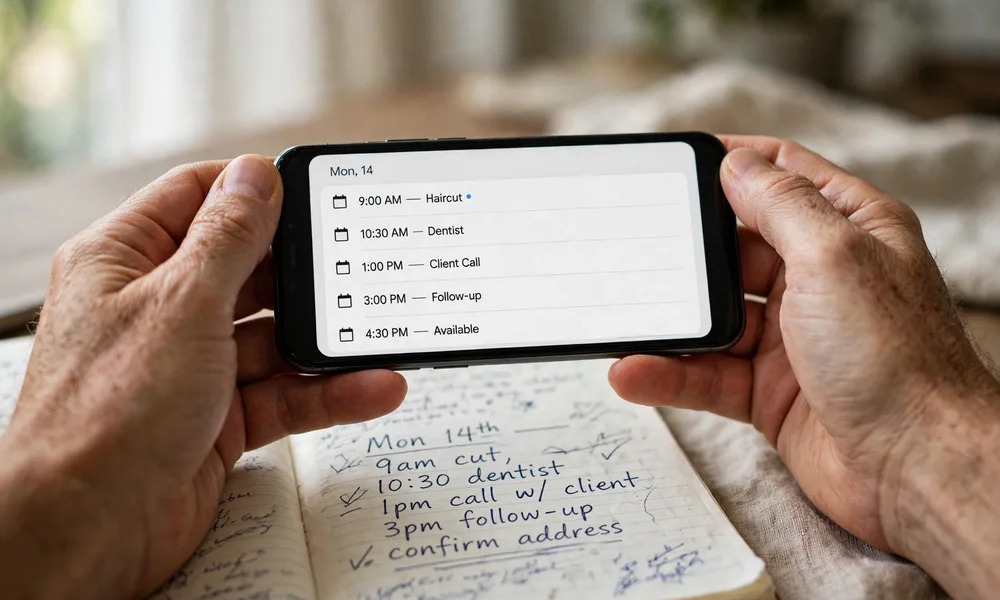
Consolidation also restores a single source of truth. One diary, cleaned once a week, with one record per customer, one reminder rule, and one deposit rule. When a customer moves or cancels, the record updates in the same place that sends the next reminder, and the slot opens everywhere at once. That simple change removes the double bookings, the stale slots, and the awkward phone calls that make a small business look careless.
Setting the tool up properly is part of the job, and a practical guide to how to set up an appointment page covers the working parts in order: the services on offer, the hours that are genuinely free, the buffer between appointments, and the confirmation message the customer receives. The team learns which reminder time cuts no-shows and which deposit level keeps bookings honest without scaring people away. That learning compounds. In a split setup, the same lesson must be relearned in every tool, and it usually is not, because nobody has time to repeat the work five times.
The human cost behind the calendars
The cost of booking sprawl is usually measured in subscription fees, and the fees are the smallest part. A team of six paying for three tools at twenty dollars a month each spends about four thousand dollars a year on software that largely duplicates itself. The hidden bill is larger, and it never appears on an invoice.
Consider a team of six where each person spends twenty minutes a day copying bookings between tools, checking which calendar is correct, and answering customers who received the wrong reminder. At thirty dollars an hour, that hidden bill passes fifteen thousand dollars a year, and it shows up as tired staff, late finishes, and customers who quietly stop rebooking.
The human cost shows up in the work that never gets done. Every hour spent reconciling calendars is an hour not spent calling back a customer who asked for a quote, following up a no-show with a kind message, or asking a happy customer for a review. The same pattern shows up in customer software, as explained in our view on why your business should stop optimizing for every CRM platform. The tool is rarely the problem. The habit of adding another one is.
The caveats that matter
Consolidation is not a cure for a weak service or an empty diary. A single booking tool will not fill slots that nobody wants, and it will not turn a rushed appointment into a good one. The fix proposed here assumes the business already has real customers, real demand for its services, and a service worth rebooking. Without those three things, fix the service and the offer first, not the calendar.
Some businesses genuinely need two booking routes, because their customers genuinely book in two different ways. A clinic taking hospital referrals, or a studio running large group classes, may need different rules for those bookings. The argument here is narrower: do not add a tool because it exists, because a competitor uses it, or because a sales demo made the old diary look dated.
| Detail | What is known |
|---|---|
| Time | Reconciling several calendars can eat an hour of staff time every day. |
| Money | Duplicate subscriptions add up to a quiet monthly bill for the same job. |
| Double bookings | A slot that looks free in one tool may already be taken in another. |
| No-shows | Reminders from the wrong system arrive late, twice, or not at all. |
| Deposits | Different payment rules lead to double charges and missed payments. |
| Customer trust | Conflicting reminders and repeated forms make the business look disorganised. |
| Staff stress | Manual copying between tools is tiring work that everyone dreads. |
| Learning | Split data is too thin to prove which reminder time actually works. |
Checklist: choosing one booking tool and sticking with it
- List every booking route the business uses today, including phone, message, walk in, and every app.
- Pick the one tool where most real customers already book, and check that it handles reminders, deposits, and cancellations without extra add ons.
- Move one service at a time to the chosen tool, starting with the service that books most often.
- Set one reminder rule and one deposit rule, write them down where all staff can see them, and change them only after a full month of data.
- Give one person ownership of the diary each week, so one named person always knows which calendar is true.
- Judge the tool by kept appointments, repeat bookings, and no-show rate after ninety days, not by how many features the sales page lists.
Frequently asked questions
How many booking tools does a small business need?
Most small service businesses need one. One tool handles online bookings, reminders, deposits, and cancellations for a salon, a clinic, a tutor, or a studio.
What is the first sign of booking tool sprawl?
The first sign is a morning routine spent checking more than one calendar before the day can start. When staff must open two or three tools to answer a simple question, such as whether Friday at ten is free, the diary is already split. The second sign is a customer who receives two different reminders for one appointment.
Should a business keep a paper diary as well as a booking app?
A paper diary works as a backup only when one person updates it from the app at a fixed time each day, and only when staff treat the app as the source of truth. Two diaries that are both treated as real will disagree within a week.
How do you move customers to one booking tool without losing bookings?
Move one service at a time, tell customers clearly where to book next, and keep the old booking link working with a redirect for at least a month. Send a short message to regular customers explaining the change and the reason: one place to book, one reminder, one confirmation.
What about deposits and cancellations when you consolidate?
Pick one deposit rule and one cancellation window, apply them to every service, and state them on the booking page before the customer pays. A single clear rule is easier for staff to explain and easier for customers to accept than four different rules that change with the tool.
When is it right to keep two booking tools?
It is right when the second tool serves a customer group the first tool cannot serve, and when the split is written down, owned by one person, and reviewed every month.
The bottom line
A booking tool is a diary with reminders attached, and a diary only works when everyone trusts the same copy. The businesses that book well are rarely the ones with the most software. They are the ones with one diary, one reminder rule, and one person who owns it.
Stop tuning the calendars and start using them. Pick the tool where customers already book, move the rest of the diary onto it one service at a time, and give it ninety days to prove itself. The slots that fill and the customers who return will tell you whether the choice was right, sooner than any feature list could.
Note: this is an opinion piece based on watching small service businesses manage bookings. Costs and no-show rates vary by trade, town, and season, so treat the numbers here as illustrations of the pattern, not as promises for a specific business.