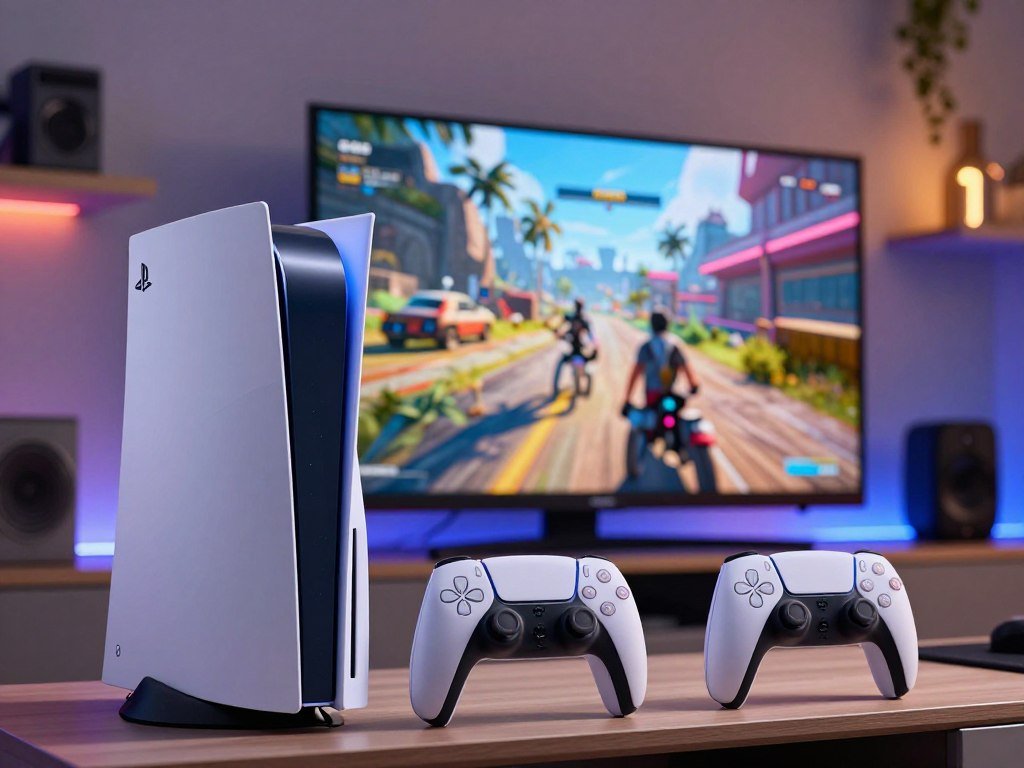
Most players can get the PlayStation experience they want from the PS5 Slim, while the PS5 Pro is aimed at people who will notice and use its performance gains. The right choice depends on your budget, display, and the games you enjoy. Your gaming setup matters, too: sharper images stand out more on some screens, and physical games call for a different edition.
PSSR means PlayStation Spectral Super Resolution, the PS5 Pro’s upscaling technology that reconstructs a higher-resolution image from a lower-resolution render. It can help supported games look clearer, though the effect depends on each game. This comparison will help you weigh performance against value without treating the premium model as a must-have.
Keep your display, game library, and preferred way to buy games in mind as you compare the two.
Key Takeaways
- PS5 Slim is a practical fit for everyday play and tighter budgets.
- PS5 Pro adds graphics features that matter most in supported games.
- Physical-game fans should compare the Slim Disc Edition with the Pro’s optional disc drive.
- A 4K display can make image improvements easier to notice.
- Check your regular games before paying more for performance.
Which console is the better fit for most players?
For most players, the PS5 Slim is the sensible starting point; the PS5 Pro is for people who will make regular use of its stronger graphics. The Slim gives you a practical PlayStation choice for everyday gaming, while the Pro targets players who care more about image detail and performance.
The Pro is not an automatic upgrade for every player. Its extra graphics power has more value when your games support enhanced modes and you notice the difference on your display.
Pay for performance you will use, not simply the model with the bigger feature list.
Use these three cases to narrow the choice:
- Choose the Slim for a lower-cost, everyday PlayStation experience.
- Choose the PS5 Slim Disc Edition if physical games matter to you.
- Choose the Pro if sharper graphics and higher frame rates justify a premium model.
Think about the way you play, not just the headline features. A player who mostly enjoys casual sessions may get the same enjoyment from the Slim. Someone who spends hours in demanding games may value smoother action or more detailed scenes.
If you are unsure that you will notice the Pro’s visual gains, start by comparing the Slim’s features with the games you actually play.

PS5 Pro vs Slim: What Does Each Cost?
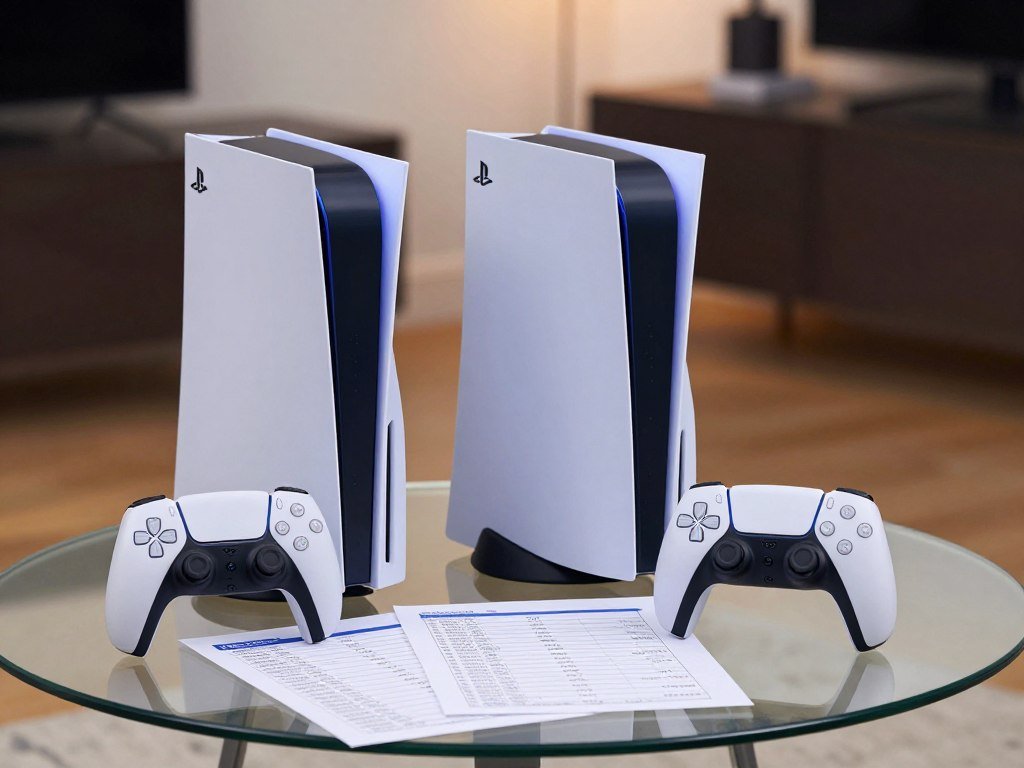
The current U.S. recommended retail price for the PS5 Pro is $899.99, while Sony lists the PS5 at $649.99 and the PS5 Digital Edition at $599.99. These prices took effect April 2, 2026. The labels matter: Sony’s PS5 prices are not verified as Slim-specific prices.
The PS5 and PS5 Pro price comparison also has some history. The PS5 Pro launched in the United States on November 7, 2024, at $699.99, while the PS5 Slim launched on November 10, 2023. The Pro’s original price was lower than its current recommended price.
| Product | U.S. recommended retail price effective April 2, 2026 | Relevant price context |
|---|---|---|
| PS5 Pro | $899.99 | Launched at $699.99 in 2024 |
| PS5 | $649.99 | Recommended retail price |
| PS5 Digital Edition | $599.99 | Recommended retail price |
Sony’s recommended retail price and a store’s checkout price are not always the same. Retailers can list used units or set different prices, so compare the retailer’s PS5 Pro listing with Sony’s price before judging value.
The PS5 Pro costs more than either listed PS5 model, so decide whether its added features fit your budget. Compare the exact model name and final checkout total before deciding what fits your budget.
How do size and disc options differ?
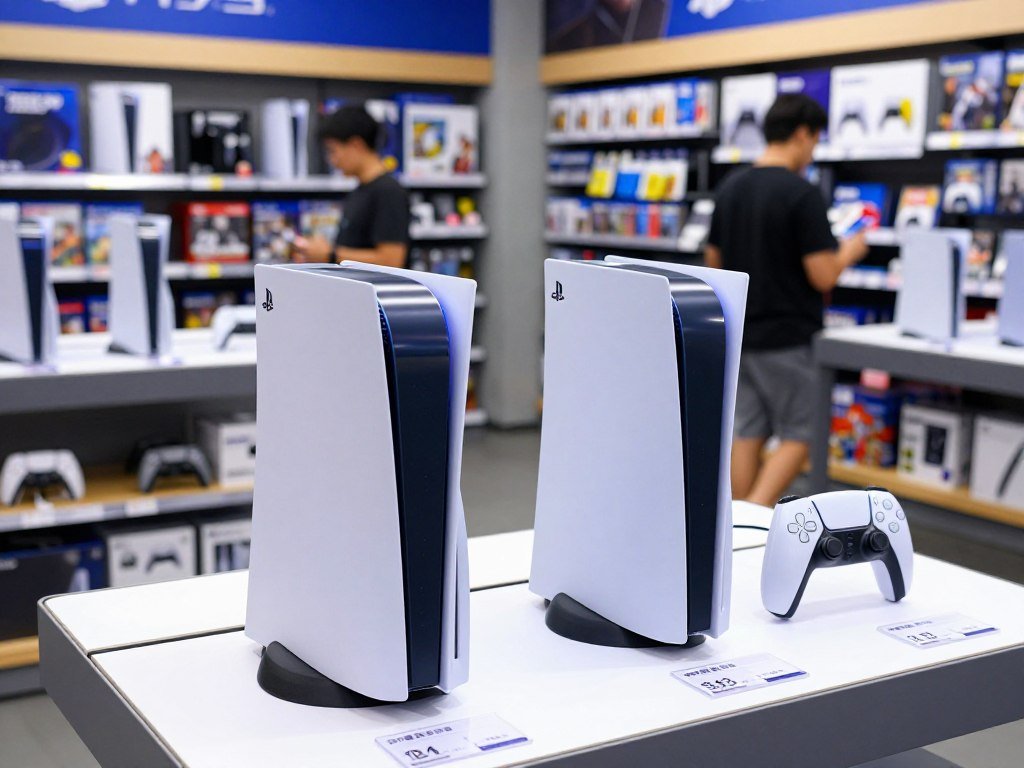
The Slim Digital Edition is the thinnest of these options, while the PS5 Pro is taller than either Slim model. The physical setup also depends on which Slim edition you choose and whether you add a disc drive.
The PS5 Pro is digital-only out of the box. You need to add a separately sold optical drive to play physical games on it.
Disc or digital: what comes in the box?
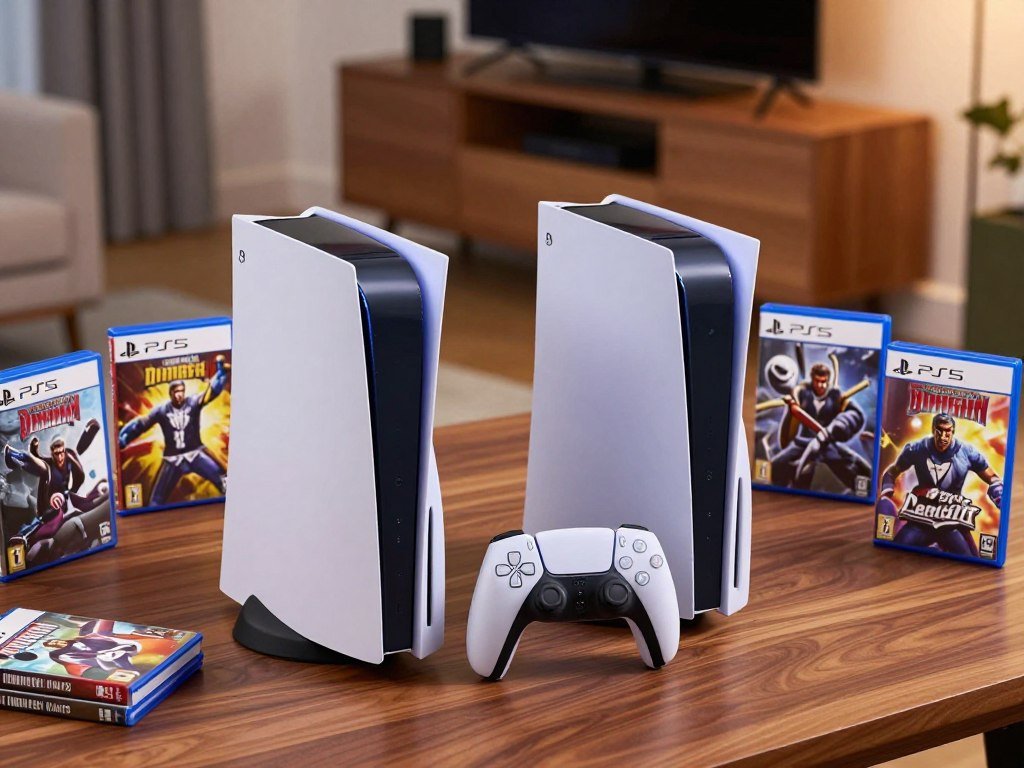
The PS5 Slim comes as the PS5 Slim Disc Edition or the PS5 Slim Digital Edition. The Disc Edition includes a drive, while the Digital Edition does not. The Pro also lacks a drive unless you add one separately.
The separately sold disc drive for the PS5 Digital Edition costs $79 in the U.S. as of October 2026. That price applies to the Digital Edition, not the Pro, so do not use it as the Pro’s drive cost.
How each console fits your entertainment setup
The table shows the size and weight of each version. The Slim Digital Edition is 80 millimeters deep, while the Pro measures 89 millimeters tall.
| Model | Dimensions in millimeters | Weight |
|---|---|---|
| PS5 Slim Disc Edition | 358 × 216 × 96 | 3.2 kg |
| PS5 Slim Digital Edition | 358 × 216 × 80 | 2.6 kg |
| PS5 Pro | 388 × 216 × 89 | 3.1 kg |
Before choosing, check three details:
- Measure the available shelf space.
- Decide whether physical discs matter.
- Check whether the console will sit horizontally or vertically.
Measure the console’s full footprint against your shelf before choosing a model.
Where does the PS5 Pro improve performance and graphics?
The PS5 Pro’s largest hardware advantage is its GPU, with 60 compute units compared with the Slim’s 36. That graphics gap helps the Pro render supported games faster and gives developers more room for visual effects.
Sony describes the Pro as offering about 45% faster rendering in supported games. That is not a promise of the same improvement in every title.
GPU, CPU, and memory differences
The PS5 Slim is the baseline PS5 model in this performance comparison. The GPU shows the largest difference, while the CPU gain is more modest.
| Feature | PS5 Slim | PS5 Pro |
|---|---|---|
| GPU compute units | 36 | 60 |
| GPU peak performance | 10.28 TFLOPS | 18.05 TFLOPS |
| CPU maximum clock speed | 3.5 GHz | 3.85 GHz in High CPU Frequency Mode |
| System memory bandwidth | 448 GB/s | 576 GB/s |
Both consoles have 16 GB of GDDR6 memory. The Pro also has 2 GB of DDR5 system memory, and its eight-core Zen 2 CPU can reach 3.85 GHz in High CPU Frequency Mode.
PSSR and ray tracing in supported games
PSSR, or PlayStation Spectral Super Resolution, rebuilds a higher-resolution image from a lower-resolution render. Sony’s PS5 Pro rendering estimate describes faster rendering in supported games, not a fixed result for every game.
The Pro’s image reconstruction can help supported games look clearer, while its extra power can improve ray tracing. Both benefits depend on game support. The Slim does not list PSSR among its graphics features.
Check whether the games you play have Pro-specific graphics options before paying extra for visual improvements.
What do storage and Wi-Fi mean for daily use?
The Pro has the most built-in space at 2 TB, while the Slim’s capacity depends on whether you choose its Disc or Digital Edition. The extra room can help if you keep many large games installed at once.
Both models can add up to 8 TB through an M.2 NVMe PCIe Gen4 x4 port. That expansion option gives either console a way to grow beyond its built-in SSD.
The PS5 Slim Disc Edition has a 1 TB SSD, and the PS5 Slim Digital Edition has 825 GB. The PS5 Pro comes with a custom 2 TB PCIe 4.0 NVMe SSD.
Wi-Fi differs as well: the Slim supports Wi-Fi 6, while the Pro supports Wi-Fi 7. Wi-Fi 7 can help only when your home network can use that standard.
A compatible Wi-Fi 7 router is needed to use the Pro’s newer wireless connection. Without one, the standard alone does not guarantee a change you will notice in daily play.
Check your router’s Wi-Fi standard before treating Wi-Fi 7 as a reason to choose the Pro.
Which games show the PS5 Pro’s advantage?
The Pro’s visual advantage is most noticeable in games built or updated to use its enhanced modes. In those titles, you may see a clearer 4K image, higher frame rates, or improved ray tracing.
The clearest gains depend on a dedicated Pro mode. Unsupported games may show less difference, so the hardware alone does not guarantee a visible change.
The PS5 Pro launched with more than 50 PS5 Pro Enhanced games. As of October 2026, most major releases from 2025 and 2026 had a dedicated Pro mode.
In supported games, Tom’s Guide observed a sharper 4K image and, at times, up to 20% more frames per second. That result applies to the tested supported games, not every PS5 title.
Game support can matter more than a console’s feature list when you play a small group of favorites. A Pro mode may offer different graphics choices, while a game without one may look much like it does on the Slim.
Browse a range of PS5 games to see which titles fit your tastes, then look for Pro-enhanced support separately. Genre and review scores can help you find games, but they do not tell you whether a specific title uses the Pro’s features.
Look up Pro-enhanced support for your regular games rather than assuming every title benefits equally.
What do both consoles share?
Both models retain core PlayStation features, including PS4 backwards compatibility and the DualSense controller. They support the same core ecosystem, so you can bring familiar games and accessories to either console.
Both consoles support PS VR2, 3D audio, and output up to 120Hz. A compatible game and display are needed to use high-refresh-rate modes.
The DualSense wireless controller includes haptic feedback and adaptive triggers. Both consoles also support 3D Audio, which adds spatial sound in compatible games.
Sony describes PS5 features and compatibility across its console range. Both models play PS4 games, though individual games and accessories can have their own requirements.
If you are comparing living-room play with portable options, a handheld gaming setup is a different kind of choice. PlayStation Portal supports remote play from a PS5 and does not install PS5 games on its own.
If your must-have games and accessories already fit the PS5 ecosystem, either console can keep them in your setup.
Which console fits your setup and gaming habits?
Your display and the games you play should decide whether the Pro’s extra graphics capability is useful to you. A 4K television or monitor makes image improvements easier to appreciate, but your habits matter just as much.
A premium display alone does not guarantee a visible improvement. You also need to notice or use the performance modes available in supported games.
Choose the Pro when sharper images or higher frame rates in supported games are benefits you will actually use.
Use these three points to match the console to your setup:
- Choose the Slim for everyday play and a more controlled budget.
- Choose the PS5 Slim Disc Edition if you rely on physical games.
- Choose the Pro if you have a capable 4K display and value sharper images or higher frame rates in supported games.
A monitor’s resolution and refresh rate both shape what you can see. This PS5 monitor guide compares 4K, 1440p, HDR, and budget picks, including HDMI needs for high refresh rates.
Your preferred genres and play style matter, too. A game with a Pro mode may make the upgrade easier to appreciate than a title that does not use enhanced graphics options.
Before you buy, match your preferred edition to both your screen and your physical or digital game library.
Conclusion
For most players, the PS5 Slim is the balanced choice; the PS5 Pro is the enthusiast option when its supported-game improvements matter to you. The Slim suits a practical everyday setup, while the Pro makes more sense when you want to prioritize performance.
You do not need the premium model just because it offers more graphics power. Its value depends on whether your screen and regular games let you see a difference you care about.
Check your display and favorite games, then choose the edition that matches how you actually play.
FAQ
How much storage can I add to a PS5 Slim or PS5 Pro?
You can add up to 8 TB of storage to either console through its M.2 NVMe PCIe Gen4 x4 port. That extra space can help when your installed games fill the built-in SSD. Check that any expansion drive meets the console’s requirements before you buy it. Added storage does not change how much space the console includes from the start.
Will the PS5 Pro improve every game?
No, the PS5 Pro does not improve every game by the same amount. The clearest gains depend on a game’s PS5 Pro Enhanced support or dedicated Pro mode. A supported game may offer a sharper image or higher frame rate. A title without those features may show less difference, so check support for games you play often.
Is the PS5 Pro worth upgrading to if I already own a PS5 Slim?
The upgrade makes sense only if supported-game image quality or frame-rate gains matter enough to justify the cost. Your Slim already provides the core PS5 experience, so the Pro’s added value rests on graphics features you will use. Look at the games you play most and see whether they offer Pro-specific options before replacing a working console.
Does a 1080p screen make the PS5 Pro pointless?
No, a 1080p screen does not make the PS5 Pro pointless, but a 4K display makes image improvements easier to appreciate. Your sensitivity to smoother motion and performance modes matters as well. If you rarely notice those changes, the Pro may not feel like a major step up. Consider your usual games and screen together.
Can I add a disc drive to the PS5 Pro later?
Yes, you can add a separately sold optical drive to the PS5 Pro later. The console is digital-only out of the box, so you need the added drive to play physical games. The Slim Disc Edition includes its drive, while the Slim Digital Edition does not. Check the exact drive model and its price before ordering.
Do I need a Wi-Fi 7 router to benefit from the PS5 Pro’s wireless upgrade?
Yes, you need a compatible Wi-Fi 7 router to use the PS5 Pro’s Wi-Fi 7 connection. Without one, the console cannot connect through Wi-Fi 7, and the upgrade may not be noticeable in your home. Your internet plan and network setup also shape online play. The console still connects through supported wireless standards.



