How to Use AI for Employee Performance Reviews
Learning how to use AI for employee performance reviews is quickly becoming a core skill for managers in 2027. The yearly review used to mean a blank document, a pile of scattered notes, and a weekend lost to writing. Now AI tools can turn those notes into a structured first draft in minutes, pulling together goals, feedback, and project outcomes into something a manager can actually work with.
The promise is real, but so is the risk. A review written mostly by software can sound flat, miss context only a manager knows, or repeat an old note’s mistake as fact. Employees can tell when the words were never really thought through by a person, and that feeling lingers long after the meeting.
This guide shows a practical way to use AI as a drafting assistant while keeping the judgement, the conversation, and the final decisions firmly with the manager. It covers what to feed the tool, how to shape a useful draft, how to fix the output, and how to run the meeting that matters most.
Key takeaways
- AI is best at drafting and organising review material, not at judging people or deciding outcomes.
- Good output depends on good inputs: agreed goals, dated notes, and specific examples from real work.
- Every AI draft needs a human edit for accuracy, tone, and detail before the employee ever sees it.
- The review meeting itself should stay human, with the AI draft used as preparation, not as a script.
- Start with a small pilot on one team, learn what works, and only then roll the process out more widely.
| Detail | What to know |
|---|---|
| Best for | Turning scattered notes into a structured first draft |
| Not for | Deciding ratings, pay, or promotions on its own |
| Inputs needed | Agreed goals, dated notes, peer feedback, project outcomes |
| Time saved | Mostly in drafting; the meeting and the edit still take time |
| Human step | Check every claim, add examples, run the conversation |
| First step | Pilot with one small team and one review cycle |
| Watch out for | Generic wording, invented details, and stale notes |
What AI can and cannot do in a review
AI tools are good at the parts of a review that feel like paperwork. They can summarise a year of one-to-one notes, group feedback under the headings your team already uses, and suggest goals based on the work described. They can also spot patterns a busy manager might miss, such as the same strength appearing in feedback from three different colleagues, or a goal that was set in January and never mentioned again.
What they cannot do is understand the context behind the notes. An AI tool does not know that a project slipped because a client changed the brief twice, or that a quiet quarter followed a team member covering for a colleague on leave. It cannot weigh character, effort, or the trade-offs a person made. The same pattern shows up in other kinds of review work: our guide to how to use AI for code reviews makes the same point, that the tool prepares the ground and the human makes the call.
The line is simple: let the AI handle drafting, sorting, and summarising, and keep the judgement for yourself. If a sentence is something you would not say to the person face to face, it does not belong in the review, however polished it sounds.
Step 1: Gather goals, notes and feedback in one place
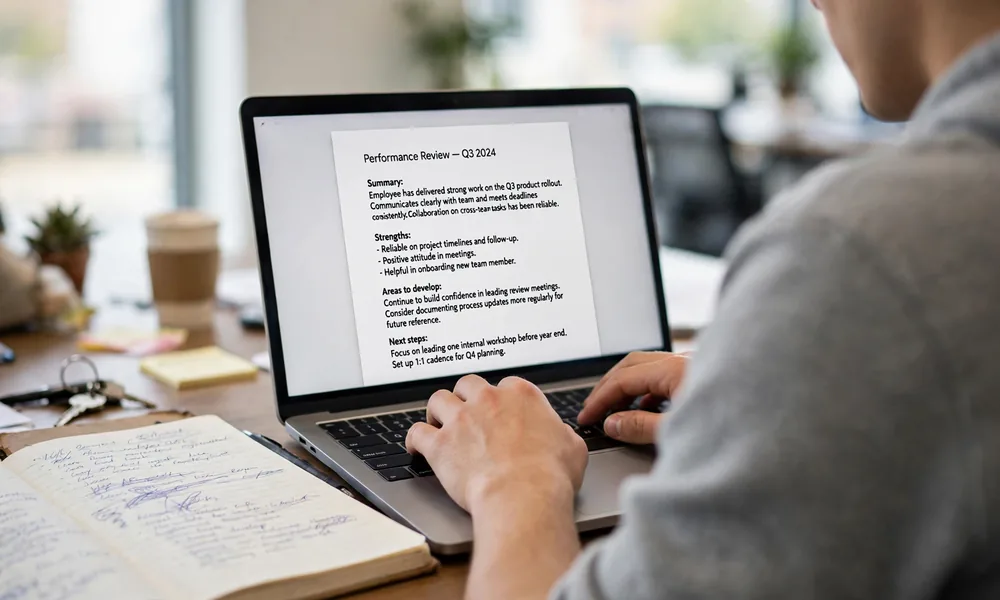
Before opening any AI tool, collect the raw material for one person into a single document. Start with the goals agreed at the last review, then add your notes from one-to-one meetings, short summaries of project outcomes, and any peer feedback you have gathered. Dated notes matter more than long ones: a line that says what happened and when is worth more than a paragraph of general praise.
Leave out anything that does not belong in a review. Personal details, private conversations, and notes about other people should stay out of the document you feed to the tool. If a note is vague or you cannot remember the context behind it, mark it as uncertain or drop it. The AI will treat everything you give it as equally reliable, so the clean-up you do here decides the quality of everything that follows.
Step 2: Ask the AI to draft, not decide
With the material gathered, ask the tool for a draft, and be specific about what you want. A useful request names the role, the material, and the shape of the answer: a summary of strengths with examples, areas to develop with examples, and three suggested goals for the next period. Ask for a plain, professional tone and a length you can actually use, such as one page.
Ask for a draft, never a verdict. Do not ask the tool to score the person, rank them against colleagues, or recommend a rating; those decisions need your judgement and the full picture. If the draft comes back with a rating anyway, delete that part.
Step 3: Edit every line for specifics and accuracy
The edit is where the review becomes yours. Read the draft line by line and replace every generic phrase with something concrete. “Communicates well” becomes “kept the client updated with a short weekly note through the March rollout.” “Needs to improve planning” becomes “the April launch plan was finished two days before the deadline, which left no time for testing.” If you cannot attach an example to a claim, either find one or cut the claim.
Check facts as you go. Dates, project names, and numbers are the details AI drafts get wrong most often, usually by repeating something from an old note in a new context. Read the draft as the employee would read it, and ask whether each sentence is fair, accurate, and clear. A review that is kind but vague helps nobody, and a review that is specific but unfair helps nobody either.
Step 4: Hold the conversation yourself
The draft is preparation, not the meeting. Share the main points with the employee ahead of time if that is how your team works, then run the conversation in person or on a video call, without the tool in the room. Start with what went well, move to the areas to develop, and leave plenty of space for the employee to respond. The best reviews are two-way: the employee often has context that changes how a piece of work should be read.
Listen for the moments where the draft needs to change. If the employee explains a delay or corrects a detail, note it and update the written summary afterwards. Coaching a conversation is a skill of its own, and the same care applies elsewhere: our guide to AI for sales call coaching shows how preparation and listening matter more than any script. End the meeting by agreeing the next steps together, so both of you leave with the same picture.
Step 5: Record outcomes and follow up
After the meeting, write the final version. It should reflect what was actually discussed, including anything the employee added or corrected, and it should list the agreed goals with dates attached. Store it where both you and the employee can find it later, and keep the AI draft out of the official record. The final summary is the document that matters, and it should read as if a manager wrote it, because one did.
Then follow up. A goal agreed in a review and never mentioned again teaches the team that reviews do not matter. Bring the goals into regular one-to-one meetings, check progress briefly, and adjust them when priorities change. That follow-through turns a review from an annual event into a working plan.
Troubleshooting common problems
Most problems with AI-assisted reviews come from the same few causes, and each has a straightforward fix.
- The draft sounds generic. The inputs were probably generic too. Add dated examples and project names before asking for a new draft.
- The tool invents achievements. Cut anything you cannot verify against a note or a project record, and shorten the inputs so the tool has less room to fill gaps.
- The review takes longer, not shorter. The drafting step is probably fine, but the clean-up is not. Gather notes through the year instead of in one rush at review time.
- The employee reacts badly to the wording. Read the draft aloud before sharing it. If a sentence sounds cold or clumsy spoken, rewrite it in your own words.
- Different managers get very different drafts. Agree a shared template and headings first, so the tool shapes similar material in a similar way.
How to choose an AI review tool: a checklist
Use these checks before picking a tool for your team, and test the winner on a small pilot before paying for a full rollout.
- It works with the notes and documents your team already keeps, without forcing a new system on everyone.
- It lets you control what is shared, and keeps review material separate from other company data.
- It produces editable drafts in a format you can shape, not locked summaries you cannot change.
- It fits your review cycle, whether that is annual, twice a year, or built around regular check-ins.
- It is simple enough that a manager can use it without training, and clear enough that an employee can understand the result.
- It offers a trial or a small-team plan, so you can test it on real reviews before committing.
Frequently asked questions
Can AI write the whole performance review?
No. AI can draft a summary from your notes, but the final review needs a manager who knows the person, the work, and the context. Use the draft as a starting point and rewrite anything that is not accurate or not in your own voice.
What should I feed the AI tool?
Agreed goals, dated notes from one-to-one meetings, short project summaries, and peer feedback you have already gathered. Leave out personal details and anything unrelated to the person’s work.
How do I keep reviews consistent when using AI?
Use the same template, headings, and kind of inputs for everyone, and check each draft against the same standards. Consistency comes from the process you set, not from the tool.
Will employees know AI helped with the review?
Be open about it. A short sentence explaining that AI helped draft the summary, and that the manager wrote and approved the final version, builds more trust than keeping it quiet and being found out later.
Which team should pilot AI-assisted reviews first?
A small team with a manager who is comfortable giving feedback and who keeps decent notes. A pilot of one review cycle is enough to learn what works and what needs to change.
How much time does AI actually save?
Most managers save time on the first draft, often cutting an hour of writing down to a shorter editing task. The meeting and the follow-up still take the same time, and that is as it should be.
The same idea applies to other kinds of feedback at work: our guide to how to use AI for customer feedback analysis shows how sorting and summarising comments can surface patterns a busy team would otherwise miss.
The bottom line
AI is a useful drafting assistant for performance reviews when it is kept in its place. It organises notes, shapes a first draft, and saves time on the paperwork, while the manager supplies the judgement, the examples, and the conversation that make a review meaningful.
Start small, feed the tool clean and specific material, edit every line, and follow up on the goals you agree. Done that way, AI-assisted reviews feel less like an annual chore and more like a fair record of real work.