The right protection depends less on the longest feature list than on the devices and risks you actually need to cover. Your home may include a Windows computer, a Mac, and phones that need different safeguards.
Real-time protection means continuous monitoring that checks files and activity as they happen, rather than only when you start a scan. Good security also depends on how well an app blocks harmful files and links.
A free built-in tool can cover basic Windows use, while a paid suite may suit wider device coverage or bundled privacy tools. This roundup compares practical choices, their limits, and the features that matter for your setup.
Key Takeaways
- Match protection to each device’s operating system.
- Check that a free version includes real-time protection.
- Paid suites may bundle privacy and family tools.
- Compare test categories separately, not as one overall score.
- Review renewal costs and device limits before paying.
- Keep your operating system and security app updated.
Start by identifying every device you want to protect, including phones and tablets.
Antivirus Best Software: Top Picks by Use Case
For most people who want one paid suite across several devices, Norton 360 is the clearest all-in-one starting point, while Microsoft Defender is the simplest free Windows option. Different needs call for different picks, so no single antivirus program suits every household.
Norton 360 is the broadest all-in-one fit; Microsoft Defender is a straightforward no-cost Windows baseline. Bitdefender Mobile Security and Avast Mobile Security offer Android options with different features.
| Product | Best fit | Free or paid | Concrete distinction |
|---|---|---|---|
| Norton 360 | All-in-one paid suite | Paid | Antivirus, VPN, and password manager |
| Bitdefender Total Security | Broader paid protection | Paid | VPN, password manager, and parental controls |
| Microsoft Defender | Basic Windows coverage | Included with Windows | Built into Windows |
| Avast One Free | Free protection across platforms | Free | Windows, macOS, Android, and iOS, with iOS limits |
| Bitdefender Antivirus Free | Free Windows protection | Free | Real-time protection |
Best fit for paid, all-in-one coverage
Norton 360 combines core antivirus software with tools that can reduce the need for separate services. Bitdefender Total Security adds a VPN, password manager, and parental controls.
Both are security suites, not just malware scanners. Your choice should reflect whether you need their extra tools, not simply how many features appear in a plan.
Free and mobile starting points
Security.org’s 2026 free-antivirus comparison tested more than 40 products and logged over 1,500 hours across Windows, macOS, iOS, and Android. Its picks included TotalAV, Surfshark Antivirus, Bitdefender, Avast, and McAfee; Bitdefender was its desktop pick and Avast its Android pick.
Use a shortlist to match a product to your devices and needs, not to declare one universal winner.
The top 10 antivirus names assessed here are Norton 360, Bitdefender, Microsoft Defender, Avast, AVG, TotalAV, Malwarebytes, ESET, Kaspersky, and McAfee. Treat any shortlist as a starting point and confirm that the product supports every device you plan to cover.
Is Norton 360 a Good All-in-One Antivirus?
Norton 360 is a strong fit if you want malware protection and several privacy and family tools in one suite. One dashboard can make it easier to manage protection across daily tasks.
In the August 2026 Windows 11 test, Norton 360 versions 26.6 and 26.7 scored 6/6 for protection, performance, and usability. The performance score measures system impact separately from how well the software blocks threats.
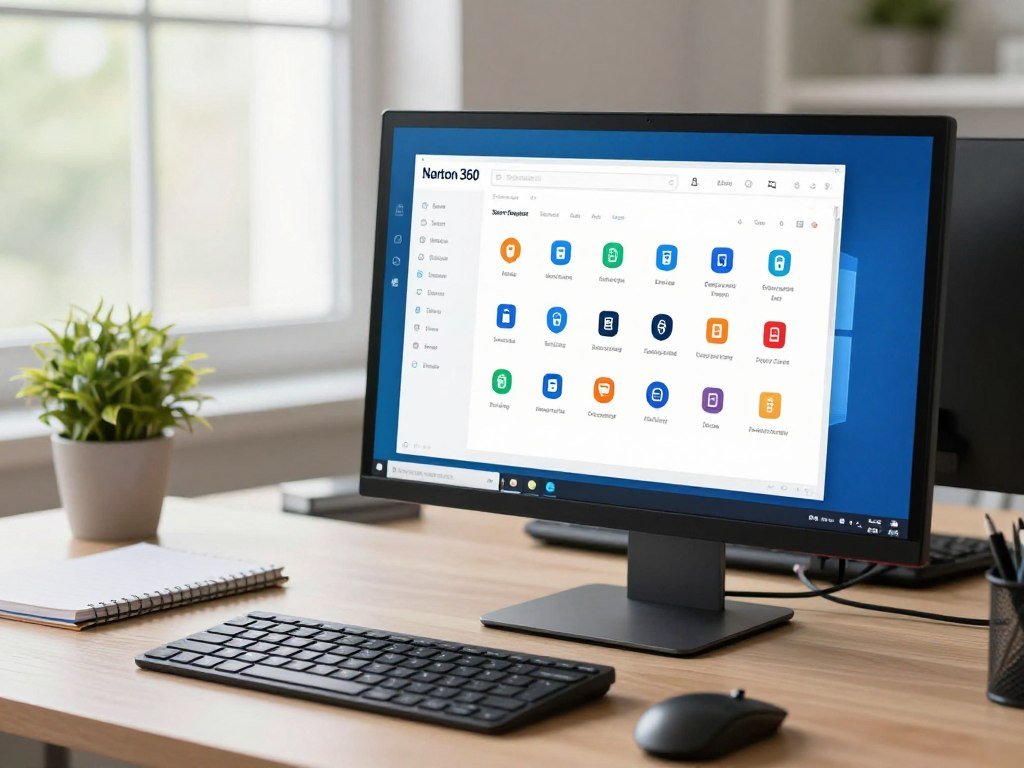
The suite combines antivirus with a VPN, password manager, cloud backup, dark web monitoring, and parental controls. Those extras can help protect network traffic, store passwords, keep files copied, and support family device rules.
They do not all improve malware detection. The antivirus checks files and activity, while the other tools address separate privacy, backup, and family needs.
A VPN can help protect traffic on public Wi-Fi, and a password manager can store unique login details. Cloud backup gives you another copy of selected files if a device fails.
Dark web monitoring and parental controls may also be useful, but only if you plan to use them. A household with existing services may gain little from duplicate tools.
Norton 360 may be less appealing if you already pay for a separate VPN or password manager. Before choosing a bundle, check whether its included extras replace tools you already pay for.
Why Choose Bitdefender for Malware and Scam Protection?
Bitdefender stands out for readers who want real-time threat blocking without paying for its full suite. Its free Windows app includes active protection and a scanner for viruses and other cyber threats.
Bitdefender Antivirus Free and Bitdefender Total Security are different products. Do not expect the free app to include every paid-suite feature, such as a full VPN plan.
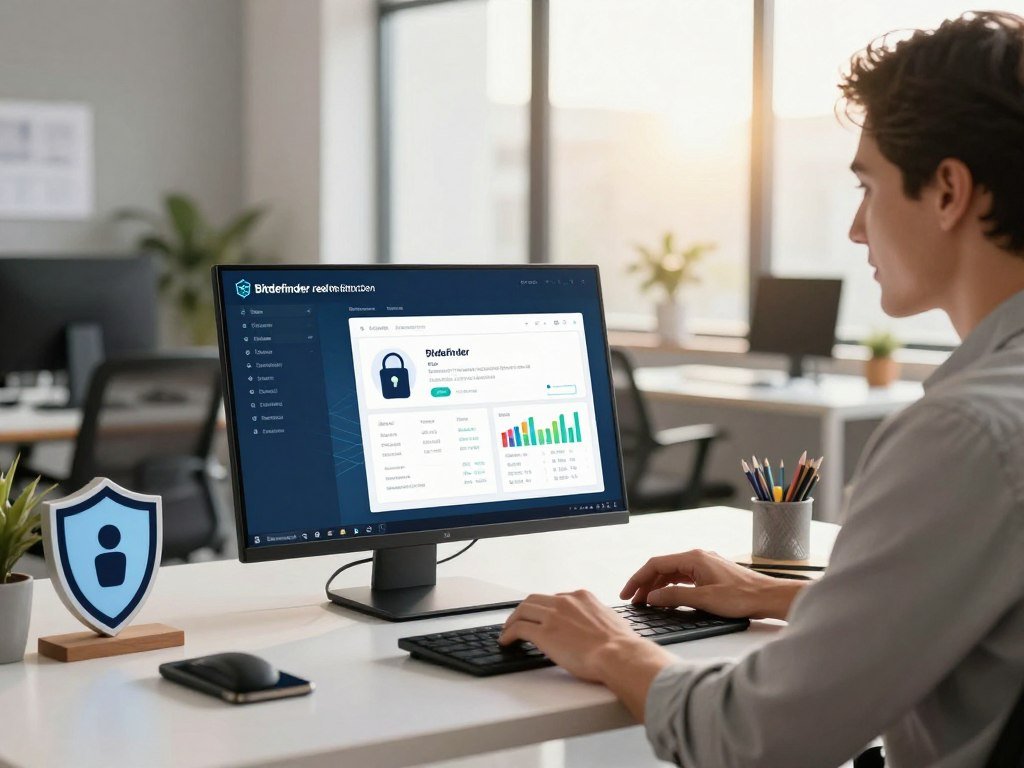
Real-time protection checks files and activity as they arrive, while web protection can help stop risky pages before you open them. These tools act before a manual scan, which only checks when you start it.
Bitdefender Antivirus Free supports Windows 10 and Windows 11 and has no validity due date. Its free version includes web protection and access to decryption tools.
The free VPN allowance is up to 200 MB per device per day. Server selection and unlimited traffic require Bitdefender Premium VPN. That limit may be too low for regular video or file use.
Bitdefender Total Security version 27.0 scored 6/6 for protection, performance, and usability in the August 2026 Windows 11 test. Those results apply to Total Security, not automatically to the free app.
Choose the free version if you want active Windows protection without a full suite. Check whether a limited VPN allowance fits your routine before treating it as a replacement for a full VPN plan.
Which Free Antivirus Software Works Best on Windows?
A free Windows antivirus can be enough for everyday protection, but confirm that its free tier includes the protection you expect. Included features matter more than a free download button.
Bitdefender Antivirus Free is a useful Windows option when real-time and web protection are priorities. Avira Free Security includes VPN and password-manager features, but many need payment for full use.
Microsoft Defender is built into Windows and provides a no-added-subscription starting point. Bitdefender Antivirus Free offers active protection, while Avast One Free covers several platforms with limits on iOS.
Built-in protection at no added subscription cost
Microsoft Defender suits people who want a basic Windows setup without another subscription. Windows Security is the Microsoft app where you can review key security settings.
The right free antivirus depends on your needs. AVG AntiVirus Free, Avast One Free, and third-party scanners differ in their web tools, scan options, and limits on extra features.
Free third-party options and their limits
PCMag rated Bitdefender Antivirus Free for Windows 4.0/5 in 2026. It described the app as using the same core antivirus protection as the paid version, while full VPN access requires a separate subscription.
PCMag rated Avira Free Security 3.5/5 in 2026. Its free app includes a VPN and password manager, but many features need payment for full functionality.
Before choosing, check these five points:
- Real-time protection that runs continuously.
- Web protection for links and risky pages.
- Scan options, including full and custom scans.
- Limits on VPNs, password tools, or other extras.
- Operating systems and devices covered by the free tier.
Compare other free antivirus options for different devices if your household uses more than Windows. Make the free-versus-paid decision by checking the feature limits, not just the app’s name.
Avast One Free vs. AVG AntiVirus Free
Avast and AVG are close choices for free Windows protection, with both earning strong 2026 ratings but offering different extras. Their hands-on results differ, even though their overall PCMag ratings match.
PCMag rated both apps 4.5/5 in 2026 and named each an Editors’ Choice winner. Those ratings are not the same as category scores from an antivirus lab.
| Product | PCMag 2026 rating | Free-tier detail |
|---|---|---|
| Avast One Free | 4.5/5 | PC and mobile access, with iOS protection limits |
| AVG AntiVirus Free | 4.5/5 | Background firewall and tune-up scan; fixing issues requires upgrade |
| Bitdefender Antivirus Free | 4.0/5 | Core antivirus protection; full VPN needs separate subscription |
Avast One Free detected 97% of malware samples and scored 100% in PCMag’s 2026 phishing test. It also blocked 93% of malware-hosting URLs in that year’s test.
Those figures describe specific hands-on tests, not a promise against every threat. Malware samples, phishing pages, and malicious URLs test different parts of an app.
AVG’s free features include a background firewall and a performance tune-up scan. The scan can find issues, but fixing them requires an upgrade.
In the August 2026 Windows 11 test, Avast Free Antivirus version 26.6 scored 6/6 for protection, performance, and usability. AVG Antivirus Free versions 26.6 and 26.7 also scored 6/6 in all three categories.
Those lab category scores and PCMag’s ratings use different assessment methods. Choose AVG if its background firewall matters most, and choose Avast if its tested phishing results and broader free offering match your priorities.
What Should Windows 10 Users Do After Support Ends?
Windows 10 support ended on October 14, 2025, so an antivirus alone cannot restore the updates the operating system no longer receives. Move to a supported OS when your computer can run one.
Eligible Windows 10 version 22H2 devices can receive critical and important security updates through October 12, 2027, with consumer ESU. ESU does not provide other fixes, feature improvements, product enhancements, or technical support.
Eligible users can enroll in Windows 10 Extended Security Updates through three routes:
- Sync PC Settings at no additional cost.
- Use 1,000 Microsoft Rewards points.
- Pay a one-time $30 USD plus applicable tax.
One ESU license can cover up to 10 devices. The Microsoft ESU program details explain the coverage and enrollment choices.
ESU is a limited bridge, not a full return to standard support. It supplies critical and important security updates, but not regular feature work or technical help.
If your PC remains on Windows 10, keep its security setup updated while it is eligible for ESU. A supported operating system should be your first choice; antivirus adds another layer, but cannot replace operating-system support.
Confirm that the exact PC is eligible for ESU before relying on its extended update period.
Is Microsoft Defender Enough for Windows 11?
For many Windows 11 users, Microsoft Defender is a reasonable starting point because it is already built in and activates when another antivirus is absent. It costs no separate subscription for Windows users.
Microsoft Defender Antivirus version 4.18 scored 6/6 for protection, 5.5/6 for performance, and 6/6 for usability in the August 2026 Windows 11 test. PCMag rated it 3.5/5 in 2026, a separate rating scale.
Those results show why you should read each measure on its own. Protection measures threat blocking, while performance reflects system impact; neither number explains every user’s experience.
Microsoft Defender is a sensible baseline if you keep Windows updated and do not need a bundled VPN, password manager, or other extras. Windows Security manages Microsoft Defender when no other antivirus is present.
Some Windows users prefer a paid suite for wider privacy or family tools. If you want those features, compare their value with the built-in protection you already have.
For a broader look at Windows antivirus software and plans, compare device support as well as features. Check that Windows Security shows active protection after installing or removing any third-party antivirus.
What Does TotalAV Free Include, and What Does It Miss?
TotalAV Free offers several scan and maintenance tools, but it does not provide real-time protection. It is a scanner, not continuous coverage, so threats are not checked automatically as they arrive.
The free version includes quick, full, and custom scans, scheduled scans, a system tune-up tool, and data-breach scanning. These features can help you check a device, but scheduled scans do not replace active monitoring.
In the August 2026 Windows 11 test, TotalAV versions 6.6 and 6.7 scored 6/6 for protection, 5.5/6 for performance, and 6/6 for usability.
Those lab results describe the tested versions, not proof that TotalAV Free includes every tested capability. Free and paid plans can have different tools and protections.
Scan options still have a place. A full scan checks more files than a quick scan, while a custom scan lets you choose specific folders or files.
Before relying on any plan, check whether its exact tier includes continuous protection and web blocking. Do not rely on scheduled scans alone if you expect continuous threat blocking.
Which Antivirus Apps Protect Android Phones?
Android users have several highly rated options, and Avast Mobile Security is the clear free starting point among the named apps. Its basic app is free and includes Photo Vault and Wi-Fi Inspector.
EXPTERTE.com’s 2026 Android top five are Bitdefender Mobile Security, Kaspersky Internet Security for Android, Avast Mobile Security, Norton Mobile Security, and Trend Micro Mobile Security. All five selected apps received 6/6 for protection, performance, and usability in AV-TEST assessments.
Free and paid Android app choices
Avast offers the only free status stated here; do not assume the other apps are free. Their mobile features can address different risks, from risky Wi-Fi to stolen phones.
| App | Free status stated here | Specific mobile feature |
|---|---|---|
| Bitdefender Mobile Security | Not stated | App Lock and 200 MB per day VPN |
| Kaspersky Internet Security for Android | Not stated | Included in tested top five |
| Avast Mobile Security | Basic app free | Photo Vault and Wi-Fi Inspector |
| Norton Mobile Security | Not stated | Included in tested top five |
| Trend Micro Mobile Security | Not stated | Web Guard, SMS Fraud Buster, and remote anti-theft actions |
Match app features to the risks you face
App Lock can limit access to selected apps, while Wi-Fi inspection can flag network concerns. Web protection and scam blocking help address risky links and messages.
Trend Micro Mobile Security for Android includes Web Guard, SMS Fraud Buster, Wi-Fi and online banking protection, and anti-theft tools. Those tools can remotely locate or lock a device and delete files.
A lost phone creates a different risk from a suspicious link. For a phone that travels with you, prioritize web and Wi-Fi protection before optional tune-up tools.
How Should You Protect Macs and iPhones?
A product listed for both Mac and iPhone may still provide different protections on each platform. Check the exact device, since desktop file scanning does not work the same way on iOS.
Avast One Free works across Windows, macOS, Android, and iOS, but its iOS protection has limitations. Norton 360 also supports Windows, macOS, Android, and iOS.
Mac users should check which protections the chosen plan includes for macOS. iPhone users should look at app features that fit Apple’s system, rather than assume an app can scan every file like desktop antivirus software.
Browser protection can help block unsafe pages, while scam awareness can help you spot false messages and links. These habits matter even when a security app is installed.
Keep apps updated and use the device’s built-in security settings. A strong screen lock and careful account settings support the protection an app offers.
Some multi-device plans cover both Apple devices, but their features may differ by operating system. Confirm the features available for your exact Apple device before paying for a multi-device plan.
Which Features Matter Beyond Malware Scanning?
The most useful extras are the ones that close a gap in your current setup, not simply the ones that make a feature list longer. Start with threat-blocking tools, then weigh convenience features.
A firewall, web blocking, and ransomware protection address threats; a VPN or password manager serves a different purpose. Microsoft Defender includes a firewall and ransomware protections within Windows Security.
Web, network, and ransomware defenses
A firewall helps control network traffic entering and leaving your device. Web and phishing tools can block known unsafe pages or links before you open them.
Ransomware protection aims to limit attempts to lock files and demand payment. Norton 360 Deluxe includes these kinds of suite tools alongside a VPN, password manager, parental controls, and cloud backup.
Check which defenses run automatically and which need you to start a scan. A web tool that covers only one browser may not protect links opened elsewhere.
VPNs, password managers, and family tools
A VPN encrypts network traffic, which can help when you connect through public Wi-Fi. Check whether its plan limits data or server choice before treating it as a full VPN service.
A password manager stores login details and can help you use a different password for each account. Bundled password tools vary, so check whether they meet your needs.
Bitdefender Total Security includes a VPN, password manager, and parental controls. These extras do not prove that its malware detection is stronger.
Use this short checklist when weighing features:
- Firewall controls for network traffic.
- Phishing and web blocking for risky links.
- Ransomware protection for important files.
- Password-manager tools that fit your accounts.
- Parental controls for family devices.
Prefer a dedicated password manager if you need sharing or security features that a bundled vault does not provide.
What Do Independent Antivirus Test Scores Show?
A perfect protection score does not automatically mean an antivirus is the fastest or easiest to use. Read each category separately to see what the result measures.
Protection measures threat blocking, performance measures system impact, and usability includes false alarms and ease of use. A result is a controlled comparison, not a promise of the same experience on every device.
Read protection, performance, and usability separately
In the August 2026 Windows 11 test, Malwarebytes Premium, Kaspersky Premium, McAfee Total Protection, and Avira Internet Security each scored 6/6 in all three categories.
ESET Security Ultimate, F-Secure Total, K7 Computing Total Security, and AhnLab V3 Internet Security also earned 6/6 for protection, performance, and usability in that cycle.
| Product | Protection | Performance | Usability |
|---|---|---|---|
| Malwarebytes Premium | 6/6 | 6/6 | 6/6 |
| Kaspersky Premium | 6/6 | 6/6 | 6/6 |
| McAfee Total Protection | 6/6 | 6/6 | 6/6 |
| Avira Internet Security | 6/6 | 6/6 | 6/6 |
| EnigmaSoft Spyhunter | 5.5/6 | 6/6 | 6/6 |
EnigmaSoft Spyhunter 5.22 earned 5.5/6 for protection and 6/6 for performance and usability. That split shows why a single score cannot describe every part of an app.
Compare products tested in the same cycle
Test dates and operating systems matter because software versions and test setups change. Compare products tested in the same cycle before drawing conclusions from small differences.
Performance results can also depend on the test computer and tasks. The AV-Comparatives April 2026 performance test measured file copying, app installation and launch, downloads, browsing, and office work on a low-end Windows 11 system.
That test measured system impact, not protection effectiveness, and its results apply to the tested versions and setup. Compare products from the same test cycle and operating system before treating small score differences as decisive.
How Much Should You Budget for Antivirus Software?
A basic Windows setup can cost nothing extra, while paid antivirus plans usually cost more as device coverage and bundled services grow. Budget for the renewal, not only the first offer.
A typical U.S. paid antivirus subscription costs about $20-$100 for the first year. Device count, suite features, and introductory pricing drive the range, while renewal rates may be higher.
Windows Security is included with Windows 10 and Windows 11 at no separate subscription cost. Free versions may also cover basic needs, though their included features can differ.
Introductory subscription rates can make a first year look cheaper than later years. Multi-device plans may cost more, but one plan can cover several devices instead of separate subscriptions.
Compare the renewal amount and device limit with the first-year offer. Count extras such as a VPN or password manager only if you expect to use them.
Check the renewal price and covered-device count before deciding whether an introductory offer fits your budget.
How to Choose Antivirus Software for Your Devices
Make the decision by starting with the devices you own, then choose only the protections that solve a real gap. One plan may not fit every device in your home.
Check operating-system support and plan features for each device before you buy. Android, iOS, Windows, and macOS do not receive identical tools from the same vendor.
Match protection to each operating system
Android apps can offer app locking, Wi-Fi inspection, and remote anti-theft actions. iOS security apps may focus more on web, scam, and privacy safeguards than conventional file scanning.
For Windows and macOS, check compatibility and the protections included in the specific plan. A brand’s app can behave differently across its desktop and mobile versions.
Set priorities for features and coverage
Use these five steps to build a practical choice:
- List your devices and operating systems.
- Decide whether built-in protection is enough.
- Identify missing defenses, such as web blocking or ransomware controls.
- Check device limits and renewal terms.
- Choose a product with current independent results for your operating system.
Prioritize features that close a real gap, rather than paying for tools you already have. Check whether one plan covers the devices you share with family members.
Recheck device coverage whenever you add a phone, laptop, or family member to the plan.
What Should You Check Before Installing an Antivirus?
Before installing, confirm that the app is meant for your operating system and comes from the provider’s official download channel. The right installer matters because fake security apps can put your files at risk.
Make sure only one real-time antivirus engine is active at a time. Remove or disable a competing app if the new product requires it, then update Windows or macOS and the antivirus app.
Open the app after setup and confirm that real-time protection is switched on. Run an initial scan so the software can check existing files and folders.
The EICAR test file is a standardized benign file used to check antivirus detection without live malware. The antivirus industry has used it since 1996.
Use a test only through a trusted, official EICAR channel; never download live malware to check an app. Windows Security manages Microsoft Defender when no other antivirus is present.
If an app raises an unexpected warning, check its quarantine and the file’s origin before restoring anything. A warning can mean the app blocked a threat, but the file still needs careful review.
Do not restore a flagged file until you understand where it came from and why the app moved it.
Leave real-time protection switched on unless you are following a specific troubleshooting step.
Conclusion
The strongest choice is the one that fits your devices and closes the security gaps you actually have. Keep the setup practical: a simple baseline may be enough when it covers your daily risks.
Tell continuous real-time monitoring apart from scans that run only when you start them. Before paying, compare the renewal terms and device coverage with the features you will use.
Check your device list today, then activate the option that fits it and verify that protection is running.
FAQ
Is a free antivirus enough for everyday use?
A free antivirus can be enough for everyday use when its free tier includes real-time protection and web blocking. Those features help check threats as you browse and use files, rather than waiting for a manual scan. Review limits on devices, browsers, and included extras. A free app with scanning alone does not provide the same continuous coverage.
How often should I run a full antivirus scan?
A weekly full scan is a practical routine for many users, while real-time protection should stay active between scans. A full scan checks more files than a quick scan and may take longer, depending on the computer and its storage. If you often download files or share a device, keep updates current and respond to alerts promptly.
Can antivirus software protect against phishing?
Some antivirus software blocks known phishing pages and malicious links, but browser and message coverage varies by product. A warning may appear in a web browser but not in every email or messaging app. Treat unexpected requests for passwords, payments, or codes with care, even when your security app reports no problem.
Does a VPN replace antivirus protection?
No, a VPN does not replace antivirus protection. A VPN encrypts network traffic between your device and the VPN service, while antivirus tools detect or block malicious files and activity. A VPN cannot tell you that every download is safe, and antivirus cannot provide the same network privacy. They solve different problems.
Can I use two antivirus programs at the same time?
Avoid running two real-time antivirus engines together because they may conflict, slow the device, or disrupt each other’s alerts. Windows usually turns Microsoft Defender off when another antivirus is active. A separate on-demand scanner may be less disruptive if it does not run continuous protection. Check the apps’ settings before installing both.
Will antivirus software protect an iPhone from every threat?
No, antivirus software cannot protect an iPhone from every threat, and iOS apps have platform-specific limits. Check for web, scam, and privacy features rather than assuming desktop-style file scanning. Keep iOS and apps updated, use a strong device passcode, and avoid opening links from messages you did not expect.
Can I keep using Windows 10 if I enroll in ESU?
Yes, you can keep using an eligible Windows 10 version 22H2 device enrolled in ESU, but the program has limits. It can receive critical and important security updates through October 12, 2027. ESU does not include technical support, feature improvements, product enhancements, or other fixes, so antivirus is not a substitute for supported software.



