
A message that mentions your job, a coworker, or a recent purchase can feel trustworthy even when it is designed to deceive you. It may arrive through a familiar app or work account and include details about your life or organization.
Social engineering means manipulating someone into taking an action or revealing information by exploiting trust, pressure, or other human responses. These attacks can put personal information, money, and workplace systems at risk.
You can learn to spot suspicious requests and check them safely before responding. The goal is not to distrust every message, but to know when to pause and confirm who is asking.
Treat any unexpected request for sensitive information or an unusual action as a reason to pause.
Key Takeaways
- Personal details can make a fraudulent message feel familiar.
- Attackers may use email, texts, calls, social platforms, or video.
- A polished message does not prove that the sender is genuine.
- Check unusual requests through a contact method you already trust.
- Report a suspicious message quickly, even if you only clicked once.
What Is Spear Phishing?
Spear phishing is a phishing attack tailored to a specific person or organization using details that make the message seem credible. That personal touch can make a false request look like normal business or personal contact.
Unlike broad phishing campaigns, spear phishing targets selected people with customized messages. A broad campaign may send the same generic email to thousands of recipients. A targeted message may instead refer to someone’s role, a current project, or a known colleague.
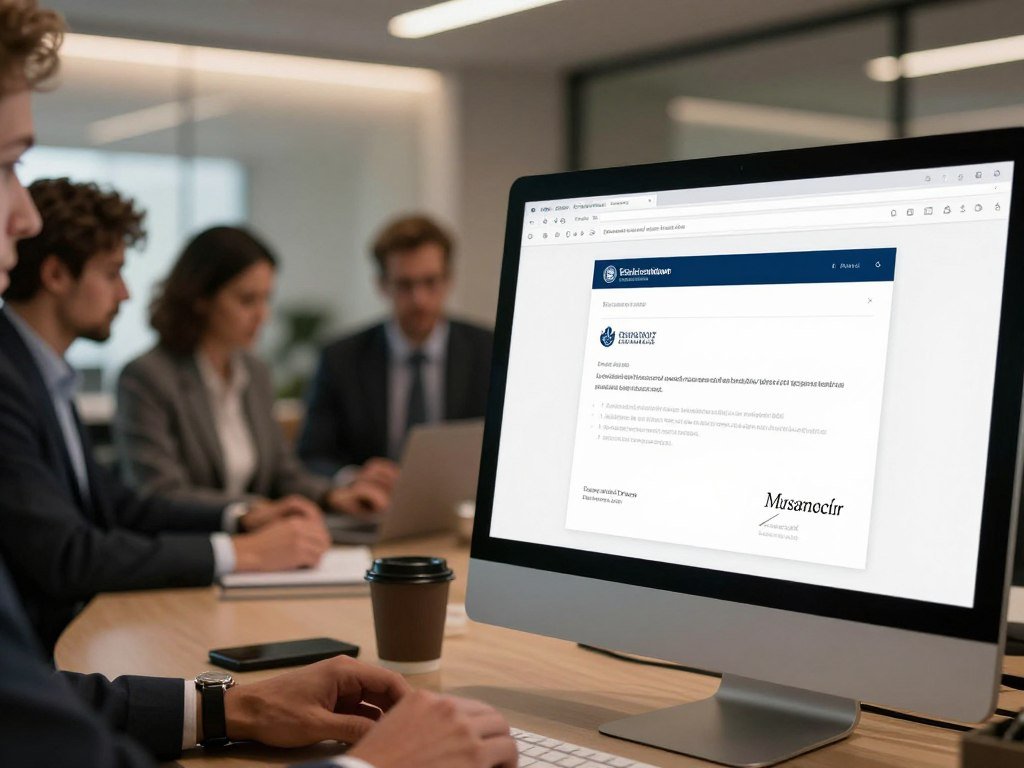
A message that knows your name or workplace is not proof that its sender is genuine.
The target can be one person, a department, or an entire organization. Email is common, but a targeted lure can also arrive through other channels.
Researchers who analyzed 50 billion emails found spear phishing accounted for less than 0.1% of emails, but 66% of successful breaches. That gap shows why a small share of messages can still cause serious harm.
The personal and organizational details in a lure can make it feel real without proving who sent it. The sender may know your name, job, or team and still be an impostor.
How Does a Spear Phishing Attack Work?
An attacker may start by identifying a person whose role gives them access to a payment process, account, or sensitive file. The role matters because it can point toward information or systems the attacker wants.
A targeted attack can move from research to a believable message, then to stolen access or data. The person may be an employee, contractor, manager, or another member of an organization.

How attackers select and research a target
Attackers may look for people whose work involves payroll, finance, customer records, or system access. Public profiles, company websites, professional connections, and exposed data can reveal names, roles, and active projects.
They can use these details to shape a message around a real event or working relationship. A note about a project deadline may feel more believable than a generic warning.
How a tailored lure can lead to access
An attacker may pose as a coworker, manager, vendor, or service provider. The pretext could ask the target to review a file, sign in, pay an invoice, or share information.
A link may lead to a fake sign-in page that captures login credentials. An attachment can install malware, while a direct request may lead to a payment or disclosure.
In 2011, a recruitment-themed email targeted RSA employees with the line, “I forward this file to you for review. Please open and view it.” The message used a familiar work task to draw attention to an attachment.
Writing a phishing email by hand can take 16 hours, compared with five minutes using AI. AI can make text more fluent, so polished writing alone cannot confirm that a message is safe.
The RSA recruitment-themed email shows how an ordinary work request can carry a harmful lure. A single compromised account can become a foothold for a broader intrusion.
How Can Spear Phishing Reach You?
A personalized lure can reach you in an inbox, a text thread, a social platform, a phone call, or a video interaction. Each channel can carry a request that looks tied to your work or personal life.
Spear phishing describes the targeting, not a single delivery channel. Vishing uses voice communication, while smishing uses SMS or text messages.
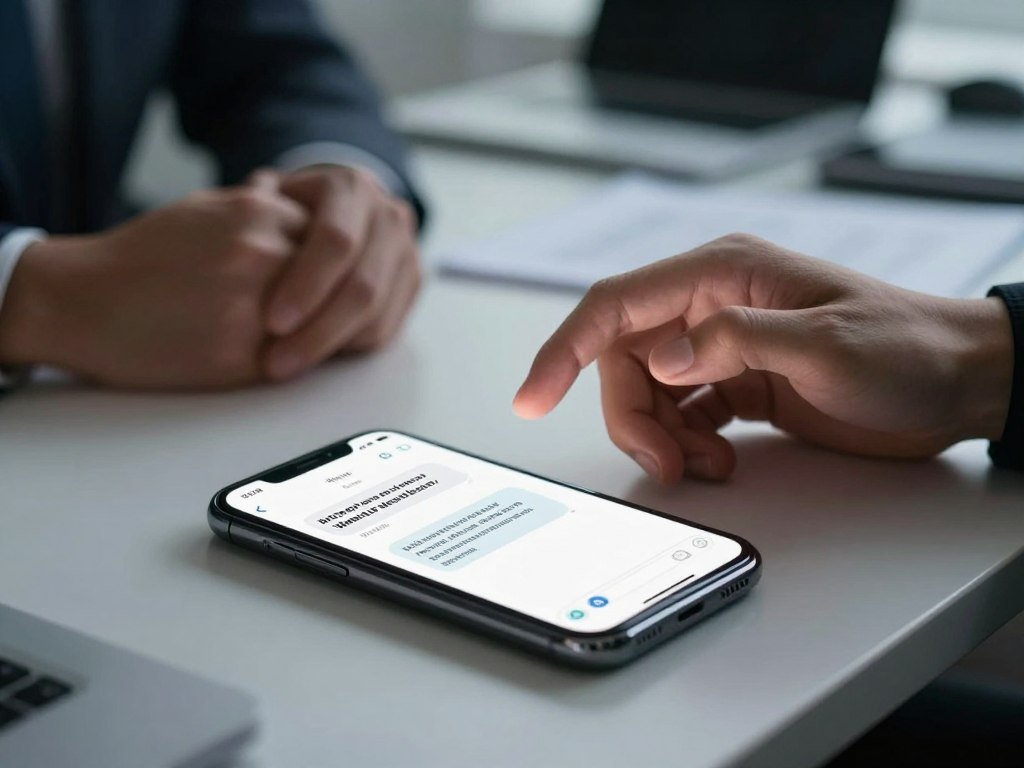
Email, texts, social media, and calls can all carry phishing messages. A deepfake video can also show a familiar-looking person delivering a personalized request.
| Channel | Common name | Example of a lure |
|---|---|---|
| Email phishing | An attachment labeled as a work invoice | |
| SMS or text | Smishing | A fake account alert asking you to sign in |
| Social-media direct message | Social phishing | A coworker shares a file that requires a login |
| Phone call | Vishing | A caller impersonates technical support |
| Video | Deepfake video lure | A purported trusted participant asks for a transfer |
A text may appear beside real messages from a service you use. A phone call can also sound urgent because the caller wants an answer before you can think or check.
Do not assume a request is safe just because it arrived outside email.
What Can a Successful Attack Put at Risk?
A successful lure can cost money directly or give an attacker access that enables later theft and disruption. The first loss may be only one part of the harm.
A stolen password can lead to account takeover, while a harmful attachment can put a device or network at risk. Attackers may seek fraudulent payments, login credentials, personal information, or company data.
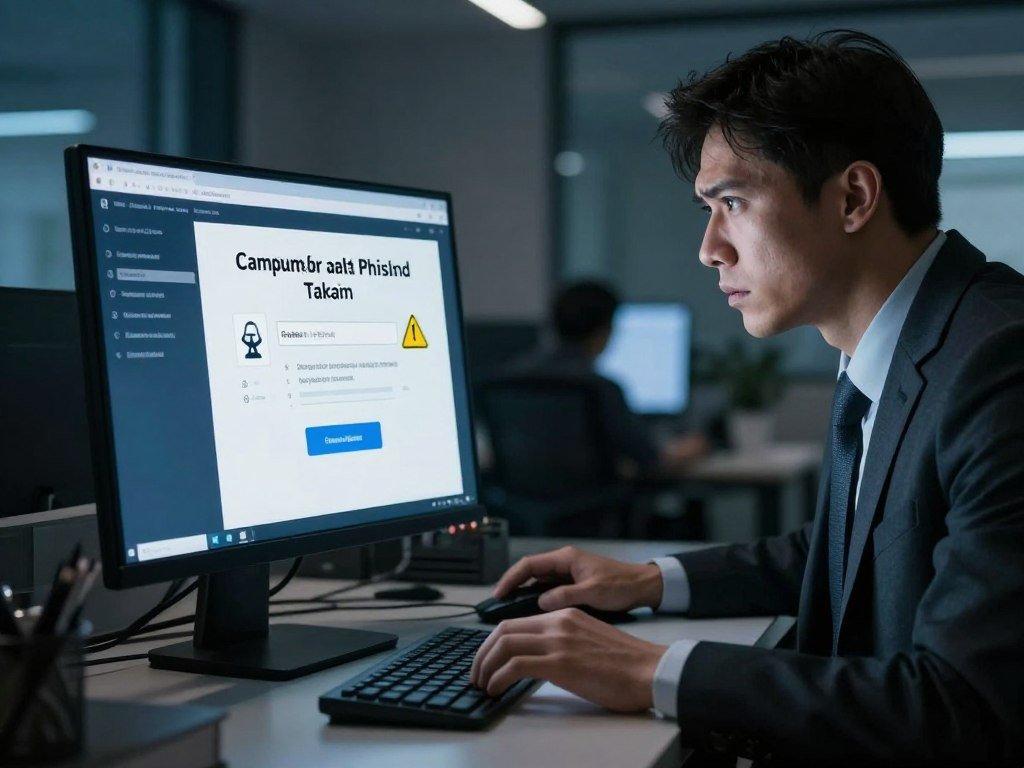
Stolen credentials can expose email, financial accounts, or records tied to a job. A compromised email account may then help an attacker make more convincing requests to coworkers or customers.
Malware can disrupt a computer or spread across connected systems. Ransomware can block access to files and demand payment, while stolen personal information can support further fraud.
Phishing-related data breaches had an average cost of $4.76 million. That figure describes an average breach cost, not the expected loss from every phishing attempt.
Reported business email compromise losses totaled $2.9 billion in 2023. The FBI’s Business Email Compromise alert describes this type of fraud and its financial impact.
A payment loss can be hard to recover, and the exposed account may create more risk. The impact can extend beyond the first payment or account if stolen access is reused.
What Is the Difference Between Phishing, Spear Phishing, and Whaling?
The simplest distinction is the target: broad phishing casts a wide net, spear phishing selects specific people, and whaling focuses on high-value leaders. Who gets targeted separates the three terms.
Whaling is the narrower, executive-focused form of spear phishing; spear phishing can target people at any level. The message may be crafted for a single person or a selected group.
| Type | Typical target | Personalization | How it relates to the others |
|---|---|---|---|
| Broad phishing | Many people | Often generic | The wide-net form of phishing |
| Spear phishing | Selected people or organizations | Uses target-specific details | Can target people at any level |
| Whaling | Senior leaders or other high-value people | Highly tailored | An executive-focused form of spear phishing |
Whaling targets senior executives, board members, or others with unusually valuable authority, access, or information. A senior leader may hold access to key systems or know details that make them valuable to an attacker.
CEO fraud or business email compromise (BEC) describes a different point: an attacker impersonates an executive to deceive an employee. The employee receiving the message is not necessarily the whaling target.
An attacker who pretends to be a CEO and asks an employee to send money is usually carrying out CEO fraud or BEC. Whaling is defined by the person being targeted, not by the name shown as sender.
A CEO’s name in a message does not make the employee receiving it a whaling target.
What Do Real Spear Phishing Examples Look Like?
A fake invoice can look like a routine vendor update until its payment details direct money to an attacker. Small changes to a normal payment process can create large losses.
Real fraud cases show how familiar business tasks can be used to steal money. The documented methods range from false invoices to executive impersonation and deepfake video.
Fake invoices and payment redirection
Between 2013 and 2015, a fraudster used fake Quanta Computer invoices to steal $100 million from Facebook and Google. Those companies recovered $49.7 million of the amount stolen.
The scheme used invoices to make payment redirection seem routine. A familiar vendor name did not ensure that the payment details were genuine.
Executive impersonation in business email
In 2015, Ubiquiti Networks lost $46.7 million in a business email compromise scheme. The attacker impersonated the company’s CEO and a lawyer.
This case shows how an apparent message from a leader or legal contact can push a company into a costly transfer. The method involved impersonation, not proof that the recipient was a senior leader.
Deepfake video used to authorize a transfer
In 2024, an Arup finance employee joined a video call with participants made using AI-generated deepfakes. The employee authorized a $25.6 million wire transfer after the call.
A video can add a convincing face and voice to a false request. The screen alone cannot prove that a participant has approved a payment.
| Case | Year | Lure or method | Reported amount or outcome |
|---|---|---|---|
| Quanta invoices | 2013-2015 | Fake vendor invoices | $100 million stolen; $49.7 million recovered |
| Ubiquiti impersonation | 2015 | Impersonated CEO and lawyer | $46.7 million lost |
| Arup deepfake video | 2024 | AI-generated participants on a video call | $25.6 million transfer |
| Operation Phish Phry | 2009 | Bank fraud by cyber thieves in the United States and Egypt | $1.5 million stolen |
The Quanta and Ubiquiti fraud cases show how business payment requests can be abused. A familiar face or voice on a video call is not enough to authorize a high-value transfer.
What Warning Signs Should You Check?
Start by checking whether the sender, request, and destination actually fit the conversation you expected. A single detail may seem normal, while several odd details together deserve attention.
Check the sender, the pressure in the request, and where a link leads before you respond. A phishing email that seems to come from an organization may use a similar-looking address, an unexpected link, or an unusual request.
- Inspect the full sender address, not only the display name.
- Notice urgency or emotional pressure that pushes you to act fast.
- Question requests for personal, financial, or organizational information.
- Examine links that are shortened or point somewhere unexpected.
- Be cautious with unexpected attachments or generic greetings.
Personal details in a message may come from public profiles or other exposed information. A sender can mention your job or a coworker without having a real connection to you.
Spelling errors and odd layouts can be warning signs, but clear writing is not proof of safety. AI can produce well-written phishing emails, so a polished message still needs a careful check.
The CISA phishing guidance lists suspicious links, urgent language, and requests for sensitive data as warning signs.
Treat an unexpected attachment as suspicious even when the display name belongs to someone you know.
What Should You Do After Clicking a Suspicious Link?
If you have clicked, stop interacting with the page and do not enter a password, payment detail, or verification code. Act promptly to limit what the page or file can collect.
Stop the interaction, alert the right team, and secure any information you may have exposed. Do not reply to the message or use its phone number to ask if it is real.
- Stop using the page and do not enter more information.
- Disconnect from the internet if an attachment or download may have started.
- Contact your organization’s IT or security team promptly.
- Change exposed passwords from a device you trust.
- Check affected financial and online accounts for unusual activity.
If you only received a suspicious message, report and delete it without clicking. Your workplace may have a report button or a security contact for phishing attempts.
Verify a request through a separate, known contact method, such as a verified website or a phone number you already trust. Never rely on contact details inside the suspicious message.
Report the incident quickly, even if you are unsure whether the click caused harm.
How Can Individuals Protect Themselves?
The less personal and workplace information an attacker can find, the fewer details they can use to make a lure feel familiar. Small privacy choices can make research harder.
Limit exposed details and protect accounts with unique passwords, MFA, and timely updates. Multifactor authentication, or MFA, requires another check beyond your password.
Limit the personal details an attacker can reuse
Review what your social media profiles show about your job, projects, coworkers, and daily routines. You can adjust privacy settings so fewer details are visible to people you do not know.
Work updates can reveal who handles payments, what tools a team uses, or when a project is under pressure. Share only what you are comfortable making public.
Secure accounts and devices
Use a strong, unique password for each important account, and store them in a password manager. Turn on MFA for email, financial accounts, and work access.
A fake login page may ask for both a password and an MFA code. Never enter a code on a site reached through an unexpected message.
- Keep your software updated.
- Use a password manager to create and store unique passwords.
- Enable MFA on important accounts.
A VPN can protect some network traffic, but it cannot stop phishing or make a fake sign-in page safe. Pair any privacy tool with sound account habits, and review a VPN’s logging policy and app permissions before choosing one.
For more on what a VPN can and cannot protect, keep its limits in mind when you plan account security. Never give a one-time sign-in code to a person who contacts you unexpectedly.
How Can Organizations Reduce Spear Phishing Risk?
Organizations need layered defenses because one filter cannot catch every personalized lure or every delivery channel. Different controls can limit different kinds of harm.
Use strong sign-in checks, restrict access, and give employees a clear way to report suspicious messages. Technical tools work best when staff know how to respond.
- Deploy phishing-resistant MFA, including FIDO authentication, for accounts.
- Use application allowlisting and endpoint detection and response to limit malware risk.
- Set a clear process for checking unusual payment or data requests.
- Train employees to report suspicious messages across email, text, and work chat.
Access controls should limit what a compromised account can reach. An employee who only needs one system should not automatically have access to every file or payment tool.
SPF and DKIM are email-authentication protocols that help check whether a sender is allowed to use a domain. They can support email defenses, but email scanning cannot cover SMS or messages in Slack, Teams, Signal, and Telegram.
Phishing-resistant MFA can block many credential theft attempts because it ties sign-in to the real service. Application allowlisting and endpoint detection and response can also help limit malware phishing.
CISA employee training guidance recommends teaching staff to spot suspicious requests and report them. Make suspicious-message reporting easy across the tools employees actually use.
Email scanning cannot protect a workplace from every text or collaboration-app lure. Build a reporting path for every channel employees use.
Conclusion
A convincing message can still be fraudulent, even when it contains details that seem private or familiar. Familiarity is not proof of who sent it.
Check unusual requests through a known, separate channel instead of replying or clicking. Save a verified phone number for a workplace, bank, or other organization whose requests could involve money or sensitive information.
That number gives you a way to confirm a request without relying on the message itself. Save a trusted contact number now so you can verify an unusual request without relying on the message.
FAQ
What are 5 key signs of phishing?
Five key signs are urgent or emotional pressure, requests for personal or financial information, suspicious sender details, mismatched or shortened links, and unexpected attachments or generic greetings. One sign does not prove fraud by itself. Check whether the request fits the conversation and the sender’s role before acting, especially when money or private data is involved.
What are the four types of phishing?
There is no fixed four-type taxonomy, but a useful grouping is broad email phishing, spear phishing, smishing, and vishing. Broad email phishing sends lures to many people, while spear phishing targets selected people or organizations. Smishing uses SMS or text, and vishing uses voice. Whaling is a highly targeted subtype of spear phishing, not a separate delivery channel.
What’s the difference between spear phishing and whaling?
Spear phishing targets specific people or organizations, while whaling is the subset aimed at senior executives, board members, or others with unusually valuable authority, access, or information. A spear-phishing message can target an employee at any level. Whaling focuses on a high-value target, so the target’s role matters more than whether the message mentions an executive.
What is an example of spear phishing?
A hypothetical example is a fake vendor invoice sent to an employee who handles company payments. The message might use the employee’s name and refer to a real project, then ask for payment to a new bank account. The request is targeted because it uses work details, but the payment instructions still need independent approval.
What is an example of whaling?
A hypothetical whaling attack could target a board member with a tailored request for confidential merger details. The attacker might refer to a real meeting to make the message feel familiar. The board member is the target in this example, which makes it whaling. An employee who receives a message pretending to come from a CEO is not automatically the whaling target.
What is a famous example of phishing?
The fake Quanta Computer invoice scheme involving Facebook and Google is a prominent example of invoice fraud enabled by phishing. Between 2013 and 2015, a fraudster used fake invoices to steal $100 million. Facebook and Google recovered $49.7 million. The case shows how a false payment request can imitate routine vendor business and cause major losses.
Why is it spelled phishing and not fishing?
“Phishing” is a deliberate play on “fishing,” because an attacker casts a lure to catch information or access. The “ph” also echoes “phreaking,” a hacker subculture term linked to exploring and manipulating phone systems. The spelling helped give the practice its own name while keeping the fishing comparison clear.



