Your laptop, phone, or home network exchanges data with other systems whenever it connects to the internet. A firewall helps decide which network connections can pass and which should stop. That matters whether you check email at home, shop online, or run a small business. A firewall is useful, but it cannot spot every risk or protect every file on its own.
This guide explains the basic idea in plain language, then covers common types, settings, and costs. You will also see where other security tools can help. You do not need to be a network expert to make sensible choices for your devices. A firewall helps set boundaries for that exchange, while other security tools handle risks it cannot see.
Key Takeaways
- A firewall applies rules to network traffic.
- It can protect one device or a whole network.
- Firewalls can allow, reject, or silently drop traffic.
- Some methods inspect active connections or application data.
- A firewall does not replace endpoint protection or backups.
- Firewall costs depend on the hardware, plan, and support.
What Is a Firewall and How Does It Work?
A firewall is a security system that checks network traffic and applies rules to decide which connections can pass. It can be hardware or software, and it can protect one computer or a wider network.
In a computer, a firewall controls network access to that device. In networking, it can sit between a private network and the internet. A firewall monitors and filters traffic to reduce unauthorized network access. A firewall rule set can use IP addresses, network ports, and application paths to allow or block connections.
A firewall controls network access, but an allowed connection is not proof that every file or message is safe.
A data packet is a small unit of data sent across a network. When you open a website, your device sends packets and receives replies. Firewalls apply their rules to traffic moving in and out of a protected device or network.
The purpose of a firewall is to limit access to systems and services that should not be reachable. For example, a small business may restrict access to its internal server while allowing staff to visit public websites. A home user may block incoming connections that are not needed.
Some firewalls keep records of blocked or allowed traffic. Those records can help an administrator spot unusual activity or find a rule that is blocking a needed service. The exact features depend on the firewall and its settings.
A firewall does not judge every file or message as safe or harmful. Its purpose is to control network access, not to certify that every allowed file or message is harmless.
How Does a Firewall Decide Which Traffic to Allow?
A request to reach a website can be allowed or blocked based on its destination, service, and the network rules in force. The firewall compares details in the data packet with its rules, then takes the action that matches.
Specific rules give you tighter control than broad rules. That matters when you protect a home server, a small-business system, or a public service.
The details in a data packet
A packet header can show its source and destination addresses, port, and protocol. The source address identifies where the packet came from, while the destination shows where it is going. A protocol describes how two systems communicate.
Some firewalls inspect packet contents as well as headers. That deeper inspection can reveal more about the traffic, but it can also take more computing power. The data a firewall checks depends on its type and settings.
Ports point traffic toward particular services. HTTP commonly uses port 80, HTTPS uses port 443, and Telnet uses port 23. A firewall rule can use a port to allow or block traffic for one service.
Matching rules and taking action
A firewall rule set can use source and destination IP addresses, ports, and protocols to allow or deny traffic. For example, a rule might allow HTTPS traffic to a web service on port 443. Another rule might block Telnet traffic on port 23.
A firewall can allow traffic, reject it with a response, or drop it silently. The choice affects what happens to the connection attempt. A rejected connection may get a notice, while a dropped packet gets no reply.
- Inspect the packet details.
- Compare those details with the rules.
- Apply the matching decision.
- Pass or stop the traffic.
- Log the event when logging is enabled.
Logging can help you review network activity later, but it depends on the firewall’s logging settings. A rule that is too broad can allow more traffic than intended, so keep its source, destination, port, and protocol specific.
What Are the Main Types of Firewall?
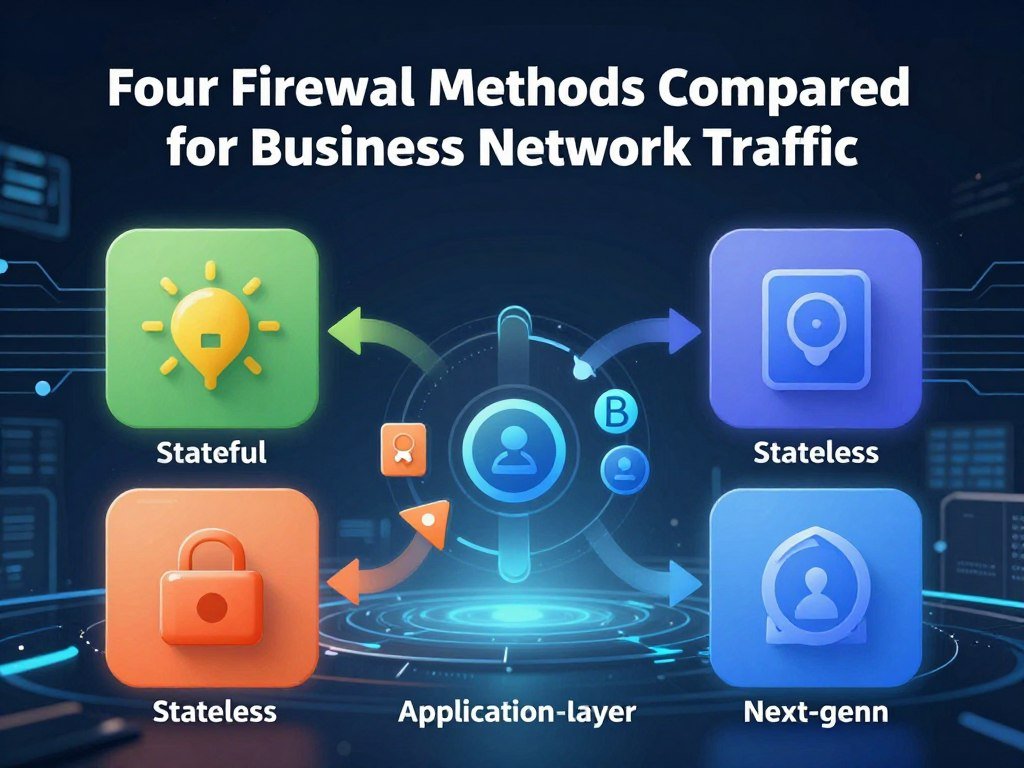
A packet filter makes a decision from packet details, while a stateful firewall also considers the conversation the packet belongs to. Proxy firewalls and next-generation firewalls inspect traffic in other ways.
Each type checks different details, so the right fit depends on your network and risk. Some firewalls combine more than one method.
Packet-filtering firewalls
Packet filtering checks packet headers, such as source and destination IP addresses, ports, and protocols. It compares those details with access-control rules. This approach is quick, but it sees less than methods that inspect connection history or application traffic.
Stateful inspection firewalls
Stateful inspection tracks active network conversations. It can allow expected return traffic for a connection that began inside the network, while blocking unsolicited traffic from outside.
This approach uses more context than a basic packet filter. For example, a reply from a web server can match an active request instead of looking like a new, unrelated connection.
Proxy firewalls
A proxy firewall sits between a user and the destination. It receives application traffic, such as HTTP or FTP, and evaluates it before forwarding it. The destination communicates with the proxy rather than directly with the user’s device.
This extra step can give the firewall more control over application traffic. It may also add processing time or make some services harder to use.
Next-generation firewalls
A next-generation firewall often combines stateful inspection with deeper packet inspection, intrusion prevention, and application awareness. It may also use threat-intelligence feeds to help identify known risks.
These features can give a business more ways to manage traffic. They can also add processing demands and require more planning to set up well.
| Type | What it examines | Strength | Limit or trade-off |
|---|---|---|---|
| Packet filtering | Packet headers | Quick rule checks | Limited header details |
| Stateful inspection | Active connections | Tracks expected replies | Needs connection tracking |
| Proxy firewall | Application traffic | Checks traffic before forwarding | Can add processing time |
| Next-generation firewall | Connections and application data | Combines several methods | Uses more processing |
Packet filtering is often enough for simple traffic controls, while a business may need deeper inspection for particular services. Match inspection depth to the traffic and risk you need to manage rather than assuming the most feature-rich method is always necessary.
Is a Firewall Hardware or Software?
A home can use a gateway firewall to cover several connected devices and a software firewall to control traffic on an individual computer. Cloud and virtual firewalls can protect hosted systems.
Where a firewall runs determines which devices or systems it can protect. A home may use more than one form at the same time.
Hardware firewalls for a home or office network
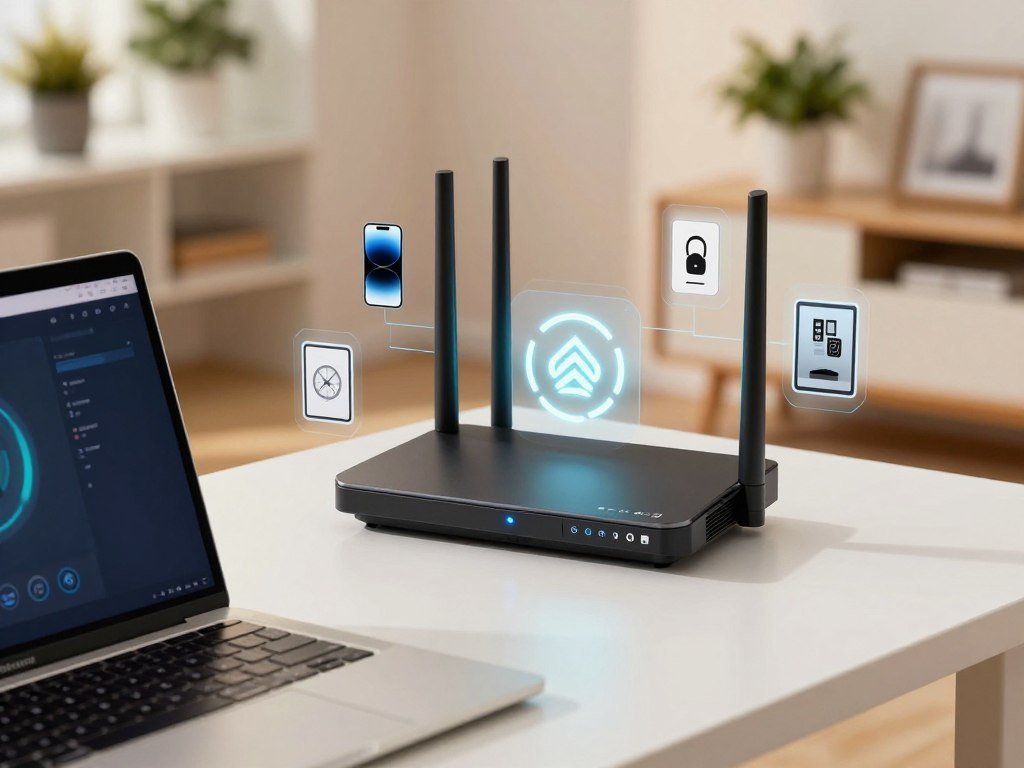
A hardware firewall is a physical appliance or a feature built into a router-based gateway. It can control traffic for several devices that connect through that gateway. Small offices may use a dedicated appliance to protect computers, servers, and other network equipment.
In a house, a firewall controls connections for home devices, often at the network gateway or on each device. A router sends traffic between networks and devices. A firewall filters traffic according to security rules, though both jobs may be part of one home gateway.
That shared gateway can protect phones, computers, game consoles, and smart devices while they use home Wi-Fi. A device that connects somewhere else will not pass through the home gateway.
Software firewalls for individual devices
A software firewall runs on a computer or server and applies controls on that device. Windows Defender includes a software firewall. Its rules can differ from those on your home gateway.
Device-level software can help protect a laptop at home, at work, or on public Wi-Fi. It also gives you a way to control network access for that particular computer or server.
Cloud and virtual firewalls
A virtual firewall runs in software on a virtual system. A cloud firewall protects hosted infrastructure, including services in Amazon Web Services, Microsoft Azure, and Google Cloud Platform.
These options can suit businesses that run applications or servers in the cloud. Their controls apply to hosted systems and cloud network traffic rather than a physical box in an office.
For a home with devices that leave the Wi-Fi network, device-level protection still matters even when the gateway has a firewall.
What Can a Firewall Protect Against, and What Can’t It?
A firewall can block an unwanted network connection, but it cannot inspect every risk that reaches a device. Traffic rules can reduce unauthorized access and limit some network attacks.
A firewall filters network traffic, while endpoint protection checks activity on a device. The two tools address different risks.
Network threats it can help limit
A firewall can block connections that do not match its rules. This can help keep outsiders from reaching a private service or server that should not face the internet.
Some firewalls can also help mitigate denial-of-service attacks, which try to overwhelm a service with traffic. Their results depend on the firewall’s features, rules, and place in the network.
For a home user, this control can limit incoming connections that are not needed. A small business can set rules for which systems may reach its servers or services.
Threats that need other protections
Endpoint protection scans device files, programs, and processes for malicious code. A firewall mainly controls network traffic, so it may not catch a harmful file that reaches a device through an allowed connection.
A malicious email attachment or infected USB drive can also deliver a threat without relying on a blocked network connection. Keep these cases in mind:
- A malicious email attachment opened on your computer.
- An infected USB drive connected to a work or home device.
- A harmful file received through an allowed connection.
A firewall cannot stop every form of phishing or prevent someone from opening a dangerous file. A VPN can protect traffic routed through its connection, but it does not block every threat, such as phishing or harmful downloads. Learn about free VPN options and their limits as one part of a broader security plan.
Pair network filtering with endpoint protection and keep a separate backup of important files.
What Changes Between Layer 3 and Layer 7 Firewalls?
A Layer 3 firewall can filter by IP address and port, while a Layer 7 firewall can inspect application data. The layer describes which parts of network traffic the firewall examines.
Layer 7 inspection needs more processing and generally has lower throughput. A Web Application Firewall focuses on traffic to a web application.
Layer 3 filtering uses network addresses and port numbers to control traffic. Layer 7 inspection looks at application data, such as an HTTP or HTTPS request. The OSI model has seven layers, and firewalls can work at different layers.
A Web Application Firewall, or WAF, checks HTTP/S requests sent to a web application. It can help protect the application from attacks such as SQL injection and cross-site scripting. A WAF does not replace a general network firewall.
| Approach | What it examines | Typical role | Trade-off |
|---|---|---|---|
| Layer 3 filtering | IP addresses and ports | Control network traffic | Less application detail |
| Layer 7 inspection | Application data | Check application requests | More processing, lower throughput |
| Web Application Firewall | HTTP/S requests | Protect a web application | Does not replace network controls |
A research study tested a Coraza-based WAF with the OWASP Core Rule Set against SQL injection in a multi-domain web system. Its WAF testing results covered five attack scenarios and more than 80 subdomains.
A public-facing web application may need a Web Application Firewall in addition to controls for general network traffic.
How Do Windows and Mac Firewall Settings Work?
A laptop that works on a home Wi-Fi network but not on public Wi-Fi may be using different firewall profiles. Windows and macOS offer controls for incoming connections and allowed apps.
A restrictive profile or rule can block an app without requiring you to turn off the firewall. Check the setting that matches the connection problem.
Windows Firewall profiles and rules
Windows Security provides Domain, Private, and Public network profiles. Public networks generally need stricter controls than Private networks, such as your trusted home Wi-Fi.
Microsoft recommends allowing a needed app through Windows Firewall rather than turning the firewall off. The “Block all incoming connections” setting blocks incoming connections even for apps on the allowed-apps list.
Windows Firewall Advanced settings include inbound and outbound rules, connection security rules, and monitoring logs. Rule order can affect what happens: “Allow if Secure” rules can take precedence through Block Override, while Block rules take precedence over Allow rules.
macOS incoming-connection controls
The macOS Firewall can block incoming connections to nonessential services and apps. It can automatically allow built-in software and downloaded software signed by a valid certificate authority.
Stealth mode can prevent responses to probing, including unauthorized ICMP ping requests. The setting changes how your Mac responds to that kind of network check.
Why is your firewall blocking your network? A restrictive profile, an incoming-connection block, or a rule that denies the app can prevent a connection.
- Confirm the active network profile.
- Check whether “Block all incoming connections” is enabled.
- Review the app’s allowance and relevant rules.
- Run Microsoft’s Network and Internet troubleshooter for general connection issues.
Change only the setting or app rule needed to restore the connection, and leave the firewall enabled.
How Do You Choose a Firewall and Understand Its Cost?
A home with a few devices and a small business with remote users may need different firewall deployments and protection plans. Appliance, virtual, software-only, and cloud options each fit different systems.
Total cost depends on hardware, protection subscriptions, deployment, and support. Compare the full term of each plan, not just the device price.
Choose the deployment that fits your network
A hardware appliance may suit a home or office that needs a gateway for several devices. Virtual and software-only firewalls run on systems you host or manage. Cloud deployments can protect hosted infrastructure.
Think about how many users and systems need protection, where they connect, and who will manage the firewall. A business with remote users may have different needs from a home with a few devices.
Compare small-business hardware and subscription costs
Listed prices for small-business firewall hardware range from under $300 to nearly $1,500 in these examples. Some have no subscription fee, while other products pair hardware with a paid protection bundle.
| Product | Listed price | Subscription or bundle detail |
|---|---|---|
| UniFi Cloud Gateway Max | $199-$279 | No subscription fee |
| UniFi Dream Machine Pro Max | $599 | No subscription fee |
| Firewalla Gold Pro | $949 | No subscription fee |
| TP-Link Omada ER8411 | About $400 | No subscription fee |
| Ubiquiti UDM Beast | $1,499 | No subscription fee |
The Aruba SG1004 is listed at about $430 with no subscription fee. SonicWall TZ370 hardware is around $600, while its three-year Advanced Protection Service Suite bundle is approximately $1,397 at list price.
A FortiGate 40F with one-year UTM protection is around $753 at CDW, against a stated list price of $981. Its three-year UTM bundle is $1,249. These listed firewall prices show why hardware and protection costs should be compared separately.
Understand Sophos Firewall licensing
Sophos Firewall’s Base License includes networking, wireless, Xstream architecture, unlimited remote-access VPN, site-to-site VPN, and reporting. A Sophos hardware appliance includes the Base License in its purchase price.
Virtual, software-only, and cloud deployments need a separate Base License. Each Sophos Firewall also needs support at minimum for firmware updates, Sophos Fusion management and reporting, and customer support.
Xstream Protection includes network protection, web protection, zero-day protection, central orchestration, DNS Protection, and enhanced support. Network Protection, Web Protection, and Email Protection subscriptions are licensed per hardware appliance.
Sophos Firewall is used to control network traffic and protect business networks. Deployment options include XGS Series hardware appliances, cloud plans using pay-as-you-go or bring-your-own-license, and virtual or software deployments.
Sophos Firewall cost depends on deployment, Base License, subscriptions, bundles, and support. Compare the full license and support term with the hardware price before deciding whether two options are comparable.
Conclusion
A firewall is most useful when its rules match the connections you actually need. It adds a layer of network security, but endpoint protection still matters for files, programs, and activity on your devices.
For a home user, a gateway and device firewall can cover different parts of daily use. A small business can review its network rules as its systems and users change.
Start with one practical check: confirm that the firewall is on, then review which apps or connections need access. Check your device’s firewall status today, then allow only the apps and connections you rely on.
FAQ
Will a firewall stop hackers?
A firewall can block unauthorized connections and some malicious traffic, but it cannot stop every attack. It controls network access based on its rules, so threats that arrive through allowed connections may still reach a device. Keep endpoint protection active, use strong passwords, and turn on multifactor authentication where available. Those steps address risks a firewall alone cannot handle.
What is another name for firewall?
“Network firewall” commonly means a firewall that protects network traffic. “Network security barrier” is a plain-language description, not an exact technical synonym. A firewall can protect an individual device or a broader network, depending on where it runs. Terms such as proxy firewall describe a particular kind of firewall rather than a different name for every firewall.
Does my computer need a firewall?
Yes, keep your computer’s built-in firewall enabled, even when a gateway firewall protects your home network. The gateway only sees traffic that passes through it, while a laptop may connect to public Wi-Fi or another network. A device firewall can apply rules directly to that computer. It works alongside endpoint protection, which checks files, programs, and processes.
How much does a firewall cost?
Small-business hardware examples range from $199-$279 for a UniFi Cloud Gateway Max to $1,499 for a Ubiquiti UDM Beast. A Firewalla Gold Pro is listed at $949, and a TP-Link Omada ER8411 costs about $400. Hardware, subscriptions, bundles, deployment, and support affect the total. For example, a SonicWall TZ370 three-year protection bundle is approximately $1,397.
What are the three types of firewalls?
Three common types are packet-filtering, stateful inspection, and proxy firewalls. Packet filters check packet headers, while stateful inspection also tracks active connections. A proxy firewall sits between a user and destination to inspect application traffic. Next-generation firewalls combine several capabilities, such as stateful inspection and application awareness, so they do not fit neatly into only one of those three types.
What is Sophos firewall used for?
Sophos Firewall controls network traffic and offers deployment and protection plans for business networks. Its Base License includes networking, wireless, VPN features, and reporting; hardware appliances include that license in the purchase price. Virtual, software-only, and cloud deployments need a separate Base License. Protection subscriptions and support can add costs, and each firewall needs at least support for updates and service.
Why is my firewall blocking my network?
A restrictive network profile, “Block all incoming connections,” or a rule that denies an app can block a connection. Check the active profile first, then review the app’s allowance and related rules. On Windows, Microsoft’s Network and Internet troubleshooter can help with general connection problems. Change only the rule needed to restore access, and keep the firewall on rather than disabling it.



