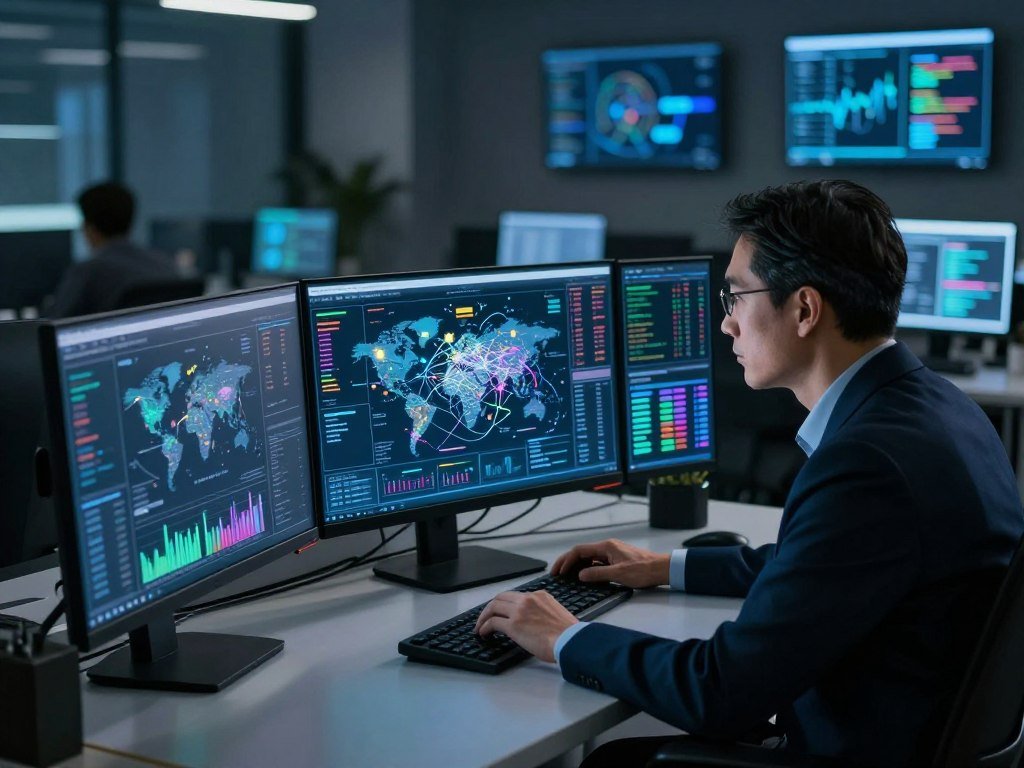
A screen full of alerts can show activity without making clear which signals matter to your organization; a cyber threat intelligence map can add context. Seeing activity is different from knowing what it means for your security, business, and risk. Threat intelligence is analyzed information about threats that helps inform security decisions.
Organizations face signals from many systems, feeds, and reports. A visual display can help you spot patterns, but it cannot confirm what happened inside your network. A map offers context, not certainty. Your team still needs evidence tied to its own systems, assets, and needs.
Here, you’ll learn what map views can show, how analysts turn observations into useful information, and how teams can check signals before acting. That approach helps you read the threat landscape without mistaking a striking display for a full picture of risk.
A map becomes useful when its signals are interpreted alongside evidence from your own environment.
Key Takeaways
- Maps display selected observations, not every cyber event.
- A mapped location does not prove who launched an attack.
- Threat intelligence adds analysis and context to raw signals.
- Check external activity against internal logs and asset details.
- Choose tools for useful work, not dramatic visuals.
What Is a Cyber Threat Intelligence Map?
A cyber threat intelligence map turns selected observations about cyber activity into a visual view. It can show where, when, or what kind of activity a feed has detected.
These maps may show activity by country and threat category. A live cyber threat map shows activity captured by its own feeds, not a complete count of global attacks. Sensors, honeypots, and threat intelligence feeds can supply the data behind that visualization.
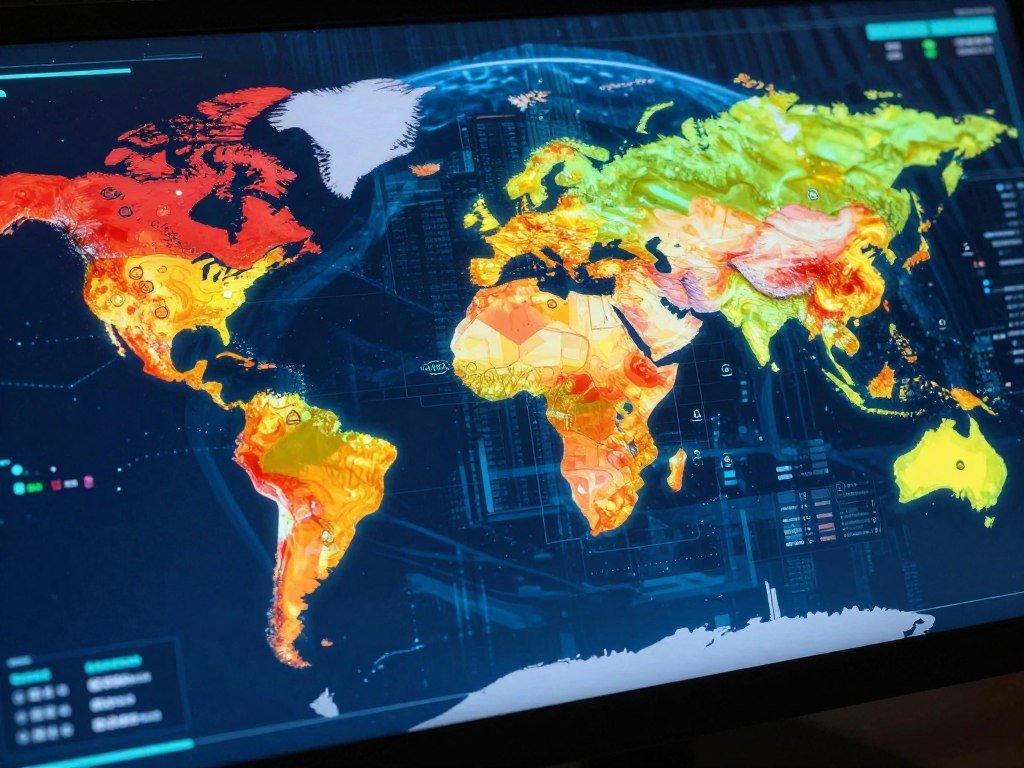
A map may show an event’s reported location, frequency, or type when its feed includes those details. A country view does not prove who launched a cyberattack or whether a target suffered a breach.
A mapped point records an observation from a particular feed or sensor; it does not confirm an attack or identify its operator.
What a public threat map can show
Map types serve different needs. A real-time view tracks incoming observations, while a historical view helps you compare activity over time. Interactive maps let users explore data, and geographic views group activity by place.
- Real-time maps show incoming or recently gathered events.
- Historical maps display activity across a past time range.
- Interactive maps let users filter or explore observations.
- Geographic maps group events by reported location.
- Threat actor-focused maps organize activity around named actors.
Maps may use heat maps, graphs, and timelines to make patterns easier to see. Kaspersky’s live map uses the category labels OAS, ODS, MAV, WAV, IDS, VUL, KAS, and RMW. It describes them as detections discovered since 00:00 GMT, without expanding the labels here.
Why a map’s picture is incomplete
A map depends on which sensors and feeds contribute observations. It cannot display activity those sources never captured, and different feeds may classify events in different ways.
A map advertised as real-time may not update instantly. Collection and processing can add delays, so the display may lag behind the event.
Treat a mapped location as a clue about the data, not a verified attribution of an attacker.
How does threat intelligence turn signals into usable intelligence?
Threat intelligence is the analysis that turns collected observations into information a security team can act on. Analysis adds meaning to raw data, rather than simply passing along an alert.
The threat intelligence lifecycle has six stages, and teams repeat them as questions and evidence change. Each stage helps analysts move from a security question to information that fits a decision.
What Is Cyber Threat Intelligence?
Cyber threat intelligence is analyzed information about cyber threats that helps you make security decisions. It can explain which systems may be at risk, what an attacker may be trying to do, or which response deserves attention.
Sources may include firewall, endpoint, SIEM, and cloud audit logs. Analysts can add public reporting, commercial feeds, security communities, and dark web forums. The mix depends on the question and the data available to answer it.
How Does the Threat Intelligence Lifecycle Work?
Direction sets the question, such as whether a new indicator relates to your business. Collection gathers relevant internal and external data. Processing makes that data usable for review and comparison.
Analysis interprets the evidence and tests possible explanations. Dissemination delivers the result to the people or systems that need it. Feedback shows what worked and helps refine the next cycle.
This cybersecurity process is iterative, not a one-time sequence. New evidence can change an earlier view, while feedback can sharpen the next question.
How analysts process and deliver intelligence
Processing can normalize data to STIX 2.1, a standard format for expressing cyber threat information. The OASIS STIX 2.1 standard defines a shared language and structure for that information.
Analysts can remove duplicate indicators, standardize timestamps, score indicators, and add WHOIS or historical context. Without those steps, duplicated indicators can skew counts, mismatched times can hide a pattern, and missing context can lead to weak conclusions.
A threat intelligence product should fit the people who must use it. Technical indicators can feed security tools, while incident-response reports can include detection logic. Strategic briefs can help leaders weigh business exposure and risk.
Match each intelligence product to its audience, from machine-readable indicators for tools to a strategic brief for executives.
How can teams turn map activity into security action?
If an external signal suggests suspicious account use, analysts can check internal authentication logs before deciding whether it warrants action. That check connects an outside observation to your own systems.
A map can support awareness and prioritization, but it cannot detect or prevent an attack by itself. Analysts need internal telemetry and vulnerability information to judge whether a signal matters to the organization.

For example, a threat feed may flag a source linked to account abuse. Analysts can review login records, affected assets, and known vulnerabilities before ranking the risk. If an AI tool correlates those signals, treat its result as a prompt for investigation, not proof of compromise.
Teams can use AI to analyze security signals and add identity, asset, and threat intelligence context. Check any recommendation against related evidence in your own systems.
MITRE ATT&CK gives analysts a shared vocabulary for observed behavior. Its tactics include Initial Access, Execution, Persistence, Privilege Escalation, and Credential Access.
Other tactics include Discovery, Lateral Movement, Command and Control, Exfiltration, and Impact. Analysts can map observed actions to T1078 Valid Accounts or T1496 Resource Hijacking.
Public programs can also help organizations share data and coordinate work. CISA’s information-sharing programs include several services with distinct roles.
- AIS enables real-time exchange of machine-readable cyber threat indicators and defensive measures.
- JCDC gathers, analyzes, and shares actionable cyber risk information for coordinated planning, defense, and response.
- Coordinated Vulnerability Disclosure helps affected vendors coordinate remediation and public disclosure.
- Joint Ransomware Task Force coordinates nationwide ransomware action and identifies opportunities for international cooperation.
These programs support information sharing and coordination; your team still decides how a signal fits its own assets and exposure.
Prioritize a signal only after connecting it to evidence in your own systems and the potential impact on your organization.
Which threat intelligence tools help add context?
Choose a threat intelligence platform by the decisions your team needs to make, not by how dramatic its map looks. Useful tools support the work behind a clear security decision.
Assess feeds, enrichment, scoring, standards support, investigation needs, and links to security operations. A map is one possible display, not a measure of how well a platform fits your team.

Choose a platform for the intelligence work it supports, not for the drama of its visual display.
Choose a platform by the intelligence work it must support
Threat intelligence tools range from an open-source STIX-based environment such as OpenCTI to systems focused on enrichment, adversary research, or dark-web intelligence.
Google Threat Intelligence combines Mandiant, VirusTotal, Google intelligence, and Gemini for malware and adversary investigation. Mandiant Threat Intelligence tracks over 350 threat actors through incident investigation and analysis.
Flashpoint Ignite focuses on cybercrime and dark-web intelligence, including primary-source collection. Stellar Cyber aggregates commercial, open-source, and government feeds, then enriches events during ingestion.
Compare capabilities before relying on a visual display
The table compares five platforms by their stated focus and a fitting intelligence task. Recorded Future Intelligence Cloud processes over 900 billion data points daily from technical, open-web, dark-web, and closed-feed sources.
| Platform | Stated focus or capability | Best-fit intelligence task |
|---|---|---|
| Google Threat Intelligence | Combines Mandiant, VirusTotal, Google intelligence, and Gemini | Malware and adversary investigation |
| OpenCTI | Open source, flexible STIX-based architecture | Custom intelligence environment |
| Flashpoint Ignite | Cybercrime and dark-web intelligence, including primary-source collection | Cybercrime and dark-web research |
| Stellar Cyber | Feed aggregation, ingestion-time enrichment, scoring, and STIX/TAXII integration | Event enrichment and feed integration |
| Recorded Future Intelligence Cloud | Over 900 billion data points daily from technical, open-web, dark-web, and closed-feed sources | Broad-source intelligence analysis |
Stellar Cyber also supports automated indicator scoring and real-time event enrichment. Its STIX/TAXII integrations can connect structured data across systems. OpenCTI offers a flexible STIX-based architecture for teams building a custom environment.
The 2026 shortlist also includes Cyware, CrowdStrike Falcon Adversary Intelligence, ThreatConnect/Dataminr, Anomali ThreatStream, CloudSEK XVigil, Cyble Vision, and IBM X-Force. These names are options, not a ranking.
Confirm that the platform’s feeds, formats, and outputs fit the systems and analysts who will use them.
Conclusion
A cyber threat map is most valuable when it helps your team ask a better question about its own environment. Visual activity can point toward a concern, but useful decisions need intelligence context and internal evidence.
Start by choosing one external signal and checking it against relevant internal logs and asset importance. A signal tied to a critical system may deserve a different response than one with no clear link to your organization. Record what the check confirms, then use that result to guide the next security action.
FAQ
Can a public threat map tell me whether my organization is being attacked?
No, a public threat map cannot confirm that your organization is under attack. It shows observations collected through its own feeds, which may not include your systems or network. Compare relevant activity with internal logs, alerts, and asset details. A mapped event may point to something worth checking, but it cannot establish compromise or impact on its own.
Are cyber threat maps actually real time?
Sometimes, but “real time” depends on the map’s feeds and processing. Sensors must collect an event, send it for handling, and update the display. Those steps can introduce delays. A live label does not mean every event appears instantly, and a map may show only activity captured by its own sources.
What do the OAS, ODS, MAV, WAV, IDS, VUL, KAS, and RMW labels mean?
They are category labels shown on Kaspersky’s live map, but their expansions should not be guessed. The map describes them as detections discovered since 00:00 GMT. Treat each label as a category in that display, rather than assuming it has the same meaning across other maps or security tools.
How can I tell whether a mapped event is a real attack or just a scan?
A map alone cannot tell you whether an event caused harm or was only a scan. Check relevant logs, detection logic, and the targeted system. A scan may show contact with a service without proving access, while a confirmed attack needs evidence of harmful activity or impact. Use internal telemetry to test what the map suggests.
What is the difference between a threat map and a threat intelligence platform?
A threat map visualizes selected activity, while a threat intelligence platform can support broader analysis. Depending on its features, a platform may collect feeds, process and enrich data, help analysts investigate, and distribute intelligence. A map can be one display within a tool, but a map by itself does not perform all those tasks.
Can threat intelligence maps identify who is behind an attack?
No, a displayed country or source location is not enough to identify who launched an attack. Internet traffic can pass through relays, compromised devices, or shared infrastructure. Attribution requires more evidence and investigation, such as linked activity patterns and technical details. A map’s location is a clue about its data, not proof of an attacker’s identity.



