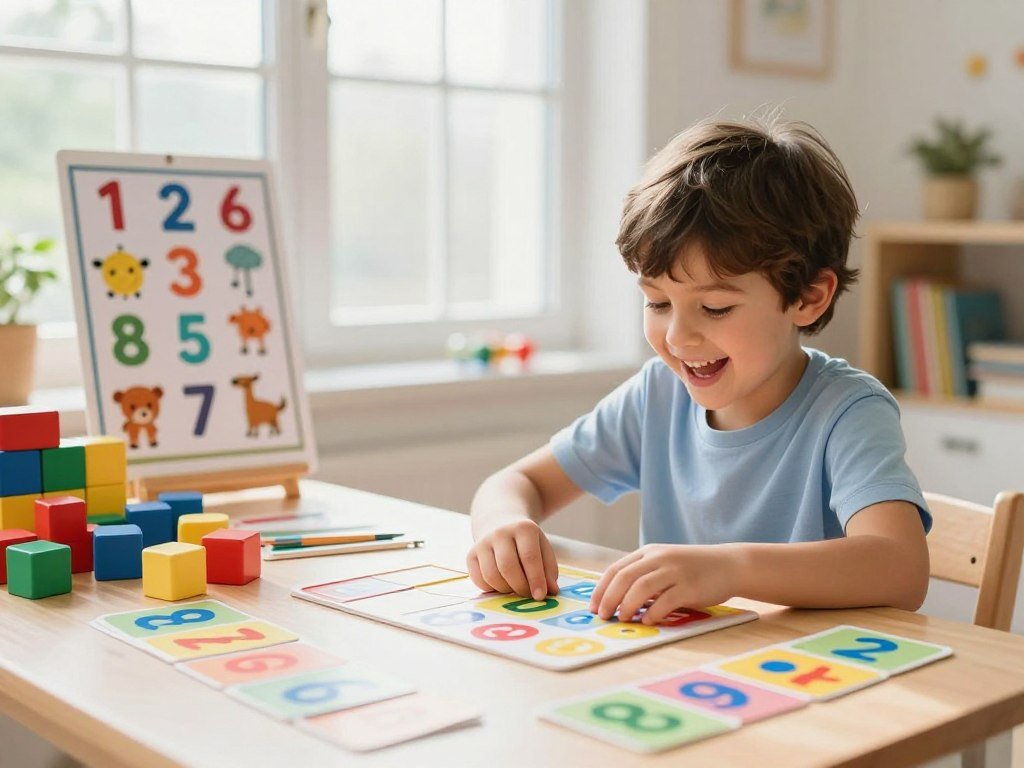
A child who turns number practice into a game may be more willing to try a tricky skill again. Numeracy is the ability to understand and use numbers in everyday situations. Playful digital practice can make that skill feel more approachable, especially when a child feels unsure about numbers.
The best activity matches the child’s current skill and attention span. A quick round might help with counting, while another child may want to work on fractions. Small steps can build number confidence without making practice feel like a test.
Use games as a short, supportive part of learning, not a replacement for teaching or time with a parent or caregiver. An adult can help explain a new idea, then let the child try it in a playful format. Start by choosing one skill the child is ready to practice, rather than opening several activities at once.
Key Takeaways
- Choose one skill that matches what the child can do now.
- Keep practice short and supportive.
- Use feedback to spot what needs more teaching.
- Check privacy, ads, and access before independent play.
- Let the child explain what felt easier after a round.
What Should Adults Check Before a Child Starts?
A good first check is whether the child can use the activity comfortably and understand what to do without an adult taking over. Look for clear instructions, useful feedback, and focused practice that fits the child’s current skill. A familiar brand or bright design does not prove an activity suits a child’s needs.
Check the listing and settings before handing over a device. The right difficulty settings can keep a task challenging without making every turn feel like a dead end. Privacy rules and ad choices also matter, especially when children play on their own.

Use this four-point checklist to make a quick, practical choice:
- Age and skill fit: Can the child read the directions and try the math?
- Feedback and challenge: Does the activity explain errors or let adults adjust difficulty?
- Privacy and ads: Does the listing explain data use, ads, and in-app purchases?
- Accessibility: Can the child use the controls and see or hear key instructions?
Do not treat a familiar brand or bright design as proof that an activity fits the child.
WCAG 2.2 is a web accessibility standard with testable guidance for making websites easier to use. Coolmath Games states that it is WCAG 2.2 compliant. That claim does not mean every activity will suit every learner or device.
Math Kids offers a concrete example of a different check: it has no in-app purchases or third-party ads. That setup is specific to Math Kids, not a promise about other apps. For other free-to-play options, check for optional purchases and device needs before starting.
Time matters, too: a clear stopping point can help a child finish before attention fades. Choose a round that fits the time you have, rather than stretching practice to fill a fixed block. Before a child starts, test the activity’s instructions and controls on the same device they will use.
Which Numeracy Online Games Fit Different Ages?
A preschooler learning to count and an older child practicing fractions need different kinds of play. Math Kids suits early number skills, while other resources cover a broader range of math. Age-based practice is a starting point, but the child’s current skill should guide the final choice.
Here are several free math games for kids and learning resources, with their different age ranges and formats:
| Resource | Age or grade fit | Practice focus | Useful format or adult feature |
|---|---|---|---|
| Math Kids | Toddlers through first grade | Counting, number ID, addition, subtraction, group comparison, puzzles, quizzes | Adjustable difficulty; scores from past rounds |
| Math Games: Math for Kids | Kindergarten through grade 6, plus teens and adults | Operations, fractions, decimals, square roots, exponents, mixed operations | Memory-match, timed challenge, two-player split-screen |
| Khan Academy and Khan Academy Kids | Main site: grade 3 math; Kids: Pre-K through grade 2 | Math learning across their stated ranges | Free access |

Math Kids is free and designed for toddlers, preschoolers, kindergartners, and first graders. Its activities include counting and number identification, along with early operations and puzzles. Adults can adjust the challenge and review scores from earlier rounds.
Math Games: Math for Kids is free and spans a wider set of skills, from addition through division, fractions, and decimals. Its play modes include memory-match, timed challenges, and split-screen play for two people. That range can suit families who want different ways to practice.
The main Khan Academy site covers third-grade math, while Khan Academy Kids aligns with Pre-K through grade 2. Khan Academy offers free access with no paid tier. A free option can still differ in the skills and play styles it supports.
The phrase math games for kids covers very different activities, from number recognition to operations. An app’s broad age label does not mean every activity suits every child. A child who gets stuck on a timed round may do better with a calm, untimed task.
For a younger learner, choose a resource that lets an adult adjust the challenge instead of relying on a broad age label.
How Can Games Reinforce Grade 3 and 4 Math?
Grade 3 math includes more than memorizing multiplication facts, with fractions, area, and shapes among its four major focus areas. Common Core names multiplication and division within 100, fractions, rectangular arrays and area, and two-dimensional shapes. Practice can build fluency while giving children ways to explain their thinking.
These game titles suggest practice for each grade 3 focus. They are practice ideas, not proof that one activity covers a complete standard.
| Common Core focus | Grade 3 target | Game example |
|---|---|---|
| Multiplication and division | Within 100 | Magic Multiply |
| Fractions | Understand and compare fractions | Fraction Tug |
| Rectangular arrays and area | Connect arrays with area | Area Climber |
| Two-dimensional shapes | Describe and sort shapes | Shape Fall |

Build fluency in short practice rounds
XtraMath uses a 10-minute-a-day format to practice the four operations. Its progress reports show accuracy, speed, and fluency by operation, which can help adults spot a weak area. That focused routine differs from games with more varied play.
XtraMath is free for teachers and families, with paid premium reporting. A child might use a brief daily round to master math facts, then switch to a game that asks for a different kind of thinking. The National Council of Teachers of Mathematics offers a standards reference guide across grade bands and math content areas.
Connect skills to explanations and word problems
3rd Grade Math Learning Games offers scored test mode, answer feedback, and explanations. Those features can help a child see why an answer missed the mark instead of guessing again. The app also has in-app purchases priced at $1.99, $2.99, $3.99, $4.99, and $9.99, so not every feature is free.
Common Core standard 3.OA.D.8 calls for two-step word problems using the four operations and checking whether answers are reasonable. For example, a child can solve a problem about two groups, then ask whether the total fits the story. A screen can mark an answer right, but the child still needs to explain the steps.
Have the child explain why a two-step answer makes sense, not just whether it matches the screen.
What Can Kids Practice Beyond Basic Arithmetic?
A child who already knows basic addition can still practice fractions, multiplication, division, or telling time through a more focused activity. A skill library can help families find a specific topic instead of repeating familiar sums. One clear target makes it easier to choose useful practice.
MathGames.com lists 34 Pre-K skills, 70 kindergarten skills, 91 grade 3 skills, and 126 grade 4 skills. Its topic counts include 316 fraction skills, 255 multiplication skills, 235 division skills, 261 addition skills, and 46 time skills.

Explore fractions, operations, and number patterns
Fraction Tug connects its game format to fraction practice, while Magic Multiply focuses on multiplication. These titles can give children a change from worksheet-style problems while keeping the target skill clear. Match the activity to what the child is learning now.
MathGames.com offers skill practice and games, plus printable worksheets and tutorial videos. A child might try a game, then use a worksheet to work through a similar problem without a timer or score. A short video can also help explain an idea before practice begins.
Add time, measurement, and visual challenges
Telling Time offers practice with reading a clock. Area Climber focuses on area, and Shape Fall gives children a way to work with shapes. A name alone does not tell you whether the activity will suit a child, so check its task and level.
A large skill catalog can help with focused review, but it does not make every activity free. Full access to MathGames.com requires a subscription. Choose the format based on the task: a game for quick turns, a printable page for written work, or a tutorial video for added explanation.
Match the activity to one specific skill, such as reading a clock or comparing fractions, before choosing a format.
What Works at Home and on School Chromebooks?
A two-player activity can turn a short practice session into a shared challenge at home or in class. Browser-based options such as Coolmath Games can run without a separate app install, while PBS KIDS has a math games topic page. Shared play works best when the activity and device fit the group.
MathTug’s Math Tug-of-War covers grades K-8 and supports two-player split-screen play on one Chromebook. Its games require no student sign-in and are designed for school Chromebooks. Those features can make it easier to start a classroom play session.
Make home practice easy to share
At home, one device can work for siblings or a parent and child playing together. MathTug lists Math Tug-of-War for grades K-8, Balance Scale for grades 4-8, Math Minesweeper for grades 3-8, and Fraction Frenzy for grades 3-6. Pick a title that matches the learners’ skills, not just the number of players.
Some browser games need no installation, though device fit and internet needs can differ by title. A free-to-play label also does not rule out optional purchases, so check the listing before a child starts. A guide to choosing free-to-play games can help families compare play style, device needs, and extra costs.
Check school access before class
Before using a game in class, check three things:
- Confirm the school permits the site.
- Test the activity on the actual Chromebook.
- Check for student accounts or shared-device play.
Math games unblocked means a site loads on the school network, but students should use approved resources rather than bypass a filter.
MathTug’s no-sign-in setup can simplify access, but a school’s network rules still apply. Coolmath Games or a PBS KIDS activity may also suit a lesson, yet a site’s name does not make every game right for every child. Ask the teacher or technology staff to approve a site before building a classroom activity around it.
Conclusion
The best starting point is the activity that fits the child’s next learning step, not the one with the most features. A child can build number confidence by practicing one clear skill with an activity they can use comfortably.
For at-home practice, sit nearby for the first round and let the child take the lead. Notice whether the directions make sense and whether the challenge feels manageable. If the child gets stuck, pause the game and talk through the math instead of pushing through another round.
Choose one skill for today, try one activity together, and ask the child what felt easier by the end.
FAQ
How long should a child play a math game at a time?
A 10-minute session is one useful example, not a rule for every child. XtraMath uses a 10-minutes-a-day format for operation practice. A parent or caregiver can stop sooner if the child loses focus, or end after a clear round. The goal is steady practice that still leaves time to talk through a tricky problem.
Are online math activities suitable for preschoolers?
Yes, some online math activities suit preschoolers when they focus on early number skills. Math Kids is designed for toddlers, preschoolers, kindergartners, and first graders. Its counting and number identification tasks offer a starting point for young learners. An adult can watch the first round and see whether the child understands the controls and directions.
Are free math games always completely free?
No, a free label does not always mean every feature has no cost. Math Kids and Khan Academy are free in the stated ways, while MathGames.com requires a subscription for full access. XtraMath charges for premium reporting. Check whether a game includes optional purchases or paid features before a child begins playing on their own.
Can a child practice grade 3 fractions through games?
Yes, grade 3 fractions can be practiced through games. Fractions are one of Common Core’s four critical areas for grade 3 math, and Fraction Tug is one related game title. A game can give a child repeated turns with a fraction idea, while a parent or caregiver asks the child to explain how they chose an answer.
What is the difference between a math game and fluency practice?
A math game may use varied play modes, while fluency practice often repeats a skill in a set routine. XtraMath uses a 10-minute format and reports accuracy, speed, and fluency by operation. A child can use that kind of practice for basic facts, then try a game that adds another way to solve or explain a problem.
Can students use math games on a school Chromebook without signing in?
Yes, students can use MathTug without student sign-in, and its games are designed for school Chromebooks. Math Tug-of-War also allows two players to share one Chromebook. School network rules still apply, so a site may be blocked even when it needs no account. Students should use school-approved sites rather than work around a filter.



