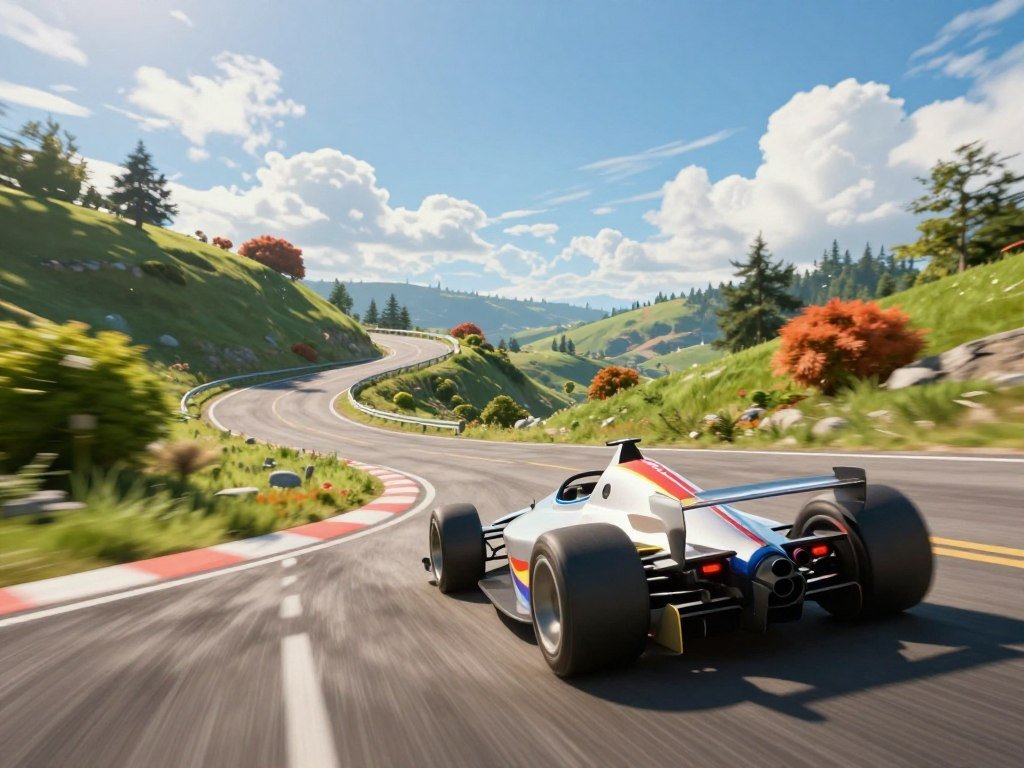
A twisting road and one well-timed click are the essentials of this quick-play driving challenge. A run takes little time to start, yet sharp corners ask for your full attention. Endless driving means the game continues until you crash. That format makes each attempt focused: you react to the road, then try again after a mistake.
This page covers the browser-based title, not every product that shares its name. The action is simple to grasp, but a narrow track can make each decision feel important. You can fit a quick attempt into a short break, then decide whether to play longer. The notes below also help you tell the driving challenge apart from apps with similar names. A short practice run is the simplest way to see whether the timing-based challenge suits you.
Key Takeaways
- The driving game runs in a browser.
- The game page needs a browser that supports WebGL.
- Desktop play uses a mouse click or spacebar.
- Mobile play uses taps to turn.
- Presents boost scores, while survival time remains the core challenge.
- Swerve AI and its guide app are separate products.
How Does the Swerve Game Work?
Swerve is an endless driving game where your run lasts as long as you keep the vehicle on the road. Endless driving is a game format that continues until the player crashes. The gameplay centers on a winding road, where corners arrive one after another. Your goal is to stay on the track for as long as possible.
The main challenge is reacting to corners, not beating traffic or reaching a finish line. Unlike a standard racing game, the run has no set final lap. The road itself supplies the action, and a small mistake can end an otherwise strong attempt. That gives each run a clear goal without a long race to manage.
Keep the vehicle on the road for as long as you can. The run ends when a crash sends it off the track.
Because the road keeps twisting, gameplay asks for attention over time rather than a burst of speed at one point. You do not need to plan a route through traffic or pass another car. Instead, watch how the track bends and respond as each corner comes into view.
That simple setup makes the game easy to understand, but it does not make every attempt easy. A sharp corner can arrive just as you settle into the rhythm. A short run can still give you a useful sense of the road and its pace.
Some games reward progress through levels, while this one measures how long you can keep going. Each new attempt gives you another chance to react more smoothly. Treat each run as a chance to improve your survival time, not as a race to a finish line.

Can You Play Swerve Online Without Downloading?
You can start the browser version without installing a game app, provided your browser supports WebGL. The game page requires WebGL support, so a compatible browser is the key check. WebGL is a browser standard for displaying interactive graphics, including 3D scenes. The Khronos Group explains the WebGL graphics standard and its role in browsers.
You can play the Swerve game free by opening the browser version, rather than assuming an app is needed. The Swerve game online runs in a browser, and a Swerve app download is not necessary for that version. Browser games can start from a web page without a separate installation, though their device needs can differ. See more free-to-play browser games if you want to compare formats.
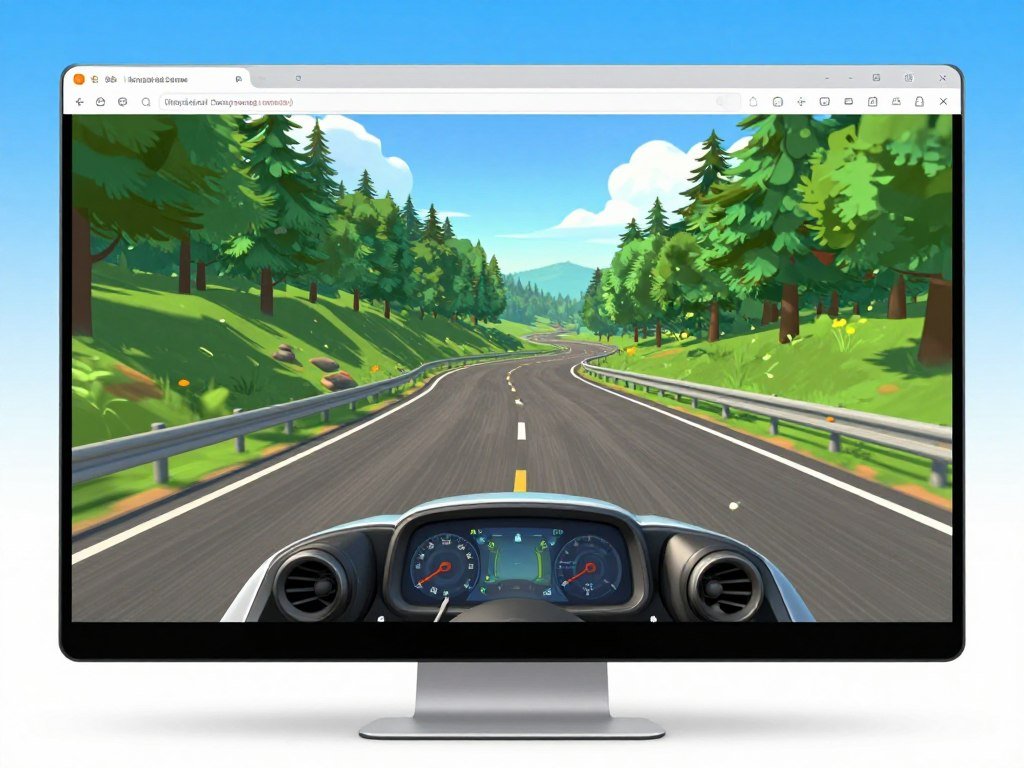
Use this quick setup checklist before you begin:
- Open a browser that supports WebGL.
- Load the game page in that browser.
- Choose the available input method for your device.
WebGL handles graphics inside a web page, so it differs from a game app installed on your phone or computer. The browser version needs no separate game download, but that does not mean every browser build has identical requirements. A page may behave differently across browsers and devices.
If you prefer mobile play, check the game page on your phone and use the input it offers. A browser version may work without a store listing or app install. For a wider look at browser and mobile options, explore mobile games for different play styles.
If the game does not load, check WebGL support in the browser before troubleshooting your controls.
Which Controls Work on Desktop and Mobile?
On desktop, click as a corner approaches, or use the spacebar as the alternative turn control. Timing matters: a missed turn sends the car off the track and restarts the run. The right input depends on whether you are using a desktop browser or a phone.
Use one turn input when a corner is near, rather than clicking repeatedly between bends. A game screen may show “Tap Anywhere To Turn,” a speed of 50 km/h, and a Restart option. That display gives a clear prompt, though the shown speed should not be treated as fixed across every version.

Mouse and Spacebar on Desktop
On a desktop, click the mouse as the corner approaches to turn the vehicle. Free Game Planet lists the left mouse button as a control. If clicking feels awkward, press the spacebar instead. Both inputs serve the same basic purpose, so choose the one that feels easier to time.
A turn made too early or too late can send the car off the track. The run then restarts, giving you another chance to read the road. If you use a keyboard, keep your hand near the spacebar so you can react without searching for the key.
Tap Controls on Mobile
Mobile players turn with taps. The on-screen prompt, “Tap Anywhere To Turn,” tells you where to touch. Tap as the bend approaches, then watch the next part of the track before choosing when to act again.
The prompt makes mobile controls easy to spot, but a tap still needs good timing. A phone screen can make the road feel close, so avoid covering the upcoming corner with your hand. For mobile games beyond this one, check that the controls suit your device and play style.
| Input | Action | Platform |
|---|---|---|
| Mouse click | Turn the vehicle | Desktop/browser |
| Spacebar | Alternative turning control | Desktop/browser |
| Tap | Turn the vehicle | Mobile |
Wait for the next corner cue rather than clicking repeatedly between turns.
How Do Presents and Scores Affect a Run?
Presents are optional pickups that boost your score, while a longer run is the basic survival challenge. The Play123 version has a leaderboard for saving scores. A leaderboard is a ranked score list, so it lets you compare saved results. Collecting a present adds score; staying on the road for more time is a separate goal.
Those two goals can pull your attention in different directions. A pickup may be close to a bend, while the road still needs your focus. The extra score can help you climb the leaderboard, but a present does not replace survival time as the core challenge.

Use these habits to make each score count:
- Watch the road before reaching a pickup.
- Skip a risky pickup when a corner is close.
- Use saved scores to set a personal target for your next run.
Scores give you a record to beat, while a leaderboard adds a ranked view of results. The Play123 version can save scores on its leaderboard, which gives you a way to track attempts. A personal target can be more useful than chasing every pickup, especially when the road ahead bends sharply.
Some games reward collecting every item, but here presents are optional. The score gain matters only if you can keep the vehicle on the track afterward. Prioritize staying on the road over chasing a pickup when the next corner is near.
Which Swerve Download Is Actually the Game?
The browser-based driving game is distinct from both Swerve AI and the educational guide app. Check the product name before installing, because similar labels can point to different experiences. The browser-based driving title is the Swerve game meant for this road challenge.
The driving title runs in a browser, so an app with a related name does not automatically match its gameplay. Search results can include fiction apps, guide listings, and user-made projects. Compare the stated purpose and access details before choosing one.
The Browser Driving Game
The browser-based title is the one to open if you want the endless driving challenge. It focuses on a vehicle staying on a winding track, rather than stories or app help. A separate Tynker project called “swerve amazon games s3” is credited to Grape Dalmation and described as made using Tynker.
That Tynker project is a distinct creation, not another name for the browser game. Its title may look related, but its project listing identifies it as a Tynker-made work. For the driving gameplay, choose the browser-based version instead.
Swerve AI and Its Separate Guide App
Swerve AI describes itself as an AI fiction app, where stories unfold around your words and actions. It offers Android and web waitlists, not the driving game. A Swerve AI Android APK or Android download is for that separate fiction app, not for the road challenge.
The phrase Swerve AI Google Play can also point toward a separate entity, so it does not identify the driving game. Google Play lists “(Swerve) Ai Character App Help” as an educational guide. The listing names ViBECO SYA as its developer, marks it independent and unaffiliated, showed 10K+ downloads when retrieved in 2026, and lists an Aug 3, 2026 update.
The APKPure listing identifies version 1.0.1, updated Aug 10, 2026, with a 41.1 MB download size. It lists Android 7.0+ as the minimum and gives package name com.orchidvistazenithwallpapers.sdadf.velmora.orchidvista. These details identify that listing; they do not make it the driving game or endorse its installation.
Swerve AI’s fiction app description describes stories shaped by user words and actions, with Android and web waitlists. That purpose differs from a driving game built around a vehicle and road. An app store listing for the guide also does not turn it into an official game download.
| Name | Purpose | Access or identifying detail |
|---|---|---|
| Swerve game | Endless driving | Browser-based |
| Swerve AI | AI fiction stories | Android and web waitlists |
| “(Swerve) Ai Character App Help” | Educational guide | Independent and unaffiliated listing, developer ViBECO SYA |
Check an app’s full name and purpose before installing it. A shared word in the name does not make two products the same game.
When a listing uses a similar name, its purpose is a better clue than the name alone. Check the app’s full name and stated purpose before installing anything with a similar name.
Conclusion
For a quick test of the Swerve driving challenge, the browser version is the straightforward place to begin. Careful timing is the core skill, so a brief run can show whether the road suits you. You do not need a separate driving-game app to try the browser title.
Open the game page in a browser that supports WebGL, then give yourself a short practice run. You can focus on reading the road and finding a steady rhythm. Open the game in a WebGL-capable browser and see how long you can stay on the road.
FAQ
Does Swerve work in every browser?
No, Swerve does not work in every browser because the game page requires WebGL support. WebGL lets a browser display interactive graphics, but browser support can differ. If the page stays blank or fails to start, check whether WebGL is enabled and supported in that browser. The browser version does not require a game app download.
Is there an Android app for the Swerve driving game?
No Android app is needed for the browser-based driving game. You can play that title in a WebGL-capable browser instead. Swerve AI is a separate fiction app, and “(Swerve) Ai Character App Help” is an independent educational guide. Neither listing is the driving game, so check the full name before installing.
What does 50 km/h mean on the Swerve screen?
It is the speed displayed on that game screen, not a confirmed fixed speed for every version. The screen can also show the prompt “Tap Anywhere To Turn” and a Restart option. Treat 50 km/h as a display detail for the version you are viewing, not a promise about every browser build.
Can you steer Swerve by tilting a phone?
The listed mobile control is tapping, not tilting the phone. The game screen may prompt you to tap anywhere to turn, which gives you a clear touch input. Tilt support is not established, so do not count on motion controls when starting a run. Use the tap prompt shown by the game.
Do presents unlock new cars?
No car unlock feature is stated for presents. Their stated purpose is to boost your score and help you climb the leaderboard in the Play123 version. That makes them score pickups, while the main challenge remains staying on the road. Do not assume a present unlocks a vehicle or other reward.
Does Swerve have a finish line?
No, Swerve is an endless driving game without a finish line. A run continues while the vehicle stays on the road, then ends when it crashes or falls off the track. That makes survival time the main goal, rather than finishing laps or reaching a set race distance.



