Dialed.gg turns color recall into a visual challenge that asks you to trust what you remember. The Dialed Color Game is a browser-based color memory challenge, so you can start a round without installing an app. You get a quick test of how well you can recall a shade after seeing it. A dialed viral-style challenge can be a fun reason to invite friends, but a solo round works just as well. Sessions are short and easy to approach, whether you have a quiet break or a few minutes between tasks.
You do not need special color skills to begin. The game gives you a clear task and a chance to see how your own memory handles it. It does not promise to improve your perception, and a result is not a measure of your eyesight. A solo round is a straightforward way to see how closely your memory tracks a color.
Key Takeaways
- Dialed.gg offers a browser-based visual memory challenge.
- You recreate colors from memory with on-screen controls.
- You can play alone, share a multiplayer challenge, or try the daily set.
- The browser game is free to play without signup.
- The color game is a casual game, not a vision test.
How to Play the Dialed Color Game
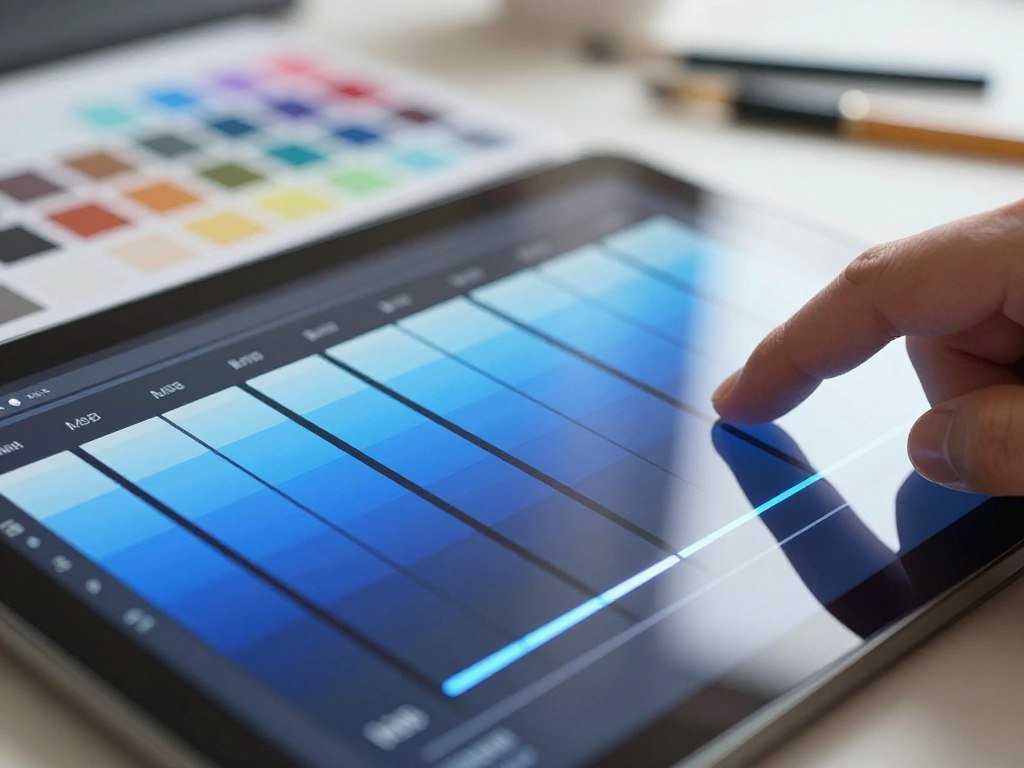
A muted blue is easier to rebuild when you separate its hue from its saturation and brightness. HSB is a color model that describes a shade through hue, saturation, and brightness. The browser color memory game shows you colors, then asks you to recreate each target from memory.
You memorize five colors, rebuild each target with HSB sliders, and submit your matches. The browser game is free to play without signup, so you can start without making an account or downloading anything.
- Memorize the colors shown on screen. Notice each shade as a whole before it disappears.
- Rebuild each target using the hue, saturation, and brightness sliders.
- Submit the match when your recreated color looks as close as you can make it.
Hue names the color family, such as blue, red, or green. It sets the basic identity of the shade.
Saturation describes how intense or muted a color looks. A highly saturated blue looks vivid, while a less saturated blue looks grayish.
Brightness controls how light or dark the color appears. A dark blue and a pale blue can share a hue while looking very different.
The controls work best when you treat those traits as separate choices. When you adjust saturation, you change intensity, not how light or dark the shade appears.
One common slip is treating saturation and brightness as the same adjustment. A pale color may need more brightness, while a washed-out color may need more saturation.
Moving both sliders together can make it hard to tell which change helped. Make one small adjustment, look at the result, and then decide what needs to change next.
Keep hue, saturation, and brightness separate in your mind; each slider changes a different part of the shade.
Memory using HSB is a way to break a visual target into parts instead of relying on a vague label like “blue.” Using HSB can help you describe what you remember, even when the exact shade is hard to name.
A color memory game can feel less mysterious when you ask whether the target was warmer, duller, or darker. Those simple comparisons give you a clear next adjustment.
Before submitting, check whether the color needs a change in intensity or in brightness rather than moving both controls at once.
Which Modes Let You Play Alone or With Friends?
Pick solo play for an individual test, multiplayer to compare matches with friends, or daily play for a shared puzzle. Solo suits a quiet practice round, while multiplayer lets you challenge friends using the same targets.
The daily mode gives everyone the same set, with one attempt per day. This makes it a shared test rather than a private set of colors chosen for each player.
| Mode | How targets are shared | How you take part |
|---|---|---|
| Solo | Your own session | Practice alone |
| Multiplayer | Shared targets | Invite friends by link and compare closest matches |
| Daily | Same set for everyone | One attempt per day |
For multiplayer, send an invitation link to the people you want to play with. Everyone gets the shared targets, and the closest color match wins.
That setup gives friends a fair way to compare results because they work from the same colors. It also makes the challenge easy to start without gathering around one screen.
Daily play has a different feel. You get the same set as other players, but you have only one try that day, so the result cannot be replaced with another attempt.
The Dialed Color Game cartoon refers to the separate Color-toon game. In that game, a toon appears with one color wrong, and your task is to fix it.
Dialed GG characters are not the focus of the core color-recall game. The main task is matching shades, not learning character names or following a cast.
A leaderboard can help you compare results when one is available for the mode you choose. Keep the comparison tied to the same mode, since a shared daily set and a solo session are different experiences.
If you want another group-play idea after a browser round, browse these multiplayer Switch games for friends and family. They offer a different kind of shared play on a console.
Choose the mode that fits the time and company you have. Save the daily attempt for a moment when you can give the target your full attention.

How Does Scoring Work?
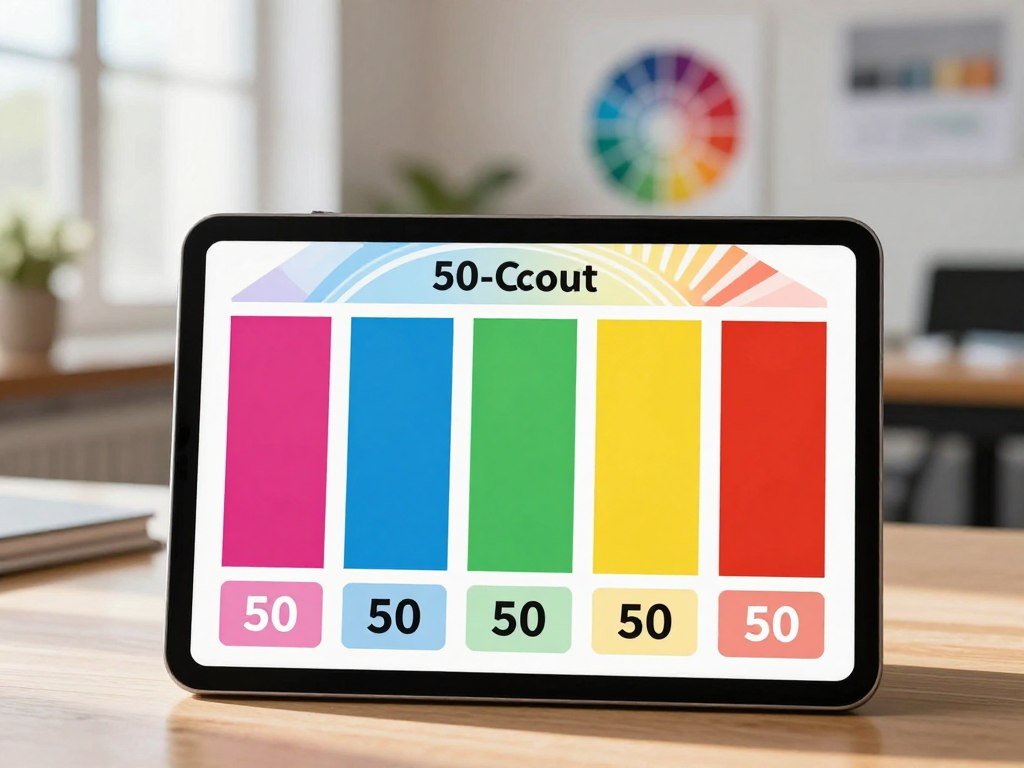
A perfect Dialed Color Game score is 50 points across the five color matches. Each color can earn up to 10 points, and a closer match earns more.
The browser game uses CIELAB Delta E to measure color difference. Delta E is a measure of how far apart two colors are, so a smaller difference means a closer match.
| Experience | Target | Scoring | Color comparison method |
|---|---|---|---|
| Dialed Color Game | Five colors | Each color out of 10, 50 total | CIELAB Delta E |
| Color Match: Dialed Guess Game | Five rounds, each target shown for 5 seconds | Up to 10 per round, 50 total | CIE76 Delta E after conversion to Lab |
| Dialed.gg Sound | Five tones | 50 points total | Tone matching |
Color Match: Dialed Guess Game is a separate iOS app, not the browser game. It also has five rounds and a 50-point maximum, but it uses CIE76 Delta E after converting colors to Lab.
The app shows each target for 5 seconds. That timing and its scoring method make it a distinct experience, even though it shares a similar name.
People searching for a Dialed Color Game app may mean this iOS title. Color Match: Dialed Guess Game requires iOS 15.1 or later and takes up 42.9 MB.
Dialed.gg Sound scores five tones for a total of 50 points. Its result depends on matching tones, not comparing color shades.
Use the score to see how close your recreated colors came to their targets. A high number reflects close matches in that particular session, not a clinical measure of color perception.
The different versions share a point limit, but their targets and comparison methods are not the same. Compare scores only after checking that you are playing the same version and difficulty.
Color Match: Dialed Guess Game’s five-second target rule sets its pace for each round.
How Can You Improve Your Color Recall?
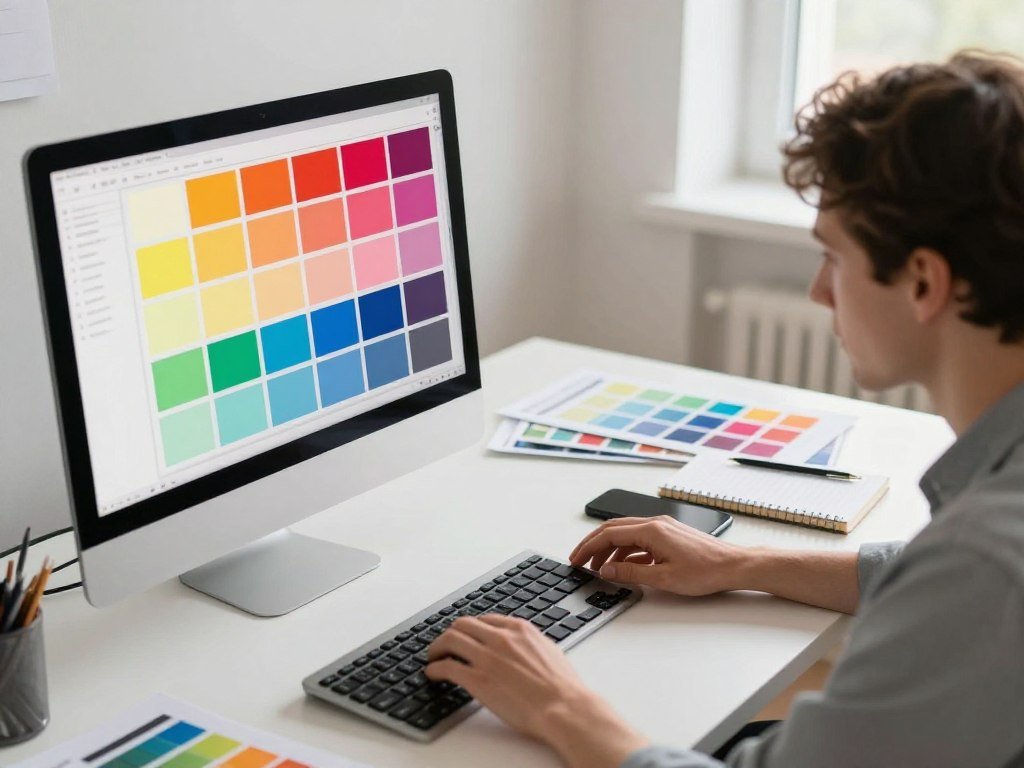
A consistent screen and viewing setup make it easier to judge whether your own recall is changing. Steady conditions help you compare one attempt with another without adding extra visual changes.
Keep your setup stable and adjust one part of a shade at a time. This gives you a repeatable way to approach each color, even when you do not remember its exact appearance.
Build a Repeatable Visual Routine
Hold your screen brightness and viewing conditions steady during practice. A screen that looks much brighter in one session can make the same shade seem different.
Start by identifying the broad hue family you remember. Decide whether the target leaned toward blue, green, red, or another group before making fine changes.
Then adjust one slider at a time and pause to judge the effect. This lets you notice whether a change made the remembered shade closer or farther away.
Small sessions can help you spot patterns in your own recall. For another example of active recall and manageable practice, see these daily vocabulary practice steps.
- Avoid colored room lighting that can tint the screen.
- Pause before making a final adjustment.
- Note which kinds of shades are hardest for you to recall.
Use Difficulty to Set a Clearer Challenge
Easy mode shows a target for 5 seconds, while Hard mode shows it for 2 seconds. Hard gives you less time to study each shade.
A lower score in Hard is not a direct like-for-like comparison with an Easy score. The shorter viewing time changes the task, even if the rest of your approach stays the same.
Use one difficulty when you want to compare your own attempts over time. Switch modes when you want a tougher recall challenge, not a clean comparison with an earlier result.
This game is a casual memory game, not a validated vision test or a clinical way to train color perception. Treat your score as a record of how you handled the game that day.
Record the difficulty alongside any score you want to compare later.
What Else Can You Play on Dialed?
Dialed’s sound experience swaps visual targets for tones that you match by ear. The sound game gives you a different kind of memory challenge, while its related iOS app offers a separate way to play.
The browser sound game and Dialed GG: Sound Game are distinct options. One runs on Dialed.gg, and the other is an iOS app with its own features and device needs.
The Dialed.gg Sound Browser Game
Dialed.gg Sound is an audio memory game. You listen to a tone, then tune back to its frequency in Hz, the unit used to describe how high or low a tone is.
The Dialed sound game offers solo play, multiplayer, and a daily challenge. In multiplayer, you can compare how closely you match the tone with other players.
Its daily challenge gives everyone the same tones and allows one attempt per day. The shared set makes it possible to compare results from the same audio target.
People sometimes call it the Dialed frequency game because your task is to match a tone’s frequency. You can play in a browser without installing the iOS app.
The browser sound game asks you to listen first, then recreate the tone by matching its frequency.
The tone gives you an audio target instead of a visual one. That makes this option a better fit when you want to focus on sound rather than shades.
The Dialed GG: Sound Game iOS App
Dialed GG: Sound Game generates tones live on your device. It does not use your microphone or record audio.
The app does not require an account, and its developer says it collects no data. That makes signup unnecessary for this iOS sound experience.
The app requires iOS 16.0 or later and takes up 2.9 MB. Those details distinguish it from the browser game, which you play through Dialed.gg.
Live tone generation means the app creates its sound on the device instead of asking you to record a tone. You can play without granting microphone access.
The sound app is not the same as the browser version, even though both focus on frequency matching. Pick the browser when you want to play on the site, or the app when you want its iPhone format.
Ad-Free Play and Other Dialed Games
Dialed’s ad-free plan costs $1.99 per month or $9.99 per year. The plan covers Dialed games, so you can choose the term that fits your use.
Dialed also has other separate games, including Tempo. In Tempo, you rebuild a beat by tapping notes as they land.
For other quick options by device and available time, browse these games to play when bored at home or anywhere. Browser games can suit a short break without a separate app install.
Different Dialed games ask for different kinds of attention. Color asks you to recall shades, sound asks you to match tones, and Tempo asks you to follow a beat.
Check that your iPhone runs iOS 16.0 or later before choosing the Dialed GG: Sound Game app.
Conclusion
Start with the version that sounds most enjoyable, not the one you think you should be best at. Solo color play is an easy way to try the core challenge, while sound gives you an audio task instead.
Pick one round and see which kind of recall holds your attention. You can always try another Dialed game later, once you know what you like.
Open Dialed.gg and try a solo color round when you have a few quiet minutes.
FAQ
What is the difference between HSB and RGB?
HSB describes a color through hue, saturation, and brightness, while RGB describes it through red, green, and blue channels. HSB separates qualities people often use to talk about a shade. RGB instead sets levels for three light colors that combine on a screen. Both models can describe colors, but they organize the information in different ways.
Can two players get different scores on the same colors?
Yes, two players can get different scores on the same target colors. Each person rebuilds the shades from memory, and small differences in hue, saturation, or brightness affect the match. The shared targets give players the same starting point, but they do not make the recreated colors identical. The score reflects each player’s own result.
Does screen brightness affect how accurately I can match colors?
Yes, screen brightness can change how a shade appears to you. A target may look lighter or darker when your device brightness changes, which can affect your visual judgment. Keep brightness steady when comparing your own attempts over time. That makes it easier to tell whether a score changed because of recall rather than a different screen setting.
Is Dialed Color Game a color-blindness test?
No, Dialed Color Game is a casual recall game, not a color-blindness test. Its score measures how closely your recreated shades match the game’s targets. It cannot diagnose a vision condition or replace an eye exam. If you have concerns about your color vision, talk with an eye-care professional who can assess your vision.
Do the sound and color games test the same kind of memory?
No, the sound and color games use different kinds of recall. The color game asks you to remember a visual shade and recreate it. The sound game asks you to listen to a tone and match its frequency. One centers on visual color recall, while the other uses your memory for sound and pitch.
What counts as a strong score?
The color game’s maximum score is 50 points, but there is no supported cutoff for a “strong” result. Your score is most useful when you compare your own attempts under the same conditions and difficulty. A single result can shift with viewing time and how well you remember each shade. Track personal progress instead of treating a score as a universal benchmark.