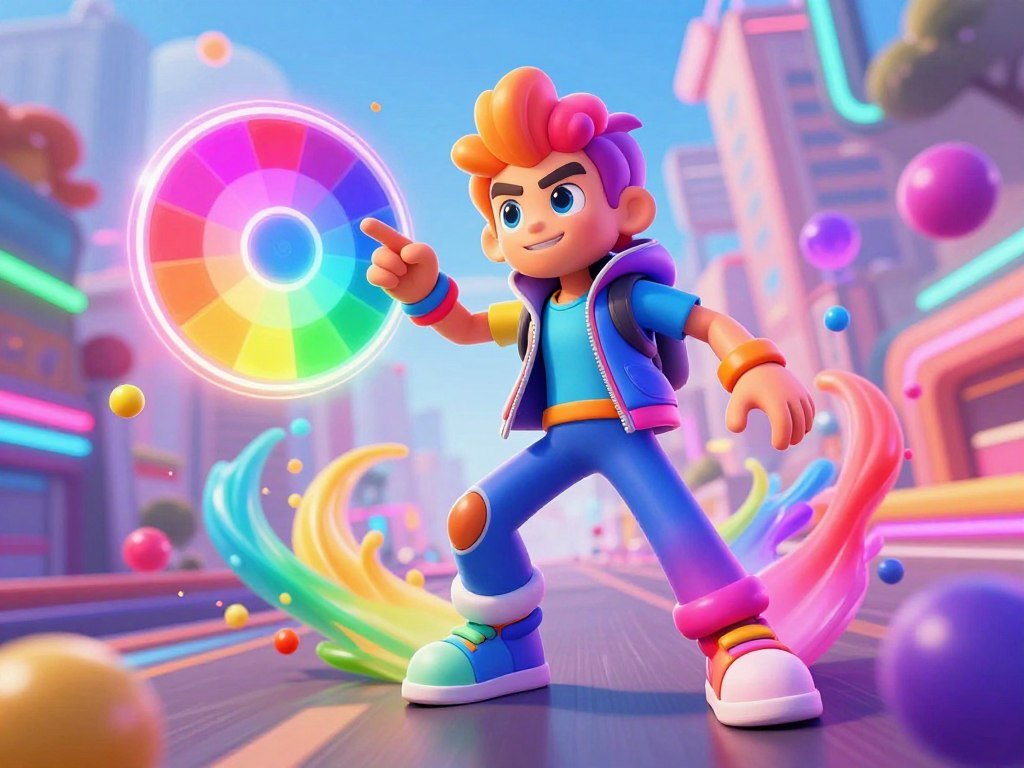
A split-second color choice can decide whether a fast-moving run in the Color Rush game continues or ends. An autorunner is a game in which the character moves forward automatically while you control actions such as jumping. Each run tests your reflexes as you react to colors, time your moves, and build your skills through quick action.
The name appears on games with different rules, so the title alone does not tell you how each one plays. In an autorunner, a small change in the route can turn a safe landing into a failed attempt. Your attention matters as much as your speed, especially when platforms and colors shift quickly.
Key Takeaways
- The Azgames.io browser game is a single-player autorunner.
- You can play the browser version online without installing it.
- Platform colors affect where the character can land safely.
- The game includes special level goals and unlockable worlds.
- Other games with similar names use different rules.
Expect a straightforward goal that rewards attention and precise timing.
Where Can You Play the Color Rush Game?
You can play the Azgames.io browser game free in a web browser, with no download or installation. Browser play needs no separate game file. The character runs forward automatically, leaving you to react as the route unfolds.
To play Color Rush online, open its browser version rather than looking for an app first. A separate app download is another choice, not a requirement for browser play. You can read this free-to-play games guide for tips on choosing games by device and play style.
The Azgames.io browser game is single-player and has no multiplayer mode.
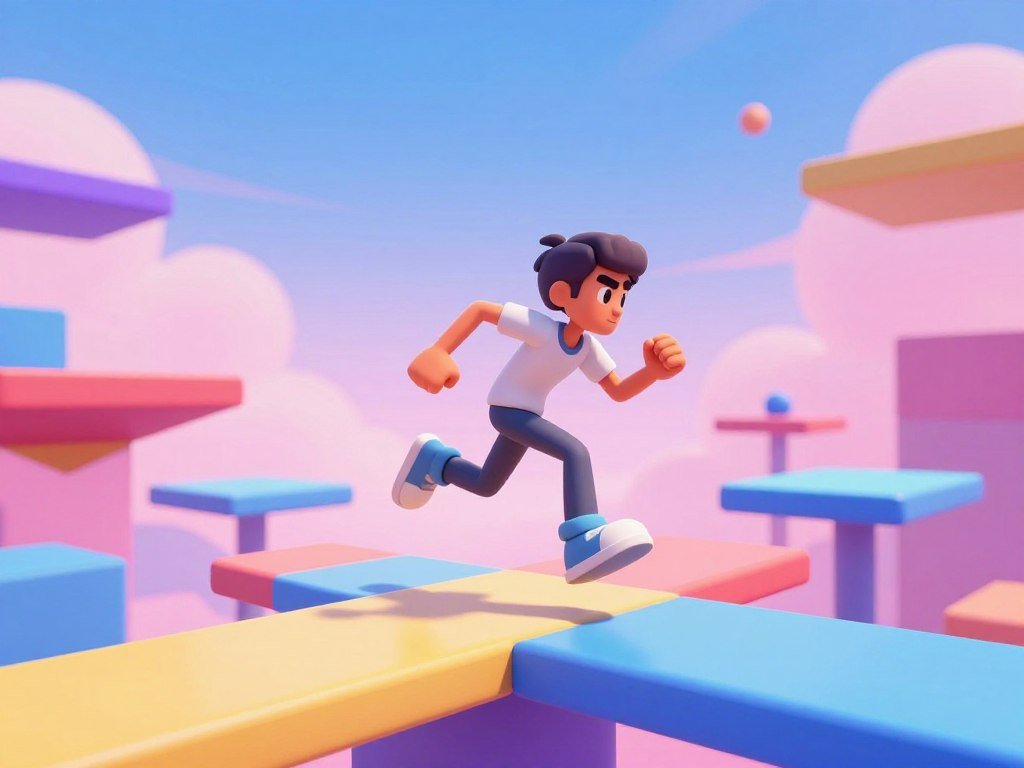
The browser autorunner was released in February 2025 by Azgames.io. Its forward motion gives each run a quick pace, while parkour-style platforms create a changing path. You make choices as the character approaches each new section.
When you play the Color Rush game online, you do not need to set up a game account or install a desktop program. The web version runs in a browser, which makes it a simple option for a short session. Your browser and device still need to load the game properly.
Free browser access differs from downloading an app, which takes up device storage and may have its own system needs. The browser game is a separate title from similarly named mobile releases. Check the full game name before choosing which version to open.
A web game may not open on every network or device. School filters and device settings can block access, even when a game needs no installation. For school play, use approved sites and follow your school’s rules; a guide to browser games for school explains those limits.
The rush game keeps the focus on one player’s run, rather than shared rounds or online competition. That suits a quick attempt when you want to practice your timing without waiting for other players. Your progress depends on how well you read the route in front of you.
Open the browser version and check that its title is Color Rush by Azgames.io before starting.
Which Controls and Hazards Should You Know?
One mismatched-color landing can end a run immediately. Match the landing by switching the character color to fit the platform beneath it. Pressing the jump and color-change controls together helps when both actions are needed.
The controls are simple, but the timing changes with the route. Holding Up Arrow makes a farther jump, while a quick press starts a normal jump. Spacebar switches the character’s color as you move.
| Action | Input | Effect |
|---|---|---|
| Jump | Up Arrow or W | Starts a jump |
| Jump farther | Hold Up Arrow | Extends the jump |
| Change color | Spacebar | Switches the character’s color |
Why a landing color matters
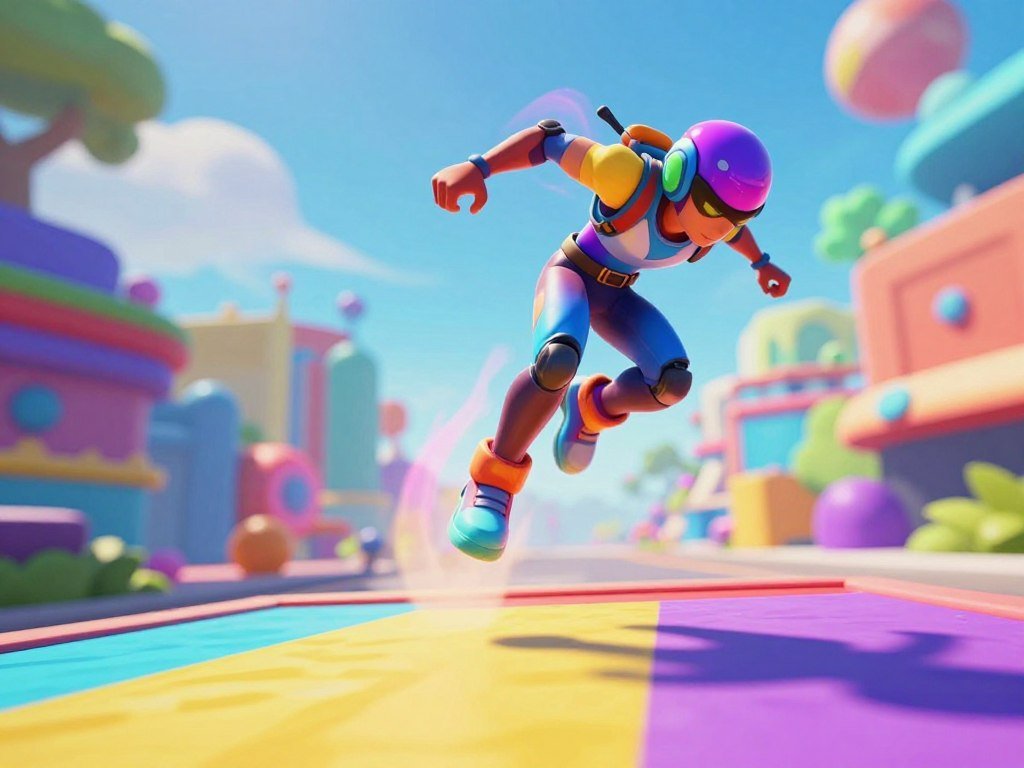
A character can land safely only on a platform with a matching color. A mismatched landing ends the run, so the character color must fit the platform at contact. Look at the landing spot, not only the platform where you stand now.
Some jumps demand two actions close together: move upward, then switch colors before landing. You can press Up Arrow or W with Spacebar when the jump and color change need to happen together. This can help you respond when the next platform has a different color.
The character keeps moving forward while you make these choices. A color change made too early may leave the character wrong for a later platform. Watch how the route develops before pressing the key.
What black zones, gaps, and moving platforms do
Black zones cannot be entered, whatever color the character has. They are hazards to avoid, not platforms to match. A gap also needs a jump, and a missed landing can end the run.
Moving platforms shift the landing point, so the safe target may not stay in one place. Head jumps and double jumps are also available mechanics that can affect how you travel through a level. Their value depends on the route and the timing of the platform.
When obstacles appear close together, focus on the next safe landing rather than the whole level. The arrow keys and Spacebar work best when you choose each move with the upcoming platform in mind. A fast reaction helps, but a clear target helps more.
Scan at least one platform ahead before committing to the next jump.
What Goals and Progression Are in the Browser Game?
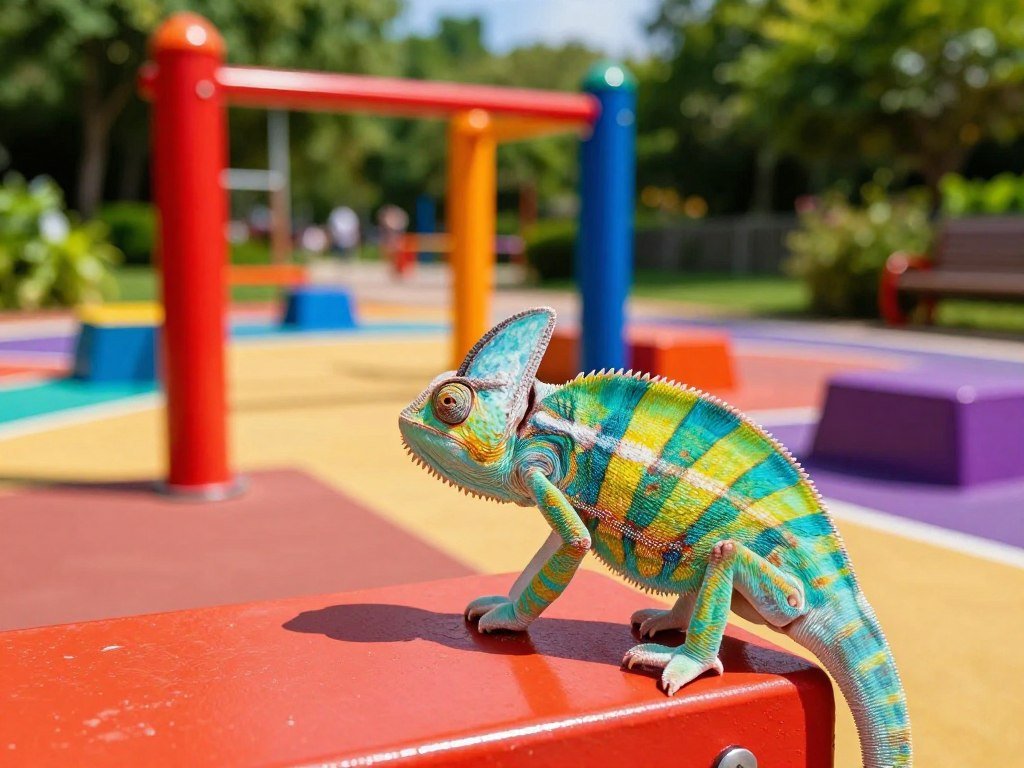
Each level gives players three special goals to pursue alongside a safe run. Optional goals add challenges beyond reaching the end, and chameleons help unlock new worlds. You can choose which goals to chase on each attempt.
Each level has three special goals, and chameleons are used to unlock new worlds. Examples include collecting marbles and smoking crystals. The goals give you extra reasons to explore a level instead of focusing only on survival.
Three special goals in each level
Marbles and smoking crystals are examples, not a complete list of every goal. Each level sets three special challenges, so a run can have more than one aim. Some goals may ask you to take a riskier path than a safe finish requires.
A Color Rush game walkthrough should prioritize the next platform color, a safe route across gaps, and staying clear of black zones before optional goals. This order keeps the main route in view while you decide whether a goal is worth pursuing. You can return for a missed goal on another attempt.
Use this short route checklist before a run:
- Check the next platform’s color.
- Judge the upcoming gap or moving platform.
- Avoid a black zone.
The checklist helps you separate the safe path from an optional detour. If a goal sits beyond a difficult jump, first judge whether the next landing gives you room to continue. A missed goal can wait for a later run.
How chameleons unlock new worlds
Chameleons help unlock new worlds as you progress. They give level play a longer aim beyond collecting items or reaching the end. Keep an eye out for them as you learn each route.
The levels grow more challenging, and platform colors can change quickly. That faster shift asks you to read the route and react with less delay. A familiar level can still feel different when its colors move at a sharper pace.
Parkour movement ties the levels together, while goals give each adventure run a second purpose. You do not need to chase every challenge in one attempt. Choose a goal that fits the route you can manage.
Secure a safe route first, then retry a level for any goal you chose to skip.
Which Other Games Use the Color Rush Name?
The name Color Rush can refer to different games with different controls and progression. Check the full title before you expect an app to play like the Azgames.io browser autorunner. Their shared name does not make their rules the same.
Colors Rush for iOS steers a ball with finger swipes, not platform jumps. Color Rush Puzzle Challenge and Color Rush – Puzzle Game also have their own gameplay and features. Curve Rush, Escape Road, and Escape Road City are separate game titles, not Color Rush modes or versions.
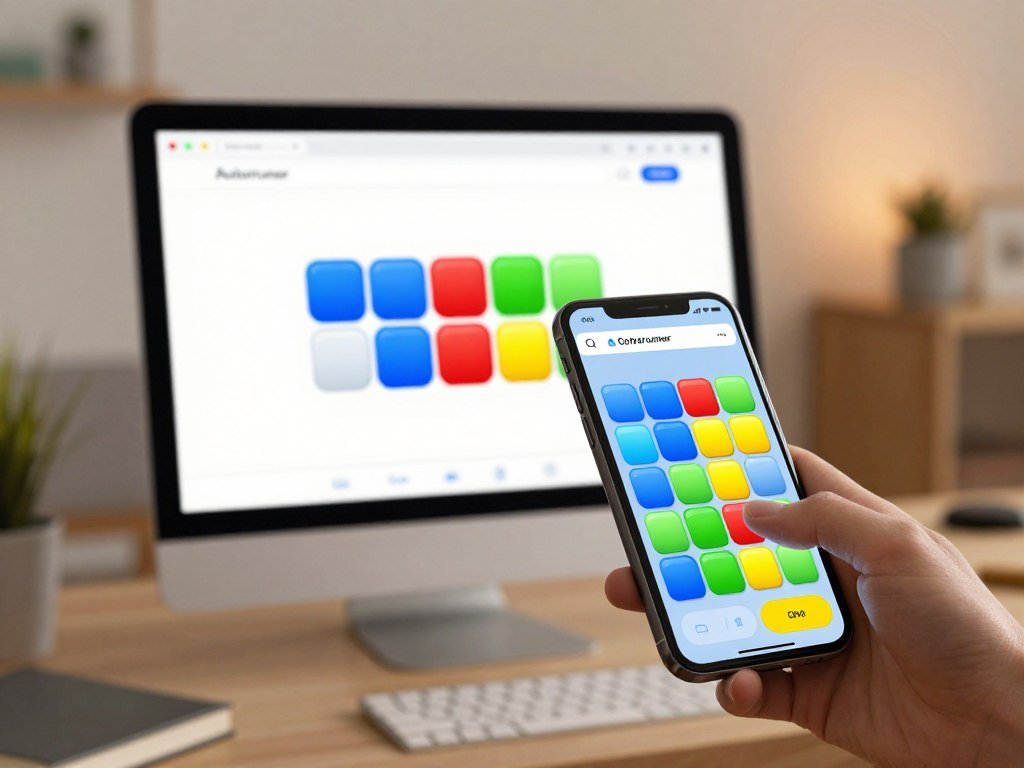
Color Rush – Puzzle Game requires iOS 15.0 or later.
Colors Rush for iOS
Colors Rush for iOS uses left-and-right finger swipes to steer a ball toward cubes matching its color. A correct cube collision earns 1 point, and the ball’s speed rises with each point. That steady increase makes later choices tighter.
Hitting a wrong-color cube or a wall ends the run. The app requires iOS 9.0 or later, and version 1.2 was last updated September 6, 2020. Those details belong to Colors Rush for iOS, not the browser autorunner.
The App Store listing for Color Rush – Puzzle Game describes a different title, with several modes and power-ups. Its listing also gives its app size and device requirements. Check the exact title when comparing it with other games.
Color Rush Puzzle Challenge
Color Rush Puzzle Challenge describes running gameplay built around collecting matching colors and avoiding wrong colors and obstacles. It also has increasingly difficult levels. The Google Play title was updated March 31, 2026.
These details describe that named game, not the single-player browser autorunner. Its matching-color play may sound familiar, but the levels and obstacles belong to its own design. Do not assume that progress or controls carry over between titles.
Color Rush – Puzzle Game
Color Rush – Puzzle Game lists five modes: Classic, Rush, Challenge, Limited Time, and Survival. Limited Time lasts 60 seconds. Survival continues until failure as difficulty increases.
- Classic
- Rush
- Challenge
- Limited Time
- Survival
The game lists six power-ups: Time Pause, Visual Hint, Elimination, Extra Time, Double Points, and Shield. Its features also include 40 achievements and global leaderboards. Those options belong to the mobile puzzle game, not the browser title.
The app lists a size of 70.3 MB and requires iOS 15.0 or later. Its five modes offer different ways to play, including a timed round and a run that ends with failure. The App Store listing presents these app details for this title.
If you want more mobile options, browse these Android game picks for puzzle and racing ideas. Block Blast! and Disney Speedstorm are examples of other games, not Color Rush editions. They offer a different choice when you want a change of pace.
Before installing an app, match its full title and minimum iOS version to the game you intend to play.
Conclusion
For a no-install run, choose the Azgames.io browser version. It lets you try the autorunner online without making an app download part of the plan. You can focus on reading the platforms and sharpening your timing skills.
Start with one level and learn how its route changes as you move. A careful first run can help you spot the colors and hazards that shape your next attempt. You can play at a pace that feels right to you.
Open Color Rush in a browser and try a level at your own pace.
FAQ
Can I use W to make a longer jump?
W starts a jump, but the farther-jump instruction specifically says to hold Up Arrow. You can use W for a regular jump when that input feels easier. For more distance, keep Up Arrow held as the character moves through the jump. That distinction matters when a gap needs a longer reach.
Can I jump and change color at the same time?
Yes, you can press a jump control and Spacebar together when both actions are needed. The jump control starts the move, while Spacebar switches the character’s color. Using both together can help when the route calls for a new color before landing. Watch the next platform so the change fits the target.
Can I restart a browser level after a failed run?
Yes, the browser game allows quick restarts, so a failed attempt can be followed by another try. You do not need to treat one mistake as the end of your session. Use the next run to test a different timing choice or route. A restart gives you another chance to reach the level goals.
Are marbles and smoking crystals the only special goals?
No, marbles and smoking crystals are examples of special goals. Each level has three special goals, so those examples do not describe every challenge. You can pursue the goals that fit your route and leave another for a later attempt. A safe run can come first when a goal adds risk.
Is the iOS Colors Rush game the same as the browser Color Rush?
No, Colors Rush for iOS and the browser Color Rush are different games. The iOS title steers a ball with finger swipes toward matching cubes. The browser game has a forward-running character that jumps and changes color to match platforms. Their similar names do not mean they share controls or progression.