

What happens when your team loves the idea of a spreadsheet-database hybrid but the pricing, the row limits, or the vendor lock-in starts to hurt? That question sends thousands of people searching for Airtable alternatives every month, and the answer is rarely one tool. It depends on whether you need a kanban board for a five-person marketing team, a self-hosted database for a compliance-heavy company, or just a smarter spreadsheet that does not cost anything. (Steam deck out of stock alternatives 2026)
This guide walks through concrete examples of Airtable alternatives, grouped by the problem they actually solve. No vague “top 10” filler. Each entry explains what the tool does well, where it falls short, and who should pick it. (Leonardo ai alternatives for image generation)
Why people leave Airtable in the first place
Airtable built its reputation on a simple promise: the flexibility of a spreadsheet with the structure of a database. Bases contain tables, records, fields, and views, and that model has stayed consistent since the company launched publicly in 2012. The friction usually shows up later, in three predictable places.
First, record limits and pricing tiers. Free and lower-tier plans cap how many records a base can hold, and costs climb quickly once a team grows. Second, performance on large tables slows down as automations and linked records pile up. Third, data control: regulated industries often cannot store sensitive records in a US-hosted SaaS product without extra paperwork.
None of these are dealbreakers for everyone. But if any of them sounds familiar, the examples below will map directly onto your situation.
The document-first alternative: Notion
Notion is the most common landing spot for people who leave Airtable, and for good reason. It combines docs, wikis, and databases in one workspace, so a project tracker can sit right next to the meeting notes that explain it. Notion’s database feature is the closest direct analogue to an Airtable base, complete with properties, relations, and multiple views. (Airtable)
Where it wins: teams that write as much as they organize. If half your work is documentation, keeping it in the same tool as your tables removes a whole category of copy-paste.
Where it loses: Notion’s databases are less rigorous than Airtable’s for heavy relational data. Formulas are simpler, automations are lighter, and very large datasets get sluggish. Teams that treat Airtable as a lightweight app builder will feel constrained.
Pick Notion if your primary output is written knowledge and the tables support it, not the other way around. The same logic applies to AI tooling: people often want one workspace that does many jobs, which is why comparisons of AI assistant alternatives keep appearing in team tool evaluations.
The open-source route: Baserow and NocoDB
This is where the alternatives get genuinely interesting for technical teams.
Baserow is an open-source Airtable alternative with an MIT-licensed core that can be self-hosted. It looks and feels like Airtable: grid, gallery, and form views, field types, and a familiar interface. The difference is that you can run it on your own infrastructure, which matters enormously for healthcare, finance, and public-sector teams.
NocoDB takes a different angle. Instead of replacing your database, it turns an existing SQL database into an Airtable-like interface. If your engineering team already runs PostgreSQL or MySQL, NocoDB gives non-technical colleagues a friendly grid on top of data that stays exactly where it is.
The trade-off with both is real and worth stating plainly: self-hosting shifts maintenance, backups, and upgrades onto your team. A SaaS product hides that work. An open-source deployment does not. Budget for someone who owns patching and disaster recovery, or the “free” option gets expensive in engineer hours.
| Tool | Model | Best for | Main trade-off |
|---|---|---|---|
| Baserow | Open-source core, self-host or cloud | Data sovereignty, no per-seat lock-in | You own maintenance and backups |
| NocoDB | Open-source, sits on existing SQL | Teams with an existing database | Requires database administration skills |
| SeaTable | Open-source and cloud | Spreadsheet-style collaboration | Smaller ecosystem of templates |
| Rowy | Open-source, Firestore-backed | Developers building on Firebase | Narrower use case outside app backends |
SeaTable deserves a mention as a middle ground: spreadsheet-style collaboration with database features, available both self-hosted and as a cloud service. Rowy is more specialized, aimed at teams working with Firestore who want a spreadsheet interface over their app data.
If your team is already evaluating self-hosted tooling for other parts of the stack, the same cost-benefit logic shows up in guides to free software alternatives: free tiers look great until you count the hours of upkeep.
The enterprise project option: Smartsheet
Smartsheet targets project and portfolio management with grid, Gantt, and card views. It is the alternative that enterprise IT departments tend to approve fastest, because it comes with the governance, SSO, and audit features procurement teams ask about.
Where it wins: formal project management. Dependencies, resource allocation, and executive dashboards are native. If your “Airtable base” is really a project plan in disguise, Smartsheet fits better than Airtable ever did.
Where it loses: flexibility. Smartsheet wants to be a project tool, and bending it into a content calendar or inventory tracker feels like forcing a square peg. Pricing is also per-user and climbs with advanced features.
Pick Smartsheet if you report upward to stakeholders who expect Gantt charts and status rollups.
The all-in-one doc-table hybrid: Coda
Coda blends documents and tables, with “packs” for integrations. It is frequently compared with both Airtable and Notion, and it sits somewhere in between: more structured than Notion, more document-centric than Airtable.
Coda’s strength is building small internal tools, like a lightweight CRM or a hiring tracker, inside a page that also holds the process documentation. Its weakness is the learning curve. The formula language and button automations reward tinkerers and frustrate people who just want a table.
Pick Coda if you want to build interactive documents with logic baked in and you have at least one person on the team who enjoys that kind of work.
The cheap-and-cheerful option: Google Sheets and Excel
Sometimes the honest answer is that you do not need a database at all. Google Sheets and Microsoft Excel with Power Query handle simple tabular workflows at the lowest possible cost, and most teams already have them.
What you give up is the view layer. Neither tool offers native kanban, calendar, or gallery views the way Airtable does. You also lose field-level validation and relational linking without extra work. But for a team tracking 500 rows of inventory or a content pipeline, a well-formatted sheet with filters beats a migration project every time.
A practical tip: before migrating anything, export your Airtable base to CSV and try living in a spreadsheet for a week. If nobody misses the views, you just saved your company a subscription. If everyone misses them, you now know exactly which features to prioritize in the replacement.
How to choose without wasting a quarter
The most common mistake is choosing by feature checklist instead of by workflow. A team that needs a content calendar has different requirements from a team building an internal CRM, even though both start in Airtable.
A short process that actually works:
- List your three most-used views. If they are all grids, a spreadsheet may suffice. If they include kanban, calendar, or gallery, you need a real database tool.
- Count your records and multiply by growth. A base at 8,000 records growing 20% a year will hit limits fast. Check caps before you commit.
- Ask who owns maintenance. If the answer is “nobody,” rule out self-hosted options immediately.
- Run a two-week pilot with real data. Import an actual base, not a demo. Performance problems only appear at real scale.
- Check the export path. Every tool lets you import. Fewer make it easy to leave. Test the export before you trust the import.
That last point matters more than most buyers realize. Vendor lock-in is rarely about pricing; it is about how painful the exit is. A tool that exports clean CSV and preserves field types is a safer bet than one that traps structure in proprietary formats.
Where AI fits into the comparison
A newer factor in these decisions is how well a tool plays with AI assistants. Teams increasingly want to query their tables in plain language or generate records from a prompt. Some platforms now ship AI features natively; others rely on integrations. (ZDNET)
This is still an unsettled area, and it pays to be skeptical of demos. If AI-assisted data entry is a priority, test it on your own messy data before signing a contract. For background on what these systems can realistically do, primers on AI agents are a useful starting point, and teams comparing creative tooling often weigh similar trade-offs in roundups of AI art alternatives.
Common mistakes that make migrations fail
A few patterns show up again and again when teams switch from Airtable.
Migrating everything at once. Move one base first. Learn the new tool’s quirks on low-stakes data.
Rebuilding every automation on day one. Automations are where migrations break. Recreate the three that matter and leave the rest until later.
Ignoring the view layer during evaluation. Screenshots lie. Build a real kanban view with your real field names before deciding.
Forgetting about permissions. Airtable’s sharing model is granular. Check that the replacement handles per-table and per-view access before you move sensitive data.
Skipping the training budget. The tool is rarely the problem. The habit change is. A half-day of onboarding saves months of workarounds.
Conclusion
There is no single best Airtable alternative, and anyone who claims otherwise is probably selling one. The right pick depends on which constraint is hurting you most. If it is documentation, Notion wins. If it is data control, Baserow or NocoDB. If it is formal project management, Smartsheet. If it is budget, a well-built spreadsheet still beats a subscription you do not need.
Start with your three most-used views, test the export path, and pilot with real data for two weeks. That process will land you on the right tool faster than any feature comparison table, and it will keep you from migrating twice.
Frequently asked questions
What is the closest free alternative to Airtable?
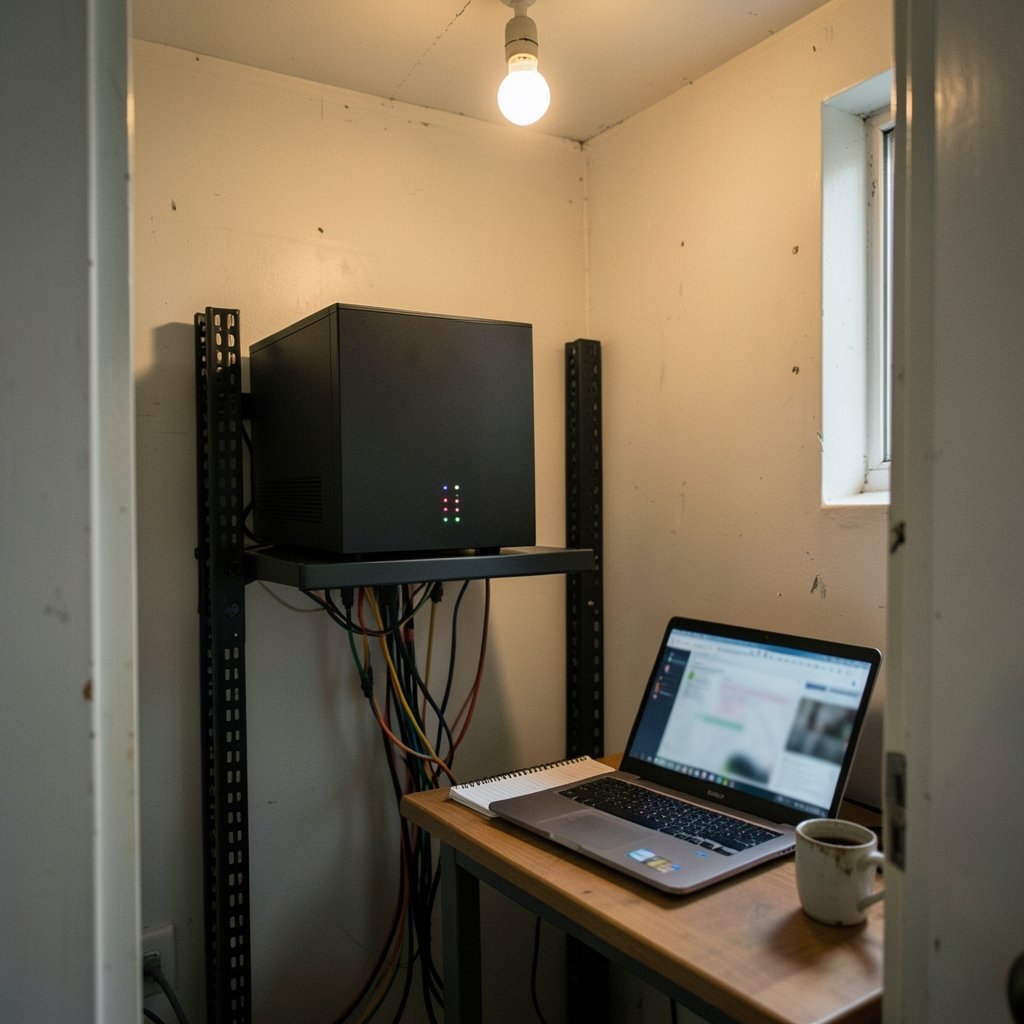
Baserow is the closest free option for most teams, because its open-source core can be self-hosted at no license cost and its interface mirrors Airtable closely. Notion’s free plan is also generous if your work is document-heavy. The catch with self-hosting is that server maintenance and backups become your responsibility.
Can Notion fully replace Airtable?
For many small teams, yes. Notion handles databases, properties, relations, and multiple views well enough for content calendars, lightweight CRMs, and project trackers. It falls short on heavy relational data, complex formulas, and large datasets, so teams treating Airtable as an app builder should look elsewhere.
Is Google Sheets a realistic Airtable alternative?
For simple tabular work, absolutely. Sheets handles filtering, formulas, and collaboration at almost no cost. What it lacks is the view layer: no native kanban, calendar, or gallery views, and weaker field-level validation. If your team only ever uses grid view, Sheets is often the smarter choice.
Which Airtable alternative is best for enterprise compliance?
Smartsheet is usually the easiest sell to enterprise IT, thanks to its governance, SSO, and audit features. Self-hosted Baserow or NocoDB are strong options when data residency rules require the records to stay on your own infrastructure, provided you have staff to maintain them.
How hard is it to migrate away from Airtable?
Easier than most people fear, if you plan. Export bases to CSV, rebuild one base at a time, and recreate only the automations you genuinely rely on. The biggest risk is not data loss but habit loss, so budget time for onboarding rather than treating the switch as a purely technical task.
Do open-source alternatives really save money?
Only if you count engineer hours honestly. License costs drop to zero, but someone must handle upgrades, backups, security patches, and uptime. For teams without that capacity, a paid SaaS plan is often cheaper overall. For teams that already run infrastructure, open-source options can be a clear win.



