
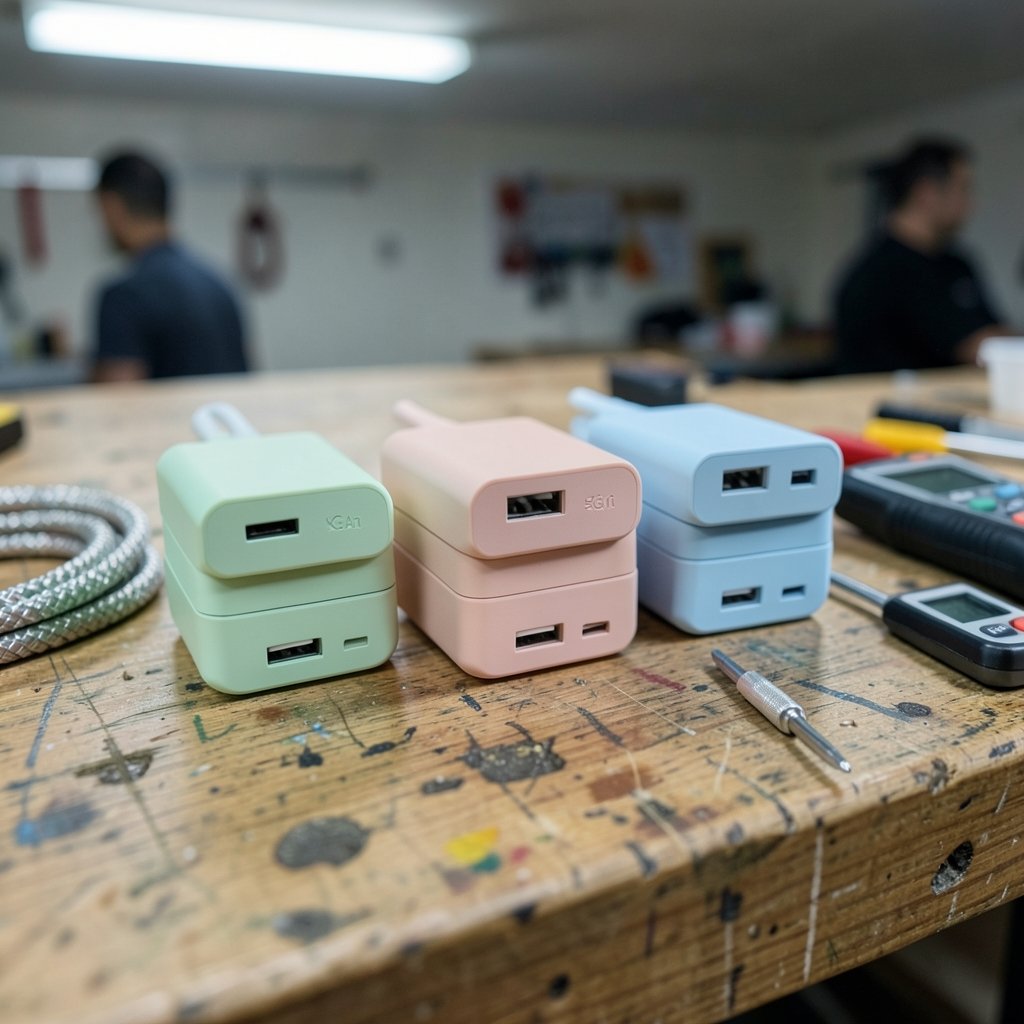
What actually separates a good GaN charger from a great one when the spec sheet says the same thing? Three brands dominate the conversation, and their marketing pages all promise the same numbers. Yet people who buy one and later switch often notice real differences in daily use. That gap between paper specs and lived experience is what this comparison digs into. (Keyboard foam mod sound differences actually changes)
The short version: the three brands share far more than their marketing suggests, because they all sit on the same industry standards. The differences that matter show up in port behavior, firmware choices, and how each brand targets a type of buyer. Here is how to read those differences before you spend money.
The Shared Foundation Nobody Mentions
Before comparing brands, it helps to understand what a GaN charger actually is. Gallium nitride is a semiconductor material. Transistors made from it switch faster and waste less energy as heat than older silicon designs, which is why GaN chargers pack serious wattage into a palm-sized brick. That is physics, not branding. Every brand here benefits from the same material science.
The second shared layer is the protocol. USB Power Delivery is the negotiation standard that lets a charger and a laptop agree on voltage and current. Anker, Ugreen, and Baseus all build on it. So when a charger “works with your MacBook,” the standard is doing the heavy lifting, not a secret brand technology.
This matters because it tells you where to look for real differences. They are not in the core technology. They are in the edges: which ports do what, how power gets split, and which certifications each unit carries.
Port Allocation Is the Real Differentiator

Here is the single most underrated factor in charger shopping. A “100 W” three-port charger rarely gives 100 W to every port at once. It shares a total power budget across ports, and the split is decided by firmware.
In practice, this means:
- Plug in a laptop alone and you may get the full 100 W.
- Add a phone and the laptop port may drop to 65 W while the phone takes 30 W.
- Add a third device and the numbers shuffle again.
The allocation rules differ per model; the brand does not determine them. A budget two-port Ugreen and a premium two-port Anker may behave completely differently when both ports are full. The manual is the only honest source, and almost nobody reads it before buying.
Practical tip: Before buying any multi-port charger, find the port allocation table in the product listing or manual. If the seller does not publish one, treat that as a warning sign. A charger that hides its split rules is a charger you cannot plan around.
If you want to go deeper on how heat and load interact in these compact designs, the question of what GaN charger temperature counts as normal range is worth a read before you assume your unit is faulty.
Brand Positioning: Who Each One Is Built For
The three brands do not compete for the same shelf space, and that shapes their design choices.
| Brand | Typical strength | Common trade-off | Best fit |
|---|---|---|---|
| Anker | Polished build, mature firmware, broad retail support | Higher price per watt | Buyers who want zero surprises |
| Ugreen | Wide port variety, strong value on multi-port units | Model-to-model inconsistency | Tinkerers who read spec sheets |
| Baseus | Aggressive pricing, trendy compact designs | Fewer premium safety certifications on budget SKUs | Budget-conscious casual users |
None of these are absolute. Each brand sells both excellent and mediocre units. The pattern is about where each company puts its engineering budget.
Anker tends to spend on consistency. Its chargers are boring in the best way: they behave the same on day one and day four hundred. Ugreen leans into port count and flexibility, which is great if you check the allocation table and frustrating if you assume every port is equal. Baseus pushes price and form factor, which means the cheapest models sometimes cut corners on certification or cable quality.
Safety Marks Are a Better Comparison Than Wattage
Wattage is easy to market and hard to verify. Certification is the opposite: it is boring, printed on the brick, and genuinely meaningful.
In the United States, look for UL 62368-1, the safety standard covering audio, video, and IT equipment. In Europe, CE marking under the Low Voltage and EMC directives is the baseline. In China, CCC applies. A charger sold globally should carry the marks for the market it is sold in.
Common mistake: Buyers compare brands on claimed wattage and ignore the certification line on the label. A 65 W charger with proper certification is a safer bet than a 100 W unit with vague or missing marks. When a listing shows no certification details at all, that silence is information.
The Phone Charging Question: PPS
If you charge a modern Android phone, PPS (Programmable Power Supply) deserves more attention than raw wattage. PPS is part of USB Power Delivery and lets the charger adjust voltage in fine steps to match what the phone asks for. Samsung’s faster charging modes depend on it.
The catch: PPS support varies by model, not by brand. A given Anker unit may support it while a cheaper sibling does not. The same is true for Ugreen and Baseus. Check the spec sheet for the exact model, and do not assume the brand name guarantees the feature.
For iPhone users, the picture is simpler. The phone negotiates over standard USB PD, and all three brands handle it fine. The differences shrink to build quality and port layout. If you are weighing a phone upgrade alongside a charger purchase, a look at iPhone 17 vs iPhone 16 upgrade differences that matter daily can help you decide whether the charger budget should wait.
What Changes by 2027
Any honest 2027 outlook has to start with a caveat: no public roadmaps from these three companies are verifiable far enough out to promise specific products. Treat 2027 predictions as projections, not facts.
What is reasonable to expect:
- More 240 W units. The USB-C specification already supports 240 W over USB-C, so higher-wattage compact chargers will keep arriving.
- Smarter port firmware. Dynamic allocation will get better, and the gap between brands may narrow as controllers become more standardized.
- Tighter regional rules. The EU’s common charger directive already requires USB-C charging for most small electronics sold there, which pushes the whole market toward one connector.
- Convergence on the basics. As GaN designs mature, the differentiators will be firmware and support, not the material itself.
The practical takeaway for 2027 planning: buy for your current devices, not for a hypothetical future standard. A well-certified 65 W multi-port charger bought today will still do useful work in three years.
Practical Buying Workflow
Here is a sequence that actually works, based on what tends to go wrong.
- List your devices and their real draw. A laptop might need 65 W, a phone 25 W, earbuds 5 W. Add them up.
- Check the port allocation table. Confirm the charger can hit your laptop’s number while other ports are in use.
- Verify PPS if you use a compatible Android phone. Look for the exact model’s spec sheet.
- Find the certification marks. UL, CE, or CCC depending on your market.
- Check the cable. Many “slow charging” complaints trace back to a cable that cannot carry the wattage, not the charger.
- Read the temperature behavior. Compact chargers run warm; knowing the normal range prevents panic returns.
That last point connects to a broader theme. Most charger dissatisfaction comes from mismatched expectations, not defective hardware. A buyer who knows their unit will throttle when all three ports are full is a happy buyer. One who expected full power everywhere is a one-star review waiting to happen.
Where the Workflow Differences Show Up Day to Day
Strip away the spec sheets and the daily experience comes down to a few habits.
Desk setups reward port count and stable allocation. A three-port Ugreen with a published table beats a two-port premium unit if you charge a laptop, phone, and watch together.
Travel rewards compactness and cable discipline. A single high-wattage Anker brick plus two good cables replaces a bag of adapters. Baseus competes hard here on size and price, though certification checks matter more on budget travel units.
Shared households reward durability and simple behavior. Anker’s consistency shines when multiple people plug in whatever they have, because the charger rarely surprises anyone.
If your work leans on software rather than hardware, the same principle applies elsewhere: a documented workflow beats a flashy tool. That is the logic behind choosing a note system by how you actually work, as in this comparison of Obsidian vs Logseq local first notes compared by workflow, and the same logic behind picking a writing assistant that fits your process, covered in this guide to using Claude in a practical writing workflow. Tools that match your habits outperform tools with better marketing.
Conclusion
Anker, Ugreen, and Baseus all make capable GaN chargers, and the honest answer is that no single brand wins across the board. The differences that matter are specific: port allocation tables, PPS support on the exact model, certification marks, and firmware consistency. Buyers who check those four things end up satisfied regardless of the logo on the brick. Buyers who shop on headline wattage end up confused when their laptop charges slowly with a phone plugged in.
For 2027, expect higher wattage in smaller shells and smarter power sharing, but do not wait for a revolution. The standards are already solid, and a well-chosen charger bought today will serve you well into the next hardware cycle.
FAQ
Is GaN actually better than silicon for chargers?
Yes, for size and heat. Gallium nitride transistors switch more efficiently than silicon, so a GaN charger can deliver the same wattage in a smaller body with less waste heat. The benefit is practical, not magical: smaller bricks, cooler surfaces, and higher wattage in a travel-friendly size.
Do Anker, Ugreen, and Baseus chargers work with any phone?
Yes, for basic charging. All three build on USB Power Delivery, the shared standard most phones and laptops use. Fast-charging features like PPS depend on the specific model, so check the spec sheet rather than assuming the brand guarantees it.
Why does my laptop charge slowly when other devices are plugged in?
Because multi-port chargers share a total power budget. When you add devices, the charger reallocates wattage, and the laptop port may drop below what the laptop wants. The allocation rules are set by firmware and published in the manual for each model.
Is a higher wattage charger always better?
No. A certified 65 W charger that meets your devices’ needs is a better buy than an uncertified 100 W unit. Wattage above what your devices draw adds cost and size without benefit, and safety certification matters more than the headline number.
What safety marks should I look for on a charger?
In the US, look for UL 62368-1. In Europe, CE marking under the Low Voltage and EMC directives. In China, CCC. A charger sold in your market should carry the mark for that market. Missing certification details on a listing is a reason to keep looking.
Will my charger still be useful in 2027?
Almost certainly. USB-C and USB Power Delivery are stable, widely adopted standards, and the EU’s common charger rules are pushing the market further toward one connector. A well-built, properly certified charger bought today should remain compatible with new devices for years.



