
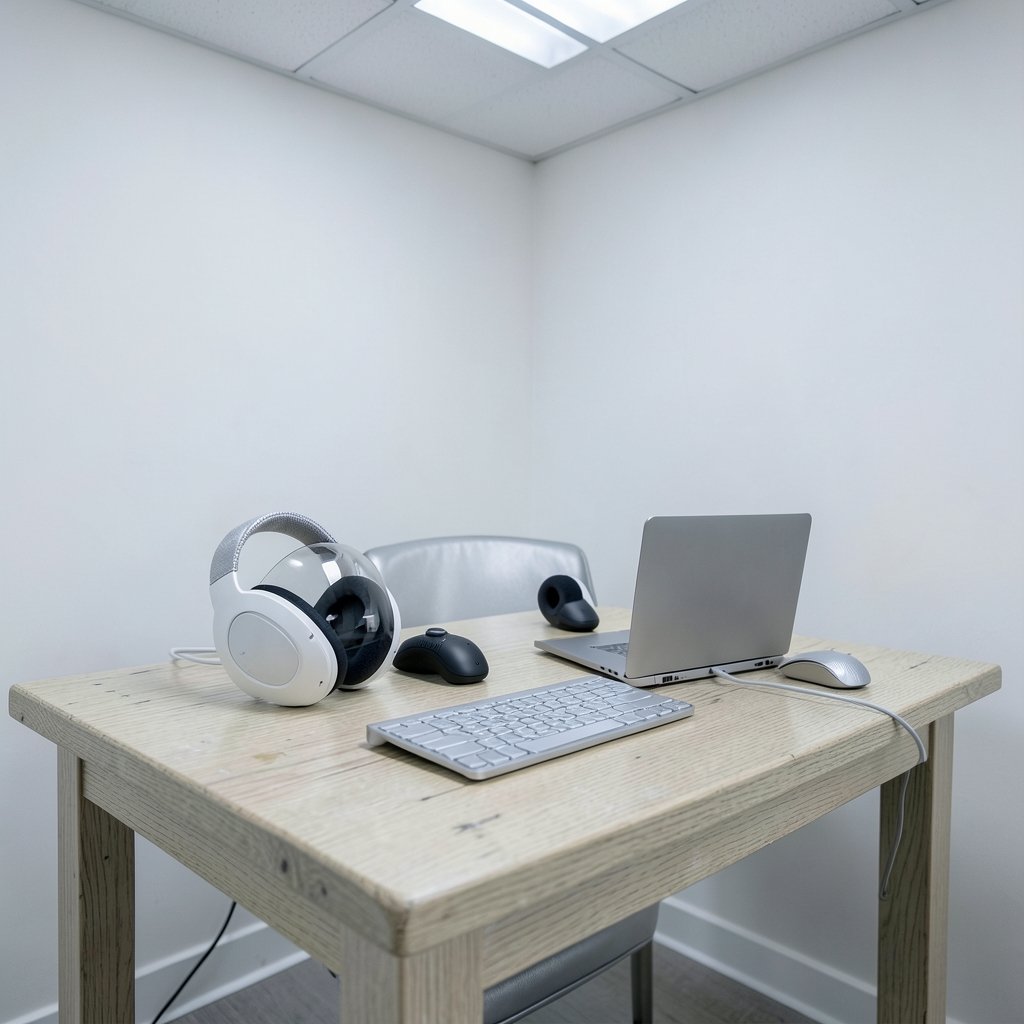
What actually changes about your workday when you put on a headset: the screen, or the way you get things done? That question sits at the heart of the Apple Vision Pro 2 vs Meta Quest 3s comparison. One device is a premium spatial computer built around your eyes and fingers. The other is a budget mixed-reality headset built around controllers and games. By 2027, the gap between them will be less about raw specs and more about workflow: how you type, how you move windows, how you join a meeting, and how your IT team manages the thing. (Chatgpt go vs plus vs pro paid plan comparison workflow)
Here is the honest starting point. Apple has not officially announced a second-generation Vision Pro. Meta’s Quest 3S is a real product, but its pricing and features will likely shift before 2027. So treat this as a framework for evaluating both devices rather than a spec sheet. The workflow logic is what lasts.
Why the 2027 Comparison Is Really About Input, Not Hardware
Most headset comparisons obsess over resolution and chip names. That is the wrong lens for anyone who wants to work in one. The input model decides whether a headset is a productivity tool or a media machine.
The original Apple Vision Pro, launched in the US on February 2, 2024, from $3,499, runs visionOS and relies on eye tracking plus pinch gestures. There are no bundled controllers. The platform’s interface conventions are documented in Apple’s visionOS developer resources, which explain how gaze, hand input, and windows are meant to work together. Meta’s Quest 3, launched October 10, 2023, from $499.99, ships with Touch Plus controllers and also supports hand tracking. The Quest 3S, announced in September 2024 and released that October from roughly $299.99, keeps the Quest 3 chipset and color passthrough but uses older fresnel lenses and a lower-resolution display inherited from Quest 2. (visionOS)
| Feature | Apple Vision Pro (and expected successor) | Meta Quest 3S |
|---|---|---|
| Primary input | Eye tracking plus pinch, virtual keyboard | Tracked controllers, hand tracking, Bluetooth keyboard |
| Ecosystem | Apple only (Mac, iPhone, iPad) | Standalone; Windows and Mac via apps |
| Desktop mirroring | Mac Virtual Display | Meta Horizon Workrooms / Remote Desktop |
| Display optics | High-resolution pancake lenses | Fresnel lenses, lower resolution |
| Launch price | From $3,499 | From about $299.99 |
| Best fit | Text-heavy focused work in Apple’s world | Media, social, light productivity, budget VR |
The table tells you the shape of the decision. It does not tell you which one you will actually enjoy using at 9 a.m. on a Tuesday.
Typing, Windows, and the Daily Grind of Getting Work Done

Text input is where these two devices diverge most, and it is where most buyers get surprised.
Vision Pro offers a virtual keyboard you tap in mid-air, which sounds futuristic and feels slow for long documents. The practical answer is a physical Bluetooth keyboard paired to the headset, or Mac Virtual Display, which mirrors your Mac screen into a large floating window. That mirroring is Apple-ecosystem-only, and it is the single most useful productivity feature on the device. If your work lives in Pages, Mail, Safari, and Xcode, the workflow is coherent. If it lives in Windows-only software, it is not. (Virtual reality)
Quest 3S takes a different route. You pair a Bluetooth keyboard, open a remote-desktop app, and work inside a virtual monitor setup. It works, but it is a stack of separate apps rather than one integrated system. Meta’s developer documentation for Horizon covers the collaboration and remote-desktop tooling, and it is worth reading before you assume the experience matches Apple’s.
Practical tip from people who actually try this: test with the keyboard you already own. A cheap membrane keyboard paired over Bluetooth will make even a great headset feel like a chore. A compact mechanical or low-profile board with reliable Bluetooth pairing changes the experience more than any software update.
Common mistake number one: buying a headset to replace a laptop. Neither device does that well for eight-hour days. They extend a laptop or desktop, not replace it.
Battery, Weight, and the Two-Hour Reality Check
Both headsets run into the same physical wall: you cannot wear them all day.
Vision Pro uses an external battery pack and delivers roughly two hours of typical use. Quest 3 and 3S have built-in batteries and manage roughly two to three hours depending on workload. Those numbers are approximate and will change with software, but the pattern will not: sustained work sessions in a headset require either a tether to power or a break every couple of hours.
Weight distribution matters as much as raw grams. A front-heavy headset creates pressure on the cheekbones; a balanced strap spreads load across the skull. This is why comfort accessories sell so well, and why a 30-minute demo in a store tells you almost nothing. If you can, borrow a unit for a full afternoon before committing.
For a broader look at how the two flagship headsets compare on price and hardware, the breakdown of Apple Vision Pro vs Meta Quest 3 price, hardware, and who each one suits covers the trade-offs in more detail.
Meetings, Collaboration, and the Enterprise Question
Workflow is not just solo typing. It is also how you join a call, share a screen, and get managed by IT.
Meta positions Quest for Business as an enterprise program with device management, and Apple offers Vision Pro management through Apple Business Manager and mobile device management. If you are buying for a team, check three things before anything else: single sign-on support, app distribution method, and whether your MDM platform recognizes the device. A headset that cannot be enrolled is a headset that will sit in a drawer.
In practice, the collaboration story differs by ecosystem. Vision Pro integrates with FaceTime and Apple’s productivity apps, and Mac Virtual Display makes screen sharing feel native. Quest leans on Horizon Workrooms and third-party meeting apps, which work but require more setup and account juggling.
If your team already lives in Apple’s world, the privacy and assistant layer matters too. The comparison of Apple Intelligence vs ChatGPT privacy features and workflow explains how on-device processing changes what you can safely do with sensitive material in a headset.
Apps, Ecosystems, and the Maturity Gap
App catalogs are the least reliable comparison point because counts change monthly. But directionally, the gap is real.
Vision Pro’s native app catalog is smaller, and many apps are iPad-compatible rather than built for spatial input. Quest’s store is larger but skewed toward games and social experiences. Neither catalog is a productivity powerhouse yet. The right move is to check the specific apps you need, one by one, rather than trusting a headline number.
This is also where the “wait for 2027” argument gets tricky. A second-generation Vision Pro, if and when it arrives, will likely inherit the same ecosystem constraints. A cheaper Apple headset has been reported as under consideration, with timelines uncertain. Speculation about future hardware is fun, but it should not drive a purchase you need to make this year. For context on how Apple’s silicon roadmap tends to translate into real-world gains, the analysis of the A20 Pro leak and what a 4.9 GHz CPU and 7-core GPU could mean is a useful read on separating hype from likely performance. (Iphone 17 pro vs pro max real differences size battery)
What to Actually Test Before You Buy
Demos are short and curated. Here is a practical checklist that reflects how people actually use these devices.
- Bring your own keyboard and pair it during the demo.
- Open a real document and type for ten uninterrupted minutes.
- Launch a video call and share your screen.
- Try your two most-used work apps, not the demo apps.
- Wear it for 45 minutes and note where it presses.
- Ask about device management if this is for work.
Common mistake number two: judging comfort in the first five minutes, when adrenaline masks pressure points. Common mistake number three: assuming hand tracking replaces a mouse for precision work. It does not, at least not yet.
The Budget Question: Is the Quest 3S “Good Enough”?
The price gap is enormous. A Quest 3S costs roughly a tenth of a Vision Pro. That changes the calculus entirely.
If your goal is media, social VR, light document review, and occasional remote desktop, the Quest 3S is a sensible entry point. If your goal is a premium spatial workspace inside Apple’s ecosystem with the best display and input experience available, the Vision Pro is the only option, and you pay for it. The comparison of Meta Quest 3S vs Quest 3 is worth reading if you are deciding within Meta’s lineup, since the 3S trades optics for price while keeping the same chip.
There is also the question of what you already own. An iPhone and Mac owner gets more from Vision Pro. A Windows PC and Android phone owner gets almost nothing extra from it. Ecosystem fit is not marketing fluff; it is the difference between a tool you use and a tool you resell.
How the Workflow Differences Will Likely Shift by 2027
Predicting 2027 is a guessing game, but the direction is visible. The meaningful differences will be OS-level: window management, keyboard and mouse support, remote-desktop latency, and how AI assistants handle context.
Apple’s approach will likely stay integrated and closed, which means fewer rough edges and fewer options. Meta’s approach will likely stay open and scrappy, which means more apps and more setup friction. Neither is objectively better. They suit different temperaments.
One thing is close to certain: raw specs will matter less. A headset with a great display and clumsy input loses to one with a good display and fluid input. Watch the input model, not the benchmark table.
If you are also weighing laptops for the desk side of your setup, the comparison of MacBook Air vs MacBook Pro in 2026 and which Apple laptop fits your work is a useful companion read, since most headset workflows still route through a real computer.
Conclusion
The Apple Vision Pro 2 vs Meta Quest 3s question does not have a single winner, and anyone who tells you otherwise is selling something. What it has is a clear split. Vision Pro, and any successor, is a premium spatial computer for people deep in Apple’s ecosystem who value display quality and gaze-and-pinch input. Quest 3S is a budget mixed-reality headset that handles media, social, and light productivity at a fraction of the price.
The workflow differences to understand in 2027 are not about chips. They are about typing, window management, battery limits, device management, and ecosystem fit. Test those things with your own keyboard and your own apps, and the decision becomes much less mysterious. Buy for the workflow you have, not the one a keynote promises.
FAQ
Is there an official Apple Vision Pro 2 release date?
No. Apple has not officially announced a second-generation Vision Pro. Reporting through 2024 and 2025 indicated the company was weighing a cheaper headset and a successor model, but timelines remain uncertain. Any 2027 comparison should be treated as forward-looking analysis rather than confirmed product information.
Is the Meta Quest 3S good enough for work?
For light work, yes. It handles document review, remote desktop, and video calls reasonably well, especially with a paired Bluetooth keyboard. For eight-hour text-heavy days, no headset is comfortable enough yet. The Quest 3S is best understood as a budget entry point that covers media and social use first, productivity second.
Can I use a physical keyboard with both headsets?
Yes. Both Vision Pro and Quest 3S support Bluetooth keyboards. On Vision Pro, Mac Virtual Display paired with a physical keyboard is the most productive setup. On Quest, you pair a keyboard and use a remote-desktop app. In both cases, keyboard quality and Bluetooth reliability matter more than most reviewers admit.
Which headset has better battery life?
They are close. Vision Pro uses an external battery pack with roughly two hours of typical use. Quest 3 and 3S have built-in batteries lasting roughly two to three hours depending on workload. Neither supports a full workday without charging or a tethered power source, so plan breaks accordingly.
Do I need a Mac to get value from Vision Pro?
Not strictly, but it helps a lot. Mac Virtual Display, which mirrors your Mac screen into a large virtual window, is Apple-ecosystem-only and is the device’s most useful productivity feature. Without a Mac, much of the workflow advantage disappears, and the value proposition weakens considerably.
Should I buy now or wait for 2027 hardware?
Buy for the workflow you need today. Waiting for unannounced hardware is a gamble, and the input model, ecosystem, and comfort constraints are unlikely to change dramatically. If you need a headset now, pick based on ecosystem fit and budget. If you can wait, watch for official announcements rather than rumors.



