
What actually changes about your workday when you put on a headset? Not the demo. Not the launch trailer. The real question is what happens at 9 a.m. on a Tuesday when you have three documents open, a call in twenty minutes, and no desire to squint at a laptop screen.
The Apple Vision Pro and the Meta Quest 3 are often lumped together as “spatial computers,” but they are built around very different assumptions about how a person gets work done. One is designed to extend a Mac. The other is designed to be its own thing, at a price that does not require a second mortgage. Understanding those assumptions is the whole game in 2027, because the hardware gap has narrowed while the workflow gap has not. (Chatgpt go vs plus vs pro paid plan comparison workflow)
This piece walks through the practical differences, based on documented features and the developer stacks behind each platform. It also flags the places where you should check current sources before you buy, since both platforms update frequently.
The Two Devices in Plain Terms
The Apple Vision Pro launched in the United States on February 2, 2024, starting at $3,499 and running visionOS. It is positioned as a spatial computer, with native compatibility for many iPad and Mac apps. Its primary input is eye tracking plus a hand pinch gesture. Controllers are sold separately, not bundled. (visionOS)
The Meta Quest 3 launched on October 10, 2023, at $499 for 128GB and $649 for 512GB, running Meta Horizon OS, which is built on Android. It ships with Touch Plus controllers and also supports hand tracking. Meta positions it as a general consumer and gaming device with a growing set of productivity apps.
A quick side-by-side helps set the stage:
| Dimension | Apple Vision Pro | Meta Quest 3 |
|---|---|---|
| Launch price | From $3,499 | From $499 |
| Launch date | February 2, 2024 | October 10, 2023 |
| Operating system | visionOS | Meta Horizon OS (Android-based) |
| Default input | Eye tracking + hand pinch | Touch Plus controllers, plus hand tracking |
| Power | External tethered battery | Internal battery |
| Positioning | Spatial computer | Consumer and gaming, with productivity apps |
Those rows are facts. The interesting part is what they mean once you sit down to work. If you are weighing the broader hardware picture, including price and who each device suits, a separate breakdown of the Apple Vision Pro vs Meta Quest 3 price and hardware comparison covers that ground in more detail.
Input Is the Real Workflow Divide
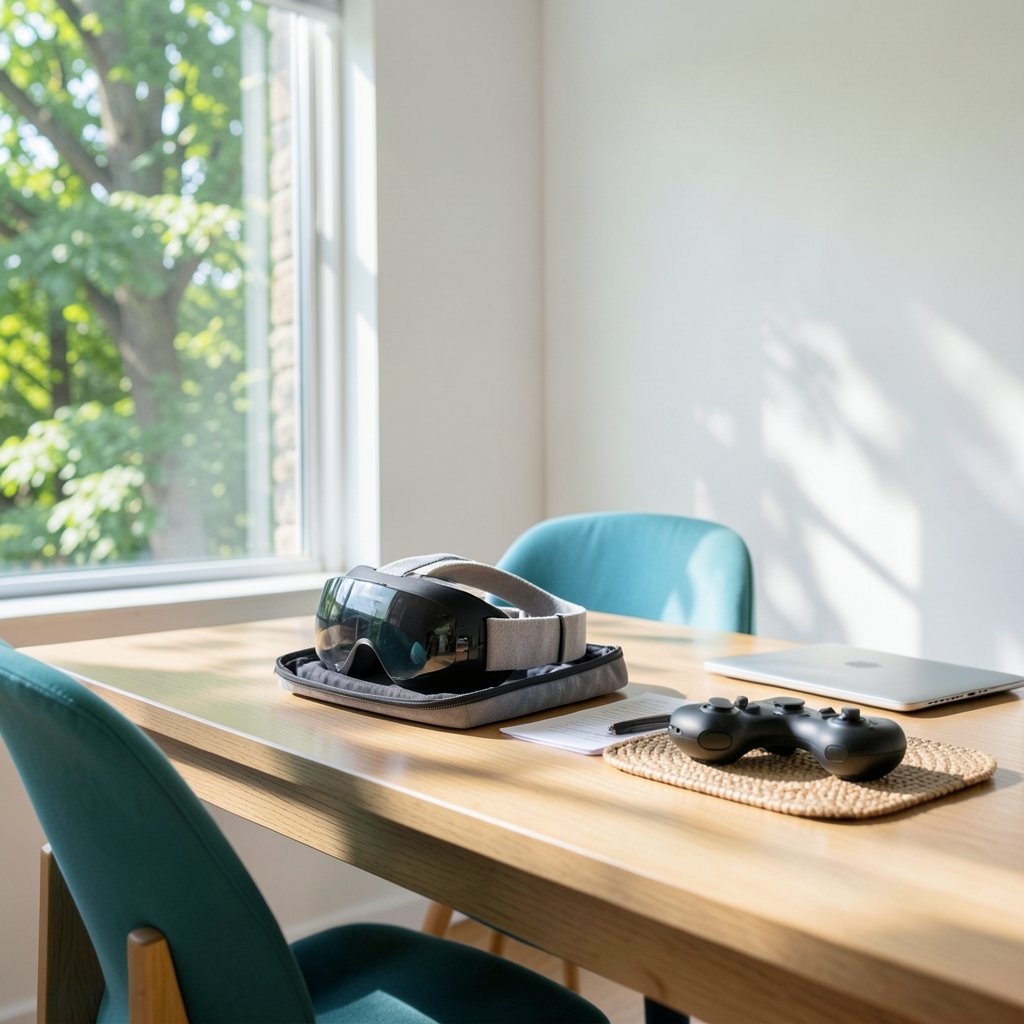
Here is the mistake people make: they compare screens and chips and skip the input model. Input is where the workflow lives.
On Vision Pro, you look at a target and pinch your fingers. That is it. There is no controller to pick up, no drift, no batteries in a wand. For tasks like moving windows, selecting menu items, and clicking through a document, the eye-plus-pinch model is quiet and fast. It also means your hands can rest. For long sessions, that matters more than any spec sheet suggests.
On Quest 3, the Touch Plus controllers are precise and comfortable, and they are excellent for anything with a cursor. Hand tracking exists and has improved, but it is a secondary path rather than the default. In practice, most Quest 3 owners reach for the controllers when they need accuracy.
The practical tip: if your work is mostly reading, writing, and window management, the pinch model feels natural within a day. If your work involves precise pointing at small targets, controllers still win. Neither is wrong. They are tuned for different jobs.
Extending a Mac vs Standing Alone
The single biggest workflow difference is what happens to your existing computer.
Vision Pro supports Mac Virtual Display, which lets a Mac screen appear as a large virtual display inside visionOS. In plain terms, your laptop becomes a giant monitor floating in front of you, with your keyboard and trackpad still working. This is the feature that turns Vision Pro from a novelty into a second-screen tool. You do not have to learn a new operating system to get value from it. (Virtual reality headset)
Quest 3 has no direct first-party equivalent. PC and Mac streaming on Quest relies on third-party apps and workroom-style software. That is a real difference, and it is the one that most often decides the purchase for people who already own a Mac.
The flip side is that Quest 3 works on its own more comfortably. It is a self-contained device with its own app store, browser-based multitasking, and a lower price that makes experimentation cheap. Vision Pro is at its best when it acts as an accessory to Apple devices you already own.
The App and Developer Stack Behind Each Platform
Workflow is downstream of developer tooling. This is the part almost nobody explains, and it explains a lot.
Vision Pro apps are built with Apple’s Xcode, RealityKit, and SwiftUI. That means many existing iPad and iOS apps can be brought over with relatively modest effort, which is why the Vision Pro app catalog skews toward productivity and media rather than games. Apple’s visionOS developer documentation explains the frameworks in detail for anyone who wants to see how the stack works.
Quest apps target Unity and Unreal on Horizon OS, with OpenXR as the cross-platform standard. OpenXR is an open standard maintained by the Khronos Group, and it is what lets a developer build once and ship to multiple headsets. If you want to understand why some productivity tools appear on Quest and not on Vision Pro, or the reverse, the OpenXR standard overview is the right starting point.
What does this mean for you as a buyer? Two things. First, a tool that exists on one platform may never come to the other, because porting is not free. Second, cross-platform standards are slowly narrowing the gap. Check the app catalog for your specific must-have tools before you commit. Do not assume parity.
Battery, Sessions, and the Honest Reality of Endurance
Launch figures tell a consistent story. Apple described roughly two hours of general use and about two and a half hours of video for Vision Pro’s external battery pack. Meta described roughly two to three hours of typical use for Quest 3’s internal battery. Real-world numbers vary with brightness, app load, and whether you are streaming. (Iphone 17 pro vs pro max real differences size battery)
The workflow implication is bigger than the numbers. Vision Pro’s battery is tethered, which means you can swap packs and keep going, but you are always aware of the cable. Quest 3’s battery is internal, which is cleaner but means a charging break.
Common mistake: people plan eight-hour workdays around either headset. Do not. Plan in blocks. A 45-minute focused session, a break, another session. That rhythm fits both devices and fits your eyes better too.
Where Each One Fits in a Real Workday
Abstract comparisons get you only so far. Here is how the two devices tend to slot into actual work.
Vision Pro fits best when you already live in Apple’s world. You have a Mac, you have an iPhone, and you want more screen real estate without buying a monitor. Mac Virtual Display does the heavy lifting. The eye-and-pinch input keeps your hands free for a keyboard. The price is the barrier, not the concept.
Quest 3 fits best when you want spatial computing without the commitment. It handles browser-based work, video calls in workroom apps, and a huge library of games that doubles as a reason to keep it charged. If your workflow is browser-first rather than app-first, the gap narrows considerably. For a closer look at how the headset lineup splits by budget, the comparison of the Meta Quest 3S vs Quest 3 is worth reading before you pick a model.
A useful rule of thumb: if your work depends on a specific desktop application, check whether that application exists natively on the headset. If it does not, ask whether a virtual display solves the problem. On Vision Pro, it often does. On Quest 3, it depends on third-party streaming software and how much setup you tolerate.
Practical Tips and Common Mistakes
A few things that actually work in practice, drawn from how these systems are designed to be used.
- Set up your workspace before you put the headset on. Position your keyboard and trackpad where your hands naturally fall. Muscle memory beats looking down.
- Start with short sessions. Twenty minutes, then take the headset off. Build tolerance gradually rather than marathon-ing on day one.
- Test your must-have apps during the return window. App catalogs change, and a tool you assumed was available may not be.
- Keep a charger within reach. Both devices will interrupt a long session, and planning for it beats being surprised.
- Calibrate eye tracking if the pointer feels off. Small calibration errors compound into real frustration over an hour.
The most common mistake is buying for the demo rather than the workflow. The second most common is assuming the two devices are interchangeable because they both show floating windows. They are not. One extends a computer. The other replaces the need for one, at a fraction of the cost.
What to Verify Before You Buy in 2027
Both platforms update often, and this is where honest reporting matters. Feature sets, app catalogs, operating system versions, and hardware revisions can all change. Before you spend money, confirm the current state of three things: whether Mac Virtual Display still works the way you expect, whether your specific productivity apps are listed for the platform, and what the current battery figures are for the model you are considering.
Do not rely on launch-era reviews for a 2027 purchase. Use them for context, then check current documentation. The workflow differences described here are structural, rooted in input models and developer stacks, so they tend to persist. The details around them do not.
Conclusion
The Apple Vision Pro and the Meta Quest 3 are not really competing for the same desk. Vision Pro is a premium extension of an Apple workflow, built around eye-and-pinch input and Mac Virtual Display, priced accordingly. Quest 3 is a flexible, affordable entry into spatial computing, built around controllers and a broad app library, with productivity as one feature among many.
The workflow differences to understand are simple. Input shapes how you interact. The apps available to you shape what you can run. Price shapes how much experimentation you can afford. Get those three right, and the choice becomes obvious. Get them wrong, and you will own a very expensive demo unit.
Pick the device that fits the work you actually do, not the work you imagine doing. That is the only comparison that matters.
Frequently Asked Questions
Does the Meta Quest 3 work with a Mac?
Not through a first-party feature the way Vision Pro does. Quest 3 relies on third-party apps and streaming software to show a Mac or PC screen. Vision Pro’s Mac Virtual Display is built in, which is a meaningful difference for Mac owners.
Can you use the Apple Vision Pro without controllers?
Yes. The primary input is eye tracking plus a hand pinch gesture, and no controllers are bundled. Controllers are sold separately for apps that need them.
Which headset is better for productivity?
It depends on the devices and software you already use. Vision Pro is stronger for Mac-based work because of Mac Virtual Display and native app compatibility. Quest 3 is stronger for budget-conscious users who work primarily in a browser and want a device that also handles entertainment.
How long do the batteries last?
Launch figures put Vision Pro at roughly two hours of general use and about two and a half hours of video, with an external battery pack. Quest 3 was described at roughly two to three hours of typical use with an internal battery. Real-world results vary with brightness and app load.
Do the same apps work on both headsets?
No. Vision Pro apps are built with Apple’s Xcode, RealityKit, and SwiftUI, while Quest apps target Unity and Unreal on Horizon OS. OpenXR helps developers ship across platforms, but porting still takes work, so catalogs differ. Always check for your specific tools.
Is the Quest 3 good enough for work if I do not own a Mac?
Often, yes. If your workflow is browser-first, video calls, and document review, Quest 3 covers it at a much lower price. The gap widens when you need a specific desktop application or a large virtual display tied to a Mac.



