
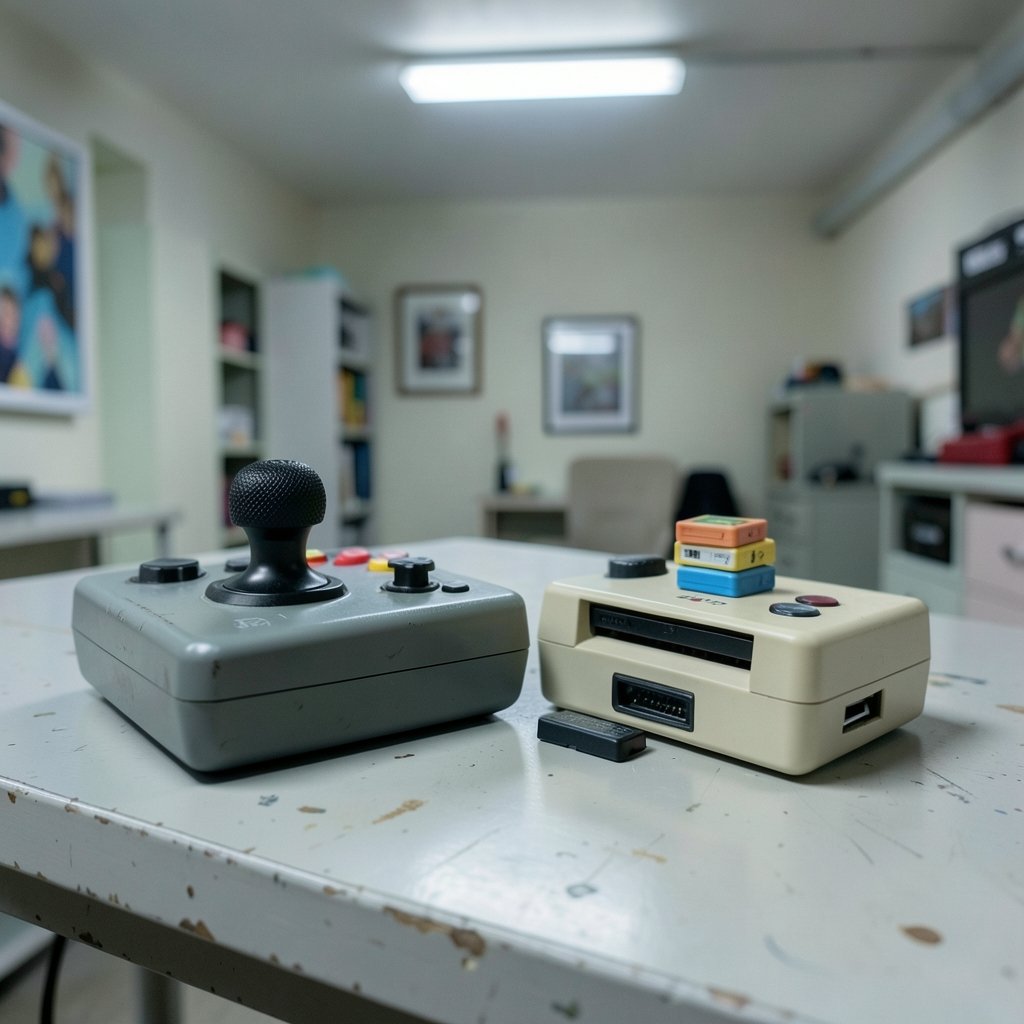
What actually changes about the way you sit down to play when you choose a handheld with a built-in trackball over one that takes cartridges? That is the real question behind the Atari Gamestation Go vs Super Pocket comparison, and it has almost nothing to do with raw specs. Both devices are small, both are retro-flavored, and both cost less than a night out. But they ask you to manage a game library in completely different ways. (Retro gaming)
This article breaks down those workflow differences: how each device handles controls, how you add games, how the physical hardware shapes what you play, and what to check before buying either one in 2027. It also flags a few facts that need re-verification, because both products have shifted since their announcements.
Two Handhelds, Two Very Different Ideas About “Having Games”
The Atari Gamestation Go was announced at CES in January 2025 as a partnership between Atari and My Arcade. Its defining feature is not its screen or its processor. It is the control panel: a built-in trackball, a paddle/spinner dial, and a numeric keypad sit alongside the usual D-pad and buttons. The idea is that arcade games designed around a trackball or a spinner finally feel right on a handheld without plugging in anything extra.
The Super Pocket comes from Blaze Entertainment, the company behind the Evercade line, and launched in 2024. It is a compact handheld that plays Evercade cartridges and ships with a set of built-in games. It also comes in themed editions, such as Capcom, Taito, Atari, and Technos variants, each with a different built-in lineup. The cartridge slot is common across editions.
So the split is clear at the design level. One device is a self-contained, curated catalog with specialized inputs. The other is a smaller built-in set plus an expandable physical-cartridge library. That distinction drives everything that follows.
The Control Surface Is the Workflow

Most handheld comparisons start with the screen. For these two, start with your hands.
The Gamestation Go’s trackball and spinner are not decorative. They change which games make sense to play. A paddle game on a D-pad is a compromise; on a spinner, it behaves the way it did in an arcade. A trackball game that feels clumsy with a thumbstick suddenly clicks. If your nostalgia leans toward arcade cabinets rather than home consoles, this is the single biggest reason to pick the Gamestation Go.
The catch is that specialized controls create a learning curve. A trackball needs a different grip than a thumbstick, and a spinner rewards small wrist movements rather than big thumb sweeps. Expect your first hour with paddle games to feel strange, then suddenly natural.
The Super Pocket takes the opposite approach: a conventional, compact button layout. Nothing about it demands relearning. It is the device you can hand to someone who has not played a game since the 1990s and they will figure it out in thirty seconds.
One caution for 2027 buyers: per-game remapping behavior on the Gamestation Go is not something to assume. Check whether the controls can be reassigned game by game before you buy, especially if you plan to play third-party titles.
How You Add Games: Downloads vs Cartridges
This is where the two workflows diverge most sharply, and it is worth thinking about in terms of library management rather than “content.”
On the Gamestation Go, the library is essentially fixed. Games are preloaded, including Atari arcade and console titles plus some licensed third-party games. The device is not positioned as an open emulation front-end. Whether later firmware added SD-card loading or any kind of store is something to verify directly, because that single detail would change the device’s long-term value considerably.
On the Super Pocket, the cartridge is the unit of library management. Adding games means buying a cartridge and inserting it. There is no download step, no account, no storage management. Cartridges are shared across the Evercade family, so a cart you buy for one device often works in others.
Here is the practical comparison in table form:
| Workflow question | Atari Gamestation Go | Super Pocket |
|---|---|---|
| How do you add games? | Preloaded catalog; verify any SD or store options | Buy and insert Evercade cartridges |
| What limits the library? | What shipped on the device | How many carts you own |
| Account or internet needed? | No for built-in games | No |
| Library grows over time? | Only if firmware or store policy allows | Yes, cart by cart |
| Best fit for | One-and-done arcade fans | Collectors who like physical media |
Neither approach is better in the abstract. They serve different temperaments. If you like the idea of a device that is complete on day one and never asks you to manage anything, the Gamestation Go’s model is refreshing. If you like browsing a shelf of cartridges and knowing exactly what you own, the Super Pocket’s model is the one that will keep you engaged for years.
The Physical Media Factor Nobody Talks About
Cartridges are a workflow as much as a format. They introduce friction, and friction cuts both ways.
The upside: a cartridge library is visible, tradeable, and resellable. You can lend a cart to a friend. You can buy a used one. You never worry about a store delisting a game you paid for. For collectors, that permanence is the whole point, and it is the same instinct that makes people compare Obsidian vs Logseq local-first notes by workflow rather than by feature list. Ownership model shapes daily behavior more than any spec sheet.
The downside: every new game is a purchase and a physical object to store. If you travel light or dislike clutter, a shelf of carts may annoy you more than it delights you. And cartridge compatibility across the Evercade family is the kind of detail that changes with new hardware releases, so confirm current compatibility before committing to a stack of carts.
The Gamestation Go sidesteps all of this. Nothing to store, nothing to lose, nothing to insert. The trade-off is that your library is whatever the manufacturer decided to include.
Curated Console vs Open Emulation Handheld
It helps to place both devices in a wider category. Neither the Gamestation Go nor the Super Pocket is an open, general-purpose emulation handheld of the kind that runs RetroArch-style front-ends. Both are curated devices. The RetroArch documentation explains the open front-end model well if you want to understand the alternative: user-supplied ROMs, configurable cores, and a setup process that is powerful but demands tinkering.
That contrast matters because many buyers in 2027 will be choosing between a curated device and an open one without realizing it. A curated device says: here is your library, it works, go play. An open device says: here is a blank slate, build your library, and expect to spend an evening on configuration.
If you have ever lost a weekend to emulator settings and enjoyed it, an open handheld may suit you better than either device here. If that sounds like a chore, the curated approach is the feature, not the limitation.
Practical Tips From Real-World Use
A few habits make either device work better in daily life.
First, decide your library strategy before you buy, not after. If you are drawn to the Super Pocket, sketch out which cartridges you actually want and add up the cost. The device price is only the entry fee. If you are drawn to the Gamestation Go, read the preloaded game list carefully and ask whether you would still be happy with it in two years if nothing were ever added.
Second, do not buy specialized controls for games you will not play. The trackball and spinner are the Gamestation Go’s reason to exist, but they only pay off if arcade-era titles are your thing. If you mostly want console platformers, a conventional layout is fine.
Third, treat firmware as a live variable. Both products have had time to change since launch, and any 2027 buying decision should rest on the current firmware state rather than 2025 announcements.
Fourth, think about the second device. Many people end up owning both a curated handheld and a more flexible one. That is not indecision; it is matching the tool to the mood. The same logic shows up in storage choices, where people pick Dropbox alternatives by use case that actually fits your workflow because one tool rarely covers every job.
What to Verify Before Buying in 2027
The honest answer is that several details from the 2025-era announcements need re-checking. Both products were announced or launched before 2026, and firmware, catalogs, and cartridge compatibility all move.
Before you buy, confirm these points:
- Whether the Gamestation Go shipped on schedule and what its current firmware includes, particularly any SD-card loading or store features.
- The final price of both devices in your region, since launch pricing rarely survives two years.
- The current Super Pocket edition lineup and each edition’s built-in game set.
- Evercade cartridge compatibility across the family as of 2027.
- Whether either vendor has changed catalog or store policy since launch.
Skip that homework and you risk buying based on a press release that no longer describes the product. The broader lesson applies to any gadget with a long tail: a device’s workflow in year three depends on decisions the maker made in year one. That pattern is familiar from other long-lived hardware, like the way people track the Nvidia RTX 50 Super delay in 2026 because launch timing reshapes what a purchase actually means.
Which Workflow Fits You?
The choice comes down to a few honest questions about how you play.
Pick the Atari Gamestation Go if you want a complete, self-contained device, you love arcade controls, and you would rather not manage a library at all. Its trackball and spinner are genuinely unusual, and unusual hardware is worth paying for when it matches your taste.
Pick the Super Pocket if you like physical media, want a library that can grow cartridge by cartridge, and prefer a conventional layout you never have to think about. Its themed editions also make it an easy gift, since the built-in lineup does some of the choosing for you.
Pick neither, and look at an open emulation handheld instead, if you want to supply your own games and enjoy configuration as a hobby.
Conclusion
The Atari Gamestation Go vs Super Pocket question is not really a hardware fight. It is a question about how you want to acquire, store, and interact with games. The Gamestation Go bets that specialized controls and a fixed, curated catalog create a cleaner experience. The Super Pocket bets that cartridges and a familiar layout create a library you will keep building.
Both bets are reasonable. The mistake is buying on vibes and discovering six months later that you wanted the other workflow. Decide whether you are a “complete device” person or a “growing shelf” person, verify the 2027 details, and the choice becomes obvious.
FAQ
Did the Atari Gamestation Go actually release?
It was announced at CES in January 2025 with a 2025 release window, but its final shipping status, price, and current firmware should be confirmed before purchase. Treat 2025-era details as provisional.
Can the Gamestation Go load games from an SD card?
That is unconfirmed. The device is positioned as a self-contained, curated catalog rather than an open emulation front-end, so check current firmware documentation rather than assuming expandability.
Do Super Pocket cartridges work in other Evercade devices?
Cartridges are shared across the Evercade family, which is the core appeal of the ecosystem. Compatibility details can change with new hardware, so verify current support before buying a large stack of carts.
Is the Super Pocket an emulation handheld?
No. It is a curated device that plays Evercade cartridges plus a set of built-in games. It does not work like an open front-end where you supply your own ROMs.
Which device is better for arcade games?
The Gamestation Go has the edge on paper because of its trackball and spinner, which suit arcade-era controls. Whether that matters depends on whether you actually play trackball and paddle titles.
Do I need an internet connection to play either device?
No. Both are designed around preloaded or cartridge-based games, so neither requires an account or a download step to start playing.



