A small team that needs a logo this week has a different problem from a large company that hires an agency. The team needs a mark that looks professional on a website, a social profile, and a printed invoice. The eight tools below build logos with AI, and each one fits a different kind of small team.
We judged each tool on four things: how original the options look, how much control the team keeps over colour and type, what files it gets for print and web, and what the first usable download costs. None of the eight appears in the wider AI logo design roundup on this site, or in the image generation roundup for small teams. That keeps this guide focused on logo specialists, not on general image tools.
Brandmark leads overall, Turbologo leads for low cost, and Logo.com leads for a free start. Prices below are approximate starting prices, so check current pricing before buying.
Key takeaways
- Brandmark is the best overall pick, turning a short brief into a logo and brand kit in minutes.
- Turbologo is the best pick for a tight budget, with low cost downloads.
- Logo.com is the best free starting point, with no cost to design.
- Vector files matter most: a logo that cannot scale will fail on print and signs.
- Most small teams need one logo tool, not a stack: pick the tool that matches how the logo will be used.
At a glance: the shortlist
| Product | Best for | Starting price | Standout limit |
|---|---|---|---|
| Brandmark | Best overall | From about 25 dollars one-time | Options can look similar |
| Turbologo | Low cost downloads | From about 10 dollars | Smaller brand kit |
| Logo.com | Free start | Free to design | Full files need payment |
| Logomaster.ai | Fast AI logos | From about 20 dollars one-time | Fewer templates |
| Zarla | Simple guided design | Free to design | Customisation is lighter |
| Renderforest | Logo plus video and web | Free; paid from about 10 dollars a month | Logo is one part of a suite |
| LogoMaker | Quick classic logos | Free to design | Full files cost extra |
| FreeLogoDesign | Free low-resolution logos | Free; full files from about 40 dollars | Free files are low resolution |
Brandmark — Best overall
Brandmark asks for the business name, a few keywords, and a colour preference, then generates logo options in under a minute. The editor lets a team change the icon, font, and layout without starting again, and the brand kit adds business cards, social templates, and a brand guide.
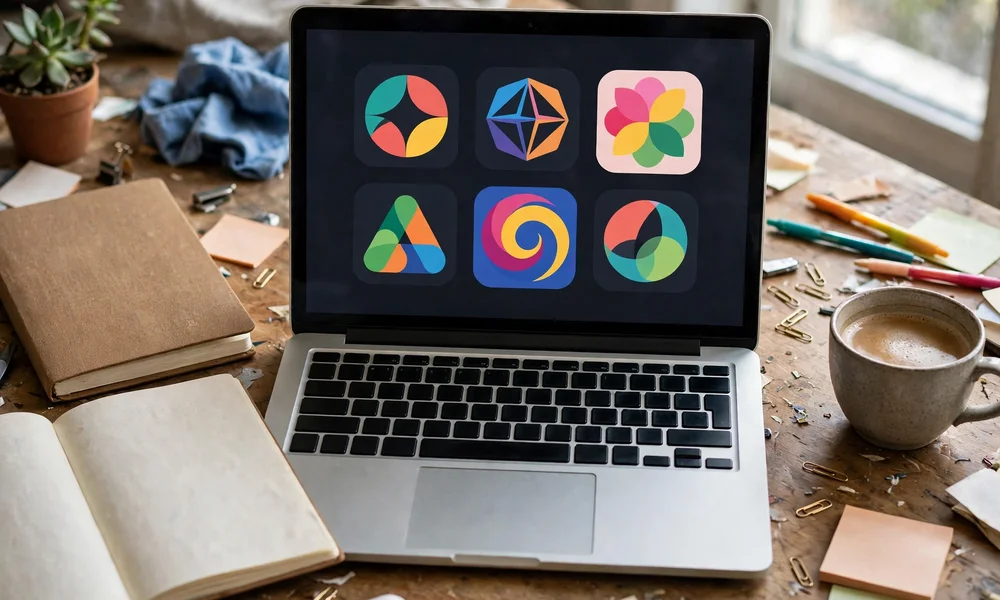
The strength is speed with polish: the logos are clean and modern, ready for a website header the same day. The trade-off is originality, since some options look close to each other, so a team should change the icon and the type before settling. For the wider design work that follows a logo, our guide to the best AI tools for image generation for small teams in 2027 shows where logo work fits beside product shots and social graphics.
Pros: Fast results, strong brand kit, clean modern logos. Cons: Options can look similar, best files need a paid tier.
Turbologo — Best for low cost downloads
Turbologo is the cheapest route to a usable logo here. A team types the business name, picks an industry, and gets dozens of options to edit in a simple workspace. Colours, fonts, and icons change in a few clicks, and the download covers a website and social profiles.
The low price is the point: a team pays once and moves on, with no monthly bill. The trade-off is depth, since the brand kit is smaller than Brandmark and the template range is narrower.
Pros: Very low cost, fast editing, simple workspace. Cons: Smaller brand kit, narrower template range.
Logo.com — Best for a free start
Logo.com lets a team design a logo free of charge and only pay for the full file set. The editor is calm and uncluttered, with a clear path from business name to finished mark. A team can test many directions in one sitting and show the favourites to the rest of the team before spending anything.
The free start suits teams still deciding on a name or a direction. The trade-off is that the full files, including high-resolution and vector formats, sit behind a paid plan. A team that only needs a logo for a website and social profiles can go far on the free tier, but print files need the upgrade.
Pros: Free to design, clean editor, easy sharing. Cons: Full files need a paid plan, fewer advanced controls.
Logomaster.ai — Best for fast AI logos
Logomaster.ai is built for speed. The AI generates logo options from a short brief, and the editor keeps the choices simple: pick an icon, pick a font, pick colours, and export. A small team can go from a blank page to a finished logo in one short session, which suits a pitch or a landing page.
The interface stays out of the way, and the one-time price keeps the cost clear. The trade-off is range: the template library is smaller than the big suites, so a team in an unusual niche may see fewer options that fit.
Pros: Very fast, simple editor, clear one-time price. Cons: Smaller template library, limited brand extras.
Zarla — Best for simple guided design
Zarla guides a team through logo design step by step, asking about the business, the style, and the mood before it shows any options. That guidance helps teams with no design experience, because each step narrows the choices. The results are clean and modern, and the marks read well at small sizes.
The trade-off is customisation: the editor is lighter than the deeper tools here, so a team that wants fine control over spacing and letterforms may feel limited.
Pros: Guided steps, good for beginners, clean simple marks. Cons: Lighter customisation, fewer file options on the free tier.
Renderforest — Best for logo plus video and web
Renderforest is a wider creative suite with a logo maker inside it. A team can design a logo, then use the same account to build a short intro video and a simple website with matching colours and type.
The logo tool itself is solid, with AI options and an editor that covers the basics. The trade-off is focus: as one part of a large suite, it has fewer logo-specific controls than the specialists here. A team that only needs a logo should pick a specialist, but a team that needs a logo plus video should start here.
Pros: Logo, video, and web in one account, consistent branding. Cons: Fewer logo-specific controls, monthly billing.
LogoMaker — Best for quick classic logos
LogoMaker has been around longer than most tools on this list, with a classic, straightforward style: clear type and simple icons. A team picks an industry, browses a large library, and customises the choice. There is no learning curve, and a usable logo can be ready in under an hour.
The classic style suits trades, local services, and professional firms. The trade-off is that high-resolution files cost extra, and the designs can feel dated beside newer AI tools.
Pros: Large library, no learning curve, classic style. Cons: High-resolution files cost extra, designs can feel dated.
FreeLogoDesign — Best for free low-resolution logos
FreeLogoDesign does what the name promises: a team can design a logo and download a low-resolution version free of charge. The editor covers templates by industry, colour controls, and font choices. For a draft or a logo that will only ever appear on a screen, the free download is enough.
The catch is resolution: the free files are low resolution, so a team that needs print, packaging, or a large sign must pay for the high-resolution set, from about 40 dollars.
Pros: Free low-resolution downloads, simple editor, clear pricing. Cons: Free files are low resolution, limited brand extras.
How to choose
Start with where the logo will appear. If it will be printed, put on packaging, or used on a sign, vector files are not optional, and the tool must include them in the price paid. If the logo will only appear on a website and social profiles, a cheaper tool with good screen files is enough.
Next, test the editor with a real brief, not a demo name: a tool that feels fast with a made-up business can feel slow with a long name or an unusual niche. Our guide to the best AI tools for design teams in 2027 covers the wider design workflow, while this guide covers the logo itself. Pick the tool that gives the team a logo it can use on Monday, not the longest feature list.
Checklist: before you pay
- Confirm vector files are included, not sold as an extra.
- Test the logo at favicon size and on a phone screen.
- Check the licence: confirm the team owns the logo and can use it commercially.
- Compare the renewal price, not only the first payment.
- Export colour, black and white, and transparent versions.
- Save the original editable file for later refinement.
Frequently asked questions
Can a small team get a good logo from an AI tool?
Yes, for most small businesses. AI logo tools produce clean, professional marks for a website, social profiles, and printed material. A team that needs a distinctive identity for a large launch should still hire a designer, but a team that needs a solid logo this week will find one here.
What files should a logo download include?
The download should include PNG files with transparent backgrounds, a vector file such as SVG, and a PDF for print. Without a vector file, the logo cannot be scaled for signs or packaging without going blurry.
Are free logo makers really free?
Designing is usually free, but the useful files often cost money. Low-resolution downloads are commonly free, while high-resolution and vector files need a paid plan or a one-time payment. Our piece on the real cost of a bad logo explains why a cheap mark that cannot be read at small sizes costs more later, in lost trust and a forced rebrand.
How much should a small team spend on a logo?
Most teams here spend between 10 and 40 dollars for a usable logo, or a low monthly fee for a suite. A team should not pay more until it knows the logo works at small sizes and in black and white.
Can two teams end up with the same AI logo?
It is possible when neither team customises the template. To reduce the risk, change the icon, font, and colours, and avoid the most popular templates in the niche.
Should a team use one logo tool or several?
One tool is enough for most teams. Design the logo in one place and export every file version. Using several tools adds cost and creates inconsistent versions of the mark.
The bottom line
Brandmark is the best overall pick for a small team that wants a logo and a brand kit in one fast session. Turbologo is the best pick when the budget is tight, Logo.com is the best free start, and FreeLogoDesign is the best route to a free screen logo.
Whatever tool wins, test the logo at small sizes, confirm the vector files are included, and check the licence before paying. A logo that reads clearly on a phone and scales for print will serve the team for years.
Note: Prices and plans change, so check the current plan details of each tool before buying. All links in this article go to other occcy.com guides by design.