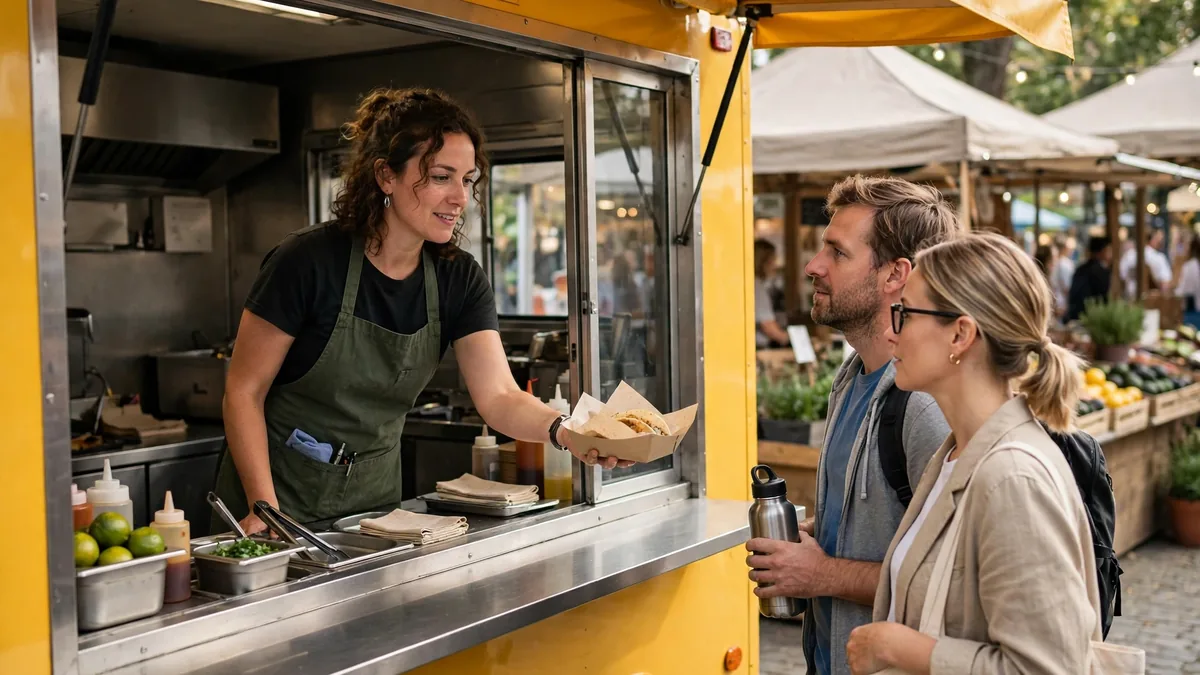
The best AI tools for food truck owners in 2027 do the jobs that used to eat your evenings: forecasting prep, answering the same five customer questions, scheduling a changing crew, and posting to social media while you are still on the line at lunch. A food truck is a moving storefront with no back office, so the tools that win save real minutes.
We looked for tools that work from a phone in a truck, handle spotty Wi-Fi, and cost less than one bad service day. Every tool below was judged on price, ease of setup, and whether a two-person crew can run it without training.
The shortlist covers the whole truck: Square for the register, Toast for operations, 7shifts for scheduling, MarginEdge for food costs, Owner.com for ordering and marketing, ChatGPT for writing, Canva for visuals, and Upserve for analytics. Start with the register, add scheduling, then marketing.
Key takeaways
- Square is the best overall pick, with AI forecasting inside the register most trucks use, from about $0 a month plus processing.
- Toast is the strongest choice for trucks on a fixed schedule wanting one system for orders, kitchen, and reporting, from about $69 a month.
- 7shifts is the best scheduling tool for a rotating crew, with AI forecasting that cuts overstaffing, from about $34.99 a month.
- MarginEdge pays for itself fastest by reading invoices and flagging food-cost creep, from about $300 a month.
- Avoid buying five tools at once: pick the register first, then add the tool that fixes your biggest headache.
At a glance: the shortlist
| Tool | Best for | Starting price | Standout limit |
|---|---|---|---|
| Square | Best overall | About $0 plus processing | Paid plan for advanced reports |
| Toast | Full operations | About $69 a month | Needs steady Wi-Fi |
| 7shifts | Crew scheduling | About $34.99 a month | AI forecasting on higher tiers |
| MarginEdge | Food costs | About $300 a month | Best with multiple suppliers |
| Owner.com | Ordering and marketing | About $99 a month | Automation on higher plan |
| ChatGPT | Writing and planning | About $20 a month | Needs your real numbers |
| Canva Magic Studio | Menus and social posts | About $15 a month | Print quality varies |
| Upserve by Lightspeed | Sales analytics | About $69 a month | Strongest with Lightspeed data |
Square — Best overall
Square is the register most food trucks already run, and its AI features are the reason to stay. Square AI drafts menu descriptions, suggests bundles based on what sells together, and forecasts demand from past sales. Offline mode keeps taking card payments when venue Wi-Fi drops.

Setup takes an afternoon: connect your menu, set tax and tip settings, and let sales history build for two weeks. It also handles online ordering, gift cards, and loyalty. For a broader look, see our guide to the best AI tools for restaurants.
Pros: Free to start, reliable offline payments, AI tools included.
Cons: Processing fees add up at volume, advanced reporting needs a paid plan.
Toast — Best for full operations
Toast is the heavyweight option for trucks on a regular route that want one system for orders, kitchen display, inventory, payroll, and reporting. Its AI forecasts demand by location, suggests prep quantities, and flags your slowest sellers and most profitable combos. Two trucks stay in one place.
The trade-off is complexity and connectivity: Toast needs a stable connection, so festival trucks should test offline mode hard during the trial. The monthly cost is higher than Square. But for an owner who wants to stop reconciling five apps at midnight, Toast is the most complete answer.
Pros: One system for orders, kitchen, and payroll; strong AI forecasting.
Cons: Higher monthly cost, needs reliable Wi-Fi, steeper setup.
7shifts — Best for crew scheduling
Food truck crews are small and constantly swapping shifts, which is exactly the problem 7shifts solves. Its AI scheduling looks at past sales by day and location, then suggests how many people you actually need. Staff swap shifts and request time off in the app, without the owner playing group-chat referee.
Demand forecasting pays for the subscription: most trucks find they were overstaffing by one person on at least two days a week. 7shifts also tracks labour costs against sales in real time and connects with Square and Toast. AI forecasting unlocks on the higher tier.
Pros: AI staffing suggestions cut labour waste, easy shift swaps, live labour-cost tracking.
Cons: AI forecasting on higher tiers, limited use for a solo operator.
MarginEdge — Best for food costs and invoices
MarginEdge reads supplier invoices with AI, lines them up against your recipes, and tells you exactly what each dish costs today — not what it cost when you wrote the menu in spring. When chicken jumps 12 percent, it flags it before it eats your margin for a month.
Photograph invoices from your phone; no data entry after a delivery. It tracks waste, compares supplier prices, and shows theoretical cost next to actual cost. The price is steep for a single truck, so it makes most sense at steady volume. Check current pricing first, since plans are quoted by location count.
Pros: Automatic invoice reading, real-time plate costs, supplier price comparison.
Cons: About $300 a month is steep for a new truck, setup needs your recipe data.
Owner.com — Best for ordering and marketing
Owner.com gives a food truck its own online ordering page and a marketing system that runs itself: automated text and email campaigns, loyalty rewards, and AI-written promotions timed to your schedule. The point is to stop paying marketplace commissions and bring repeat customers back to your own page. Its AI drafts the messages and tracks quiet regulars.
The ordering page doubles as a menu customers check before they reach the window, which shortens the line. The AI also answers common questions, so fewer people text asking where you are parked.
Pros: Own ordering page with no marketplace fees, automated loyalty and win-back campaigns.
Cons: Marketing automation needs the higher plan, best with a regular route.
ChatGPT — Best budget AI assistant
ChatGPT is the cheapest tool on this list and, used well, the most flexible. It writes social posts, drafts replies to reviews, builds a prep list from your sales notes, and turns a rough idea for a special into a menu description in seconds. Feed it your actual numbers and it becomes a planning partner.
The catch is that ChatGPT only knows what you tell it. It will invent prices if you do not give it real data, so check its numbers against your register before posting or ordering. It does not connect to your POS. Pair it with a good AI chatbot for business on your ordering page for round-the-clock customer answers.
Pros: About $20 a month, handles writing, planning, and replies, no setup.
Cons: Needs your real data to be useful, can invent facts, no POS connection.
Canva Magic Studio — Best for menus and social posts
A food truck lives or dies on how its food looks on a phone screen, and Canva Magic Studio turns that into a ten-minute job. Its AI removes backgrounds from food photos, resizes one design for Instagram, TikTok, and a printed menu board, and suggests layouts that fit a truck window. Shoot a special on your phone and post it before the lunch rush ends.
The Pro plan at about $15 a month unlocks the best AI features, including background removal and Magic Write for captions. The templates are good enough that a truck with no designer can still look polished. The weakness is print: check a menu board proof carefully. For the bigger marketing picture, our roundup of the best AI tools for marketing covers the campaign side in more depth.
Pros: Fast menu and social designs, AI background removal, one design fits every platform.
Cons: Print colours need a proof check, templates can look generic.
Upserve by Lightspeed — Best for sales analytics
Upserve by Lightspeed turns sales history into answers: which items make money and which just look popular, which locations are worth the drive, and which hours are dead weight. Its AI flags menu items that sell well but cost too much to keep. That clarity is the whole job.
Upserve works best reading Lightspeed POS data directly, so trucks already on Lightspeed get the most from it. Trucks on Square or Toast can still use it. It starts at about $69 a month, and a new truck should wait until it has two months of sales data.
Pros: Clear profit-by-item and profit-by-location reports, AI menu insights.
Cons: Best with Lightspeed POS, needs sales history to be useful.
How to choose
Start with the problem that costs you the most each week. Over-prepping? Square or Toast. Labour? 7shifts. Margins shrinking? MarginEdge. Nobody knows where you are parked? Owner.com and Canva.
Before you pay, check three things: does it work offline or on weak festival Wi-Fi, does it run well from a phone with one free thumb, and does it connect to your register. Trial it during a real service week, and cancel anything that does not save you an hour a week or pay for itself in a month.
Checklist: before you pay
- Trial it during a real busy service week, not a quiet one.
- Confirm offline mode works before a festival.
- Check the renewal price, not just the introductory price.
- Check you can cancel monthly and export your data.
- Test it one-handed on your phone, as you will use it.
- Confirm it connects to your register.
Frequently asked questions
What is the best AI tool for a food truck owner just starting out?
Square, because the register is free to start and its AI forecasting and menu tools come with it. Add 7shifts once you hire a crew and ChatGPT for writing from day one — money, people, and marketing for under $60 a month.
Do AI tools work without good Wi-Fi?
Some do and some do not. Square takes card payments offline and syncs later. Cloud-heavy tools like Toast need a connection, so carry a mobile hotspot as backup.
How much should a food truck spend on AI tools each month?
Most one-truck operations spend $50 to $150 a month on software. MarginEdge and Toast push that higher, so only add them when the problem already costs you more than the subscription.
Can AI really predict how much food to prep?
It can get close once it has a few weeks of your sales by day and location. The forecasts improve with every week of data, but they cannot predict a rainstorm or a rival truck parking next door, so treat the number as a starting point.
Will AI tools replace my crew?
No. They replace the paperwork, the guessing, and the group-chat scheduling, not the cooking and the serving. A truck still needs people on the line; AI just makes sure the right number are there.
Is my customer data safe with these tools?
Stick to established tools with clear privacy policies, use strong unique passwords, and turn on two-factor authentication wherever offered. Never store customer payment details outside your register.
The bottom line
For most food truck owners in 2027, the right stack is Square for the register, 7shifts for the crew, ChatGPT for the writing, and Canva for the visuals — four tools, under $75 a month. Add MarginEdge for food costs, Owner.com for your own ordering page, and Toast when a second truck makes one system worth the price.
Buy in that order, trial everything during a busy week, and drop anything that does not save time or money within a month. The best AI tool for a food truck is the one your crew actually opens during service.