
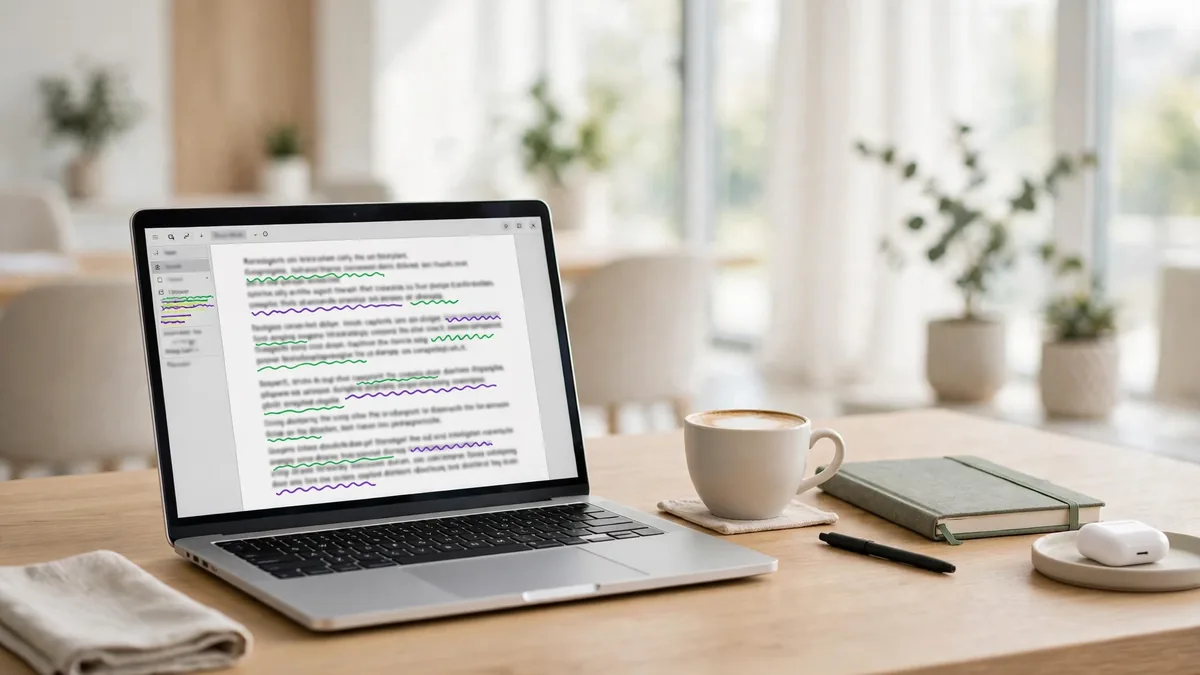
A single grammar mistake can change how a reader judges an entire document, and the best AI tools for grammar checking now catch far more than misplaced commas. Modern checkers flag tone, clarity, word choice, and consistency, and they explain each suggestion so you learn as you write. The eight tools below were chosen for accuracy, ease of use, and how well they fit different kinds of writing.
Grammar checkers are not all built for the same job. Some are general writing assistants that work everywhere you type, others are aimed at long-form writers and novelists, and a few specialise in academic or technical text. Price also varies widely: free plans cover basic corrections, while paid plans add style, tone, and plagiarism checks. The differences that matter most are accuracy on your kind of writing and whether the tool works in the apps you already use every day.
The shortlist covers every common use case, from a quick email check to a full manuscript edit. Grammarly leads for everyday writing, ProWritingAid leads for long-form authors, and LanguageTool leads for multilingual writers who need more than English.
Key takeaways
- Grammarly is the best overall pick for everyday writing, with accurate corrections and apps for nearly every platform.
- ProWritingAid is the best choice for authors and long-form writers who want deep style and structure reports.
- LanguageTool is the best free and multilingual option, supporting more than 30 languages.
- Hemingway Editor is the best tool for cutting clutter and making sentences shorter and clearer.
- Paid plans across this list start at roughly $4 to $18 per month, and prices change often, so check current pricing before subscribing.
At a glance: the shortlist
| Product | Best for | Starting price | Standout limit |
|---|---|---|---|
| Grammarly | Everyday writing | Free; Premium from about $12 per month | Plagiarism detection needs the paid plan |
| ProWritingAid | Long-form authors | Free; Premium from about $10 per month | Interface can feel busy for new users |
| LanguageTool | Multilingual writers | Free; Premium from about $4.99 per month | Style suggestions are weaker than Grammarly |
| Hemingway Editor | Clear, concise prose | Free web version; desktop app about $19.99 one-time | Flags style, not grammar, so pair it with a checker |
| QuillBot | Paraphrasing and rewriting | Free; Premium from about $4.17 per month | Grammar checker is simpler than dedicated rivals |
| Trinka | Academic and technical writing | Free; Premium from about $6.67 per month | Less useful for casual or creative writing |
| Writer | Teams and brand consistency | From about $18 per user per month | No genuinely free plan for individuals |
| Ginger | Quick checks and translation | Free; Premium from about $13.99 per month | Fewer advanced style features than rivals |
Grammarly — Best overall
Grammarly is the most complete grammar checker for everyday writing. It works in the browser, in Word and Google Docs, and on mobile keyboards, correcting grammar, spelling, and punctuation as you type, then offering clarity, tone, and conciseness suggestions on top. Its explanations are short and practical, which makes it genuinely useful for learning rather than just fixing. If you want a broader view of AI writing help, start with our roundup of the best AI writing tools.
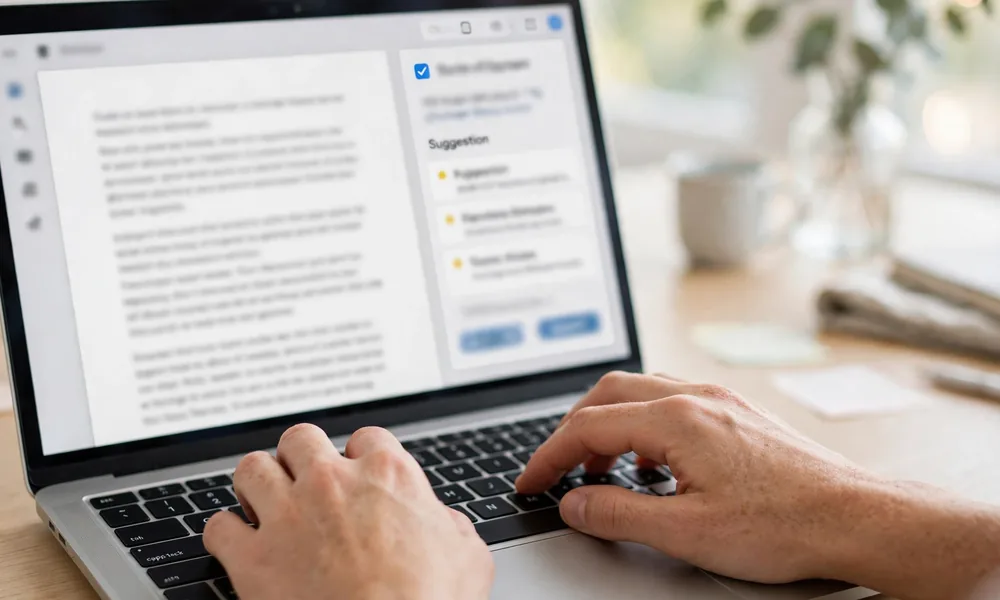
Pros: Accurate corrections across platforms; clear explanations; tone detection and full-sentence rewrites. Cons: The best features, including plagiarism checks, need the paid plan; it can be overeager with style suggestions.
ProWritingAid — Best for long-form authors
ProWritingAid is built for writers working on long documents: novels, reports, and theses. Beyond grammar and spelling, it produces detailed reports on sentence variety, repeated words, pacing, dialogue, and readability, and it integrates with Scrivener, Word, and Google Docs. It is slower and more thorough than Grammarly, which suits authors who edit in passes rather than in real time.
Pros: Deepest set of writing reports anywhere; excellent for manuscripts; one-time lifetime plan available. Cons: The interface packs in a lot and takes time to learn; real-time checking is less smooth than Grammarly.
LanguageTool — Best for multilingual writers
LanguageTool checks grammar in more than 30 languages, which makes it the obvious pick for anyone writing in more than one language. The free plan covers basic grammar and spelling, and the Premium plan adds style, tone, and more advanced error detection. It is open source at its core, works as a browser extension and a desktop app, and respects privacy more visibly than most rivals.
Pros: Strong multilingual coverage; useful free plan; open-source roots and clear privacy stance. Cons: Style and tone suggestions lag behind Grammarly; the interface is plain.
Hemingway Editor — Best for clear, concise prose
Hemingway Editor does a different job from the rest of this list: it does not check grammar, it grades readability. It highlights long sentences, passive voice, hard-to-read passages, and adverbs, then gives your text a grade level. Used after a grammar checker, it is the fastest way to make writing shorter and easier to read.
Pros: Instant readability feedback; the desktop app is a cheap one-time purchase; forces tighter writing. Cons: No grammar checking at all, so it must be paired with another tool; its advice can be too blunt for literary styles.
QuillBot — Best for paraphrasing and rewriting
QuillBot started as a paraphrasing tool and has grown into a full writing assistant with a grammar checker, summariser, and citation generator. Its strength is rewriting: feed it a clumsy sentence and it offers several cleaner versions in different tones. The grammar checker itself is solid for basic errors, and the free plan is generous enough for occasional use.
Pros: Best paraphrasing modes on this list; useful summariser and citation tools; low starting price. Cons: The grammar checker is simpler than dedicated tools; the free plan limits paraphrase modes.
Trinka — Best for academic and technical writing
Trinka is designed for academic, scientific, and technical writing, where standard grammar checkers often misfire on terminology. It checks subject-specific usage, consistency of technical terms, and formal tone, and it works with LaTeX documents, which matters for researchers. It is the strongest pick here for anyone writing papers, theses, or grant applications.
Pros: Built for academic and technical text; handles LaTeX; checks tone and formality well. Cons: Narrow focus makes it less useful for everyday writing; smaller user community.
Writer — Best for teams and brand consistency
Writer is aimed at companies rather than individuals: it combines grammar checking with a style guide that enforces brand voice, approved terminology, and inclusive language across a whole team. It plugs into Google Docs, Word, and common content tools, and managers can see where writing drifts from the guide. It is priced per user and is overkill for a single writer.
Pros: Enforces a shared style guide; good team analytics; strong integrations. Cons: No free plan for individuals; per-user pricing adds up fast for small teams.
Ginger — Best for quick checks and translation
Ginger is a lightweight checker with a useful extra: built-in translation for more than 40 languages and a sentence rephraser for when the right wording will not come. Its browser extension and mobile keyboard make it easy to check short text anywhere, and its personal trainer feature builds practice exercises from your own mistakes.
Pros: Translation and rephrasing included; simple and fast; personal trainer turns errors into lessons. Cons: Fewer advanced style features than Grammarly or ProWritingAid; the interface feels dated.
How to choose
Match the tool to the writing you do most. Everyday emails, documents, and social posts are best served by Grammarly or LanguageTool. Long manuscripts and reports belong with ProWritingAid. Academic or technical papers need Trinka, and teams that must sound consistent need Writer. Hemingway fits every workflow as a second pass for clarity.
Try the free plan first and pay attention to false positives: a checker that flags correct sentences trains you to ignore it. Prices quoted here are approximate starting prices and change often, so check current pricing before subscribing. If you write for a living, our guide to the best AI tools for writers covers the wider set of drafting, editing, and research tools that pair well with a grammar checker.
Many writers end up using two tools together: a real-time checker such as Grammarly or LanguageTool for everyday drafting, and a second-pass tool such as Hemingway or ProWritingAid for editing. That combination costs little, since Hemingway has a free web version and the others have free plans, and it catches far more than any single tool alone.
Checklist: before you pay
- Test the free plan on your own writing for a week and count the false positives.
- Check that the tool works where you write, such as Google Docs, Word, or your browser.
- Compare monthly and annual pricing, since annual billing is usually far cheaper.
- Confirm the plagiarism checker is included if you need it, since it is often a paid extra.
- Check the privacy policy if you edit sensitive or client documents.
- Read the cancellation terms so you know how to stop a subscription that renews automatically.
Frequently asked questions
What is the best AI tool for grammar checking overall?
Grammarly is the best overall pick for most people because it is accurate, works almost everywhere you type, and explains its suggestions clearly. Writers working on long manuscripts should look at ProWritingAid instead, and multilingual writers should consider LanguageTool.
Are free grammar checkers good enough?
For basic grammar and spelling, yes. Grammarly, LanguageTool, and QuillBot all have free plans that catch the most common errors. Paid plans add style, tone, clarity, and plagiarism checks, which matter more for professional and academic writing.
Can a grammar checker replace a human editor?
No. Checkers catch surface errors and some style problems, but they cannot judge argument, structure, or whether a sentence means what you intended. Use a checker for the first pass and a human editor for anything important.
Which grammar checker is best for academic writing?
Trinka is the best fit for academic and technical writing because it understands subject-specific terminology and formal tone. ProWritingAid is a strong second choice for theses and long reports, thanks to its detailed style reports.
Do grammar checkers work in Google Docs?
Yes, most of them do. Grammarly, ProWritingAid, LanguageTool, and Writer all offer Google Docs support through browser extensions or add-ons, and Trinka and QuillBot have their own integrations too. Check the specific plan, since some integrations need a paid tier.
Which grammar checker is best for emails?
Grammarly is the best pick for email because its browser extension and mobile keyboard check text in Gmail, Outlook, and other webmail as you type. For a wider look at email-specific writing help, see our guide to the best AI tools for email writing.
The bottom line
For most people, Grammarly is the right answer: it is accurate, it works everywhere, and its free plan covers the basics. Add Hemingway as a second pass when clarity matters, and switch to ProWritingAid or Trinka when your writing gets long or technical.
Whichever tool you choose, remember that it is a safety net, not a substitute for reading your work aloud before you send it. The best results come from the combination: the checker catches the errors, and a careful final read catches the meaning. Give any new tool a full week on your real writing before judging it, since accuracy and false positives only show up with use.



