

HR teams spend an astonishing share of their week on work that follows a pattern: approving leave, updating records, chasing signatures, answering the same policy questions, and moving new hires through checklists. AI tools for HR automation are built to take that pattern work off the pile, so HR staff can spend their time on the cases that actually need judgement.
The best tools do more than send reminders. They read documents, route approvals to the right person, update payroll and access systems in the background, and keep a complete audit trail of every step. When they work well, employees get faster answers and HR gets its week back.
We compared seven platforms on the depth of their automation, ease of setup, integrations, and value. Rippling leads for all-in-one automation, while BambooHR is the easiest starting point. Here is the full shortlist.
Key takeaways
- Rippling is the best overall pick for automating HR, payroll, and IT together.
- BambooHR is the easiest automation tool for small and mid-sized teams.
- Deel is the strongest choice for automating global hiring and compliance.
- Expect starting prices from around $6 per employee per month, with deeper automation on higher tiers.
- Automate the routine, but keep humans on approvals that affect pay, status, or employment.
At a glance: the shortlist
| Product | Best for | Starting price | Standout limit |
|---|---|---|---|
| Rippling | Best overall | From $8 per user/month | Module pricing can climb fast |
| BambooHR | Best for small teams | From $6 per employee/month | Automation is simpler than Rippling |
| Workday | Best for enterprise automation | Custom pricing | Overkill for smaller companies |
| Deel | Best for global automation | From $49 per contractor/month | Employer-of-record fees add up |
| Personio | Best for European teams | Custom pricing | Limited outside Europe |
| Factorial | Best for growing startups | From $5.50 per user/month | Reporting is basic on lower tiers |
| Sage HR | Best for simple automation | From $5.50 per user/month | Limited advanced features |
Rippling — Best overall
Rippling is the most complete automation platform in this roundup. A single trigger — a new hire, a promotion, a departure — can update payroll, benefits, devices, and software access automatically, with approvals routed to the right manager at each step. Its AI assistant answers employee questions by reading your own policies.
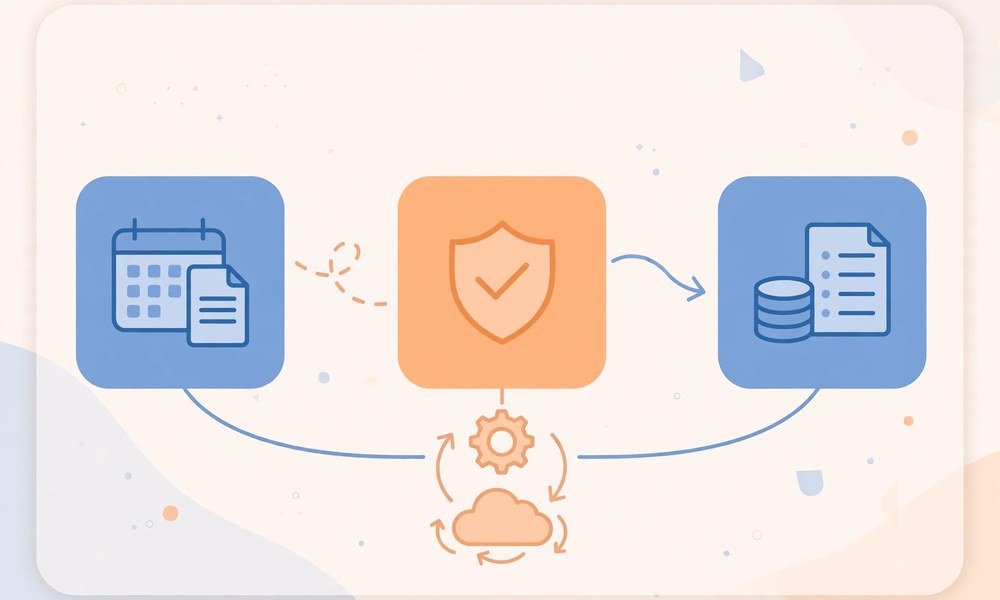
The automation builder is genuinely flexible: you can chain conditions, approvals, and notifications without code. The trade-off is setup time — Rippling rewards teams that invest a few weeks in configuring it properly, and the cost rises as you add modules.
Pros: Deepest cross-system automation; strong global payroll; excellent audit trails.
Cons: Setup takes time; pricing grows with each module.
Rippling’s workflow builder also covers IT tasks such as device returns and account deactivation, so a departure is handled in one flow instead of three separate tickets.
Automation usually starts with pay — our guide to the Best AI Tools for Payroll in 2027 covers the payroll side in detail.
BambooHR — Best for small teams
BambooHR automates the HR basics well: onboarding checklists, time-off approvals, e-signatures, and reminders that chase managers instead of HR doing it. Its AI drafts job descriptions and summarises feedback, and the workflows are simple enough to build in minutes.
For a team of 50 to 500, that simplicity is the point — you get most of the benefit without a long project. Payroll and benefits are available as add-ons, though they are not as deep as Rippling’s.
Pros: Fast to set up; clear workflows; good value.
Cons: Automation depth is limited; payroll is an add-on.
BambooHR’s e-signature and document storage keep every approval in the employee record, which makes audits far less painful than digging through email.
Workday — Best for enterprise automation
Workday automates HR at enterprise scale: approvals, compliance checks, and workforce planning across thousands of employees and many countries. Its AI flags anomalies in payroll, predicts attrition, and routes complex cases to the right team.
Implementation is a major project, and running it needs skilled admins. But for large organisations with strict controls, Workday’s automation is the most thorough in this roundup, with audit logs that satisfy regulators.
Pros: Enterprise-grade automation and compliance; deep analytics; huge ecosystem.
Cons: Expensive and slow to implement; needs in-house expertise.
Deel — Best for global automation
Deel automates the hardest part of global HR: contracts, compliance, and payroll across more than 150 countries. Its AI checks contracts against local law, drafts compliant documents, and flags changes in employment rules before they catch you out.
Onboarding a new hire abroad can take days instead of weeks, with expenses, time off, and equity handled in the same system. Costs rise with employer-of-record services, but the alternative — local entities and lawyers — costs far more.
Pros: Best global compliance automation; fast international onboarding; clear contracts.
Cons: Employer-of-record pricing is high; core HR is lighter than BambooHR.
Deel also automates equity and expenses for international staff, which removes two more spreadsheets from the global HR workload.
Personio — Best for European teams
Personio is built for small and mid-sized companies in Europe, and its automation reflects that: leave approvals, payroll preparation, and compliance documents tuned to local rules. Its AI drafts job ads, summarises applications, and answers routine employee questions.
The interface is clean, setup is straightforward, and the pricing suits teams of 10 to 2,000. It is less strong outside Europe, where local compliance coverage thins out.
Pros: Strong European compliance; easy setup; good value for mid-sized teams.
Cons: Weaker global coverage; pricing is quote-based.
Factorial — Best for growing startups
Factorial is a fast-growing option for startups that want HR automation without enterprise complexity. It covers time off, expenses, onboarding, and performance, with AI that drafts documents and flags missing information before it becomes a problem.
The platform is affordable and quick to deploy, and the interface is modern enough that employees actually use it. Reporting is lighter than Rippling or Workday, but for a growing team it covers the essentials well.
Pros: Affordable and quick to set up; modern interface; good core automation.
Cons: Analytics are basic; fewer integrations than bigger rivals.
Factorial’s document management keeps contracts and policies versioned, so employees always see the current policy rather than an old PDF.
Sage HR — Best for simple automation
Sage HR, formerly CakeHR, keeps automation simple: leave management, timesheets, expenses, and performance reviews with sensible defaults and minimal configuration. Its AI helps draft reviews and spot leave patterns that need attention.
It suits small teams that want the admin handled without learning a complex system. Integrations with Sage accounting are a bonus for businesses already in that ecosystem, though the feature set is narrower than the bigger platforms here.
Pros: Very easy to use; low cost; quick setup.
Cons: Narrower feature set; limited AI depth.
How to choose
Start with the work that eats the most time. For most HR teams that is onboarding, leave approvals, and payroll changes. Pick the tool that automates those three well before worrying about exotic features.
Check what happens when automation goes wrong. A good tool shows you the audit trail, lets you roll back a change, and alerts a human when something looks unusual. Ask vendors to show you a failed approval, not just a successful one.
Finally, count the integrations. Automation only works if the HR tool can talk to your payroll, accounting, and IT systems. A tool with weak integrations will leave you copying data by hand — the exact work you wanted to remove.
Pay and benefits are where automation errors cost most — see our Best AI Tools for Compensation Management in 2027 for salary and equity automation.
One more check: ask how the tool handles exceptions. Automation is easy when everything is standard — the test is what happens when a request does not fit the template.
Checklist: before you pay
- List the five most time-consuming HR tasks before you buy.
- Test the automation with your real policies and data.
- Check the audit trail and how to undo a wrong change.
- Confirm integrations with payroll, accounting, and IT tools.
- Keep human approval on anything affecting pay or employment.
- Check data export and cancellation terms before signing.
Frequently asked questions
What do AI HR automation tools actually do?
They handle repetitive HR work automatically: routing leave approvals, updating records, onboarding new hires, chasing signatures, answering policy questions, and syncing changes to payroll and IT systems — with a full audit trail.
Can HR automation make mistakes?
Yes, especially when rules are set up wrong or data is incomplete. Good tools flag unusual cases for human review and keep a clear log so errors can be found and reversed. Never automate a decision you cannot undo.
How much time can HR automation save?
Teams typically save several hours per week per HR staff member on admin alone, with bigger savings on onboarding and payroll changes. The exact figure depends on how much of your process follows a repeatable pattern.
How much do AI HR automation tools cost?
Small-team tools start around $5 to $8 per employee per month. Enterprise platforms are priced by quote, and global employer-of-record services cost considerably more.
Which AI HR automation tool is best for a small business?
BambooHR is the easiest starting point, while Factorial and Sage HR are good budget options. Rippling is worth the extra setup if you want HR, payroll, and IT automated together.
Do these tools work with our existing payroll?
Most integrate with major payroll providers, and Rippling and Workday include payroll of their own. Check your specific payroll system is supported before you commit — integration quality varies.
Leave is one of the most automated HR tasks — our Best AI Tools for Time Off Management in 2027 covers approvals, balances, and cover planning.
The bottom line
For most teams, Rippling is the strongest overall choice if you want HR, payroll, and IT automated as one system — and you are willing to invest in setup. BambooHR is the better pick for smaller teams that want results in days rather than weeks.
Whatever you choose, automate the routine and keep humans on the decisions that matter. The best HR automation is invisible to employees — they just get faster answers and fewer forms.
Note: Prices and plans change. Check the product’s current plan details before buying — no link is provided here by design, all links in this article go to other occcy.com guides.



