
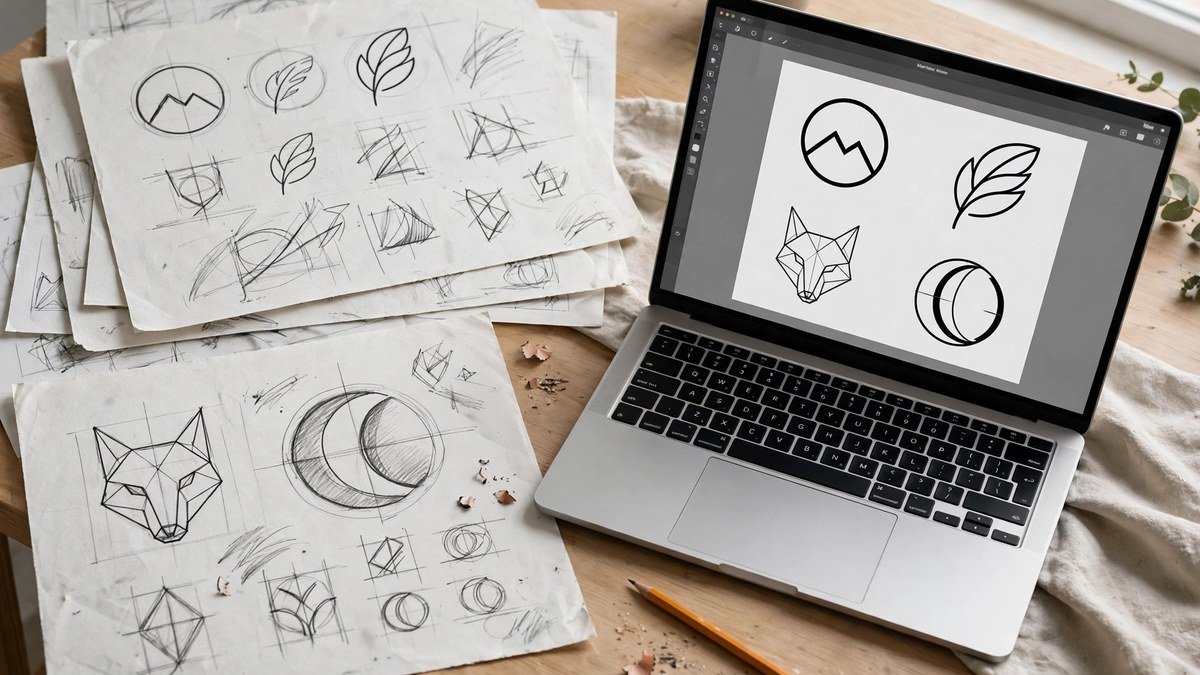
A logo is the smallest piece of branding and the hardest to get right. It has to work on a business card and a billboard, in colour and in black and white, and it has to be memorable after a single glance. AI logo tools have made the first version of a logo fast and cheap: answer a few questions, and you get dozens of options in minutes.
This guide compares seven AI logo design tools that are actually useful in 2027. We looked at how original the logos are, how much you can customise them, whether you get the files you need for print and web, and what each one costs. Prices are approximate starting prices and change often, so treat them as a guide rather than a quote.
The shortlist covers every budget and ambition. Looka is the best all-rounder for a complete brand kit, Hatchful is the best free starting point, and BrandCrowd is the best choice when you want a huge library of templates to start from.
Key takeaways
- Looka is the best overall AI logo tool: it builds a full brand kit around the logo you choose.
- Hatchful is the best free logo maker, with solid templates and no cost to design.
- BrandCrowd is the best choice for template variety, with thousands of starting points.
- Tailor Brands is the best option if you also want business formation and legal tools in one place.
- Check what files you get before you pay: vector files matter for print, and some tools charge extra for them.
At a glance: the shortlist
| Product | Best for | Starting price | Standout limit |
|---|---|---|---|
| Looka | Complete brand kit | Free to design; $20 one-time | Logos can look generic |
| Hatchful | Free logo maker | Free | Fewer customisation options |
| BrandCrowd | Template variety | Free to design; $10/month | Subscription for full downloads |
| Tailor Brands | Business in a box | Free to design; $10/month | Logo is one part of a bigger suite |
| LogoAI | Quick AI logos | Free to design; $29 one-time | Smaller template library |
| DesignEvo | Cheap logo files | Free tier; $20 one-time | Interface looks dated |
| Wix Logo Maker | Logos for Wix sites | Free to design; $13/month | Best inside the Wix ecosystem |
Looka — Best overall
Looka asks about your business, your style and your colours, then generates logo options and builds a brand kit around the one you pick: business cards, social templates, letterheads and a brand guidelines document. It is the most complete package in this list, and the one-time price of about $20 for the logo files is excellent value. For the wider design work that follows a logo, our guide to the best AI tools for presentation design covers slides and layouts.

The logos are clean and professional, though they can look generic: a Looka logo rarely has the distinctive character a human designer would give it. For a new business, a side project or a small shop, that trade is usually worth it. If the brand grows, a designer can always refine the identity later.
Pros: Complete brand kit; cheap one-time price; fast and easy.
Cons: Logos can look generic; limited customisation; not a general design tool.
Hatchful — Best free logo maker
Hatchful, from Shopify, is the best free logo maker available. Pick your industry, choose a visual style, and it generates logo options you can customise with colours and fonts, then download for free. There is no cost to design and no cost to download the basic files.
The trade-off is depth: the customisation options are simpler than Looka or BrandCrowd, and the high-resolution and vector files are limited. But for a new online store or a side project that needs a logo today, it is the fastest free route. It is also the obvious choice if you already sell on Shopify.
Pros: Completely free; fast; good for Shopify sellers.
Cons: Fewer customisation options; limited high-resolution files; simpler designs.
BrandCrowd — Best for template variety
BrandCrowd has one of the largest logo template libraries available, with thousands of starting points across every industry. Its AI suggests templates based on your business name and keywords, and the editor lets you change colours, fonts, layouts and icons in detail. If you want to browse widely before you commit, it is the best place to start.
The catch is the pricing model: designing is free, but downloading the full logo files needs a subscription from about $10 a month, or a one-time purchase. The templates are also popular, so two businesses in the same niche can end up with similar-looking logos if neither customises much.
Pros: Huge template library; detailed editor; good customisation.
Cons: Subscription needed for full downloads; popular templates can look familiar; costs add up over time.
Tailor Brands — Best for business in a box
Tailor Brands is more than a logo maker: it is a small-business toolkit that includes logo design, a website builder, social media tools, business formation and even trademark help. The logo tool itself is solid, with AI-generated options you can refine, and the brand kit covers the basics well.
For a founder who wants everything in one place, the bundle is convenient. For someone who only needs a logo, it is more than necessary, and the $10 a month subscription is dearer than Looka’s one-time price. The logo quality is good, though not the most distinctive in this list.
Pros: Logo plus business tools in one place; good brand kit; helpful for new founders.
Cons: Subscription pricing; more than a logo-only buyer needs; logos are solid but not distinctive.
LogoAI — Best for quick AI logos
LogoAI generates logos from your business name and a few style choices, with a focus on speed: you can have a finished logo in under ten minutes. The designs are modern and clean, and the one-time price of about $29 for the full file package, including vector files, is fair.
The template library is smaller than BrandCrowd’s, and the customisation tools are simpler than Looka’s. But for a straightforward logo with no fuss, it is one of the fastest options here, and the one-time pricing means you are not tied to a subscription. For promoting the new brand, our guide to the best AI tools for marketing covers the next step.
Pros: Very fast; one-time pricing; includes vector files.
Cons: Smaller template library; simpler customisation; fewer brand kit extras.
DesignEvo — Best for cheap logo files
DesignEvo is a budget logo maker with a large library of templates and icons, a simple editor, and a one-time price of about $20 for high-resolution files. It has been around longer than most AI logo tools, and the library reflects that: there are templates for almost every niche, from cafes to construction firms.
The interface looks dated next to Looka or BrandCrowd, and the AI generation is lighter: you browse templates more than you generate designs. But the value is real, and for a small business that wants a decent logo for twenty dollars, it is hard to beat.
Pros: Cheap one-time price; large template library; simple to use.
Cons: Dated interface; lighter AI generation; designs can look familiar.
Wix Logo Maker — Best for logos for Wix sites
Wix Logo Maker is the obvious choice if your website is on Wix: the logo it generates slots straight into your site, your social profiles and your email signature, with matching colours and fonts. The AI asks about your business and style, then generates options you can refine in a simple editor.
Outside the Wix ecosystem it is less compelling, and the full logo files need a Wix plan from about $13 a month. But for a Wix user, the integration is genuinely convenient, and the logo quality is solid. For the animation that often follows a logo launch, our guide to the best AI tools for animation covers motion and video.
Pros: Integrates with Wix sites; easy editor; good logo quality.
Cons: Best inside Wix; full files need a paid plan; less useful elsewhere.
How to choose
Start with your budget and your ambition. If the logo is for a new business and you want a brand kit, Looka is the best value. If you want to spend nothing, Hatchful is the best free option. If you want the widest choice of templates, BrandCrowd is the place to browse.
Then check the files. A logo you can only download as a small PNG is useless for print, signage or merchandise. Vector files, usually SVG or EPS, are what you need for anything larger than a website, and some tools charge extra for them. Check before you pay, not after.
Finally, test the logo in the real world before you commit: on a dark background, at favicon size, and next to your competitors’ logos. A logo that looks good on a white design page can disappear at small sizes or clash with your brand colours.
Checklist: before you pay
- Check whether vector files are included, or cost extra.
- Test the logo at favicon size and on a dark background.
- Confirm you own the logo outright, with no ongoing licence fee.
- Check whether the brand kit is included or sold separately.
- Compare your shortlisted logo with competitors in your niche.
- Check cancellation terms if the tool charges a subscription.
Frequently asked questions
Can AI logo tools make a good logo?
They can make a clean, professional logo, especially Looka and BrandCrowd. The result is usually safe rather than distinctive. A human designer is still the better choice for a brand that needs to stand out in a crowded market.
Which AI logo maker is best for beginners?
Hatchful is the easiest starting point, because it is free and the process takes minutes. Looka is the best next step when you want a full brand kit and are willing to pay about $20.
Do I own the logo an AI tool makes?
Usually yes, once you have paid for the files, but the terms vary. Some tools grant full ownership, others grant a licence. Check the terms before you pay, especially if you plan to trademark the logo.
Can I trademark an AI-generated logo?
It depends on the jurisdiction and the tool’s terms. A logo that is too similar to another business’s mark can be refused, and some trademark offices ask whether AI was involved. Check with a trademark professional before filing.
What files should a logo download include?
At minimum, a vector file such as SVG or EPS for print and scaling, plus PNG files with transparent backgrounds for web use, in colour, black and white. If a tool does not offer vector files, it is not suitable for serious branding.
What does AI logo design cost in 2027?
Hatchful is free. Looka, LogoAI and DesignEvo charge a one-time fee of about $20 to $29 for full files. BrandCrowd, Tailor Brands and Wix Logo Maker charge subscriptions from about $10 to $13 a month.
The bottom line
For most new businesses, Looka is the best starting point: a solid logo plus a full brand kit for about $20. Hatchful is the best free option, BrandCrowd is the best for browsing templates, and Tailor Brands is the best if you want business tools alongside the logo.
Whichever tool you choose, check the files and the ownership terms before you pay. A logo is a long-term asset, and the cheapest option is not always the one that costs least on day one.
Note: Prices and plans change. Check the product’s current plan details before buying — no link is provided here by design, all links in this article go to other occcy.com guides.



