
Top AI Tools for Menu Engineering in 2027
Menu engineering is the quiet work behind every profitable restaurant: figuring out which dishes earn their place, which ones quietly lose money, and what a small price change would actually do. The best AI tools for menu engineering in 2027 pull sales, food costs, and supplier prices together so owners can see popularity and profit side by side.
That matters because menus drift. A dish that sold well last spring can turn into a margin drain after two supplier price rises. AI tools flag those shifts as they happen, suggest price changes, and show which items deserve a better spot on the menu and which should be reworked or retired.
We looked for tools that connect to real restaurant data rather than asking owners to type numbers in by hand. The eight tools below cover recipe costing, invoice tracking, sales analytics, and full menu analysis, each fitting a different kind of operation.
Key takeaways
- MarginEdge is the best overall pick, combining invoice capture, recipe costing, and sales data.
- MarketMan and Galley suit operators who want tight control over inventory and recipe costs.
- meez is the strongest choice for chef-led teams that cost recipes and train staff on portions.
- Most tools here start at roughly $100 to $300 per month per location.
- No tool fixes a menu on its own: clean sales and supplier data matter more than any feature.
At a glance: the shortlist
| Tool | Best for | Starting price | Standout limit |
|---|---|---|---|
| MarginEdge | All-round menu analysis | From about $300 per month | Best with a supported POS |
| xtraCHEF by Toast | Toast users | From about $100 per month | Weakest outside Toast |
| MarketMan | Inventory and recipe costing | From about $200 per month | Needs regular stock counts |
| meez | Chef teams and recipe costing | From about $200 per month | Less focus on invoicing |
| Galley | Kitchen operations | From about $250 per month | Setup takes time |
| Tenzo | Multi-site sales analytics | From about $150 per month | Lighter on recipe costing |
| Ottimate | Invoice automation | From about $200 per month | Not a full menu tool |
| Restaurant365 | Accounting plus food cost | From about $300 per month | More than small cafes need |
MarginEdge — Best overall
MarginEdge tops this list because it covers the whole menu engineering loop: it reads supplier invoices, tracks what each recipe costs, and matches that against sales from the till. The result is a menu engineering matrix sorting dishes into stars, puzzles, plowhorses, and dogs, so an owner can see which items make money and get ordered often, and which do neither.
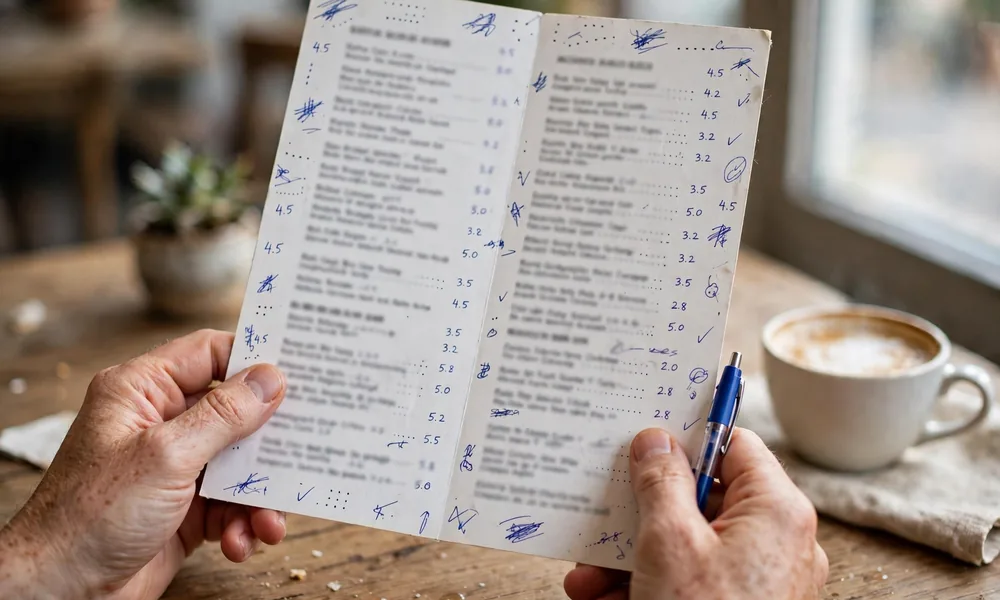
Its invoice processing is the part owners notice first. Invoices are photographed or emailed in, line items are extracted, and ingredient prices update automatically. Reporting then shows food cost percentage by item, category, and period, which makes price reviews a short monthly job.
MarginEdge connects with many common point-of-sale systems and accounting tools, which is what makes the menu matrix trustworthy. Without live sales data, a menu tool is only guessing at popularity. For smaller food businesses, our guide to AI tools for coffee shops covers similar ground for cafes.
Pros: invoice capture keeps recipe costs current; clear menu matrix; strong POS integrations.
Cons: steep for a single small cafe; needs a supported POS.
xtraCHEF by Toast — Best for Toast users
xtraCHEF is Toast’s back-of-house tool, and it makes most sense for restaurants already running Toast at the till. It pulls sales data straight from the POS, processes invoices, and builds recipe costs without a separate integration project, so the numbers arrive already matched.
The tool covers invoice management, inventory counts, and recipe costing, with reports on food cost percentage and item profitability. Owners can see which dishes carry the menu and which ones cost more than they return, then test price changes and watch the effect. It is practical rather than flashy, and that suits operators who want answers, not dashboards they never open.
Pros: deep Toast integration; invoice and inventory in one place.
Cons: much less useful without Toast; narrower reporting than MarginEdge.
MarketMan — Best for inventory and recipe costing
MarketMan is built around the idea that menu engineering starts in the storeroom. It tracks inventory, supplier prices, and recipe costs, and flags waste and variance between what should have been used and what actually was. That makes it strong where portion control and stock accuracy are the real profit leaks, rather than pricing alone.
The platform handles ordering, receiving, and stock counts, and updates recipe costs as supplier prices change. Its menu analysis pairs those costs with sales data, showing contribution margin per dish. Multi-site operators get the same view across locations, which helps when the same dish costs different amounts at different sites.
Pros: strong inventory and waste tracking; accurate recipe costing; good for groups.
Cons: depends on regular stock counts; heavier setup than simpler tools.
meez — Best for chef teams and recipe costing
meez is the most chef-friendly tool here. It is built for costing recipes properly, with yield calculations, portion sizes, and prep steps, and it doubles as a training tool so every cook plates the same dish the same way. Where inconsistency is the problem, that discipline is worth more than another dashboard.
Recipes update as ingredient prices change, and the system shows food cost percentage and margin per dish. Menus can be costed as a whole before a seasonal change, so a chef can see the effect of swapping one protein for another before the new menu goes to print.
Pros: excellent recipe costing and yields; helps standardise plating.
Cons: lighter on invoice processing; less suited to owners who only want sales reports.
Galley — Best for kitchen operations
Galley focuses on the kitchen side: recipes, prep, inventory, and purchasing, tied together so a menu change flows through to prep lists and orders. Its strength is showing the true cost of a dish once waste, yield, and prep time are counted, not just the price of the ingredients on the plate.
The tool uses AI-assisted invoice reading and inventory tracking, and it can suggest where costs are drifting. Operators who run catering or large prep operations get the most from it, because it handles production planning alongside costing.
Pros: strong on prep and production planning; counts waste and yield in true costs.
Cons: setup takes real effort; heavy for a simple menu.
Tenzo — Best for multi-site sales analytics
Tenzo is a sales and labour analytics platform rather than a costing tool, and it earns its place here because menu engineering needs reliable sales data. It pulls till, labour, and review data into one view, then uses AI to surface patterns: which dishes sell at which times, which sites underperform, and where labour costs eat into margins.
For a small group, that cross-site view is the point. One site may sell a dish well while another barely moves it, and Tenzo makes that obvious instead of letting a group-wide average hide it. It pairs best with a recipe costing system rather than replacing one.
Pros: clear multi-site sales patterns; combines sales, labour, and reviews.
Cons: light on recipe costing; needs another tool for full costing.
Ottimate — Best for invoice automation
Ottimate, formerly Plate IQ, automates accounts payable for restaurants: invoices are captured, coded, and approved, and the data flows into accounting. That matters for menu engineering because stale or wrong ingredient prices are the most common source of bad menu decisions.
By keeping supplier prices current and accurate, Ottimate gives whichever menu tool sits on top of it better numbers to work with. It also catches duplicate invoices and price jumps. On its own it will not build a menu matrix, so treat it as a data foundation rather than a complete menu engineering product.
Pros: reliable invoice capture and approval; catches price rises and duplicates.
Cons: not a full menu analysis tool; needs a costing tool alongside it.
Restaurant365 — Best for accounting plus food cost
Restaurant365 combines accounting, inventory, scheduling, and food costing in one system, which suits operators who want a single source of truth instead of five tools that half-talk to each other. Its menu engineering value comes from joining the accounting ledger to recipe costs and sales, so profit per dish is measured against real overheads.
The platform handles invoice processing, inventory, and recipe costing, with reporting that spans the whole business. That breadth is also its drawback: it is a bigger system to set up and a bigger monthly bill, so it fits groups and growing chains better than a single independent restaurant.
Pros: accounting, inventory, and costing in one place; strong reporting for groups.
Cons: expensive and broad for small restaurants; longer setup than focused tools.
How to choose
Start with your point-of-sale system and your biggest leak. If you run Toast, xtraCHEF is the easy choice. If supplier prices keep changing and nobody updates recipe costs, pick a tool with invoice capture, such as MarginEdge or Ottimate. If waste and portion drift are the problem, MarketMan, Galley, or meez will do more for you than a sales dashboard.
Check the current pricing before you commit, since prices and plans change and most vendors quote per location. Ask for a trial using your own sales and invoice data, not a demo with sample numbers, and judge the tool on whether it produces a menu matrix you can act on within the first month. Our guide to AI tools for email marketing shows how to tell regulars about new dishes and price changes.
Checklist: before you pay
- Confirm the tool connects to your POS and accounting software first.
- Run a trial with your real sales and supplier invoices, not demo data.
- Check how recipe costs update when a supplier raises prices.
- Ask what happens to your data if you cancel, and whether you can export recipes.
- Count the true monthly cost per location, including invoice limits.
- Agree who updates recipes and reviews the menu report each month.
Frequently asked questions
What is menu engineering?
Menu engineering sorts dishes by popularity and profitability, then uses that picture to set prices, redesign the menu layout, and decide which items to keep, rework, or remove.
How often should a restaurant redo its menu analysis?
Monthly is a good rhythm for most restaurants, with a deeper review each season. Supplier prices move often enough that a quarterly check can leave money on the table.
Do these tools work for cafes and small restaurants?
Yes, though the value depends on volume. A small cafe with a short menu may only need recipe costing, while a busy restaurant benefits far more from full menu analysis.
What is a menu engineering matrix?
It groups dishes by sales volume and profit margin: stars sell well and earn well, puzzles earn well but sell slowly, plowhorses sell well but earn little, and dogs do neither.
Can AI tools set my menu prices for me?
They can suggest prices based on costs and sales, but the final call is yours. Local competition and regulars all matter, and no tool knows those as well as you do.
What data do I need before I start?
You need sales by item from your POS, current supplier prices, and recipes with portion sizes. Our guide to the best CRM software for small business explains how to keep track of regulars and what they order.
The bottom line
For most restaurants, MarginEdge is the safest first pick because it keeps recipe costs current and turns sales into a menu matrix without extra work. Toast users should start with xtraCHEF, chef-led kitchens should look at meez, and multi-site groups should weigh MarketMan or Tenzo.
Whichever tool you choose, the habit matters more than the software: review the menu every month, act on one or two changes at a time, and watch what happens next. A menu reviewed regularly will always outperform one revisited only when profits fall.