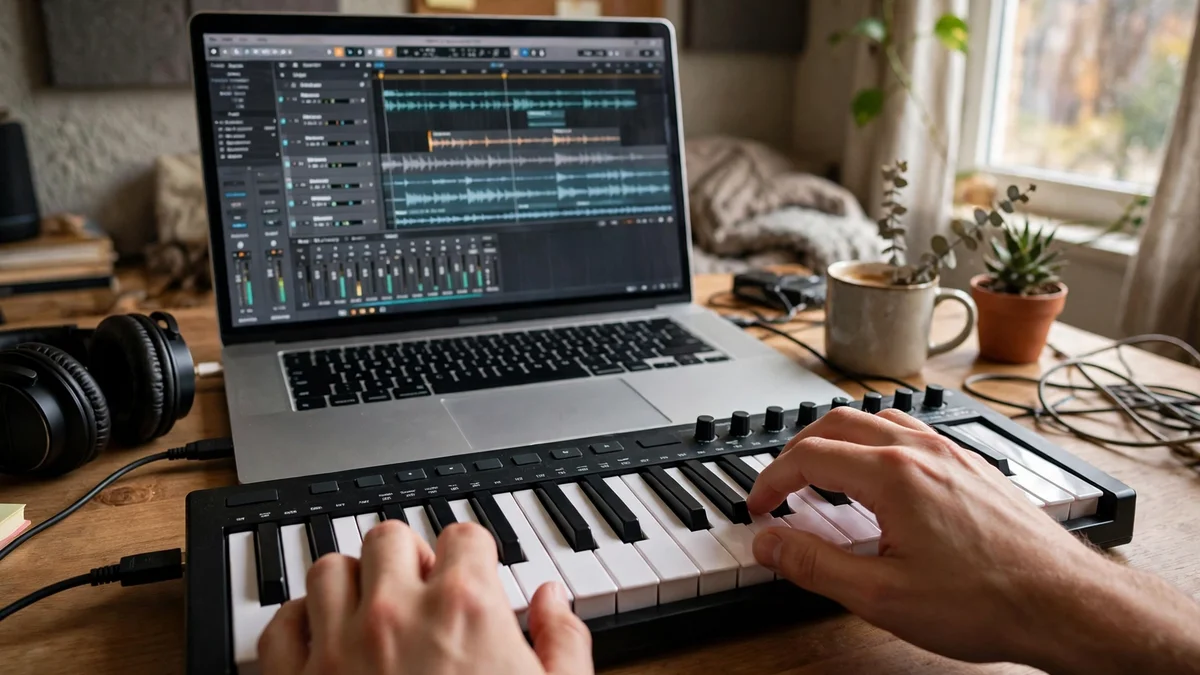
Writing a melody used to need an instrument, years of practice and a studio, but the best AI tools for music composition in 2027 can turn a short text prompt into a finished song in minutes. These tools generate melodies, harmonies, rhythms and full arrangements across genres, from lo-fi beats and film scores to pop songs with vocals.
We compared the leading composition tools on the same briefs: a calm piano piece for a travel video, an upbeat pop song with vocals, and a tense underscore for a short film scene. The best tools produced music that sounded intentional rather than random, offered real control over tempo, key and mood, and gave clear rights to use the result commercially. The weakest ones produced pleasant loops that went nowhere and offered little way to steer them.
The shortlist below covers every need, from free tools for a first experiment to professional platforms for film and game scoring. Suno leads for most people, Udio is the pick for realistic vocals, and AIVA is the strongest choice for orchestral and cinematic work. Read on for prices, strengths and the checks to run before you pay.
Key takeaways
- Suno is the best overall AI music composition tool for most creators, with songs, vocals and strong prompts.
- Udio is the best pick for realistic AI vocals and polished pop production.
- AIVA is the best choice for film, game and orchestral scoring.
- Soundraw is the best option for royalty-free background music for videos.
- Always check the commercial licence on your plan before using a track in paid work.
At a glance: the shortlist
| Product | Best for | Starting price | Standout limit |
|---|---|---|---|
| Suno | Most creators | Free tier; from about $8 per month | Free tier limits monthly songs |
| Udio | Realistic vocals | Free tier; from about $10 per month | Free tier limits credits |
| AIVA | Film and game scoring | Free tier; from about $12 per month | Full rights need a paid plan |
| Soundraw | Video background music | From about $17 per month | Per-track downloads on some plans |
| Boomy | Beginners | Free tier; from about $10 per month | Simple arrangements |
| Mubert | Generative streams | Free tier; from about $14 per month | Less control over melody |
| Ecrett Music | Simple background tracks | Free tier; from about $5 per month | Smaller genre range |
| Loudly | Social content | Free tier; from about $10 per month | Best features on paid plans |
Suno — Best overall
Suno turns a text description into a complete song with vocals, lyrics and arrangement, and it is the most capable all-round composition tool we tested. You describe the style, mood and topic, and Suno returns a structured track with verses and a chorus that sounds like a real recording rather than a loop.
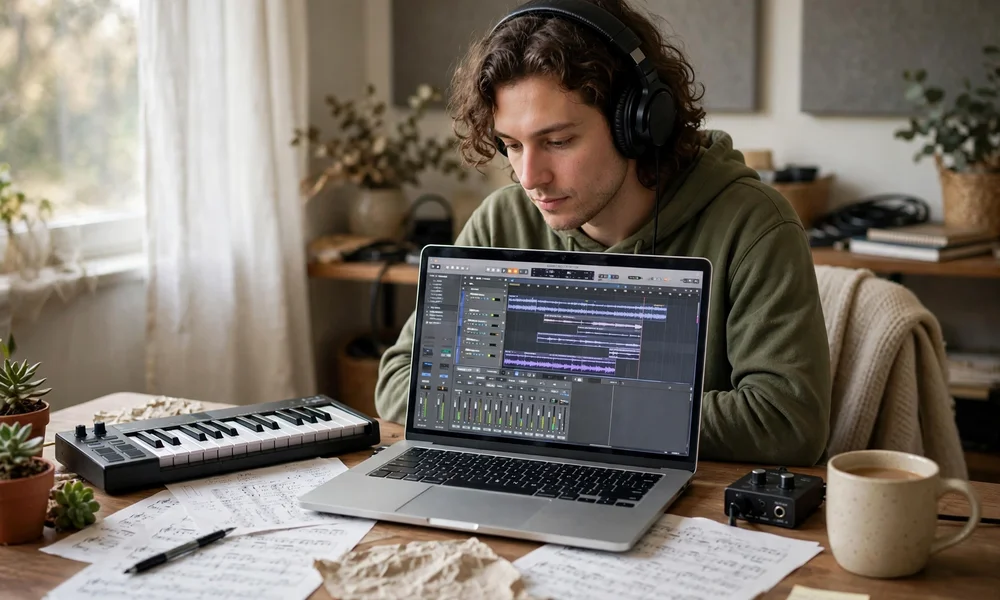
Song quality is strongest in pop, electronic and folk styles, and weaker in complex jazz or classical pieces. The free tier gives enough credits to test it properly, while paid plans raise the limits and allow commercial use. Once you have a track, finish it with the best AI tools for music mixing and mastering so it sounds polished on every speaker.
Pros: Complete songs with vocals; strong structure; easy remixing and extending.
Cons: Weaker on complex jazz and classical; free tier limits monthly songs.
Udio — Best for realistic vocals
Udio is built around vocal quality, and its generated singers sound more human than most rivals, with natural phrasing, emotion and harmony. You can generate a full song from a prompt, then refine sections, change the lyrics or adjust the style, and the results hold up well in pop, rock and electronic genres. For creators who need a vocal track without hiring a singer, it is the strongest option available.
The free tier is limited, so serious use needs a paid plan, and like every AI vocal tool it can still mispronounce an unusual word or produce a slightly odd line. Listen to the full track before using it in a client project.
Pros: Most realistic AI vocals; good section editing; strong pop production.
Cons: Free tier limits credits; occasional odd pronunciation.
AIVA — Best for film and game scoring
AIVA composes orchestral and cinematic music, and it is the best choice for film, games and trailers that need an emotional score. You pick a style, a mood and an instrumentation, and AIVA writes a structured piece with proper development, dynamics and instrumentation.
AIVA also lets you edit the generated score note by note, which matters for professionals who need a specific cue to hit a specific moment. The free tier is useful for testing, but full copyright ownership needs a paid plan, so check the licence carefully before using a track commercially.
Pros: Strong orchestral and cinematic writing; note-level editing; clear styles.
Cons: Full rights need a paid plan; not built for pop vocals.
Soundraw — Best for video background music
Soundraw generates royalty-free background music for videos, podcasts and streams, and it is designed for creators who need a track that fits a scene without distracting from it. You choose a mood, genre, tempo and length, then adjust the energy and instruments until the track fits. The music is clean and professional, and the licensing is straightforward for online content.
That is exactly what most video work needs, though, and the ability to match a track to a precise video length saves real editing time.
Pros: Clear royalty-free licensing; length and mood controls; good for video.
Cons: No vocals; simpler song structures.
Boomy — Best for beginners
Boomy is the easiest way to make a first track, with a guided process that asks a few questions and returns a finished song in under a minute. You pick a style, and Boomy handles the melody, harmony and arrangement, then lets you tweak the result with simple controls. It is a good fit for social media creators, streamers and anyone who wants original music without learning a music app.
The arrangements are simpler than the leaders, and the free tier has limits on downloads and commercial use, so it suits casual creators more than professional composers.
Pros: Very easy to use; fast results; good for social content.
Cons: Simpler arrangements; commercial use needs a paid plan.
Mubert — Best for generative streams
Mubert generates endless adaptive music streams, which makes it ideal for livestreams, apps, games and focus playlists that need music without a fixed end. Instead of a single track, you get a continuous flow that can shift mood and energy on demand, and the API lets developers build it into products. It is a different kind of composition tool, built for duration rather than a single song.
Control over melody is looser than in Suno or AIVA, so it is not the pick for a specific song with a verse and chorus.
Pros: Endless adaptive streams; good API for developers; commercial licensing.
Cons: Less control over melody; not built for structured songs.
Ecrett Music — Best for simple background tracks
Ecrett Music is a straightforward tool for royalty-free background music, aimed at video creators who want a track in a few clicks. You set the scene, mood and genre, and Ecrett builds a track you can preview and adjust, with simple controls for instruments and structure. The prices are among the lowest in this list, which makes it a good budget option for small channels.
The genre range is smaller than Soundraw or Mubert, and the tracks are best suited to short videos, vlogs and presentations rather than feature-length work.
Pros: Very affordable; simple controls; clear licensing.
Cons: Smaller genre range; best for short videos.
Loudly — Best for social content
Loudly combines AI music generation with tools for social content, letting you create a track, add it to a video and publish without leaving the platform. The generator covers popular styles for short-form video, and the built-in library of loops and stems gives extra flexibility when you want to adjust a track. It is a practical choice for creators who publish daily and need fresh music constantly.
The free tier is useful for testing, and paid plans raise the limits and unlock the full catalogue. For a fast, social-first workflow, Loudly is hard to beat.
Pros: Social-first workflow; good loop and stem library; fast generation.
Cons: Weaker on long structured songs; best features on paid plans.
How to choose
Start with the end use. For a song with vocals, choose Suno or Udio. For a film or game score, choose AIVA. For background music under a video, choose Soundraw or Ecrett Music. For a livestream or app that needs endless music, choose Mubert. Matching the tool to the job matters more than picking the most famous name.
Next, generate the same brief in two or three tools and listen to the full tracks, not just the first ten seconds. Prices are approximate starting prices, so check current pricing before you buy. For textures and effects beyond melody, see the best AI tools for sound design to round out your toolkit.
Checklist: before you pay
- Generate the same brief in two tools and listen to the full tracks before choosing.
- Check the commercial licence on your plan, including use in ads and client work.
- Confirm the export format and quality match your video or audio editor.
- Check the monthly generation credits and what happens when they run out.
- Check the renewal price, not just the first-month or annual discount.
- Confirm you can cancel easily and keep the rights to tracks you already made.
Frequently asked questions
Can I use AI-composed music commercially?
Usually yes on a paid plan, but the rules differ by tool. Read the licence for the exact plan before using a track in ads or client work.
Who owns the copyright to AI-generated music?
It depends on the platform and the plan. Some tools give you full ownership on paid plans, while others keep the copyright and grant you a licence. AIVA, for example, ties full ownership to its paid tiers, so check the terms for the tool you choose.
Can AI compose a full song with lyrics and vocals?
Yes. Suno and Udio both generate complete songs with lyrics, vocals and arrangement from a text prompt, and you can supply your own lyrics. The results are strongest in pop, electronic and folk styles.
Is AI music good enough for professional projects?
For background music, intros and social content, yes, and many creators already use it.
Can I edit an AI-generated track afterwards?
Most tools let you extend, remix or regenerate sections, and AIVA allows note-level editing. For deeper changes, export the track as stems or MIDI where supported and finish it in your usual music software.
Do I need musical knowledge to use these tools?
No. A text prompt is enough to start, and tools such as Boomy and Ecrett Music guide you through the process. If your track needs a vocal line, compare the best AI tools for voiceovers to add a professional voice to your music.
The bottom line
For most creators, Suno is the best starting point: it makes complete songs with vocals, offers real control over the result, and is free to try. Choose Udio when vocal realism matters most, AIVA for film and game scores, and Soundraw when you need reliable royalty-free background music for video.
Whichever tool you pick, generate the same brief in two of them, listen to the whole track, and read the licence before you publish. Steer it with a clear brief and treat the result as a draft to shape.