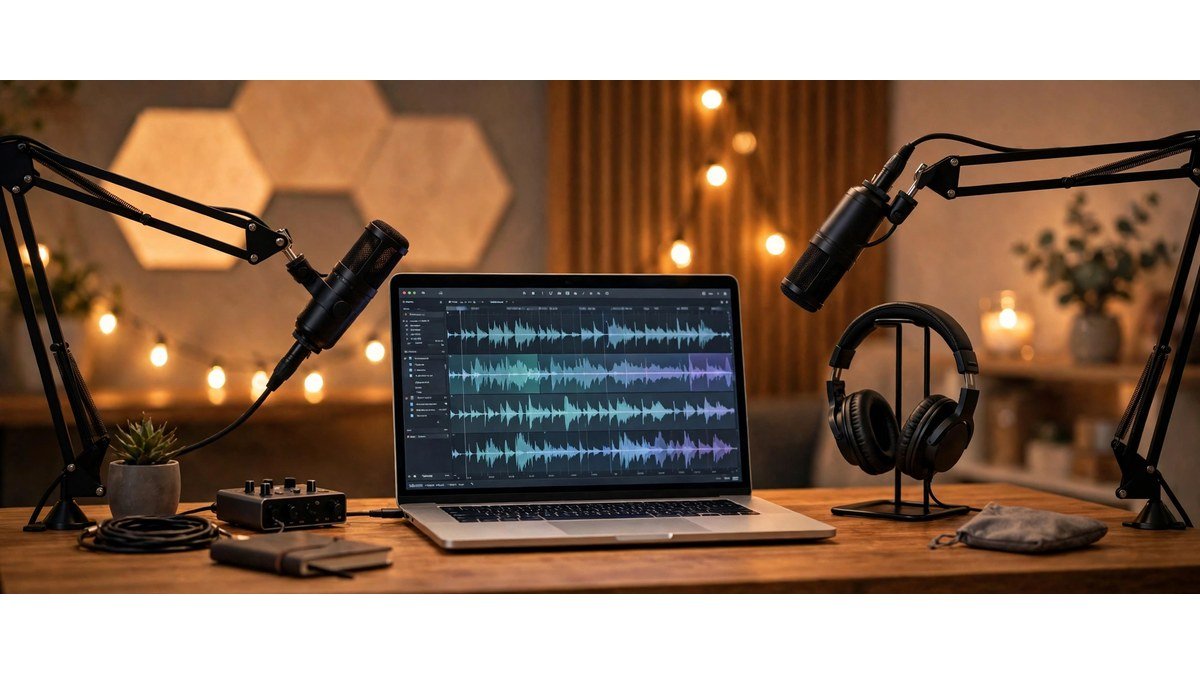
Podcasting used to mean hours of editing, manual show notes, and slow promotion. AI tools now handle the repetitive parts: cleaning up audio, removing filler words, transcribing episodes, writing show notes, clipping highlights for social media, and even drafting titles that get clicked. The host still does the talking — the AI does the post-production.
This guide compares seven AI tools built for podcasters, from recording and editing to promotion. We weighed audio quality, editing speed, transcription accuracy, clip generation, and price. Every tool here offers a free tier or trial, so you can test it on a real episode before paying.
Our shortlist runs from Descript, the all-in-one editor, through Riverside for studio-quality remote recording, Adobe Podcast for AI audio cleanup, Auphonic for automatic mastering, Castmagic for show notes and clips, Podcastle for browser-based production, and Buzzsprout’s AI tools for hosting and promotion. Here is how they compare.
Key takeaways
- Descript is the best overall pick, combining text-based editing, transcription, and AI voices in one tool.
- Riverside is the best choice for remote recording, with studio-quality separate tracks for every guest.
- Adobe Podcast is the best pick for audio cleanup, turning noisy recordings into studio sound with one click.
- Castmagic is the best tool for show notes and clips, turning one episode into a week of content.
- Free tiers cover hobby podcasters well, but multi-track recording and AI features usually need a paid plan.
At a glance: the shortlist
| Product | Best for | Starting price | Standout limit |
|---|---|---|---|
| Descript | All-in-one editing | Free tier; from about $12/month | Video features need higher plans |
| Riverside | Remote recording quality | Free tier; from about $15/month | Editing tools are lighter than Descript |
| Adobe Podcast | Audio cleanup | Free tier; from about $10/month | Not a full editor |
| Auphonic | Automatic mastering | Free credits; from about $11/month | Post-production only, no recording |
| Castmagic | Show notes and clips | Free trial; from about $23/month | Pricier than most rivals |
| Podcastle | Browser-based production | Free tier; from about $12/month | Fewer advanced editing features |
| Buzzsprout | Hosting and promotion | Free tier; from about $12/month | AI features are add-ons |
Descript — Best overall
Descript changed podcast editing by turning audio into text: edit the transcript and the audio follows. Delete a filler word in the transcript and it disappears from the recording. Its AI tools go further — Studio Sound cleans up noisy audio, Overdub lets you fix mistakes in your own cloned voice, and its AI writer drafts show notes and summaries from the transcript.
The free plan covers short projects and basic transcription, while paid plans from about $12 a month add more hours and the full AI feature set. For most independent podcasters, Descript alone replaces an editor, a transcriber, and a show-notes writer. If your show also needs spoken content in other formats, our best AI voice generators guide covers the narration tools that pair well with it.
Pros: Text-based editing is dramatically faster; strong AI cleanup and voices; good transcription accuracy.
Cons: Advanced video features need higher plans; learning curve for traditional editors; usage caps on cheaper plans.
Riverside — Best for remote recording
Riverside records each guest locally in studio quality, so a bad internet connection never ruins an episode. Its AI tools then handle the rest: automatic transcription, text-based editing, Magic Clips that find shareable moments, and AI show notes. The result is broadcast-quality remote recording with far less post-production.
Plans start at about $15 a month, with a free tier for short recordings. Riverside is the best choice when your guests are remote and audio quality matters — which, for most interview shows, is every episode.
Pros: Studio-quality local recording per guest; excellent AI clips and show notes; reliable for remote interviews.
Cons: Editing is lighter than Descript; higher starting price; needs a stable setup for best results.
Adobe Podcast — Best for audio cleanup
Adobe Podcast’s Enhance Speech tool is almost magical: upload a noisy, echoey recording and it returns clean, studio-like audio with one click. It is free for up to 30 minutes a day, with more capacity on paid plans from about $10 a month. For podcasters recording in untreated rooms, it is the single biggest quality upgrade available.
Adobe Podcast also offers AI-powered recording and editing in the browser, but cleanup is the star. It is not a full editor, so pair it with Descript or Riverside for the complete workflow. For turning your finished audio into text, see the best AI transcription tools.
Pros: Remarkable one-click audio cleanup; generous free tier; simple to use.
Cons: Not a full editor; free tier caps daily minutes; best as a companion tool.
Auphonic — Best for automatic mastering
Auphonic is the quiet workhorse of podcast post-production. Upload your finished audio and it levels loudness, removes noise and hum, balances multiple speakers, and adds metadata and chapter marks — all automatically, to broadcast standards. It supports loudness targets for every major platform, so your show sounds consistent everywhere.
It works on a credit system, with free monthly credits and paid plans from about $11 a month. Auphonic does no recording or editing, so it sits at the end of your chain — but it is the step that makes a show sound professional.
Pros: Automatic loudness and noise mastering; platform-specific targets; very affordable.
Cons: Post-production only; no recording or editing; interface is utilitarian.
Castmagic — Best for show notes and clips
Castmagic turns one episode into a content library: show notes, timestamps, summaries, social posts, newsletters, and short video clips, all generated from your audio or transcript. It is the best tool in this list for promotion — the part of podcasting most hosts neglect because it takes so long.
Plans start at about $23 a month, the highest here, with a free trial to test it. If you publish weekly and want every episode promoted properly, Castmagic pays for itself in the time it saves. Creators building a wider content operation may also like the best AI tools for content creators.
Pros: Best-in-class content repurposing; strong clip generation; saves hours per episode.
Cons: Highest starting price; needs a good transcript to work well; overkill for hobby shows.
Podcastle — Best for browser-based production
Podcastle runs entirely in the browser: record, edit, enhance audio with AI, and generate show notes without installing anything. Its AI tools include voice cloning, background noise removal, and automatic silence trimming. It is the easiest way for a new podcaster to go from idea to published episode.
The free tier covers the basics, with paid plans from about $12 a month. Advanced editing is less deep than Descript, but for solo podcasters and small teams, the simplicity wins.
Pros: Fully browser-based; easy all-in-one workflow; good AI enhancement tools.
Cons: Less advanced editing than Descript; fewer integrations; smaller community.
Buzzsprout — Best for hosting and promotion
Buzzsprout is a podcast host with AI features built in: automatic episode optimization, AI-generated show notes, and tools for sharing clips and promoting episodes. Its hosting is reliable and beginner-friendly, with clear analytics and distribution to every major platform.
Plans start at about $12 a month, with a free tier for testing. Buzzsprout’s AI is an add-on to a hosting service rather than a full production tool, so pair it with Descript or Riverside for recording and editing.
Pros: Reliable hosting with distribution; friendly analytics; AI show notes included.
Cons: AI features are lighter than dedicated tools; hosting-focused, not an editor.
How to choose
Start with your bottleneck. If editing takes the most time, Descript is the answer. If remote guests sound bad, Riverside fixes it. If your room sounds bad, Adobe Podcast is the cheapest fix in podcasting. If promotion is the gap, Castmagic fills it. Most podcasters end up with two tools: one for production and one for promotion.
Test on a real episode before paying. Record, edit, and publish one full episode with the free tier, and measure the hours saved against the monthly cost.
Checklist: before you pay
- Test the tool on a full real episode, not a demo clip.
- Check transcription accuracy on your accent and speaking style.
- Compare monthly hour and minute caps at your publishing frequency.
- Confirm the tool exports to your hosting platform.
- Check whether your content is used to train the AI model.
- Make sure you can export your audio and transcripts if you cancel.
Frequently asked questions
Can AI edit my podcast automatically?
Partly. AI can remove filler words, silence, and noise, and Descript lets you edit by transcript. Full creative editing — choosing what to cut for story — still needs a human.
Which AI podcast tool is free?
Descript, Riverside, Adobe Podcast, Podcastle, and Buzzsprout all offer free tiers. They cover short episodes and basic features; regular publishing usually needs a paid plan.
How do I make my podcast sound professional?
Record in a quiet room, use a decent microphone, then run the audio through Adobe Podcast for cleanup and Auphonic for mastering. Those two steps alone transform most amateur recordings.
Can AI write my show notes?
Yes — Descript, Riverside, Castmagic, and Buzzsprout all generate show notes, summaries, and timestamps from your transcript. Review them before publishing, as AI can misstate details.
Do I still need a human editor?
For most independent shows, no — AI tools now cover the routine work. For narrative or highly produced shows, a human editor still adds judgement that AI cannot.
What is the best AI tool for video podcasts?
Descript and Riverside both handle video well, with text-based editing and AI clips. Riverside’s local recording gives it the edge for remote video interviews.
The bottom line
For most podcasters, Descript is the best single tool: it edits, transcribes, cleans audio, and writes show notes. Add Riverside if you record remote guests, Adobe Podcast if your room sounds bad, and Castmagic if promotion is your weak spot.
Start free, publish one full episode with the tool, and pay only when the hours saved are obvious. Prices and plans change, so check the current plan details before buying — no link is provided here by design, all links in this article go to other occcy.com guides.
Note: Prices and plans change. Check the product’s current plan details before buying — no link is provided here by design, all links in this article go to other occcy.com guides.