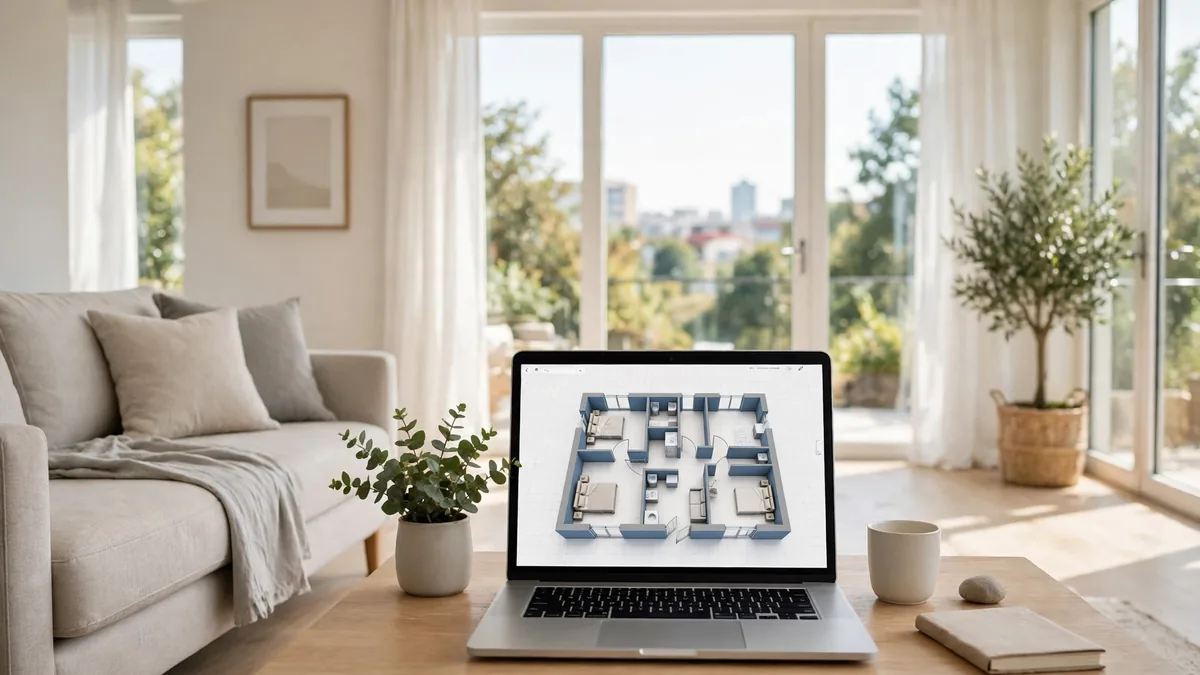
Best AI tools for room design in 2027 turn a blank room into a finished plan in an afternoon. Upload a photo of your living room, bedroom or home office, pick a style, and the software generates furnished 3D views, suggests layouts and lets you swap colours, materials and furniture until the space feels right. For renters, homeowners and small design studios, that speed replaces weeks of back-and-forth with mood boards and measuring tapes.
What matters most is not the flashiest render but the workflow around it. The best tools combine accurate room measurements, a large furniture library, realistic 3D or photo renders and export options you can hand to a contractor or use to order furniture. Several strong tools are free to start, while paid plans run from about $10 to $50 a month.
The shortlist below covers eight tools we tested for ease of use, render quality, furniture libraries and value. Planner 5D leads for all-round home use, RoomGPT is the fastest way to restyle a photo, and Homestyler suits anyone who wants polished 3D renders without a learning curve.
Key takeaways
- Planner 5D is the best overall room design tool, with strong 2D and 3D planning and a large furniture library.
- RoomGPT is the fastest option: upload a photo and get a restyled room in seconds.
- Homestyler delivers the most polished photorealistic renders for the price.
- Most tools offer a free plan or trial, but high-resolution renders and exports usually need a paid plan, so check current pricing.
- Measure your room first: AI layouts only work well when the dimensions and door and window positions are accurate.
At a glance: the shortlist
| Product | Best for | Starting price | Standout limit |
|---|---|---|---|
| Planner 5D | Overall room planning | Free; from about $10 a month | Best renders need a paid plan |
| RoomGPT | Fast photo restyling | Free credits; from about $9 a month | Credit-based, not unlimited |
| Homestyler | Photorealistic 3D renders | Free; Pro from about $10 a month | Advanced features are paid |
| Coohom | Professional presentations | Free; from about $20 a month | Learning curve for beginners |
| RoomSketcher | Floor plans and 3D views | Free; from about $49 a year | High-quality renders cost extra |
| Foyr Neo | Interior designers | From about $26 a month | No genuinely free plan |
| DecorMatters | Style discovery on mobile | Free; premium from about $10 a month | Mobile-first, weaker on desktop |
| Interior AI | Quick style experiments | Free credits; from about $29 a month | Fewer editing controls |
Prices are approximate starting prices. Check current pricing on each product before buying, as plans and limits change.
Planner 5D — Best overall
Planner 5D is the most complete room design tool for everyday use. You draw a floor plan in 2D, switch to 3D, and furnish the room from a catalogue of thousands of items, including sofas, beds, tables, lighting and decor. An AI design assistant can generate a furnished layout from a photo or a prompt, which gives beginners a strong starting point they can then edit piece by piece.
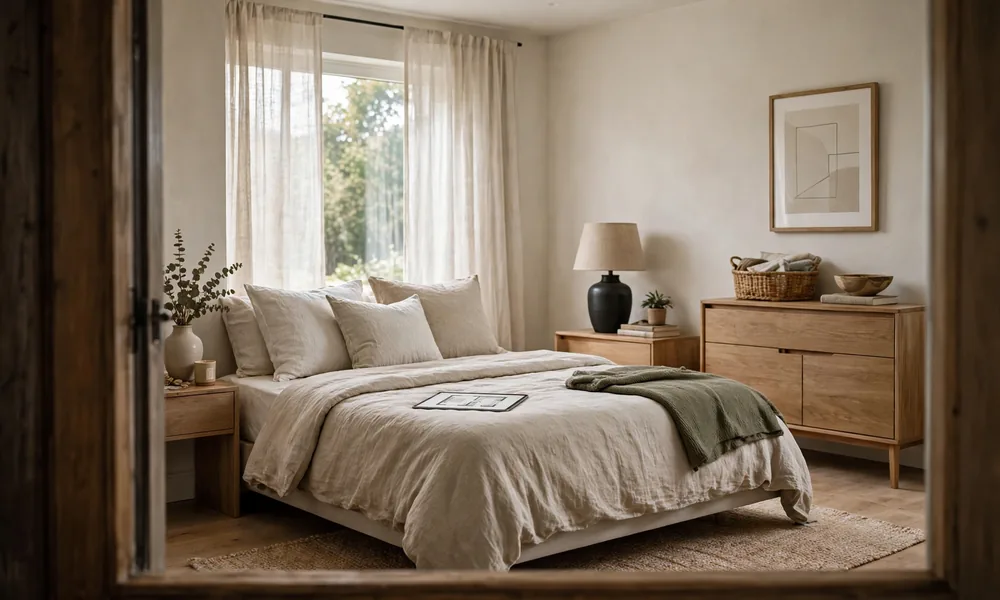
The tool works on web, iOS and Android, and projects sync across devices. Measurements are precise enough for real planning, and first-person mode lets you check sightlines and walkways. The same workflow scales from one room to a whole home, much like the approach in our guide to the best AI tools for remodelers.
Pros: Large furniture library; accurate 2D and 3D planning; works on web and mobile; AI layout suggestions.
Cons: Photorealistic renders need a paid plan; some catalogue items are locked behind premium tiers.
RoomGPT — Best for fast photo restyling
RoomGPT does one thing very well: it restyles a photo of your room. Upload a picture, choose a style such as modern, Scandinavian, industrial or coastal, and it returns a redesigned version in seconds. That makes it ideal for the earliest stage of a project, when you want to see what is possible before measuring anything or choosing furniture.
The results are inspirational rather than exact. RoomGPT changes colours, furniture and decor freely, so the output is a vision to work from, not a buildable plan. Paid plans add more generations.
Pros: Extremely fast; no learning curve; good for exploring styles; cheap to try.
Cons: Credit-based limits; output is not a measured plan; furniture in renders may not be buyable.
Homestyler — Best for photorealistic renders
Homestyler is built around beautiful 3D renders. Its floor planner is straightforward, its furniture library is large, and its rendering engine produces images that look close to photographs. For anyone who needs to show a client, partner or landlord what a finished room will look like, that visual quality is the main reason to choose it.
AI design features generate room concepts from text prompts and photos. The free plan covers basic design work, while Pro unlocks high-resolution renders and more AI generations.
Pros: Excellent render quality; intuitive planner; large model library; good free tier.
Cons: Best renders are paid; AI generations are limited on the free plan; occasional slow rendering at peak times.
Coohom — Best for professional presentations
Coohom is aimed at professionals who need client-ready output. It combines floor planning, 3D modelling and fast rendering with a huge library of branded furniture models, so a design can move from concept to a presentation with real product names and dimensions. Video walkthroughs add a polished touch for client meetings.
For a homeowner, Coohom can feel like more tool than needed, and the interface takes longer to learn than Planner 5D or Homestyler. Pricing starts from about $20 a month on paid plans, so check current pricing against the features you need.
Pros: Fast, high-quality renders; branded furniture library; video walkthroughs; strong for client work.
Cons: Steeper learning curve; higher starting price; overkill for a single room refresh.
RoomSketcher — Best for floor plans and 3D views
RoomSketcher focuses on the plan itself. You draw walls, doors and windows to scale, add furniture, and generate 3D photos and 360-degree views. The result is less about AI-generated style and more about getting the layout right: traffic flow, furniture fit and clearances around doors and walkways.
That makes it a strong pick for anyone who already knows the style they want and needs to test whether a king-size bed, a large sectional or a home office desk actually fits. Paid plans from about $49 a year add 3D floor plans.
Pros: Accurate scaled floor plans; 360-degree views; affordable annual pricing; easy to learn.
Cons: Limited AI styling; premium renders cost extra; smaller decor library than rivals.
Foyr Neo — Best for interior designers
Foyr Neo is a professional interior design platform with AI-assisted layouts, a large catalogue and fast photorealistic rendering. Designers can build a room in minutes, generate multiple layout options and produce renders that are ready to share with clients. It also supports mood boards and product lists, which helps turn a design into an order.
The trade-off is price and focus. Foyr Neo starts from about $26 a month and has no genuinely free plan, so it suits working designers and serious renovators more than casual users.
Pros: Professional-grade renders; AI layout options; mood boards and product lists; good for client work.
Cons: No free plan; higher price; learning curve for beginners.
DecorMatters — Best for style discovery on mobile
DecorMatters is a mobile-first app for designing rooms from the sofa. You can restyle photos, try furniture in augmented reality, play with design challenges and browse community rooms for ideas. Its AI suggests furniture and decor that match a style you like, which helps if you know what feels right but cannot name it.
The app is strongest as a discovery and experimentation tool. It is less suited to precise measured planning than Planner 5D or RoomSketcher, and the desktop experience is limited.
Pros: Fun, easy mobile app; augmented reality previews; strong community ideas; useful free version.
Cons: Weak for measured plans; mobile-first; premium needed for full features.
Interior AI — Best for quick style experiments
Interior AI takes a photo of your room and reimagines it in dozens of styles, from minimalist and Japandi to maximalist and mid-century. It is one of the quickest ways to answer the question “what would this room look like as something else?” and the range of styles is wider than most rivals.
The tool is deliberately simple: upload, pick a style, download the result. That simplicity is also its limit, since there is little control over individual furniture pieces or exact layouts. Paid plans start from about $29 a month, so check current pricing before subscribing.
Pros: Wide range of styles; very fast results; simple workflow; good for inspiration.
Cons: Few editing controls; output is not a plan; higher price for regular use.
How to choose
Start with your goal. If you want to explore styles quickly, RoomGPT or Interior AI will show you options in minutes. If you need a room you can actually build, choose Planner 5D, Homestyler or RoomSketcher and work from accurate measurements. Professionals who present to clients should look at Coohom or Foyr Neo, where render quality and product lists matter more than speed.
Check three things before paying: whether high-resolution renders are included or cost extra, whether the furniture library includes brands you can actually buy, and whether you can export plans and images in formats you can share. If your project involves a whole home rather than one room, our guide to the best web hosting for interior designers is a useful companion for designers building a portfolio site to show their work.
Checklist: before you pay
- Measure the room, including door and window positions, ceiling height and fixed features.
- Try the free plan or trial on your own room photo before subscribing.
- Check whether high-resolution renders and exports are included or paid extras.
- Confirm the furniture library includes items you can buy in your country.
- Check the renewal price, not just the introductory offer, and how to cancel.
- Confirm you can export your plans and images if you switch tools later.
Frequently asked questions
Can AI room design tools replace an interior designer?
For a single room refresh, often yes. For structural changes or custom joinery, a professional still adds judgement and trade contacts that software cannot.
Do I need exact measurements to use these tools?
For photo restyling, no. For a plan you intend to build from, yes: measure walls, doors, windows and ceiling height before ordering anything.
Are the free plans good enough?
For trying styles and planning a basic room, yes. High-resolution renders, unlimited AI generations and exports usually need a paid plan, so test the free tier first and upgrade only if you hit its limits.
Can I use the renders to order furniture?
Some tools link renders to buyable products, but many do not. Treat a render as a visual guide, then check dimensions and availability with the retailer before ordering.
Which tool is best for renters?
RoomGPT or Interior AI, because they work from a photo and need no measurements. Pair them with a planner if you want to test whether a specific sofa or desk fits before buying it.
Do these tools work for outdoor rooms too?
Some do, but outdoor spaces have different needs around weather, planting and materials. For garden and patio planning, see our guide to the best AI tools for garden design.
The bottom line
For most people, Planner 5D is the best AI tool for room design in 2027: it covers planning, 3D views and AI layout help at a fair price. If you only want fast inspiration, RoomGPT will restyle a photo in seconds, and Homestyler is the pick when render quality matters most.
Whatever you choose, start with accurate measurements and a clear style direction. The best tool is the one that gets your room from an idea to a plan you can actually build.