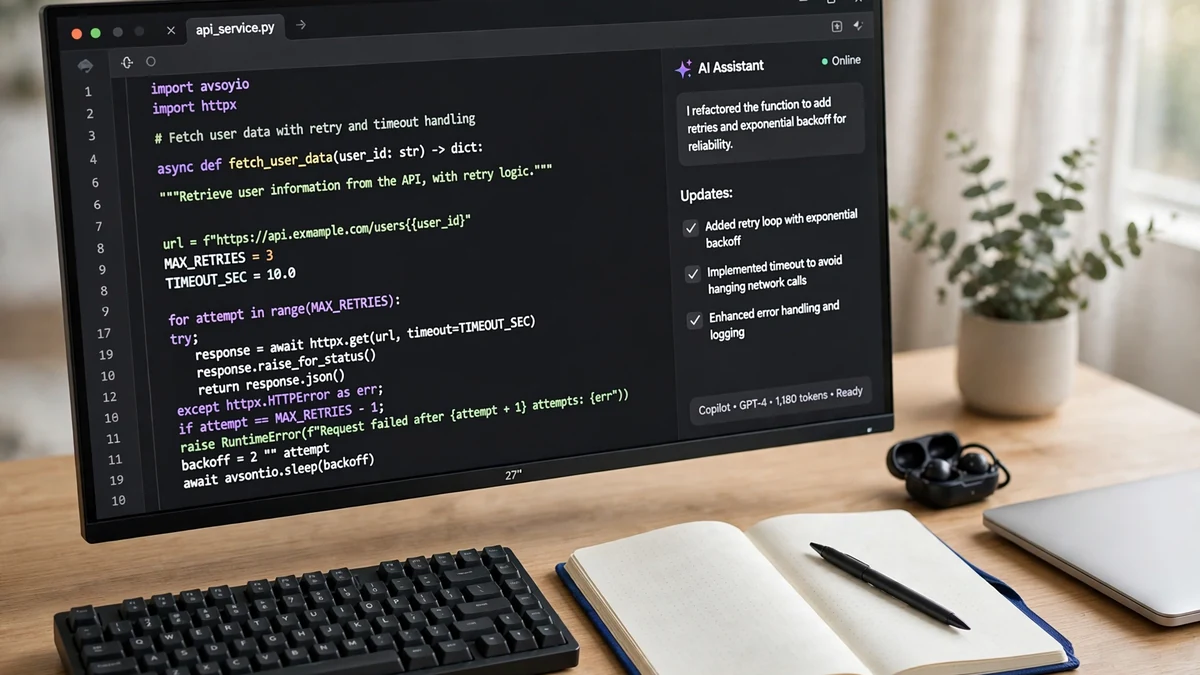
The best AI tools for software development in 2027 have moved well past simple autocomplete. The leading assistants now read your whole codebase, explain unfamiliar functions, write tests, review pull requests and even scaffold entire features from a short description. Used well, they cut the time between an idea and working code from days to hours, and they make large, messy codebases far less intimidating for new team members.
What matters most is not how much code a tool can generate in one go. It is whether the suggestions fit your existing style, whether the tool understands your project rather than guessing from a single file, and whether it keeps your code private.
We compared seven tools that cover the main approaches: editor-native assistants, standalone AI editors, enterprise tools with strict privacy controls, and agent-style platforms that run multi-step tasks. GitHub Copilot leads for most teams, Cursor suits developers who want an AI-first editor, and Tabnine is the strongest choice when code privacy is non-negotiable. Prices below are approximate starting prices; check current pricing before you buy.
Key takeaways
- GitHub Copilot is the best overall AI coding assistant for most developers and teams.
- Cursor is the best AI-first editor, with chat and agents built into the whole workflow.
- Tabnine is the best choice when code must stay private or on your own servers.
- Agent-style tools can scaffold features, but their output always needs review and testing.
- The right tool depends on your editor, your language stack and your privacy rules, not on raw generation speed.
At a glance: the shortlist
| Tool | Best for | Starting price | Standout limit |
|---|---|---|---|
| GitHub Copilot | Most developers and teams | From about $10 a month | Agent features need the higher plans |
| Cursor | AI-first editing | Free tier; Pro from about $20 a month | Usage-based pricing can climb |
| Tabnine | Privacy and on-premises use | Free tier; Pro from about $12 a month | Smaller model choice than rivals |
| Amazon Q Developer | AWS-heavy teams | Free tier; Pro from about $19 a month | Best value inside AWS only |
| Windsurf | Agentic multi-file edits | Free tier; Pro from about $10 a month | Younger ecosystem than Copilot |
| JetBrains AI Assistant | JetBrains IDE users | Free tier; paid from about $8 a month | Weakest outside JetBrains IDEs |
| Replit AI | Prototypes and learning | Free tier; paid from about $20 a month | Not built for large production codebases |
GitHub Copilot — Best overall
GitHub Copilot is the default choice for a reason: it works in the editors developers already use, supports the widest range of languages, and has the largest training and feedback base behind it. It completes lines and whole functions as you type, explains code in plain language, generates unit tests, and now offers agent-style modes that can plan and carry out multi-step changes across files.

Copilot’s newer agent features are genuinely useful for routine work such as updating dependencies, adding tests or fixing straightforward bugs, but they are not a replacement for judgement. For a closer look at code-only assistants, see our guide to the best AI tools for coding.
Pros: Works in most editors; broad language support; strong agent features; huge user base.
Cons: Full agent features need the pricier plans; suggestions can be confidently wrong on niche libraries.
Cursor — Best AI-first editor
Cursor rebuilds the editor around AI rather than bolting it on. Chat understands your whole codebase, the agent mode can make coordinated edits across many files, and the composer view lets you describe a feature and watch it take shape. For developers who spend most of their day inside one editor, the workflow feels faster and more natural than switching between a chat window and the code.
The trade-off is that Cursor is a separate editor, so teams settled on another IDE need to change habits or run two tools side by side. Pricing is also usage-based beyond the base allowance, so heavy agent use can push the monthly bill above the headline price.
Pros: Codebase-aware chat and agents; fast multi-file edits; polished experience.
Cons: A separate editor to adopt; usage-based costs can rise with heavy use.
Tabnine — Best for privacy
Tabnine is the tool to pick when the code cannot leave your organisation. It offers private deployment options, including on-premises and virtual private cloud setups, and its models can be tuned to your own codebase without sending code to a public service. That makes it the natural choice for finance, healthcare, defence and other regulated work, and for companies with strict intellectual property rules.
The code completion itself is strong and fast, with whole-line and whole-function suggestions, plus chat and code review features. The model choice is narrower than Copilot or Cursor, and the agent-style features are less mature, but for teams where privacy is the first requirement, those are acceptable trade-offs.
Pros: Private and on-premises deployment; code-aware personalisation; strong completion.
Cons: Fewer model choices; agent features trail the leaders.
Amazon Q Developer — Best for AWS teams
Amazon Q Developer is built for teams that live in AWS. It generates code with awareness of AWS services, helps modernise old Java applications, explains unfamiliar code, and can review code for security issues. Its agent features can carry out tasks such as adding features or writing documentation across a project, and it integrates with the AWS console and the command line as well as popular IDEs.
Outside AWS, the case is weaker: the general coding assistance is good but not clearly better than Copilot, and the price is aimed at professional teams.
Pros: Deep AWS knowledge; code modernisation tools; security review; free tier for individuals.
Cons: Best value only inside AWS; Pro plan is pricier than some rivals.
Windsurf — Best agentic editing
Windsurf, from Codeium, is built around agentic workflows: its Cascade agent plans a task, makes coordinated edits across files, runs commands and checks the result, keeping the developer in the loop at each step. It handles the kind of multi-file refactoring that used to be tedious, such as renaming an API across a project or adding a feature that touches the front end, the API and the tests together.
The editor is modern and fast, and the free tier is generous enough for a serious trial. The ecosystem is younger than Copilot’s, so the extension library and community resources are thinner, and some teams will miss the familiarity of their existing IDE.
Pros: Strong multi-file agent; generous free tier; fast editor.
Cons: Younger ecosystem; fewer extensions and integrations than the leaders.
JetBrains AI Assistant — Best for JetBrains users
If your team already works in IntelliJ IDEA, PyCharm, WebStorm or another JetBrains IDE, the JetBrains AI Assistant is the obvious fit. It is built into the IDE, understands the project structure deeply, and offers chat, code generation, refactoring and test creation without leaving the editor. The local code model option also gives teams a privacy-friendly way to run completion without sending code to the cloud.
The limitation is scope: the assistant shines inside JetBrains IDEs and is far less useful elsewhere. Teams split across editors will find Copilot or Cursor a better shared standard.
Pros: Deep IDE integration; local model option; good refactoring and test tools.
Cons: Little value outside JetBrains IDEs; agent features are still catching up.
Replit AI — Best for prototypes and learning
Replit AI, including its Agent mode, turns a plain-language description into a working application in the browser, with hosting included. That makes it the fastest way to prototype an idea, build a demo for a meeting, or learn a new framework without setting up a local environment. The assistant can also explain code, fix errors and add features conversationally.
Replit is not the right home for a large production codebase: the browser-based workflow and the agent’s tendency to make broad changes suit small projects far better than enterprise systems.
Pros: Fastest path from idea to working prototype; no setup; good for learning.
Cons: Not suited to large production codebases; agent changes need careful review.
How to choose
Start with your editor and your privacy rules. If your team uses many different editors, GitHub Copilot is the safest shared standard. If you are free to pick one editor and want the most AI-native workflow, Cursor or Windsurf will feel faster. If code must stay inside your network, Tabnine is the answer, and if you build mainly on AWS, Amazon Q Developer earns its place.
Whatever you pick, run a two-week trial on real work, not toy examples: measure how often suggestions are accepted, how much time reviews take, and whether the tool handles your actual stack. A tool that shines on Python web apps may struggle with your embedded C++ codebase. For teams also building mobile products, our guide to the best AI tools for app development covers the assistants and platforms tuned for iOS and Android work.
Checklist: before you pay
- Check whether your code is used to train models, and whether you can opt out.
- Confirm the tool supports your editor, your languages and your version control setup.
- Trial it on real tasks for two weeks and track accepted suggestions.
- Compare the true monthly cost, including usage-based agent charges.
- Make sure the team still reviews every AI-generated change before merging.
- Check data residency and compliance options if you work in a regulated industry.
Frequently asked questions
Will AI coding tools replace developers?
No. They remove repetitive work such as boilerplate, tests and simple fixes, but design decisions, debugging judgement and understanding the business problem still need an experienced developer. The best teams use AI to move faster, not to skip thinking.
Is it safe to let an AI tool read my whole codebase?
It depends on the tool and the plan. Business and enterprise plans typically promise not to train on your code, and some tools offer private deployment. Read the privacy terms for your exact plan before connecting a private repository.
Which AI coding tool is best for beginners?
GitHub Copilot is the easiest starting point because it works in familiar editors and explains code well. Replit AI is also good for learning, since it can build a small working app from a description and explain each step.
Do AI coding assistants work offline?
Most need an internet connection for their cloud models. Tabnine and JetBrains offer local model options that work offline, though the suggestions are usually less capable than the cloud versions.
How much do AI coding tools cost?
Individual plans generally start between $8 and $20 a month, with free tiers for light use. Business plans cost more, and agent-heavy usage can add usage-based charges, so check current pricing for your team size.
Can AI tools build a whole website or app on their own?
They can scaffold a working prototype quickly, and our guide to the best AI tools for website building covers the platforms built for that job. Production software still needs a developer to review, test and secure the result.
The bottom line
For most developers and teams, GitHub Copilot is the best all-round AI coding assistant: it works everywhere, covers the most languages and keeps improving. Cursor is the pick for developers who want the most AI-native editor, and Tabnine is the right choice when privacy rules the decision.
Whichever tool you choose, the rule stays the same: let the AI write the first draft, then review, test and own the result. The teams that gain the most are the ones that treat the assistant as a fast junior partner, not as a replacement for engineering judgement.