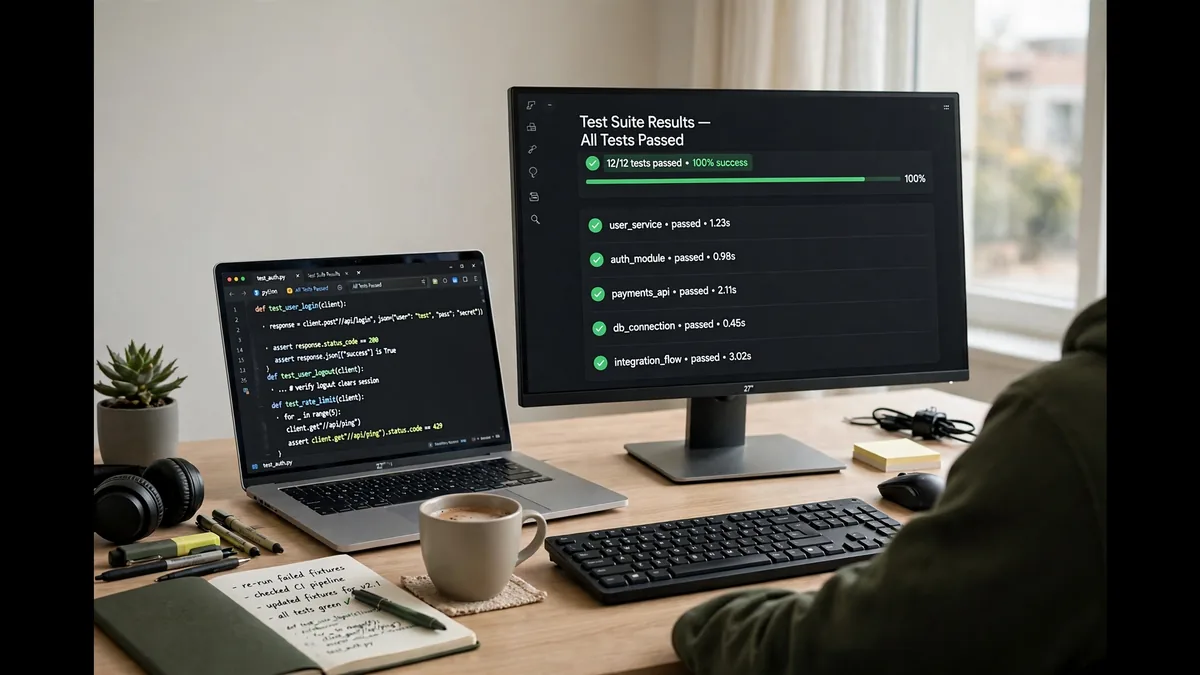
AI tools for software testing have turned quality assurance from a bottleneck into a speed advantage. Instead of writing every test by hand and maintaining brittle scripts that break with each redesign, teams can now generate test cases from plain-language descriptions, let the AI heal broken selectors automatically. The best AI tools for software testing in 2027 cover the whole loop: plan, generate, run, and report.
What matters most is maintenance. A test suite that needs constant repair costs more than the bugs it catches, so the strongest tools in 2027 are the ones that keep tests passing as the product changes. Self-healing locators, smart visual comparison, and AI-written tests are the features that separate the leaders from the rest.
We compared the leading options on realistic testing work: a checkout flow across browsers, a mobile app regression suite, an API contract change, and a visual redesign that should not break any functionality. The shortlist below covers every budget and team shape.
Key takeaways
- Testim is the best overall AI testing tool for teams that want fast, stable end-to-end tests.
- Mabl is the strongest low-code choice for teams without dedicated automation engineers.
- Applitools is the best pick for visual testing across browsers and devices.
- Qodo Gen is the best option for generating unit tests directly from your code.
- Always review AI-generated tests before trusting them; a passing test that checks the wrong thing is worse than no test.
At a glance: the shortlist
| Tool | Best for | Starting price | Standout limit |
|---|---|---|---|
| Testim | Stable end-to-end tests | From $0 free tier | Paid plans are custom-priced |
| Mabl | Low-code test automation | From $0 free trial | Usage-based pricing |
| Katalon Studio | Full-featured QA teams | From $0 free tier | Advanced AI is paid |
| Applitools | Visual testing | From $0 free tier | Best with a test framework |
| Functionize | AI test creation at scale | Custom pricing | No public starting price |
| Qodo Gen | Unit test generation | From $19 per month | Unit tests only |
| BrowserStack | Cross-browser testing | From $29 per month | AI features vary by plan |
Testim — Best overall
Testim, from Tricentis, is the most complete AI testing platform for teams that want end-to-end tests without the maintenance headache. You record a user flow once and Testim’s AI builds a stable test from it, using smart locators that adapt when the interface changes. When a button moves or a label is reworded, the test usually still passes.
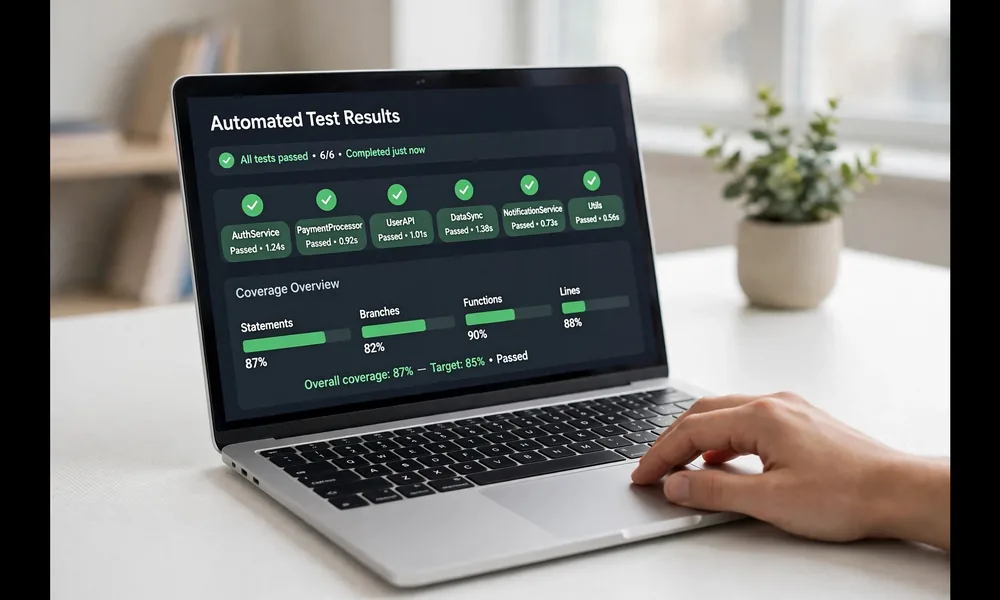
The platform is strongest on web applications, where its AI handles the dynamic elements that break traditional scripts: loading states, pop-ups, and content that shifts between runs. Tests run in parallel in the cloud, and the reporting shows exactly which step failed and why. Pricing is custom for paid plans, which makes it harder to budget than the flat-rate tools here, but for teams whose tests break weekly, the time saved pays for it. If your tests start from code rather than the browser, our guide to AI tools for coding covers the assistants that generate the first draft of a test for you.
Pros: Self-healing locators; fast parallel runs; clear failure explanations.
Cons: Paid pricing is custom; web-focused rather than mobile-first.
Mabl — Best for low-code test automation
Mabl is the testing tool for teams that do not have dedicated automation engineers. Its low-code recorder lets anyone on the team build a test by clicking through the product, and its AI fills in the assertions and the test data.
Where Mabl stands out is how little upkeep its tests need. Auto-healing adapts to interface changes, and the AI flags visual regressions and performance drops in the same run as the functional checks, so one suite covers several kinds of quality at once. The usage-based pricing can surprise teams that run very large suites, so track consumption during the trial and set limits before you scale up.
Pros: Genuinely low-code; auto-healing and visual checks built in; good CI integration.
Cons: Usage-based pricing needs watching; less control for code-first teams.
Katalon Studio — Best for full-featured QA teams
Katalon Studio is the all-rounder: web, mobile, API, and desktop testing in one platform, with AI features layered on top for test generation, healing, and smart waiting. One tool covers every platform instead of a different framework for each surface.
Its AI assistant, Katalon StudioAssist, can generate test cases from descriptions and suggest fixes for failing steps, while the platform’s object repository keeps element definitions in one place so a single update fixes every test that uses them. The trade-off is breadth: Katalon does a lot, and new teams should expect a learning curve before the first suite is running smoothly.
Pros: Web, mobile, API, and desktop in one tool; generous free tier; central object repository.
Cons: Learning curve for new teams; advanced AI features are paid.
Applitools — Best for visual testing
Applitools answers a question functional tests cannot: does the page still look right? Its visual AI compares screenshots across browsers, screen sizes, and devices, ignoring harmless differences while catching real problems: overlapping text, a cut-off button, a layout that breaks on mobile.
That judgement is the product. Traditional pixel comparison drowns teams in false alarms; Applitools’ AI groups changes, highlights only the meaningful ones, and lets you approve or reject them in bulk. Used this way, it catches the visual regressions that users notice first and automated functional tests never see.
Pros: Catches real visual bugs; ignores harmless pixel differences; works with existing frameworks.
Cons: Needs a test framework alongside it; visual baselines need maintenance.
Functionize — Best for AI test creation at scale
Functionize is built for organisations that need hundreds or thousands of tests and cannot staff that work by hand. Its AI creates tests from plain-language descriptions, learns your application by exploring it, and maintains the suite as the product changes.
The platform is strongest in large, complex applications where manual test creation is the bottleneck: enterprise web apps with long user journeys and frequent releases. It runs tests in the cloud at scale and reports results in business terms rather than just a list of failed scripts. Pricing is custom and aimed at enterprise budgets, so it is not the pick for a small team, but for large QA orgs it is the most automated option here.
Pros: Creates and maintains tests at scale; plain-language test authoring; business-level reporting.
Cons: Custom enterprise pricing; overkill for small teams.
Qodo Gen — Best for unit test generation
Qodo Gen works at the other end of the testing pyramid: the unit test. Given a function or a class, it analyses the code, finds the edge cases and error paths, and writes meaningful tests for them, with clear names and realistic data. For developers who know they should test more but never find the time, it turns a blank test file into a useful suite in minutes.
The quality of the generated tests is what sets it apart. Instead of one happy-path check, Qodo Gen covers boundary values, null inputs, and the error branches, and it explains what each test is checking so you can judge whether it is right. It only writes unit tests, so you still need an end-to-end tool from elsewhere on this list for full coverage.
Pros: Strong edge-case coverage; explains each generated test; editor and pull-request integration.
Cons: Unit tests only; needs an end-to-end tool alongside it.
BrowserStack — Best for cross-browser testing
BrowserStack solves the device problem: your product has to work on dozens of browser and device combinations you do not own. Its cloud gives you real devices and browsers on demand, and its AI features help by grouping failures, spotting flaky tests, and prioritising the combinations most likely to break based on your traffic.
BrowserStack runs your existing Selenium, Playwright, or Cypress tests across its grid, so you keep your framework and gain the devices. The AI layer is thinner than the dedicated platforms here, but it closes the coverage gap no other tool on this list can.
Pros: Real devices and browsers on demand; works with existing frameworks; AI triage of failures.
Cons: AI features are lighter than dedicated platforms; needs your own test scripts.
How to choose
Start with the layer you are missing. If you have no end-to-end tests, pick Testim or Mabl; if your unit coverage is thin, start with Qodo Gen; if visual regressions keep slipping through, add Applitools. Teams testing across many platforms should look at Katalon.
Then check the practical constraints: whether the tool supports your stack and your CI pipeline, whether the pricing model fits how often you run tests, and whether the team that will maintain the suite can actually use it. Prices above are approximate starting prices, so check current pricing before buying. Our guide to AI tools for developers covers the coding assistants that pair well with any testing tool here.
Checklist: before you pay
- Run the trial on your real application, not a demo site, with a real user flow.
- Check how the tool handles interface changes: does it heal itself or break?
- Confirm support for your browsers, devices, and CI pipeline.
- Review a sample of AI-generated tests for correctness before trusting them.
- Check the pricing model: flat rate, usage-based, or custom, and what the renewal costs.
- Make sure reports are clear enough for the whole team, not just QA engineers.
Frequently asked questions
Can AI write tests for my whole application?
It can generate a large share of them, especially unit tests and standard user flows, but it cannot know your business rules or which behaviours matter most. The best results come from AI-generated drafts that a human reviews and edits.
What is self-healing in AI testing?
Self-healing means the test adapts when the application changes: if a button moves or gets renamed, the AI finds the new location instead of failing. It cuts the maintenance work that makes many test suites rot, though it is not perfect, and major redesigns still need human attention.
Do AI testing tools replace manual QA?
No. Automated tests are excellent at repetition — running the same checks on every release — but they cannot judge whether a new feature feels right or whether a workflow makes sense to a user. Manual and exploratory testing still catch the problems automation misses; see our roundup of AI coding assistants for where automation ends and human judgement begins.
How much do AI testing tools cost?
Most tools on this list have a free tier or trial, and paid plans generally start from around $19 to $29 per month for small teams, rising with usage or seats. Enterprise platforms such as Testim and Functionize use custom pricing, so expect to request a quote for those.
Can AI testing tools test mobile apps?
Yes. Katalon Studio and BrowserStack both support mobile testing, and Mabl covers mobile web. Native app testing needs a tool with device support, so check mobile coverage specifically during your trial rather than assuming it is included.
What is the difference between unit tests and end-to-end tests?
Unit tests check a single function or component in isolation, while end-to-end tests check a whole user journey across the real application. A healthy suite needs both.
The bottom line
For most teams in 2027, Testim is the right default: its self-healing tests stay green as the product changes, and its reporting makes failures easy to fix. Choose Mabl when the team writing tests is not made of automation engineers, add Applitools when visual quality matters, and use Qodo Gen to fill the unit-test gaps that end-to-end tools cannot reach.
Whichever tools you pick, keep the discipline that makes testing work: review what the AI generates, run the suite on every change, and fix flaky tests instead of ignoring them. AI makes testing faster to build and cheaper to maintain, but only a green suite you understand keeps quality high.