The best AI tools for voice changers in 2027 turn an ordinary microphone into a full voice studio. A streamer can sound like a different character, a creator can record a narration in a consistent character voice, and a remote worker can clean up a thin or shaky voice before a call. The change happens in real time or in a few clicks after recording, and the best tools keep the result sounding like a real person rather than a robot.
What matters most is latency, voice quality, and control. A real-time changer needs to run with almost no delay or it ruins live conversation. A recorded changer needs natural pitch and tone, not a cartoon effect. And every tool should let you adjust how strong the change is, because a subtle shift is usually more useful than a dramatic one.
This list covers eight tools, from free real-time changers to professional voice design platforms. Voicemod leads for live use, ElevenLabs leads for recorded voice design, and the rest fill specific gaps such as calls, content creation, and mobile recording.
Key takeaways
- Voicemod is the best overall voice changer for live streaming and gaming, with the lowest practical latency.
- ElevenLabs is the best choice for recorded voice design, with the most natural-sounding results.
- Most real-time changers need a Windows PC and a decent microphone to sound good.
- Free plans are useful for testing, but the best voices and commercial use usually sit behind a paid plan.
- Always get consent before imitating a real person’s voice, and check the platform rules where you publish.
At a glance: the shortlist
| Product | Best for | Starting price | Standout limit |
|---|---|---|---|
| Voicemod | Live streaming and gaming | Free plan; Pro from around $5 per month | Real-time voices work best on Windows |
| ElevenLabs | Recorded voice design | Free plan; paid plans from around $5 per month | Character limits apply on lower plans |
| Murf AI | Business narration and video | Free plan; paid plans from around $19 per month | Voice changing is one feature, not the core |
| Resemble AI | Custom brand voices | Paid plans from around $29 per month | Custom voice setup takes time and samples |
| Voice.ai | Free real-time changing | Free plan; Pro from around $9 per month | Voice quality varies by effect |
| HitPaw Voice Changer | Simple desktop changing | Free trial; paid plans from around $12 per month | Fewer voices than the big libraries |
| FineVoice | All-in-one voice tools | Free plan; paid plans from around $9 per month | Some voices sound better recorded than live |
| iMyFone MagicMic | Beginners and casual use | Free plan; paid plans from around $9 per month | Interface can feel crowded with effects |
Prices are approximate starting prices. Check current pricing before buying, since plans and limits change often.
Voicemod — Best overall
Voicemod is the most complete real-time voice changer for creators who work live. It sits between your microphone and your streaming or chat app, changing your voice as you speak, and it offers a large library of voices, soundboards, and effects.
The strongest part of Voicemod is how little it gets in the way. Latency stays low on a normal Windows PC, the voice library covers realistic voices as well as character and robot styles, and the soundboard adds effects without a second app. It also works with the apps creators already use, including Discord, OBS, and Zoom, which keeps setup to a few minutes.
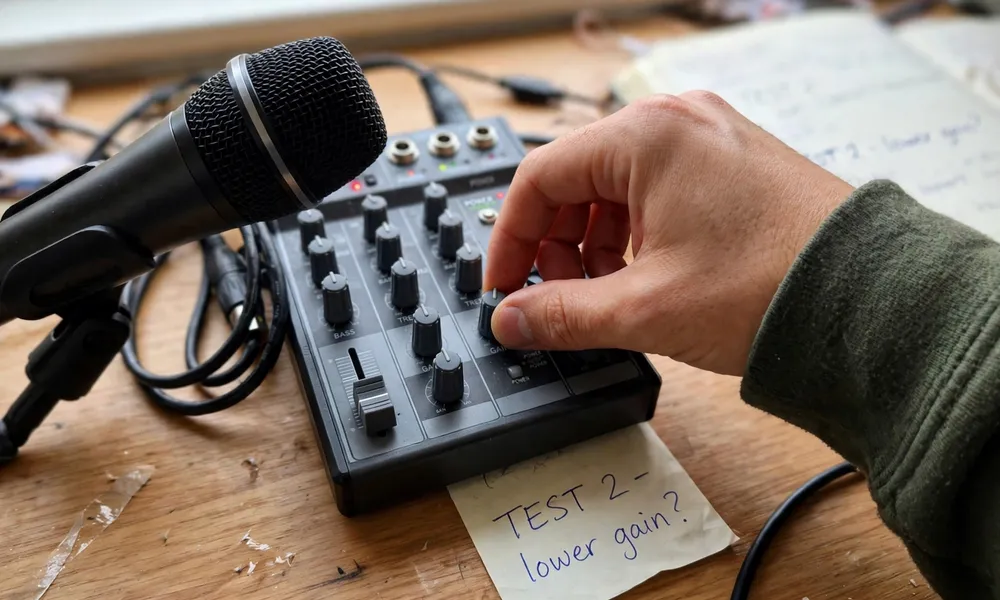
Voicemod is strongest when the goal is live entertainment. If you want a voice that sounds like a specific real person, AI voice cloning tools are the better category, because cloning builds a voice from samples while changing reshapes your own voice in real time.
Pros: Low-latency real-time changing; large voice and soundboard library; works with Discord, OBS, and Zoom.
Cons: Best experience is on Windows; the most useful voices sit behind the Pro plan.
ElevenLabs — Best for recorded voice design
ElevenLabs is the best choice when the voice does not need to change live. Its voice changer takes a recording and rebuilds it in another voice, keeping the pacing and emotion of the original performance. The result sounds closer to a real speaker than most real-time tools, which makes it a good fit for narration, audiobooks, and video voiceovers.
The platform also lets you design voices from a description, adjust stability and style, and keep a consistent voice across many recordings. The free plan is enough to test the quality, and the paid plans add character allowances and commercial use.
Pros: Very natural recorded results; voice design from text descriptions; consistent voices across projects.
Cons: Not a real-time changer; character limits apply on lower plans.
Murf AI — Best for business narration
Murf AI is built for business content first, and voice changing is one part of a wider studio. You can record or upload a voice, apply a different voice style, and then edit the result alongside music, video, and slides. It suits teams that produce training videos, product explainers, and internal presentations.
The voice library is smaller than the specialist changers, but the voices are tuned for clear, professional narration rather than comedy or character work.
Pros: Professional narration voices; built-in studio for video and slides; good for team projects.
Cons: Voice changing is a secondary feature; starting price is higher than casual tools.
Resemble AI — Best for custom brand voices
Resemble AI is the right pick when a brand needs its own voice rather than a stock one. It builds a custom voice from recorded samples, then lets you change any script or recording into that voice. Companies use it for consistent product narration, in-app voices, and localized content.
The setup takes more effort than the other tools on this list, because a good custom voice needs clean samples and a short review step. The payoff is a voice that nobody else is using, which matters for brands that want to sound distinct.
Pros: Fully custom voices from your own samples; API for real-time use; good for brand consistency.
Cons: Higher starting price; custom voice setup takes time and clean recordings.
Voice.ai — Best free real-time changer
Voice.ai is the easiest free way to try real-time voice changing. It offers a large set of voices, a simple interface, and a free plan that covers casual use. Gamers and Discord users can switch voices quickly, and the tool includes a voice library where users share their own creations.
Quality varies more than with Voicemod. Some voices sound convincing, others sound thin or artificial, so it pays to test a few before using one live.
Pros: Strong free plan; large community voice library; quick setup for Discord and games.
Cons: Voice quality is uneven across effects; fewer pro features than paid rivals.
HitPaw Voice Changer — Best for simple desktop use
HitPaw Voice Changer keeps things simple. It installs on Windows or Mac, offers a clean set of real-time voices, and works with the usual chat and streaming apps. It is a good fit for someone who wants a voice changer without learning a complex studio tool.
The voice list is smaller than Voicemod or Voice.ai, but the voices it does have are well tuned, and the interface does not bury settings under layers of menus.
Pros: Clean, simple interface; works on Windows and Mac; includes basic noise reduction.
Cons: Smaller voice library; fewer advanced controls than specialist tools.
FineVoice — Best all-in-one voice toolkit
FineVoice bundles a real-time voice changer with text-to-speech, voice recording, and audio editing in one app. That makes it useful for creators who do several voice jobs in a day and would rather keep them in one place than juggle three tools.
The real-time changer covers the common voice types well, and the recorded tools are the stronger half of the package.
Pros: Voice changer plus text-to-speech and recording in one app; affordable paid plans; easy for beginners.
Cons: Some voices sound better in recordings than live; library is smaller than the leaders.
iMyFone MagicMic — Best for beginners
iMyFone MagicMic is aimed at casual users who want to change their voice in a game or a call without any setup fuss. It offers a wide range of fun voices, a soundboard, and one-click switching, and it works with the apps most people already have open.
The tool is at its best for entertainment. The character and celebrity-style voices are fun, but the realistic voices are not as strong as ElevenLabs or Murf AI.
Pros: Very easy to start; wide range of fun voices; works with popular chat and game apps.
Cons: Realistic voices are weaker than pro tools; interface can feel crowded.
How to choose
Start with the job. If the voice must change live, pick a real-time tool such as Voicemod or Voice.ai and test it on your actual PC, because latency and quality depend on your hardware. If the voice is recorded, pick ElevenLabs or Murf AI, where quality matters more than speed.
Next, test the voice you will actually use, not the demo voice. Record a minute of your normal speech, run it through the tool, and listen on headphones. A voice that sounds fine in a short demo can sound tiring over a full stream or narration.
Finally, think about the rest of your workflow. If you also generate narration from text, compare the changer with text-to-speech tools before you pay for both, since some platforms now cover both jobs.
Checklist: before you pay
- Test the exact voice you plan to use, live or recorded, on your own microphone.
- Check latency on your PC if you will use the changer in real time.
- Confirm commercial use is included if you will publish or monetize the result.
- Check the renewal price, not just the first-month or first-year offer.
- Confirm the tool works with your apps, such as Discord, OBS, Zoom, or your game.
- Read the consent rules for imitating real voices, and get permission where it is needed.
Frequently asked questions
Do AI voice changers work in real time?
Yes, tools such as Voicemod, Voice.ai, HitPaw, and MagicMic change your voice live, with a small delay. The delay depends on your PC and settings, so test it before a live stream or an important call.
Can a voice changer make me sound like a real person?
It can change pitch, tone, and character, but imitating a specific real person needs cloning, not changing, and it needs that person’s consent. Changing your own voice into a new character voice is the safe and normal use.
Are free voice changers good enough?
For casual gaming and testing, yes. For regular streaming or paid work, the paid plans give better voices and commercial rights.
Do voice changers work on Mac?
Some do. HitPaw and FineVoice support Mac, while Voicemod works best on Windows. Check the system requirements for the tool you choose, since real-time support varies by platform.
Can I use a changed voice in YouTube videos?
Yes, if the plan you are on allows commercial use. Check the licence for the voice and the tool, and keep a record of the plan you used, since terms change.
What is the difference between a voice changer and a voice chatbot?
A voice changer reshapes your own voice, while a chatbot speaks for itself and answers you. If you want to talk to an AI by voice rather than change your own, voice AI chatbots are the category to compare.
The bottom line
For most people, Voicemod is the best AI voice changer in 2027, because it is fast, works live, and has the deepest voice library for streaming and gaming. If your work is recorded rather than live, ElevenLabs is the better pick, because its voices sound the most natural.
Test it with your own voice and your own apps before you pay.