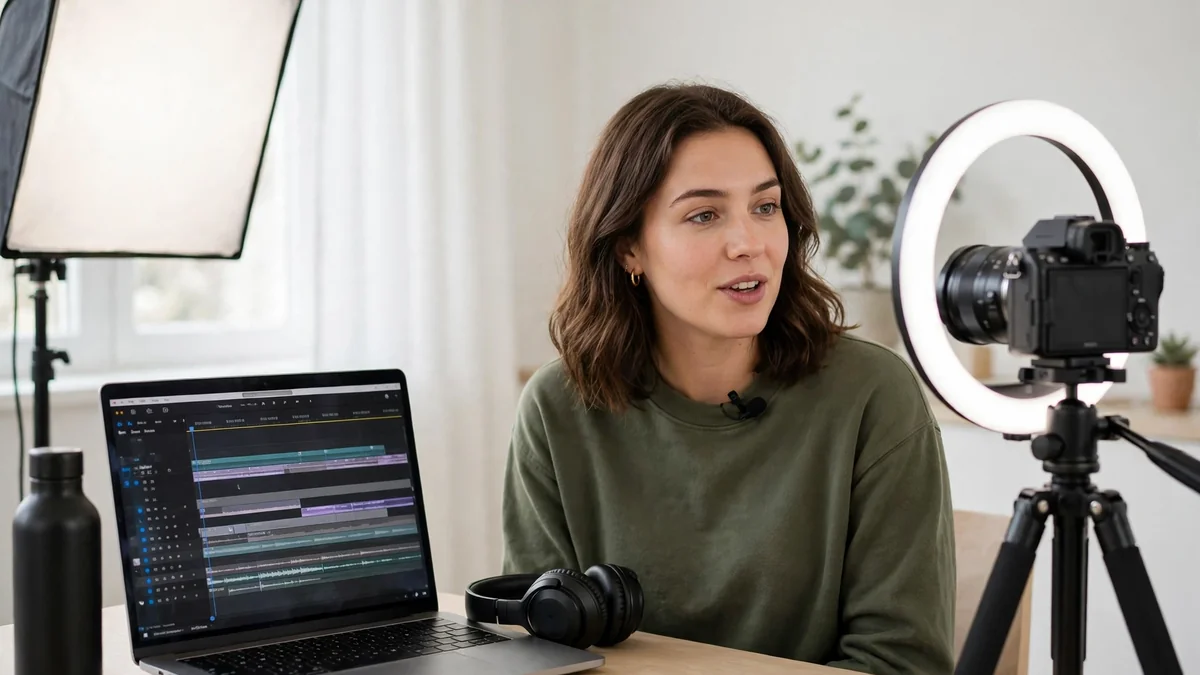
The best AI tools for YouTubers in 2027 cover the whole channel workflow, from editing and thumbnails to titles, chapters and promotion. A single video can take ten hours to edit and package, and AI tools now handle the repetitive parts: cutting silences, finding highlights, writing descriptions and turning long videos into short clips for other platforms.
This list covers eight tools for different channel sizes, from new creators editing on a phone to full-time YouTubers publishing several videos a week. Prices below are approximate starting prices in US dollars and change often, so check current pricing on each product before you buy. Every tool here has a free plan or trial, so you can test it on a real video before paying.
The shortlist starts with Descript for script-based editing and CapCut for fast mobile edits, then adds Opus Clip for short-form clips, TubeBuddy and vidIQ for search and titles, and Runway, Pictory and ElevenLabs for generation and voice. Pick the tool that removes your biggest bottleneck first, whether that is editing time, discoverability, or turning one video into many.
Key takeaways
- Descript is the best overall pick because it lets you edit video by editing the transcript.
- CapCut is the best free option for fast, polished edits on phone and desktop.
- Opus Clip turns one long video into ranked short clips for Shorts, TikTok and Reels.
- TubeBuddy and vidIQ help with titles, tags and timing, which decide whether a video gets found.
- Most tools charge monthly with limits on exports, minutes or credits, so match the plan to your upload schedule.
At a glance: the shortlist
| Product | Best for | Starting price | Standout limit |
|---|---|---|---|
| Descript | Overall editing | About $12 per month | Transcription hours per plan |
| CapCut | Free fast editing | Free, Pro about $10 per month | Pro effects and cloud storage |
| Opus Clip | Short-form clips | About $15 per month | Monthly processing hours |
| TubeBuddy | Channel optimisation | About $4 per month | Features by plan tier |
| vidIQ | Research and titles | About $8 per month | Daily idea and keyword limits |
| Runway | AI video generation | About $12 per month | Monthly generation credits |
| Pictory | Script-to-video | About $19 per month | Monthly video minutes |
| ElevenLabs | AI voiceover | About $5 per month | Character credits per month |
Descript — Best overall
Descript turns your video into a transcript and lets you edit by deleting words and sentences from the text. Remove a rambling answer from the transcript and it disappears from the video, with the cuts smoothed automatically. It also removes filler words, adds captions, and can generate a voice clone for small audio fixes.
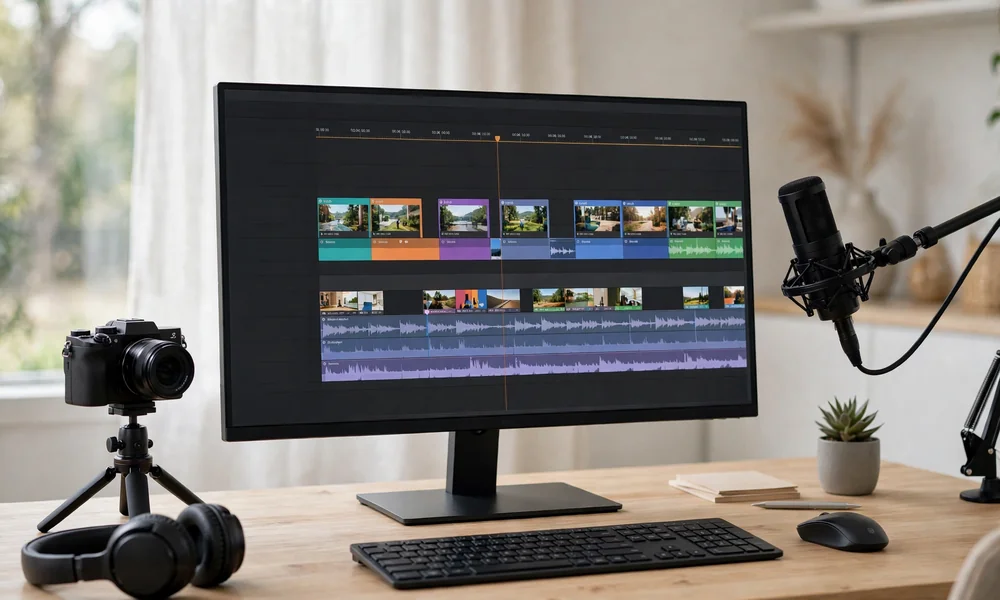
Descript suits talking-head channels, tutorials and interviews, where the spoken word drives the edit. Creators comparing AI tools for video editing usually find Descript the fastest way to reach a finished first cut.
Pros: Transcript editing is fast to learn, captions are built in, and filler removal saves hours. Cons: It is not a full replacement for a pro editor on effects-heavy videos, and the free plan is limited.
CapCut — Best free fast editing
CapCut is a free editor with strong AI features: auto captions, background removal, beat sync, templates and one-click effects. It works on phone and desktop, and its template library lets a beginner produce a polished short video in minutes. The Pro plan adds more effects, cloud storage and higher export quality.
CapCut fits Shorts creators and anyone editing on the go. Its auto-caption styles are popular on vertical video, and its trending templates keep pace with what performs on short-form platforms.
Pros: Free tier is generous, captions and templates are excellent, and mobile editing is smooth. Cons: Long-form editing tools are basic, and some features need the Pro plan.
Opus Clip — Best for short-form clips
Opus Clip watches a long video, finds the moments most likely to perform as Shorts, and cuts them into vertical clips with captions and hooks. Each clip gets a virality score, so you can prioritise the strongest ones instead of guessing. It also suggests titles and posting times for each clip.
Opus Clip fits channels that publish long videos and want a steady stream of Shorts without re-editing everything by hand. One hour-long video can produce several usable clips, which gives a small channel far more chances to be discovered.
Pros: Finds strong moments automatically, captions are accurate, and the scoring helps prioritise clips. Cons: Monthly processing hours run out fast on long videos, and some clips still need manual trimming.
TubeBuddy — Best for channel optimisation
TubeBuddy is a browser extension and dashboard that helps with keyword research, title and tag suggestions, thumbnail testing, and bulk updates to older videos. Its search tools show which terms viewers actually use, and its A/B testing compares thumbnails to find the one that earns more clicks.
TubeBuddy fits creators who already publish regularly and want each video to perform better. Its bulk tools help fix old titles across a whole channel.
Pros: Practical keyword and thumbnail tools, good bulk editing, and affordable starting price. Cons: Some features need higher tiers, and the data is most useful once a channel has some history.
vidIQ — Best for research and titles
vidIQ helps creators research video ideas, compare competing channels, and write titles and descriptions that match what viewers search for. Its score system rates a video idea before you film it, and its trend alerts flag topics gaining attention in your niche.
vidIQ fits new and growing channels that need ideas and want to understand why competitors rank. Its daily ideas and keyword tools help plan a month of videos around proven demand, rather than guessing. The free plan covers basic research, while paid plans raise the daily limits.
Pros: Strong idea and keyword research, clear video scores, and useful competitor tracking. Cons: Daily limits on lower plans are tight, and the scores are guidance, not a guarantee.
Runway — Best for AI video generation
Runway generates video clips from text and images, removes backgrounds, and offers AI tools for inpainting, slow motion and upscaling. Creators use it for B-roll, intros, product shots and visual effects that would take hours to film or build by hand.
Runway fits channels that need visuals they cannot film, such as explainers, product videos and creative intros. Its text-to-video generation is improving fast, and its editing tools work well for cleaning up footage too.
Pros: Powerful generation and editing tools, good for B-roll and effects, and regular new features. Cons: Credits run out quickly, and generated video still needs a human eye for quality.
Pictory — Best for script-to-video
Pictory turns a script or a long video into a finished video with stock footage, voiceover and captions. Paste a blog post or script and it assembles a draft video, which you then edit scene by scene. It also creates highlight clips and summaries from longer recordings.
Pictory fits faceless channels, tutorials and creators repurposing written content into video. It is fast for turning one idea into a publishable video, and its automatic captions and voiceover options cover the basics.
Pros: Very fast script-to-video workflow, good for faceless channels, and automatic captions included. Cons: Stock footage can feel generic, and the starting price is higher than simpler editors.
ElevenLabs — Best for AI voiceover
ElevenLabs creates realistic AI voiceovers from text and can clone a voice for consistent narration across videos. Creators use it for faceless channels, for dubbing videos into other languages, and for narration when recording is not practical. Its voice library covers many styles and accents.
ElevenLabs fits channels that publish in more than one language or need regular narration without a recording session. Dubbing keeps the original tone while switching language, which helps a video reach new audiences.
Pros: Very natural AI voices, strong multilingual dubbing, and flexible voice cloning. Cons: Credits run out quickly on long scripts, and overusing AI voice can make a channel feel impersonal.
How to choose
Start with your biggest bottleneck. If editing takes the longest, Descript or CapCut will save the most time. If your videos are good but nobody finds them, TubeBuddy or vidIQ will help more than another editor. If you publish long videos, Opus Clip turns each one into a week of Shorts, and if narration is the chore, ElevenLabs covers it.
Check the monthly limits before you pay, because most of these tools charge by minutes, exports or credits. A channel uploading four videos a week uses far more allowance than one uploading monthly. Test the free plan on a real video, measure how much allowance it uses, and pick the tier that covers your schedule. Raw footage also piles up fast, so plan storage alongside tools, and look at cloud backup services for YouTubers before a drive failure costs you a finished video.
Checklist: before you pay
- Test the free plan or trial on a full real video, not a short sample.
- Check the monthly allowance against your video length and upload frequency.
- Confirm the tool exports in the resolution and format YouTube accepts.
- Check whether unused minutes or credits roll over to the next month.
- Confirm you can cancel easily and export your projects and captions first.
- Check the renewal price, not just the introductory or first-month price.
Frequently asked questions
What is the best AI tool for YouTubers overall?
Descript is the best overall pick for most YouTubers because transcript editing, captions and filler removal sit in one workspace. CapCut is the best free option, and Opus Clip is the best addition for channels that want Shorts from every long video.
Can AI tools edit a full YouTube video?
AI tools can cut silences and filler words, add captions, and assemble a rough cut, but a human should still review the final video. AI misses pacing problems, awkward jumps and tone issues that a creator will catch in one watch-through.
Do I need both TubeBuddy and vidIQ?
No. Both cover research, titles and optimisation, so pick one and learn it properly. Try the free version of each, compare the keyword data for your niche, and keep the one whose suggestions match your channel better.
How much do AI tools for YouTubers cost?
Most start between about $4 and $19 per month, with free tiers for light use. Expect to pay more as your upload frequency and video length grow, and check current pricing before buying, since plans and limits change regularly.
Will AI captions help my videos get found?
Yes. Captions make videos watchable without sound and help viewers follow along, and creators who also publish clips should consider AI subtitling and captioning tools for accurate, well-timed text on every short video they share.
Can AI tools make Shorts from my long videos?
Yes. Opus Clip and Pictory both turn long videos into vertical clips with captions, and Descript and CapCut can export vertical versions too. Review every clip before posting, since the best moment for a Short is not always the one the AI scores highest.
The bottom line
For most YouTubers, Descript is the single best buy, with CapCut as the free starting point and Opus Clip as the best way to multiply one video into many. TubeBuddy or vidIQ covers discoverability, while Runway, Pictory and ElevenLabs fill the gaps in visuals and voice. Buy the tool that fixes your slowest step first, then add a second one only when the first is paying for itself in time saved.
Expect this list to change through 2027 as generation gets cheaper and editing gets more automated. The tools that win will be the ones that save a creator an hour per video without changing the feel of the channel, so re-check pricing and limits before you commit to a yearly plan.