Quick Answer: What are the best AI video generators for small businesses?
The best AI video generators for small businesses depend on what the business needs to produce. For talking-head training and explainer videos, avatar tools such as Synthesia and HeyGen are the usual starting points. For ads, social clips, and b-roll, generative text-to-video tools like Runway, OpenAI’s Sora, and Google’s Veo fit better.
These two families solve different problems, and many small teams end up using one of each. Before committing to a subscription, compare output quality for your specific use case, commercial licensing terms, watermarking and disclosure rules, data privacy, export formats, and the real cost per finished minute.
Why small teams need video
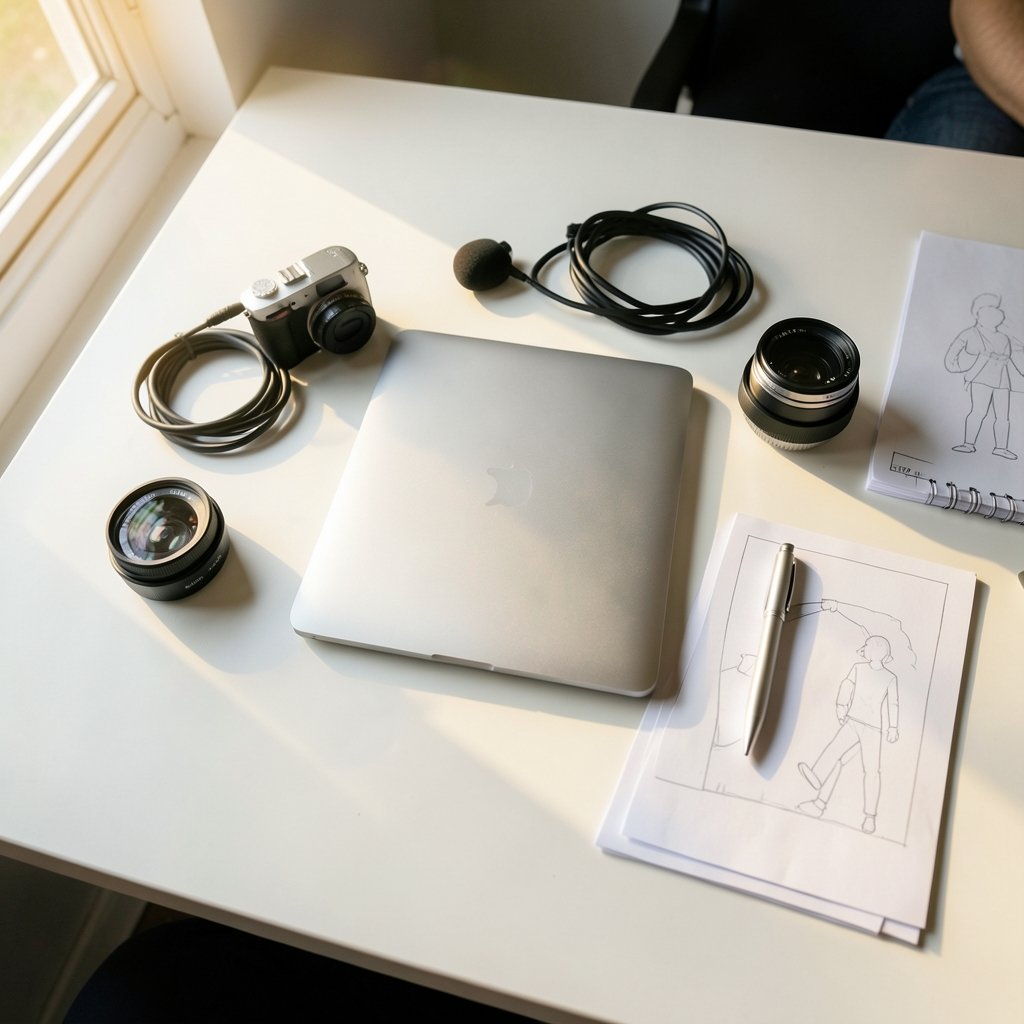
When was the last time a customer read a product page top to bottom before buying? Most people now expect to see something move. A short demo, a founder explaining the service, a twenty-second ad cut for social feeds. Video has quietly become the default format for attention, and small businesses that skip it are competing with one hand tied behind their backs.
The good news is that the barrier to entry has collapsed. A few years ago, a single polished product video meant hiring a crew, renting lights, and paying an editor for a week. Today, a small team with a laptop and a clear script can produce something usable in an afternoon. That shift is entirely thanks to AI video generators, tools that turn text, images, or a script into finished footage.
But here is where it gets messy. There are dozens of these tools now, they all claim to be the best, and they are not interchangeable. Some are built for cinematic b-roll. Others are built for a person talking directly to camera. Choosing the wrong family wastes money fast. This guide sorts through the noise so a small business owner can pick with confidence.
The two families of AI video tools
Before comparing names, it helps to understand that AI video tools split into two broad camps. Mixing them up is the single most common mistake small buyers make.
Generative text-to-video tools create original footage from a written prompt or an image. You type “a barista pouring latte art in a sunlit cafe,” and the model generates a short clip. These tools are brilliant for b-roll, mood pieces, product teasers, and social ads. The trade-off is control: you get what the model interprets, and consistency between clips takes effort.
Avatar and presenter tools generate a synthetic person speaking your script. You paste in text, pick an avatar and a voice, and out comes a talking-head video. These are ideal for training modules, onboarding, explainers, and localized marketing. The trade-off is style: they look like a presenter video, not a film.
Most small businesses need one camp far more than the other. A software company making onboarding videos needs avatars. A boutique hotel making Instagram reels needs generative footage. Figure out which one describes your workload before you spend a cent.
How the leading tools compare
The table below summarizes how the main options stack up for small-business use. Product details and pricing change frequently, so treat this as a starting map rather than a final verdict, and confirm current terms on each vendor’s own site before subscribing.
| Tool | Best for | Strength | Watch out for |
|---|---|---|---|
| Synthesia | Training, corporate explainers | Polished AI avatars, business-focused workflow | Less suited to cinematic b-roll |
| HeyGen | Marketing and sales videos | Avatar videos plus video translation | Feature and pricing tiers change often |
| Runway | Ads, film-style b-roll | Suite of generative video models | Learning curve for consistent results |
| OpenAI Sora | Experimental and creative clips | Strong prompt-to-video generation | Access terms have shifted since launch |
| Google Veo | Creative footage, developer builds | Generative video via Google’s AI products | Availability varies by product and region |
A few notes on the table. Synthesia positions itself around AI avatar videos for training and corporate communication, and the company states its product is used by a large share of Fortune 100 companies. That is a self-reported claim, not independent evidence, so weigh it accordingly. HeyGen offers avatar and video translation features aimed at marketing and sales. Runway provides a suite of generative video tools used in film and marketing workflows, with its Gen-3 Alpha model announced in June 2024. OpenAI announced Sora on February 15, 2024, initially limited to red-teamers and select creatives before broader access arrived later. Google announced Veo at Google I/O on May 14, 2024, with availability through Google’s AI products and Vertex AI.
The lesson from that timeline: availability moves fast. A tool that was invitation-only last year may be open today, and pricing that looked cheap in January may look different by summer.
Matching the tool to the job
Rather than asking which tool is best in the abstract, ask which tool is best for a specific job. Here is how the matching usually plays out in practice.
Training and internal communication
If the videos are for staff, avatar tools win. A small business that hires seasonal workers can build a library of onboarding clips without booking a single filming session. Updates are cheap: edit the script, regenerate, done. This is where Synthesia and HeyGen earn their keep.
Marketing and social ads
For paid social and short-form content, generative text-to-video tools shine. Runway, Sora, and Veo can produce striking visuals that would otherwise need a shoot. The workflow that works best is hybrid: generate b-roll with AI, then cut it together with real product shots and a human voiceover. Pure-AI ads can feel uncanny; blending real and generated footage reads as intentional.
Product demos and explainers
Screen recordings plus an AI voiceover often beat full generative video here, because accuracy matters more than spectacle. Use avatar tools only when a presenter adds value, such as a founder introducing the company.
Localization
If the business sells across languages, HeyGen’s translation features and similar offerings from avatar platforms are worth a serious look. Re-recording a video in five languages used to be a project; now it is a setting.
The money question: what it actually costs
Small businesses rarely have a video budget line, so cost discipline matters. Vendor pricing is volatile, so no single figure holds for long, but the structure of the costs is stable and worth understanding.
Most tools charge a monthly subscription with a credit or minute allowance, then bill overages. The trap is measuring cost per generated clip instead of cost per finished minute. A cheap plan that produces unusable takes is more expensive than a pricier plan that nails the shot on the first try. Budget for iteration: expect several generations per usable clip, especially with text-to-video.
The same discipline applies across the whole cloud stack. Teams that carefully model their infrastructure spending, as covered in this guide to Azure virtual machine costs for small projects and businesses, tend to apply the same rigor to software subscriptions. The same goes for anyone comparing AWS Lambda costs for small projects and businesses or working out Amazon EC2 costs for small projects and businesses on a realistic budget. Video tools deserve the same line-item scrutiny.
One practical tip: run a one-month trial on the top two candidates and log every generation. At month’s end, divide total spend by the number of clips you actually published. That number tells the truth that marketing pages will not.
Rights, disclosure, and the rules you cannot ignore
This is the section small businesses skip, and it is the one that causes real trouble later.
Commercial licensing. Not every plan grants commercial use. Some tiers restrict output to personal projects or watermark the video. Check the license before you publish anything that represents the brand.
Disclosure and provenance. Transparency around AI-generated media is becoming standard. The C2PA standard underpins “Content Credentials,” a way to label AI media with verifiable provenance data, and Google’s SynthID watermarking, announced in August 2023, embeds invisible markers in AI-generated content. In the EU, the AI Act (Regulation (EU) 2024/1689, in force since August 1, 2024) includes transparency obligations for AI-generated content, applied in phases. Exact compliance dates and scope should be checked against the official text rather than secondary summaries.
Data handling. If your videos include customer data, internal processes, or unreleased products, read the vendor’s data terms. Where are prompts stored? Are they used for training? For regulated industries, this is a dealbreaker question.
Likeness and voice. If you use an avatar, get written permission from any real person whose face or voice is cloned. A synthetic presenter that resembles an employee without consent is a legal problem waiting to happen.
Practical tips that save time and money
A few habits separate teams that get value from AI video from teams that cancel after two months.
- Write the script first, in full. The tool is the last step, not the first. A tight 60-second script beats a vague prompt every time.
- Start with one use case. Pick a single recurring video need, such as weekly social clips, and master it before expanding.
- Build a prompt library. Save the prompts and settings that produced good results. Consistency compounds.
- Keep a human in the edit. AI generates clips; editing makes videos. A free editor and thirty minutes of trimming lift quality enormously.
- Check output at real size. A clip that looks stunning full-screen may fall apart in a vertical social crop. Test the actual placement.
- Re-verify pricing quarterly. Plans change. Set a calendar reminder so a quiet price hike does not surprise the budget.
The broader automation wave follows the same logic. Businesses that get results from AI tend to start narrow and expand, a pattern visible across the tools covered in this roundup of AI automation tools for small businesses. Video is no different.
Where the category is heading
Two trends are worth watching. First, the line between the two families is blurring: avatar platforms are adding generative b-roll, and generative models are adding presenter features. Second, quality is rising fast enough that “good enough for social” arrived a while ago, and “good enough for broadcast” is getting closer.
For small businesses, the strategic implication is simple: do not over-invest in one tool’s workflow. Keep scripts, brand assets, and footage organized in a tool-agnostic way, so switching vendors is a minor annoyance rather than a rebuild. Anyone tracking the rapid release cycles, such as these AI video generators from text and images or the newer text-to-video tools ranked for 2027, will notice how quickly last year’s leader becomes this year’s also-ran.
Conclusion
There is no single best AI video generator for small businesses, and anyone who says otherwise is selling something. The right choice depends on the job: avatar platforms like Synthesia and HeyGen for training and presenter-led content, generative tools like Runway, Sora, and Veo for ads and b-roll. Pick the family that matches your workload, trial two options for a month, and measure cost per published clip rather than cost per subscription.
Then layer in the boring but essential checks: commercial license, watermarking and disclosure, data terms, and consent for any cloned likeness. Do that, and AI video becomes what it should be for a small team: a genuine multiplier that lets a handful of people produce content that once required a crew.
FAQ
Do I need a big budget to start with AI video?
No. Most tools offer entry-level subscriptions in the tens of dollars per month, and free tiers exist for testing. The real budget question is iteration: text-to-video often needs several attempts per usable clip, so factor that into the plan. Start with one tool, one use case, and a monthly cap.
Can AI-generated videos be used in paid advertising?
Often yes, but only if the plan grants commercial rights and the platform’s ad policies allow synthetic media. Many ad platforms now require disclosure of realistic AI-generated content. Check both the vendor license and the ad platform’s rules before spending on promotion.
Are avatar videos good enough for customer-facing content?
For explainers, training, and straightforward marketing, yes, they are widely used and read as professional. For brand storytelling or premium products, a hybrid approach works better: real footage and human voice, with AI filling gaps. Test with a small audience before committing a campaign.
How do I avoid weird artifacts and unnatural motion?
Keep prompts specific and short, generate multiple takes, and cut around problems in the edit. Avoid complex hands, fast crowd scenes, and text inside generated footage, which remain weak spots. Real footage layered over AI b-roll hides flaws and adds authenticity.
What should I check in the vendor’s data terms?
Look for where prompts and uploads are stored, whether they are used to train models, how long they are retained, and whether you can delete them. If your videos touch customer data or unreleased products, these answers matter more than output quality. Ask before you upload.
Will AI video replace the need for a videographer?
For routine content, largely yes. For flagship brand films, events, and anything requiring real people in real places, a videographer still earns the fee. The practical outcome for most small businesses is a smaller shooting budget and a larger content calendar, not the disappearance of human crews.