
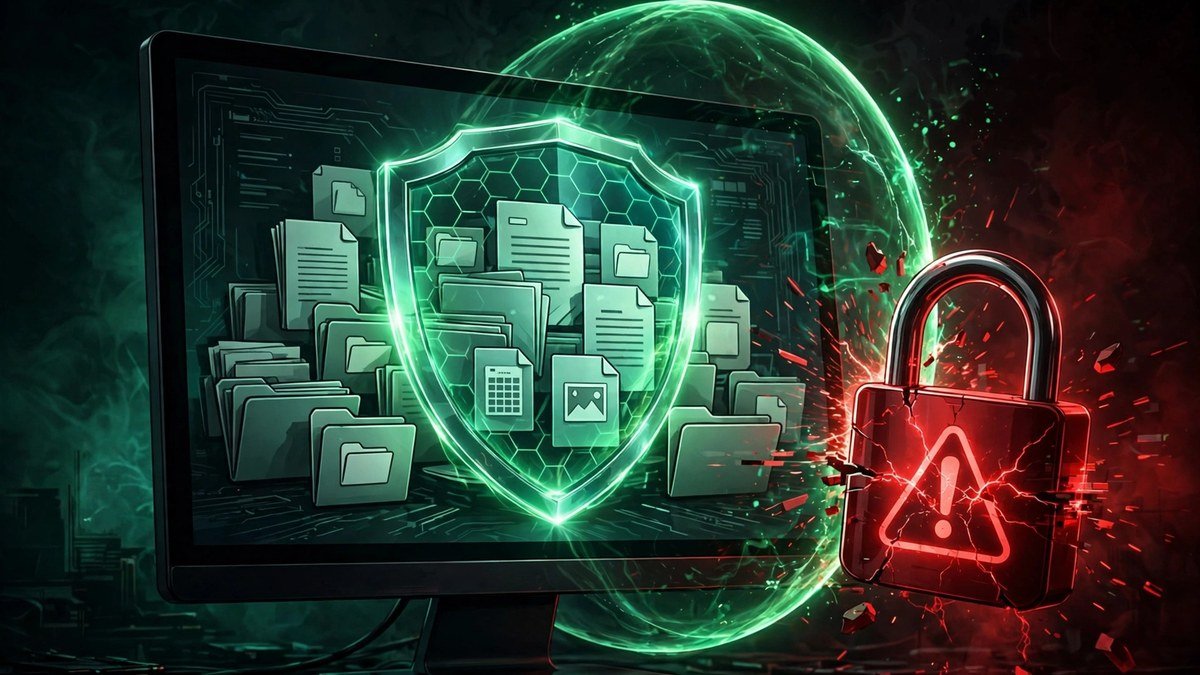
Ransomware is the most damaging threat most people will ever face: one bad download can encrypt every photo, document, and work file on a machine, and the attackers then demand payment for the key. In 2027 the best defence is layered, with behaviour monitoring that spots encryption as it starts, a remediation feature that restores affected files, and a backup that keeps a clean copy out of reach. A plain file scanner is not enough anymore.
The products on this list were chosen for their specific ransomware defences, not just their general detection scores. Every one of them includes behaviour-based monitoring that watches for the patterns of an encryption attack, and the top picks add file restoration or cloud backup, because stopping most attacks is not the same as surviving the one that gets through.
Bitdefender Total Security leads with ransomware remediation that can restore encrypted files, Norton 360 Deluxe is the best choice if you also want cloud backup, and Malwarebytes Premium is the best specialist layer for removing infections. Kaspersky and McAfee round out the shortlist with strong behaviour monitoring. Here is the full breakdown.
Key takeaways
- Bitdefender Total Security is the best ransomware protection overall, with remediation that restores encrypted files.
- Norton 360 Deluxe is the best pick if you want cloud backup alongside ransomware protection.
- Malwarebytes Premium is the best specialist layer, famous for cleaning up machines that are already infected.
- Behaviour monitoring matters more than signature scanning, because new ransomware variants appear every day.
- No antivirus replaces backups, so keep a copy of important files somewhere the ransomware cannot reach.
At a glance: the shortlist
| Product | Best for | Starting price | Standout limit |
|---|---|---|---|
| Bitdefender Total Security | Best overall | From about $50 per year for five devices on the first-year plan | Five-device limit on the base plan; unlimited VPN costs extra |
| Norton 360 Deluxe | Best with backup | From about $50 per year for five devices on the first-year plan | Five-device limit; cloud backup is capped at 50 GB on Deluxe |
| Malwarebytes Premium | Best removal layer | From about $45 per year for one device; multi-device plans cost more | One device on the base plan; no firewall or parental controls |
| Kaspersky Premium | Best for banking | From about $50 per year for three devices on the first-year plan | Three-device limit on the base plan; some features vary by region |
| McAfee Total Protection | Best value | From about $40 per year for five devices on the first-year plan | Five-device limit on the base plan; identity monitoring varies by region |
| ESET Home Security Premium | Best lightweight | From about $50 per year for one device; multi-device plans cost more | One device on the base plan; add devices at checkout |
| Trend Micro Maximum Security | Best against phishing | From about $40 per year for five devices on the first-year plan | Five-device limit; password manager is a separate product |
Bitdefender Total Security — Best overall
Bitdefender has topped independent lab tests for years, and it earns those scores with a scanning engine that catches new malware quickly without crying wolf over safe files. The interface stays out of the way, the autopilot mode makes sensible decisions on its own, and the anti-tracker and web protection block malicious pages before they load.
On Windows, Bitdefender runs quietly in the background and rarely interrupts a game or a video call with a pop-up. The ransomware remediation feature can restore files that an attack encrypts, which is the safety net that matters most when prevention fails.
Pros: Top lab-test scores, quiet autopilot mode, ransomware remediation, strong web protection. Cons: Full VPN costs extra, first-year price rises on renewal.
Norton 360 Deluxe — Best with backup
Norton 360 Deluxe is the all-in-one pick: antivirus, a VPN, a password manager, dark-web monitoring, and cloud backup in a single subscription. Its malware detection is consistently strong in independent tests, and the smart firewall watches network traffic for the suspicious connections that a simple file scanner would miss.
The included VPN is genuinely useful rather than a token extra, with no data cap on the paid plan, and the password manager syncs logins across devices. Cloud backup protects documents against both hardware failure and ransomware, since a clean copy sits off the machine.
For a second opinion on a machine you suspect is already infected, see Best Malware Removal Software in 2027.
Pros: VPN and backup included, strong detection, dark-web monitoring, clear dashboard. Cons: Renewal price jumps, backup capped at 50 GB on this tier.
Malwarebytes Premium — Best removal layer
Malwarebytes Premium is different from the rest of this list: it is a specialist in removing malware that is already on a machine, and its real-time protection focuses on ransomware, exploits, and malicious websites. It is famous for cleaning up infected computers that other tools missed, and many security professionals keep it as a second opinion alongside a traditional antivirus.
The interface is minimal, with a single dashboard and very few settings to get wrong, and the software is light on system resources. It does not include a firewall, parental controls, or a VPN, so it works best paired with a full suite or with the built-in protections of the operating system.
Pros: Excellent at removing existing infections, strong ransomware layer, very light, simple interface. Cons: No firewall or parental controls, base plan is one device.
Kaspersky Premium — Best for banking
Kaspersky Premium pairs excellent malware detection with a genuinely useful set of extras: a password manager, a VPN with a daily data allowance, parental controls, and a hardened browser for banking and shopping. Its scanning engine is fast and accurate, and the interface is clean and uncluttered, with the most important controls on the main screen rather than buried in menus.
The safe-money feature opens banking sites in a protected browser window, which is a real defence against the fake login pages that phishing emails link to. Performance impact is low, and the software rarely produces false alarms.
Pros: Excellent detection, safe-money banking browser, low system impact, clean interface. Cons: Three-device base limit, regional feature differences.
McAfee Total Protection — Best value
McAfee Total Protection covers the essentials well: real-time scanning, a firewall, web protection, and a password manager, plus a VPN on the paid plans. Its file shredder and performance tools help older machines feel a little faster, and the interface is simple enough that a non-technical user can check their protection status in seconds.
The multi-device plans are flexible, and the family options cover more seats for households with several computers and phones. Scans are thorough, though a full scan can take longer than some rivals, so schedule it overnight.
Pros: Good value on sale, VPN included, identity monitoring, simple interface. Cons: Full scans can be slow, renewal price is higher than the first year.
ESET Home Security Premium — Best lightweight
ESET is the quiet professional of this list: a small, fast scanning engine that has been refined over decades, with very few false positives and almost no noticeable slowdown. It includes a password manager, a firewall, banking protection, and parental controls, and the interface is compact and businesslike rather than flashy.
The gamer mode suppresses notifications automatically when you are playing or watching a film full-screen, and the device-control features let you decide which USB drives are allowed to connect. ESET does not bundle a VPN or cloud backup, so it is a focused security tool rather than an all-in-one suite.
Pros: Very light on resources, excellent detection, few false positives, gamer mode. Cons: No VPN or backup bundled, base plan covers one device.
Trend Micro Maximum Security — Best against phishing
Trend Micro Maximum Security focuses on the threats that actually reach most people: phishing emails, malicious links, and scam websites. Its web protection blocks dangerous pages before they load, and the anti-phishing tools are among the best in this category, which matters more than raw file detection for most home users.
The interface is straightforward, and the software is light enough that it rarely slows a machine down. Pay Guard opens banking and shopping sites in a protected browser for extra safety.
Pros: Best-in-class anti-phishing, Pay Guard for banking, light footprint, fair renewals. Cons: No password manager or VPN included, fewer extras than rivals.
How to choose
Start with behaviour monitoring, because that is what catches ransomware that no signature database has seen yet. The suite should watch for programs encrypting files at speed, and it should stop the process and roll back the damage, not just warn you after the fact. Bitdefender’s remediation and Norton’s backup are the two strongest safety nets on this list, and both are worth paying for if your files matter to you.
Next, sort out your backups before you buy anything. A cloud backup or an external drive that you disconnect after backing up is the only defence that works even when the antivirus fails, and it is the reason Norton scores so well here. Also check the renewal price and the device limit, since ransomware protection is only useful if it covers every machine in the household, including the one nobody thinks about.
If you travel with a laptop, the guidance in Best Malware Removal Tools for Windows in 2027 is worth reading alongside this list.
Checklist: before you pay
- Run the free trial on your own machine before paying, and check boot time and everyday apps for slowdowns.
- Check the renewal price, not just the first-year discount, and set a reminder before the renewal date.
- Confirm the device limit covers every computer, phone, and tablet in your household.
- Turn on real-time protection, automatic updates, and scheduled scans, and leave them on.
- Set up cloud backup or an external backup for the files you cannot afford to lose.
- Read the refund policy before buying, so you know how long you have to change your mind.
Frequently asked questions
What is ransomware, and how does it spread?
Ransomware is malware that encrypts your files and demands payment for the key.
Can antivirus stop ransomware completely?
No product can guarantee it, but the best ones come close.
Should I pay the ransom if my files are encrypted?
Avoid paying if you can.
Related reading: Best Antivirus Software for Online Banking in 2027.
Does a backup protect against ransomware?
Yes, if the backup is kept separate from the machine.
How do I know if ransomware protection is working?
Most suites show a protection status in their dashboard, and some log blocked attacks.
Is ransomware protection different from normal antivirus?
Yes.
The bottom line
For most people, Bitdefender Total Security is the right choice against ransomware: it detects attacks early and can restore the files they touch. Norton 360 Deluxe is the better pick if you want cloud backup built in, and Malwarebytes Premium is the best extra layer for a machine that has already been infected or for anyone who wants a second opinion. Kaspersky, McAfee, ESET, and Trend Micro all add solid behaviour monitoring at lower prices.
Whichever suite you choose, back up your files this week, keep the backups separate from your main machine, and never pay a ransom if you can avoid it. The best ransomware protection is the one that makes the attack a bad afternoon instead of a disaster.
Note: Prices and plans change. Check the product’s current plan details before buying — no link is provided here by design, all links in this article go to other occcy.com guides.



