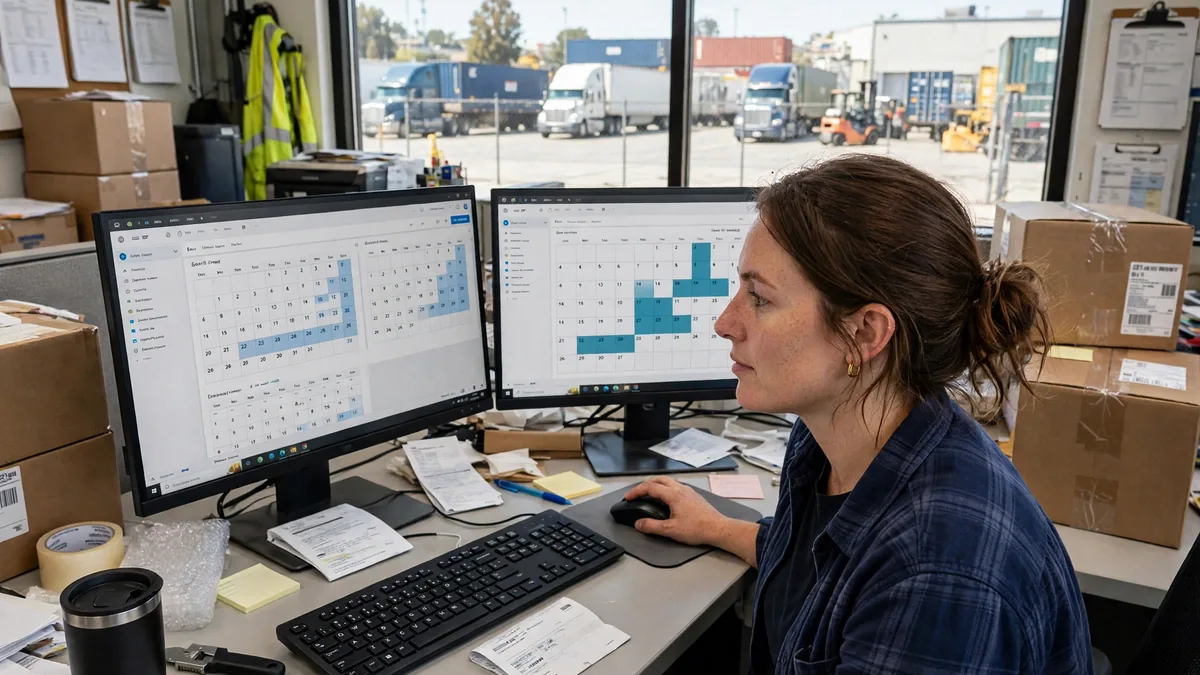
Top booking software for logistics teams in 2027 covers two different jobs, and the best tool depends on which one you are doing. Some teams book freight: finding a truck for a load, or a load for a truck, at a fair rate. Others book dock time: reserving a loading bay slot so trucks arrive in an orderly flow instead of all at once. The eight tools in this roundup cover both, from load boards such as DAT One and Truckstop to dock schedulers such as Opendock and C3 Reservations.
What matters most is speed and certainty. A good booking tool cuts the phone calls and emails that used to fill a dispatcher’s day, shows a fair price before you commit, and confirms the booking in writing so nobody argues about it later. For docks, it means a shared calendar that carriers can book themselves, with reminders and a clear view of the day.
DAT One leads overall for freight booking, Uber Freight is fastest for spot loads, and Opendock is the best pure dock scheduler. Prices below are approximate starting prices, so check current pricing before you buy.
Key takeaways
- DAT One is the best overall freight booking tool, with the largest load board and market rate data.
- Uber Freight is the fastest way to book a spot load, with instant prices and fast payment.
- Opendock is the best dock scheduler, letting carriers book their own arrival slots.
- Freight booking and dock booking are different jobs, and many teams need one tool for each.
- Check the pricing model first: subscriptions suit daily bookers, while pay-per-load suits occasional shippers.
At a glance: the shortlist
| Product | Best for | Starting price | Standout limit |
|---|---|---|---|
| DAT One | Overall freight booking | From $49 per user/month | Largest load board |
| Truckstop | Owner-operators | From $99 per month | Rate estimator |
| Uber Freight | Instant booking | Pay per load | Book in minutes |
| Flexport | International freight | Custom per shipment | End-to-end visibility |
| Freightos | Comparing freight rates | Free to compare | Side-by-side quotes |
| Opendock | Dock scheduling | Custom pricing | Self-service dock calendar |
| C3 Reservations | High-volume docks | Custom pricing | Per-door appointment rules |
| Descartes | Enterprise booking | Custom pricing | Road, ocean and air in one system |
DAT One — Best overall
DAT One is the best overall booking tool for logistics because it combines the largest load board in North America with booking, tracking and payment tools in one place. Carriers can search millions of posted loads, filter by lane, equipment and rate, and book loads without endless phone calls. The rate data is a real advantage: DAT shows market rates for a lane, so both sides can tell a fair price from a bad one, and AI tools for logistics are increasingly used to forecast those lane rates

Starting price: from $49 per user per month (check current pricing).
Pros: Largest load board in North America; market rate data for fair pricing; booking, tracking and payment in one system; huge carrier network.
Cons: Learning curve for new users; best features need higher plans; mainly focused on North American freight.
Truckstop — Best for owner-operators
Truckstop is a strong pick for owner-operators and small carriers who book their own loads. Its load board is large and well filtered, with tools for finding freight by lane, equipment type and rate, plus a rate estimator that helps small operators avoid underpriced loads. Truckstop also offers factoring and compliance tools, which suit one-truck operations that need more than a load board.
Starting price: from $99 per month (check current pricing).
Pros: Large, well-filtered load board; useful rate estimator; good mobile app for drivers; factoring and compliance extras.
Cons: Less depth for large broker operations; some features cost extra; rate data is less detailed than DAT.
Uber Freight — Best for instant booking
Uber Freight is the best option when speed matters more than negotiation. Carriers see a load, its price and its details, and book it in a few taps, with no phone calls and no haggling. Payment is fast, often within days, and the app handles tracking and paperwork. The trade-off is control: prices are set by the platform, so there is little room to negotiate a better rate on a lane you run often.
Starting price: pay per load, no subscription (check current pricing).
Pros: Book a load in minutes with no phone calls; fast payment for carriers; instant quotes for shippers; simple app.
Cons: Little room to negotiate rates; best for spot freight rather than contract lanes; coverage varies by region.
Flexport — Best for international freight
Flexport is the strongest choice for booking international freight, where the hard part is not the truck but the chain of ocean, air, rail and customs in between. Its platform lets shippers book space, track containers in real time, manage customs documents and see costs broken down by leg, all in one dashboard.
Starting price: custom pricing per shipment (check current pricing).
Pros: End-to-end international booking and tracking; customs documents managed in-platform; clear cost breakdowns; strong visibility.
Cons: Custom pricing only; aimed at regular shippers, not one-off imports; onboarding takes time.
Freightos — Best for comparing freight rates
Freightos is the best tool for comparing international freight rates before you book. It works like a flight comparison site for cargo: enter the route, weight and container type, and it shows quotes from multiple carriers and forwarders side by side, with transit times and service levels. Booking happens in the same place, and shipments can be tracked once they are moving.
Starting price: free to compare, pay per shipment (check current pricing).
Pros: Compare many freight quotes side by side; clear transit times; booking and tracking in one place; free to compare.
Cons: Focused on ocean and air freight, not domestic trucking; does not operate its own fleet; some lanes have limited quotes.
Opendock — Best for dock scheduling
Opendock solves a narrower but expensive problem: booking loading-dock appointments. Warehouses using Opendock give carriers a self-service calendar, so drivers book their own arrival slots instead of phoning the dock office, and the warehouse sees the whole day’s arrivals at a glance. That cuts gate queues, reduces detention fees and stops the morning rush of trucks all arriving at once.
Starting price: custom pricing (check current pricing).
Pros: Self-service dock booking for carriers; cuts queues and detention fees; arrival reminders; warehouse system integrations.
Cons: Narrow focus on dock scheduling; custom pricing only; needs a separate tool for booking the freight itself.
C3 Reservations — Best for high-volume docks
C3 Reservations is built for distribution centres and manufacturers with high dock volumes, where dozens of trucks a day need a slot. It manages appointment rules by dock door, product type and carrier, enforces dwell-time limits, and gives planners a live view of the day. Carriers book and reschedule online, and the system flags no-shows and late arrivals so the warehouse can react.
Starting price: custom pricing (check current pricing).
Pros: Handles high dock volumes with per-door rules; live view of the day; carrier performance reporting; no-show tracking.
Cons: Enterprise pricing; setup needs configuration; overkill for a small warehouse with one dock door.
Descartes — Best for enterprise booking
Descartes offers one of the broadest booking platforms in logistics, covering freight booking, dock scheduling and shipment visibility across road, ocean and air. Large shippers and logistics providers use it to rate, book and track shipments through a single system, with customs and compliance tools for cross-border moves.
Starting price: custom pricing (check current pricing).
Pros: Covers freight booking, dock scheduling and tracking; strong customs and compliance tools; suits large enterprises; deep integrations.
Cons: Custom pricing and complex setup; too heavy for small teams; needs training to use well.
How to choose
Start by naming the booking problem that costs you the most. If your team spends its day phoning carriers to cover loads, a load board such as DAT One or Truckstop is the answer. If trucks queue at your gate every morning, a dock scheduler such as Opendock or C3 Reservations will help more. If you ship overseas, Flexport or Freightos belongs on the shortlist.
Check the pricing model against your volume. A monthly subscription suits teams that book every day, while pay-per-load suits occasional shippers who would waste a subscription. Ask about transaction fees, cancellation rules and what happens when a booked carrier cancels. The wider planning picture also matters: booking is one step in a longer chain, and AI planning tools show how booking, scheduling and tracking fit together.
Finally, run a trial on your real lanes and your real dock.
Checklist: before you pay
- Run a trial on your real lanes or your real dock, not on sample data.
- Confirm the pricing model, transaction fees, cancellation rules and contract length.
- Check that rates are shown before you book, with no hidden fees.
- Test the mobile app with drivers and carriers who will book from the road.
- Confirm how to export your bookings and history if you leave.
- Check support hours and response times for the hours your operation runs.
Frequently asked questions
What is booking software for logistics?
It is software that reserves freight capacity or dock time. Freight booking tools match loads with trucks and confirm the booking, while dock scheduling tools reserve loading-bay slots so arrivals are spread through the day. Some platforms do both.
How much does logistics booking software cost?
It varies widely. DAT One starts at about $49 per user per month and Truckstop at about $99 per month, while Uber Freight and Freightos charge per load or per shipment with no subscription. Enterprise tools such as Descartes and C3 Reservations use custom pricing, so check current pricing before you buy.
What is the difference between a load board and a booking platform?
A load board lists available loads or trucks. A booking platform goes further: it confirms the booking, handles paperwork and payment, and tracks the shipment. DAT One and Truckstop started as load boards and now add booking features, while Uber Freight was built as a booking platform from the start.
Can small carriers use these tools?
Yes. Truckstop and Uber Freight are popular with owner-operators and small fleets because they are easy to join and pay per use or per month. Small carriers should favour tools with no long contract and a good mobile app.
How does dock scheduling software save money?
It spreads arrivals through the day, which cuts gate queues, waiting time and detention fees. It also gives the warehouse a clear view of the day, so staff and equipment are ready when each truck arrives. The best AI tools for supply chain analytics can add forecasting on top of that, showing which days and lanes are likely to be busiest.
Should I use one tool for freight and dock booking?
Few tools do both well. Most teams use a freight booking tool such as DAT One alongside a dock scheduler such as Opendock, and connect them so a confirmed load also reserves a dock slot. Check the integrations before you buy, or the two systems will drift apart.
The bottom line
For most logistics teams, DAT One is the safest pick for freight booking, thanks to its load board and rate data, while Opendock is the best choice for dock scheduling. If you need speed above all, Uber Freight books spot loads in minutes, and if you ship internationally, start with Freightos to compare rates or Flexport for end-to-end handling. Small carriers should look at Truckstop first.
Whichever tool you choose, trial it on real bookings before you commit. For a related comparison, the best booking software for education shows how booking works in a very different setting.