
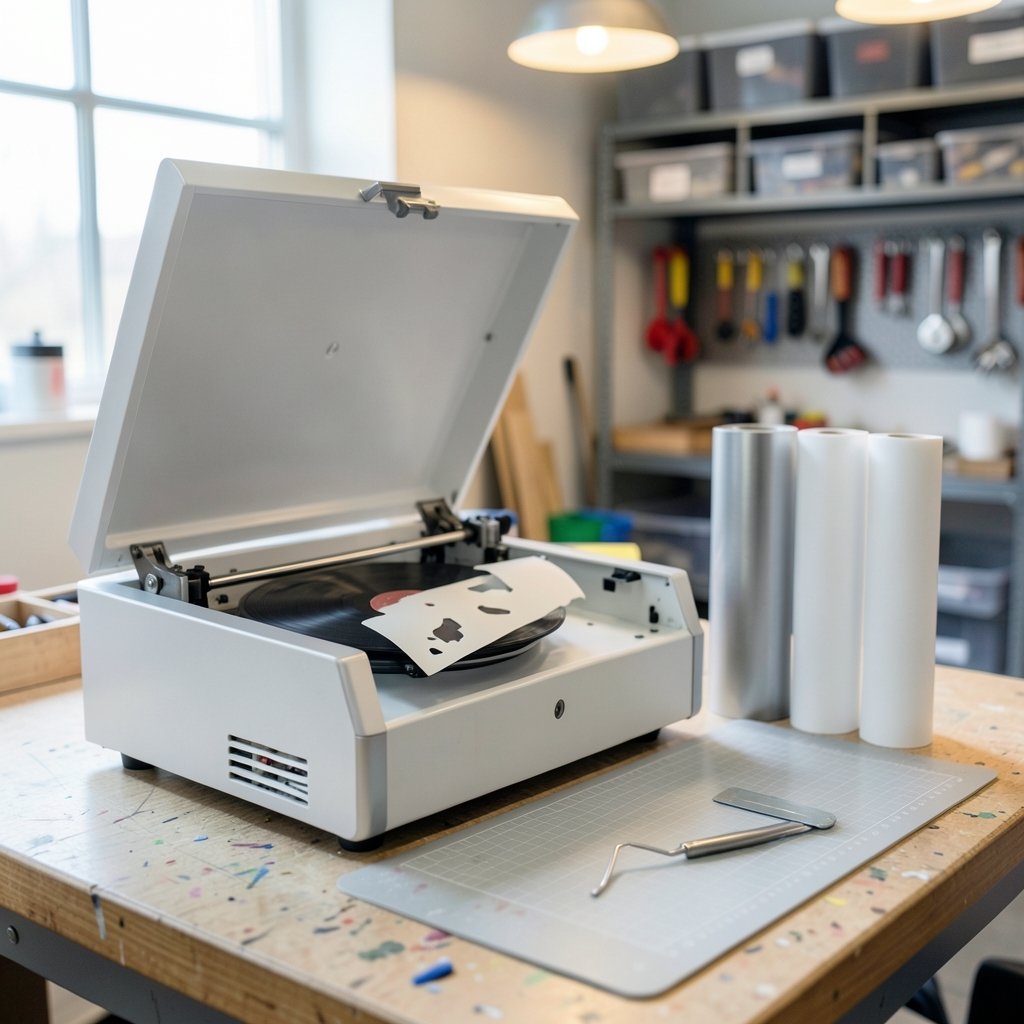
What if the machine that turns a $3 sheet of vinyl into a $25 custom tumbler costs less than a decent pair of sneakers? That is the promise of the budget vinyl cutter market, and it is mostly true, with a few sharp edges. The cheapest machines cut real adhesive vinyl and heat-transfer vinyl just fine. What separates a smart purchase from a frustrating one is rarely the motor. It is the software, the width of the material the machine accepts, and the cost of the blades and mats you will buy again and again. This guide walks through what budget machines actually do well, where they cut corners, and how to pick one without regret.
What Counts as “Budget” in This Category
For hobby cutters, budget generally means under roughly $250. Three machines define the floor of the market: the Cricut Joy, launched in March 2020 as Cricut’s smallest and least expensive cutter; the Silhouette Portrait, Silhouette’s entry-level model, with the Portrait 3 released around 2020 cutting material up to about 8 inches wide; and entry-level Brother ScanNCut units, which sit above the cheapest options but include a built-in scanner for cutting around printed images.
The pattern is consistent across all three. You pay for a narrower cut width, a smaller material feed, and a lighter-duty motor than the mid-range machines. You do not pay less for software, because the software is where the real business model lives.
| Machine | Roughly cuts | Best for | Watch out for |
|---|---|---|---|
| Cricut Joy | Small, narrow cuts; cards and labels | Quick one-off projects in tight spaces | Uses narrower Smart Materials; cannot cut wide rolls |
| Silhouette Portrait | Material up to about 8 inches wide | Buyers who want design control and SVG import | Free software tier is limited; upgrades cost extra |
| Brother ScanNCut (entry) | Standard hobby widths | Cutting around printed images without a scanner | Priced above the cheapest Cricut and Silhouette units |
Treat every price here as a starting point, not a quote. Product lines shift constantly, and a “best budget” list is only as good as its assessment date. Always check the manufacturer’s spec page rather than a retailer listing.
The Hidden Cost Nobody Mentions: Software

Here is the mistake almost every first-time buyer makes. They compare machine prices, pick the cheapest, and discover two weeks later that the software will not import an SVG file without a paid upgrade.
Silhouette Studio ships in a free Basic Edition; paid tiers such as Designer Edition add features including SVG import. That is not a scam, but it is a real line item. If your workflow depends on files purchased from design marketplaces—typically SVGs—the machine price plus the software upgrade is your true entry cost.
Cricut Design Space is free and required. In March 2021, Cricut announced a plan to cap free uploads at 20 images per month, then reversed the decision within days after widespread backlash. The episode is worth remembering. When a machine depends on proprietary cloud software, the terms can change after you buy. Budget buyers should weigh that risk as well as the sticker price.
The practical move: before purchasing, download the free software tier for each candidate machine and try to open a real SVG and a real PNG. Ten minutes of testing tells you more than any spec sheet.
Consumables Will Outspend the Machine
Blades, mats, and vinyl are recurring costs, and they add up faster than most people expect. A cutting mat loses its tack after enough passes. A blade dulls. Brand-specific materials cost more than third-party equivalents.
Siser is a major vinyl and HTV brand, and third-party vinyl is generally cheaper than first-party material. It works with Cricut and Silhouette machines, though you may need to adjust cut settings manually and run a test cut. That manual tuning is the trade-off for the savings, and it is worth learning early.
A few habits that actually work in practice:
- Buy a multi-pack of blades from a reputable third-party seller and label each one with the date you started using it.
- Keep two mats: one for clean vinyl, one for anything that leaves residue.
- Wash and re-tack mats with a light rinse and air dry before replacing them.
- Run a small test cut on every new vinyl brand before committing a full sheet.
If you are already comparison-shopping budget gear, the same discipline applies to other purchases. The logic behind which budget gaming chairs are worth buying without regret is identical: the cheap option is only cheap if the consumables and wear items do not eat the savings.
Adhesive Vinyl vs. HTV: Match the Machine to the Material
Budget cutters handle two main material families. Adhesive vinyl comes in permanent and removable versions and is used for decals, labels, and wall art. Heat-transfer vinyl (HTV) is pressed onto fabric with heat and is the backbone of custom shirt projects.
Machine capability and blade type affect which materials a given model can cut cleanly. Thicker materials and specialty films may exceed what an entry-level machine handles well. Check material compatibility per model on the manufacturer’s page rather than assuming.
The Cricut Joy is the clearest example of a design trade-off. Its narrow Smart Materials format is convenient and mess-free, but it limits you to that ecosystem’s widths. If your projects are cards, labels, and small decals, that is fine. If you want to cut a 12-inch-wide shirt design, it is the wrong machine, no matter how good the price looks.
Where Budget Machines Genuinely Win
It would be easy to read this as a list of compromises. It is not. For a large share of hobby projects, a budget cutter is the correct tool.
Small decals, labels, cardstock cards, planner stickers, and one-color HTV designs all fall comfortably inside entry-level capability. The Cricut Joy was designed precisely for small, quick cuts, and it does that job well. The Silhouette Portrait’s roughly 8-inch width covers most home projects. And the ScanNCut’s built-in scanner solves a specific problem, cutting around printed images, without a separate scanner purchase.
Where budget machines lose is volume and width. If you plan to sell products, cut wide rolls daily, or work with heavy specialty materials, the entry tier will bottleneck you within months. In that case, saving for a mid-range machine is the budget-smart decision.
How Budget Cutting Machines Compare to Other Budget Tech Purchases
There is a useful parallel in how people shop for other constrained-budget gear. A laptop buyer weighing a Lenovo Xiaoxin 14 SE and other Intel Wildcat Lake budget laptops faces the same core question: which spec can I accept a downgrade on, and which one will I regret? For a cutter, the answer is almost always software and cut width. Those are the specs you cannot upgrade later.
The same applies to subscription-based tools. Anyone mapping out a realistic AI ad generator budget for 2026 quickly learns that the monthly fee, not the entry price, drives total cost. Cutting machines follow that pattern through software tiers and consumables.
And if you are the type who likes to understand the machinery itself before buying, a look at how a die cutting machine cuts and who it is for clarifies the difference between press-based die cutting and blade-based vinyl cutting. They are different tools with overlapping craft audiences, and knowing which one your project needs prevents an expensive misfire.
A Practical Buying Checklist
Before you click buy, run through these steps in order. They take about an hour and save real money.
- List five real projects you want to make in the next three months. Note the widest material each requires.
- Check the cut width of each candidate machine against that widest project.
- Download the free software for each candidate and attempt an SVG import and a PNG import.
- Price the consumables: one spare blade, one spare mat, and a starter vinyl pack for each machine.
- Add the software upgrade if your workflow needs it, and compare the true totals.
- Confirm the model is current on the manufacturer’s site, not a retailer’s clearance listing.
- Check the return window and cut a test project within it.
Step seven is the one people skip. A machine that struggles with your actual material is better discovered in week one than in month three.
Common Mistakes That Cost Budget Buyers Money
The most frequent error is buying for the discount rather than the project. A $180 machine that cannot cut your intended width is a $180 mistake. The second is ignoring software lock-in until after the return window closes. The third is buying first-party materials out of fear, when third-party vinyl plus a test cut usually performs fine.
A fourth mistake deserves its own line: assuming a lower price means a lesser machine. In this category, the cheapest models are often purpose-built for small work rather than stripped-down versions of bigger ones. The Cricut Joy is not a crippled Explore. It is a different tool with a different job.
Conclusion
The best budget vinyl cutting machine is not the cheapest one on the shelf. It is the one whose cut width matches your widest realistic project, whose software opens the files you actually use without a surprise upgrade, and whose consumables you can afford to replace. For small decals, cards, and labels, the Cricut Joy and Silhouette Portrait cover most hobby needs at entry prices. For cutting around printed images, an entry ScanNCut earns its premium. Decide on software and width first, price the blades and mats second, and the machine choice becomes obvious. Then cut a test project inside the return window, because that is the only review that counts.
Frequently Asked Questions
Is a cheap vinyl cutting machine worth it for beginners?
Yes, for most beginners. Entry-level machines handle small decals, labels, cards, and simple HTV designs well. The key is matching the machine’s cut width to your projects and confirming the free software tier opens the file types you use. If your projects stay small, a budget machine is the right first purchase.
Do I need to pay for software to use a budget cutter?
Often, though not always, and usually for specific features. Silhouette Studio’s free Basic Edition covers core cutting, while paid tiers add capabilities such as SVG import. Cricut Design Space is free and required. Test the free tier with your own files before buying so you know your true total cost.
How much do blades and mats add to the cost over a year?
It depends on volume, but consumables are a real recurring line item. Mats lose tack and blades dull with use. Budget for at least one spare blade and one spare mat, plus vinyl, and expect to replace them periodically. Buying blades in multi-packs and maintaining mats extends their life.
Can budget machines cut heat-transfer vinyl for shirts?
Most can cut HTV, but check material compatibility for the specific model. Narrow-format machines like the Cricut Joy are limited by their material width, which constrains design size. If shirt designs are your main goal, prioritize cut width over a lower price.
Is third-party vinyl safe to use in Cricut and Silhouette machines?
Generally yes. Third-party vinyl, including brands like Siser, is widely used with both machines and costs less than first-party material. The trade-off is that cut settings may need manual adjustment. Always run a small test cut on a new vinyl brand before cutting a full sheet.
What is the biggest risk of buying the cheapest machine?
Software lock-in and width limits. Terms can change after purchase, as the 2021 Cricut upload-limit episode showed before it was reversed. And a machine that cannot cut your intended width cannot be upgraded later. Confirm both before you buy, and test within the return window.



