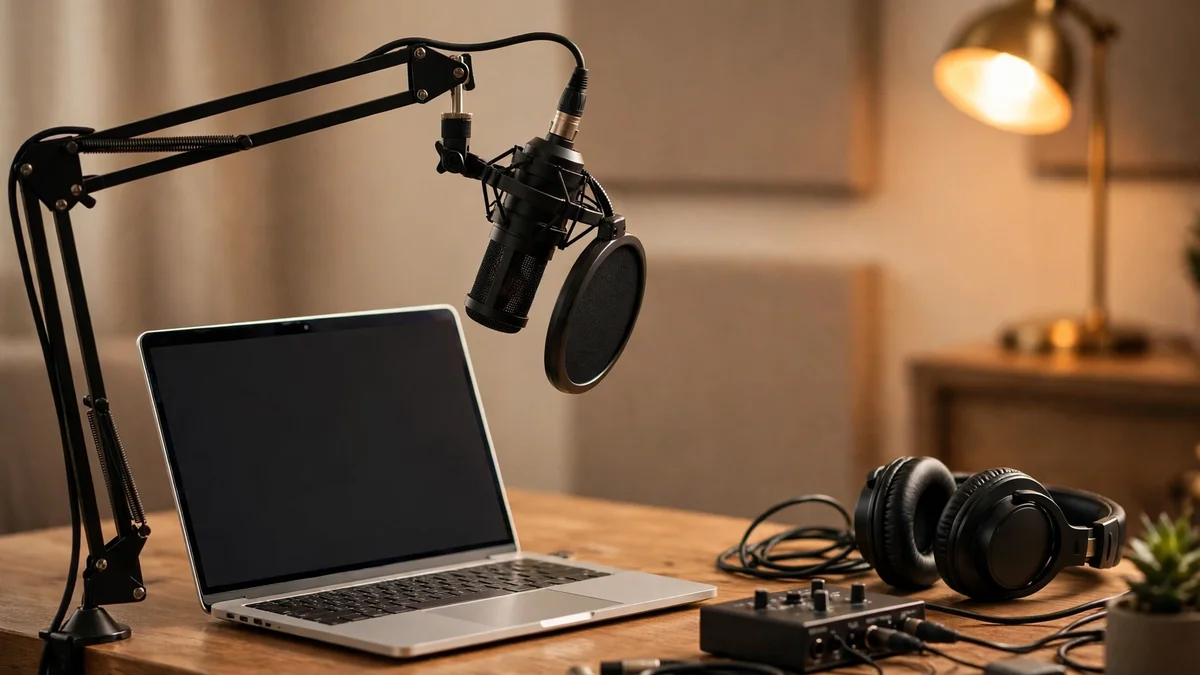
A single podcast episode can mean gigabytes of raw audio: multi-track recordings, backup takes, edited masters and show notes. Multiply that by a weekly schedule and a back catalogue, and a podcaster needs cloud storage that handles large audio files, shares them with editors and co-hosts, and never loses a take. The best cloud storage for podcasters does all of that without a complicated setup.
The picks below were chosen for audio work: generous space, fast uploads, easy sharing with collaborators, and media features that make finding an old episode simple. Prices are starting prices and are approximate — check current pricing before buying.
Google Drive leads for its free tier and collaboration, Dropbox is the best for sharing large audio files with an editor, and pCloud is the best value for a growing back catalogue thanks to its lifetime plans.
Key takeaways
- Google Drive is the best overall pick for podcasters: 15 GB free and the easiest sharing with co-hosts and editors.
- Dropbox is the best for sending large audio files, with reliable sync and file requests that need no account.
- pCloud is the best value for a growing back catalogue, with lifetime plans that pay for themselves.
- Raw audio takes more space than you think — a weekly show can use 100 GB in a year.
- Sharing should be simple: an editor needs a link, not an account and a tutorial.
- Version history saves you when an edit goes wrong or a file is overwritten.
At a glance: the shortlist
| Product | Best for | Starting price | Standout limit |
|---|---|---|---|
| Google Drive | Best overall | 15 GB free; from $1.99 a month for 100 GB | 15 GB shared across all Google services |
| Dropbox | Best for sharing | 2 GB free; Plus from $9.99 a month | Free tier is only 2 GB |
| Microsoft OneDrive | Best for Microsoft users | 5 GB free; from $1.99 a month for 100 GB | Free tier is only 5 GB |
| Apple iCloud | Best for Apple users | 5 GB free; from $0.99 a month for 50 GB | Weak on Windows and Android |
| pCloud | Best lifetime value | 10 GB free; from $4.99 a month | Encryption add-on costs extra |
| Sync.com | Best for privacy | 5 GB free; from $8 a month | Slower sync than rivals |
| MEGA | Best free tier | 20 GB free; from $5.40 a month | Transfer limits on free accounts |
Google Drive — Best overall
Google Drive is the default cloud storage for most people because it is built into Gmail, Google Docs and Android, and its 15 GB free tier is the most generous of the big names. Sharing is simple, search is excellent, and collaboration in Docs, Sheets and Slides happens in real time. Paid plans through Google One add more space, family sharing and extra features like a VPN. Google Drive’s 15 GB free tier and simple sharing make it the easiest place to store episodes and share them with a co-host or editor.

Designers handling large media files should also compare cloud storage for designers — it covers the same large-file problems.
Pros: Generous free tier; best collaboration tools
Cons: 15 GB is shared across Gmail and Photos; privacy concerns
Dropbox — Best for sharing
Dropbox invented modern cloud sync and it still does it best: files appear on every device quickly and reliably, Smart Sync keeps big folders off your hard drive, and file requests let other people send you files without an account. Version history and deleted-file recovery save you when something goes wrong, and Paper adds simple document collaboration. Dropbox’s sync is the most reliable for large audio files, and file requests let a guest send you their recording without an account.
Pros: Best sync reliability; easy file sharing and requests
Cons: Small free tier; pricier than rivals for the same space
Microsoft OneDrive — Best for Microsoft users
OneDrive is the natural choice for anyone who lives in Word, Excel and Outlook, because files open and save directly in the Office apps and version history is built in. Personal Vault adds an extra layer of protection for sensitive files, and ransomware detection can help you roll back after an attack. Microsoft 365 plans bundle 1 TB of storage with the Office apps. OneDrive suits podcasters already using Microsoft tools, with 1 TB bundled into Microsoft 365 plans.
Pros: Great with Office apps; Personal Vault for sensitive files
Cons: Free tier is only 5 GB; sync quirks on Mac
Apple iCloud — Best for Apple users
iCloud is invisible on iPhone, iPad and Mac: photos, documents and device backups sync without any setup, and shared albums make it easy to share memories with family. The entry price is the cheapest of any major service at $0.99 a month for 50 GB. It is the obvious pick for people whose devices are all Apple, though Windows and Android support is limited. iCloud is the natural choice for podcasters who record on iPhone and edit on Mac, with seamless sync between devices.
Pros: Seamless on Apple devices; cheapest entry price
Cons: Weak on Windows and Android; free tier is only 5 GB
pCloud — Best lifetime value
pCloud stands out with lifetime plans: pay once and keep the storage forever, which works out far cheaper than a monthly subscription over a few years. It has a built-in media player, file versioning and a virtual drive that keeps files off your hard drive. Client-side encryption is available as an add-on, and uploads and downloads are fast. pCloud’s lifetime plan is the best value for a show with a growing back catalogue — pay once and stop worrying about monthly bills.
Pros: Lifetime plan option; good media features
Cons: Encryption costs extra; uploads can be slow at times
Sync.com — Best for privacy
Sync.com encrypts everything with zero-knowledge encryption, which means only you can read your files, and it is based in Canada with strong privacy laws. Sharing controls are detailed, team plans include admin tools, and the service is a good fit for anyone handling sensitive documents. The trade-off is sync that can feel slower than Dropbox or Google Drive. Sync.com’s zero-knowledge encryption suits podcasters handling sensitive interviews or unreleased material.
Pros: Strong zero-knowledge privacy; detailed sharing controls
Cons: Slower sync; no lifetime plan
MEGA — Best free tier
MEGA offers the biggest free tier of any major cloud storage service at 20 GB, with end-to-end encryption on everything you upload. It also includes secure chat and video calls, which makes it a handy all-in-one for small teams. Paid plans add more space and higher transfer limits, and the apps work well on desktop and mobile. MEGA’s 20 GB free tier is the biggest free option, with end-to-end encryption on every file.
Pros: Biggest free tier; strong end-to-end encryption
Cons: Transfer limits on free accounts; support can be slow
How to choose
Start with space and upload speed. Raw audio is large, so check the storage limit and whether uploads are throttled — a service that slows big files will waste an evening after every recording session. Then check sharing: your editor needs a simple link, not an account, a password and a tutorial.
Then think about the back catalogue. A show that has run for two years may hold hundreds of gigabytes, so a lifetime plan like pCloud’s or a 1 TB plan like OneDrive’s can work out cheaper than a small monthly plan that you outgrow in six months.
Video podcasters need even more space — our guide to cloud storage for videographers covers large video files and fast uploads.
Finally, test the service with a real folder of your actual files. Upload speeds, sync reliability and sharing controls vary more in practice than in marketing, and a week-long trial will show you the truth.
Common mistakes to avoid
Most people who regret a purchase made one of these mistakes — all of them are easy to avoid.
- Treating cloud storage as a backup — sync can delete files everywhere at once.
- Sharing a folder with edit access when view-only would do.
- Ignoring upload limits until a large file fails halfway through.
- Paying for a plan that is too small and hitting the limit mid-project.
- Forgetting to check whether the service meets your institution’s data rules.
- Never checking version history settings until a file is already lost.
Checklist: before you pay
- Estimate your yearly audio volume before choosing a plan.
- Check upload speeds with a real episode file.
- Make sure sharing links work without an account.
- Confirm version history keeps at least 30 days.
- Look at the price per terabyte for a growing catalogue.
- Keep a local backup of raw recordings as well.
Frequently asked questions
How much storage does a podcast need?
A weekly show with raw multi-track audio can use 100 GB in a year, and a back catalogue adds more. Start with at least 100 GB and choose a plan that can grow to 1 TB or more.
What is the best way to share audio with an editor?
A shareable link with download access is simplest. Dropbox file requests are ideal because the editor needs no account, and Google Drive links work well for regular collaborators.
Should I keep raw recordings or just the finished episode?
Keep the raw recordings. A finished episode cannot be re-edited, and raw files are your only protection if a master is lost or corrupted.
Storage is not backup — pair your cloud drive with one of the cloud backup services for creators so a lost episode is never lost forever.
Is cloud storage a backup for my podcast?
Not on its own. Keep a local copy of raw recordings as well, or use a dedicated backup service, so a sync error never loses an episode.
Which service is cheapest for a big back catalogue?
pCloud’s lifetime plans are the cheapest over two or more years. For monthly plans, OneDrive’s 1 TB bundle with Microsoft 365 is good value.
Can I store video versions of my podcast too?
Yes, but video files are far larger than audio. A 1 TB or 2 TB plan is the minimum for video, and Dropbox and Google Drive handle large video uploads well.
The bottom line
For most podcasters, Google Drive is the right starting point: 15 GB free, simple sharing and no learning curve. If your back catalogue is growing fast, pCloud’s lifetime plan is the better long-term buy.
Set up a folder per episode, keep raw recordings as well as masters, and keep a local copy too. A lost episode is a lost week of work — storage is the cheapest insurance a podcaster can buy.