
Quick Answer: What are the best data recovery companies for startups?
There is no single best data recovery company, but the labs most often named for startup work are DriveSavers, Ontrack (Kroll), Seagate Recovery Services, Gillware, and ACE Data Recovery. Each runs cleanroom labs and offers free or low-cost evaluations, so the practical move is to get two or three quotes before shipping any media. (Data loss prevention vs alternatives actually protects)
The bigger distinction is between logical recovery (deleted files, corrupted partitions) and physical recovery (failed heads, dead controllers, damaged flash). Logical cases can often be handled by software or a local IT shop; physical cases need a lab.
Before acting, compare evaluation fees, no-data-no-fee terms, turnaround tiers, NDA and chain-of-custody terms, success rates for your specific drive type, and certification status you can verify independently.
Why a startup’s recovery problem looks different

Picture the moment: a founder’s laptop won’t boot, the only copy of the investor deck and the customer contract database lives on it, and the “backup” turns out to be a folder that synced the deletion everywhere. That is not a hypothetical. It is one of the most common ways small teams lose data, and it is exactly the situation where the choice of recovery company starts to matter.
Startups tend to hit three specific pressures that larger companies don’t. First, the data is concentrated. A ten-person team may have every legal document, every customer record, and the entire product roadmap on two or three machines. Second, there is usually no formal IT department to run triage. Third, the clock is brutal: a two-week standard turnaround can mean a missed funding round or a breached customer contract.
That combination is why picking a recovery vendor deserves more thought than a panicked search from a phone in a coffee shop. The good news is that the industry has fairly consistent norms, and once you know what to ask, the shortlist narrows fast.
The labs startups most often shortlist
The names below come up repeatedly in recovery industry discussions and have been established for years. Rankings, ownership, and service lines change, so treat this as a starting point for quotes rather than a final ranking.
| Provider | Known for | Worth checking |
|---|---|---|
| DriveSavers | Long-established lab, broad media coverage, strong marketing presence | Current pricing tiers, NDA terms, whether your drive type is in scope |
| Ontrack (Kroll) | Global footprint, enterprise and legal-sector work | Whether your case routes to a local or regional lab |
| Seagate Recovery Services | Manufacturer-backed service, in-house tooling | Whether non-Seagate media gets the same treatment |
| Gillware | Mid-market positioning, published data-loss statistics | Current turnaround guarantees |
| ACE Data Recovery | Broad device coverage including older and niche media | Evaluation fee structure |
A few practical notes on reading that table. Manufacturer-backed services have an obvious advantage with their own hardware and an obvious question mark with everything else. Large global firms are excellent for chain-of-custody-heavy cases but can feel bureaucratic for a single failed laptop. Smaller regional labs can be faster and cheaper but may lack the chip-off equipment that modern flash recovery demands.
The honest answer is that for most startups, the difference between the top five matters far less than the difference between “a real lab” and “a shop that runs free software and calls it recovery.”
What actually separates a real lab from a reseller
This is where most startups get burned. A company that advertises data recovery may be one of three things: a full lab with cleanroom and engineering staff, a broker that forwards your drive to someone else, or a software vendor with a support line.
Ask directly. A real lab will tell you what equipment it uses, whether it does chip-off work in-house, and what happens to your drive on arrival. A broker will get vague.
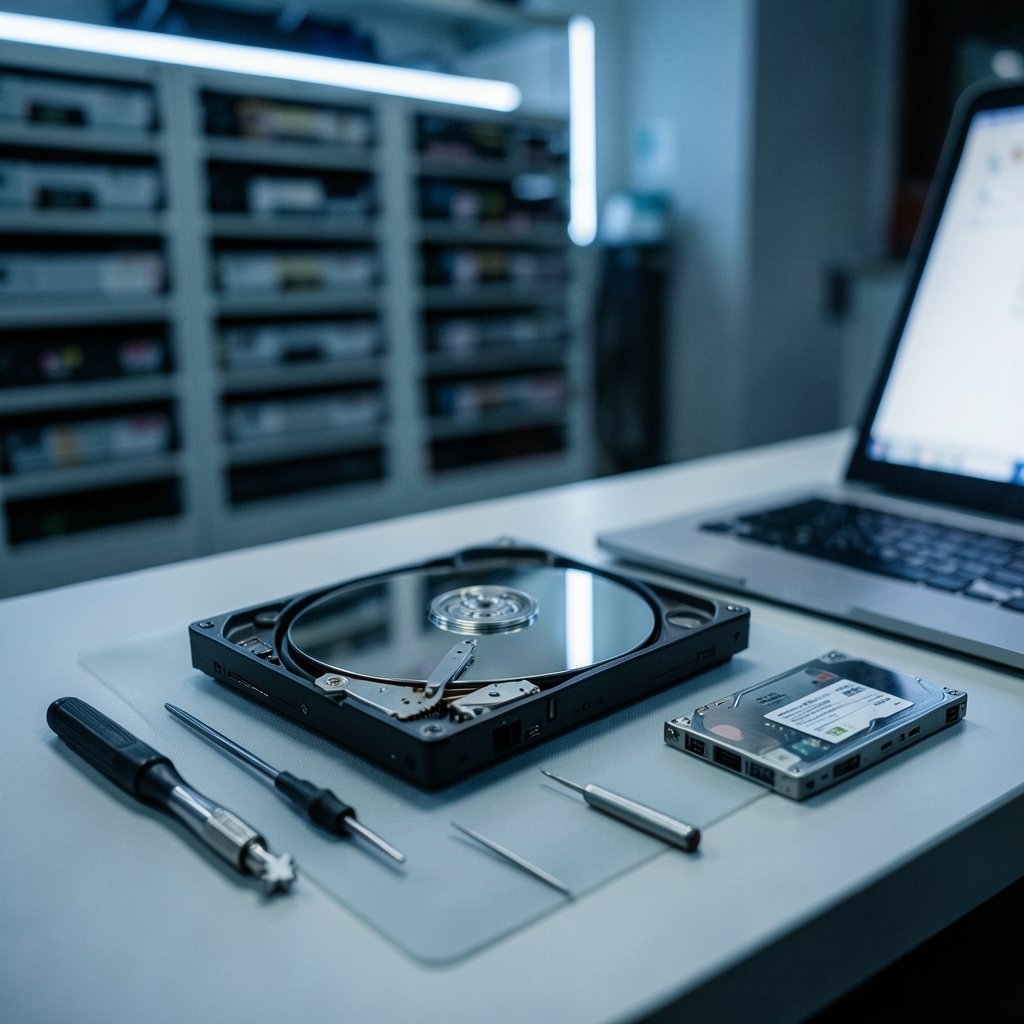
Cleanroom classification is the clearest single signal. Hard drive platter work requires controlled particulate levels, and the benchmark most labs cite is ISO Class 5, defined under the ISO 14644-1 cleanroom standard. That standard was first published in 1999 and revised in 2015, and it classifies air cleanliness by particle concentration. A lab claiming cleanroom work should be able to say which class and show the certificate.
Certifications are the second signal, and they need verification. ISO/IEC 27001 covers information security management, originally published in 2005 with the current revision in 2022. SOC 2 reports cover controls relevant to security and confidentiality. Both matter enormously when your failed drive contains customer personal data. Do not trust a badge on a website; ask for the certificate number and confirm it with the issuing body.
If your team is already thinking about how data gets classified and protected internally, the same discipline applies here. The distinctions between data governance, DSPM, and DLP workflows are a useful mental model for deciding what a recovery vendor should be allowed to see and log.
The SSD problem nobody warns you about
Here is the uncomfortable truth that should shape your expectations: solid-state drives are harder to recover than spinning disks, often much harder.
Three mechanisms are responsible. TRIM tells the drive to erase blocks that the operating system no longer needs, which can destroy deleted data within minutes. Wear leveling constantly shuffles data across cells, so logical addresses no longer map cleanly to physical locations. And encryption, now standard on most modern laptops, means that even a successful chip-off extraction yields ciphertext unless the key is recoverable.
The practical consequence for a startup on all-flash hardware is a lower success rate and a higher quote than an equivalent hard drive case. Budget for that reality. If your team relies on portable SSDs or NVMe laptops, the recovery conversation should happen before a failure, not after.
There is also a storage-hygiene angle worth knowing. When people ask how to format a USB drive on Windows 11 without losing data, the underlying lesson is the same one that governs recovery: understand what the operation does to the underlying blocks before you run it. Quick formats and full formats behave very differently, and neither is a substitute for a copy.
Costs, turnaround, and the no-data-no-fee norm
Most reputable labs offer free or low-cost diagnostics, and many operate a no data, no fee policy. Confirm this in writing before you ship anything. It is the single most valuable term in the agreement, because it caps your downside on a case that may not be recoverable at all.
Turnaround usually comes in tiers. Standard service tends to run roughly one to two weeks. Emergency service can compress that to 24 to 72 hours, and emergency pricing is often several times the standard rate. For a startup, the calculation is usually straightforward: if the data is tied to a live contract or a closing, the expedite fee is cheap; if it is a secondary archive, it is not.
One cost comparison deserves a place in every founder’s head. A single physical recovery job frequently costs more than years of proper backup infrastructure. The 3-2-1 rule (three copies of data, on two different media types, with one copy off-site) is the standard recommendation, and it is documented in contingency planning guidance such as NIST SP 800-34 and public-sector backup advice from CISA. A startup that spends on recovery but not on redundancy is paying the expensive price for the cheap problem.
Chain of custody, NDAs, and the legal side startups forget
If the drive holds customer personal data, the recovery vendor becomes part of your data processing chain. Under the GDPR, Regulation (EU) 2016/679, in force since 2018, that relationship carries obligations around processor agreements, security, and breach notification. US state breach-notification laws add their own timelines.
Three documents should exist before media leaves your office: a signed NDA, a written chain-of-custody log that records every handoff, and a clear statement of who has access to the data and when it gets destroyed. Reputable labs handle this routinely. If a vendor resists, that is your answer.
Plan now for what happens after recovery. Restored data that lands on an unsecured machine is a second incident waiting to happen. If the recovered material includes credentials or customer records, treat the restore as a security event rather than a routine file copy. Apply the same care you use when removing malware from an Android device step by step: verify, scan, and only then put the data back into production.
A practical shortlist process for a small team
When the drive fails, panic is the enemy. Here is a sequence that works.
- Stop using the device immediately. Every additional spin-up or write cycle reduces the odds. Do not run “free recovery” tools on the original drive; image it first if you have the skills, otherwise leave it alone.
- Classify the failure. Does the drive spin up? Click? Show up in BIOS? Is it SSD or HDD? This determines which labs are even relevant.
- Call three labs. Ask about evaluation fees, no-data-no-fee terms, turnaround tiers, and experience with your exact drive model.
- Verify certifications independently. Ask for ISO/IEC 27001 and SOC 2 evidence and confirm it.
- Sign the paperwork before shipping. NDA, custody log, and a written quote with the fee cap.
- Fix the root cause the same week. Order the backup tooling, set up off-site copies, and write down the policy.
Teams that already run a serious customer success platform for SaaS companies over 500 customers tend to have this discipline baked in, because customer data governance is part of their daily operations. Smaller teams have to build it deliberately.
One more practical tip that saves real money: keep a spare identical drive or at least a documented hardware inventory. Knowing the exact model, controller, and encryption scheme shaves time off every quote and improves the odds of a clean recovery.
Conclusion
The best data recovery company for a startup is not the one with the biggest ad budget. It is the lab that answers your questions directly, quotes you in writing with a no-data-no-fee term, verifies its cleanroom class and security certifications, and has genuine experience with your specific drive technology. DriveSavers, Ontrack, Seagate Recovery Services, Gillware, and ACE Data Recovery are reasonable places to start collecting quotes, but the shortlist should be built on verified answers rather than brand recognition.
The deeper lesson is that recovery is a fallback, not a strategy. All-flash hardware, encrypted laptops, and cloud sync that propagates deletions have made data loss faster and recovery harder than it was a decade ago. A startup that invests an afternoon in a 3-2-1 backup setup will almost never need this article’s advice. A startup that doesn’t will eventually need all of it, under deadline pressure, with the clock running.
FAQ
How much does data recovery typically cost for a startup?
Quotes vary widely by failure type and drive technology, and emergency service often costs several times the standard rate. Physical failures on solid-state media generally run higher than hard drive cases. Always ask for a written quote with a fee cap and confirm the no-data-no-fee policy before shipping.
Is free data recovery software ever good enough?
For simple logical failures, such as accidentally deleted files on a healthy drive, recovery software can work. It is a poor choice for drives that click, aren’t detected, or contain critical data, because running software on a failing drive can make physical damage worse. Image the drive first if you go that route.
Why is SSD recovery harder than hard drive recovery?
TRIM commands erase unused blocks quickly, wear leveling breaks the link between logical and physical addresses, and built-in encryption means extracted chips may yield only ciphertext. That combination lowers success rates and raises costs compared with traditional spinning disks.
What certifications should a recovery lab have?
Look for ISO/IEC 27001 for information security management and SOC 2 reports covering security controls. For physical work, ask which ISO 14644-1 cleanroom class the lab operates at. Verify certificate numbers with the issuing body rather than trusting a logo on a website.
How long does recovery usually take?
Standard service typically runs about one to two weeks. Emergency tiers can compress that to 24 to 72 hours at a significant premium. Ask for the specific tier in writing, and confirm whether the clock starts at receipt of the drive or at approval of the quote.
What should a startup do before shipping a drive to a lab?
Stop using the device, classify the failure, get three quotes, and sign an NDA plus a chain-of-custody log. Confirm the no-data-no-fee term and the fee cap in writing. Then fix the underlying backup gap the same week, so the next failure is an inconvenience rather than an emergency.



