

What happens when two people on a three-person team edit the same logo file, save it under two different names, and email both versions to a client? If you have lived through that, you already know why this topic matters. Small teams do not fail at design because they lack talent. They fail because the handoff between designer, marketer, and client runs on email attachments and hope. The right collaboration tool fixes that. The wrong one adds another subscription and another login nobody remembers.
This guide looks at what small businesses genuinely need from design collaboration software, which categories of tools fit which jobs, and the practical mistakes that make even good tools useless.
Start With the Job, Not the Tool
The biggest mistake small businesses make is shopping by brand name. A four-person agency and a ten-person product team have almost nothing in common in their design workflow. Before comparing anything, answer three questions.
What are you actually collaborating on? Logos and brand assets need versioning and approval. Website mockups need commenting and handoff. Social graphics need fast template editing by non-designers. Workshop ideas need a whiteboard. These are different problems.
Who needs access? If clients or freelancers must view, comment, or approve work, guest access matters more than any feature list. If only internal staff touch files, you can simplify.
How do files leave the tool? A tool that locks your assets into a proprietary format becomes expensive the day you switch. Check export options before you commit, not after.
A useful rule of thumb: pick the tool that removes the most email threads from your week. For most small teams, that is a commenting and versioning layer, not another drawing app.
The Main Categories of Design Collaboration Tools
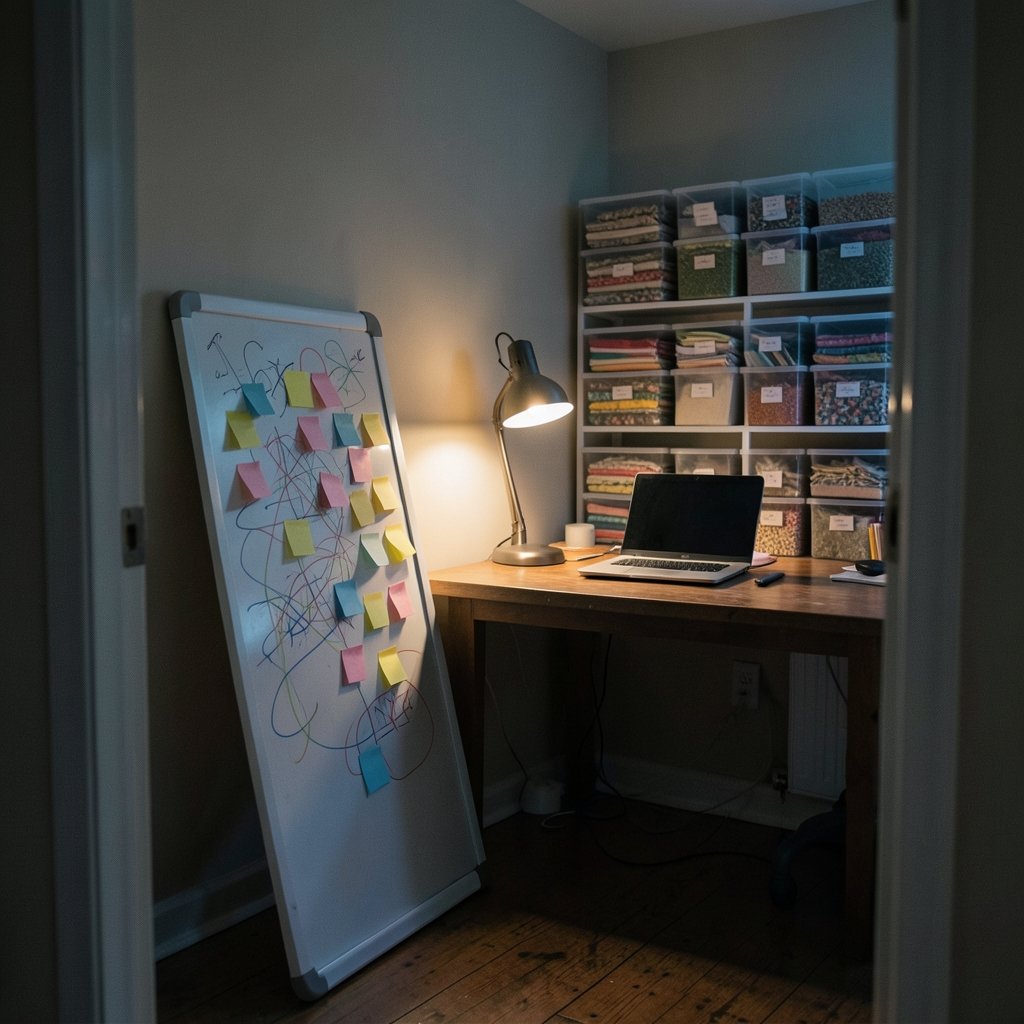
Design collaboration is not one product category. It splits into a handful of distinct jobs, and most small businesses need two or three of them, not one do-everything platform.
| Category | Core job | Best fit for |
|---|---|---|
| Whiteboard and ideation | Sketch ideas together in real time | Workshops, early concepts, remote brainstorming |
| Interface design and prototyping | Build screens, comment, hand off to developers | Product teams, web agencies |
| Brand and asset management | Store, version, and share approved files | Marketing teams, agencies with many clients |
| Template and quick-edit tools | Let non-designers produce on-brand graphics | Solo marketers, social media managers |
| Async review and annotation | Collect feedback on images, PDFs, and video | Anyone with client approval steps |
Trying to force one tool to cover all five is where budgets leak. A small business is usually better off with a focused whiteboard, a focused design file tool, and a shared asset library than with a single bloated suite.
Whiteboards: Where Ideas Get Shared
Whiteboard tools have become the default starting point for remote planning. Their real value for a small business is not drawing. It is shared context: everyone sees the same messy sketch at the same time, and nobody has to describe it in a call.
What to look for: unlimited boards on the free tier, guest links that do not require an account, and a clean export to PDF or image. What to skip: advanced diagramming features nobody on your team will open twice.
A common mistake is running every meeting on a whiteboard. Whiteboards are great for divergent thinking and terrible for decisions. Once a direction is chosen, move the work into a file-based tool with version history.
Interface Design and Prototyping
If your business builds websites or apps, this is the category that earns its subscription. Modern interface tools combine design, commenting, and developer handoff in one place, so a developer can inspect spacing and colors without asking the designer for a spec sheet.
The practical benefit for small teams is fewer translation errors. When the developer sees the actual file, the gap between design intent and build shrinks. Look for comment threads that resolve, version history you can roll back, and a handoff view that shows measurements.
If your team also writes code, pairing these tools with a coding assistant can speed up the build phase considerably. There are practical comparisons of the best AI coding assistants for small businesses in 2026 that cover which ones handle front-end work well.
Asset Libraries and Brand Management
This is the unglamorous category that saves the most time. A shared asset library means the logo exists in one place, in the right formats, with the right colors, and everyone links to it instead of hunting through folders.
For agencies juggling multiple clients, this is non-negotiable. For a small business with one brand, a well-organized shared drive plus clear naming rules can do the job. The tool matters less than the discipline: one folder per brand, one file per asset, one owner.
Version naming is where teams slip. Agree on a convention such as project-name-asset-version-date, and enforce it. It sounds fussy until the first time you need to prove which logo the printer received.
Template and Quick-Edit Tools
Not everyone on your team is a designer, and that is fine. Template tools let a marketing coordinator resize a social post or swap a photo without breaking the layout. The trade-off is control: templates constrain creativity in exchange for consistency.
These tools overlap heavily with general design platforms, so it pays to compare by use case rather than by brand. A breakdown of Canva alternatives matched to real use cases is a sensible starting point if you are weighing options.
One practical tip: build a small library of approved templates and lock the brand elements. The moment anyone can change the font, your brand consistency quietly disappears.
How to Choose Without Overspending
Small businesses rarely have a procurement team, so tool selection often falls to whoever is most enthusiastic. That works, but only with a short, honest evaluation.
- List the three workflows that generate the most friction. Not the ones you imagine, the ones that caused a real delay last month.
- Trial two tools per workflow, not ten. A two-week trial with real project files beats a month of demos.
- Test guest access first. Invite a real client or freelancer on day one. If onboarding takes more than five minutes, note it.
- Check the export path. Export a finished file and open it in another program. If it breaks, you have found your lock-in risk.
- Count the seats you actually need. Free tiers usually limit editors, not viewers. Know which of your people must edit.
- Set a review date. Revisit the stack every six months. Feature sets and free-tier limits change often, and a tool that fit last year may not fit now.
A useful sanity check: if a tool cannot be explained to a new hire in one sentence, it will not be used consistently.
Practical Tips That Separate Smooth Teams From Chaotic Ones
Tools do not fix process. These habits do more for small teams than any upgrade.
Name one owner per file. Shared ownership means nobody owns it. Assign a single person responsible for the final version.
Separate exploration from approval. Let people comment freely on early work, then switch to a clear approval step. Mixing the two produces endless polite revisions.
Write feedback as actions, not opinions. “Move the headline up and reduce it to two lines” gets done. “Feels a bit heavy” starts a thread.
Keep client-facing links tidy. One link per project, with permissions set deliberately. Sending a new link every revision is how wrong versions reach printers.
Archive, do not delete. Old versions cost nothing to keep and save hours when someone asks what changed.
Limit the stack. Every additional tool is another place feedback can hide. Three well-used tools beat eight half-used ones.
Where AI Fits, and Where It Does Not
AI features have spread into nearly every design tool, and small businesses are right to be cautious. The genuinely useful applications are narrow: generating first drafts of layouts, resizing assets across formats, writing alt text, and summarizing long comment threads.
The less useful applications are also clear. AI cannot decide whether a design meets a client’s brand guidelines, and it cannot take responsibility for accessibility. Treat generated output as a starting point that a person reviews.
The same logic applies across the wider software stack. If you are evaluating automation options, there are roundups of AI automation tools for small businesses that separate genuinely time-saving features from marketing noise. The pattern holds in design too: buy the tool for the core workflow, and treat AI as a bonus.
One underrated area is presentation work. Teams that pitch clients regularly spend surprising hours on decks, and there are focused comparisons of AI presentation tools that save real time for small businesses. If your design work regularly ends up in a slide deck, that is worth a look.
Accessibility and File Hygiene: The Quiet Differentiators
Two criteria rarely make it onto comparison lists, and both matter more than most feature grids.
Accessibility. Design decisions made in a collaboration tool travel straight into the final product. If your team never checks color contrast or text size, the tool will not do it for you. Build a contrast check into your review step and make alt text a required field, not an afterthought.
File hygiene. Layer names, color modes, and resolution settings cause more reprints and re-exports than any design flaw. A shared checklist attached to every project template prevents most of it.
Neither of these requires a premium plan. They require someone to care and a process that makes caring easy.
Conclusion
The best design collaboration tools for a small business are not the ones with the longest feature list. They are the ones that remove the most friction from the specific handoffs your team performs every week. Start with the workflow that hurts, trial two options with real files, test guest access with an actual client, and confirm you can export everything before you commit.
Then do the harder part: agree on naming rules, assign file owners, and keep the stack small. A modest set of tools used consistently will outperform an expensive suite used loosely every single time.
Frequently Asked Questions
How many design collaboration tools does a small business actually need?
Most small businesses do well with two or three: one for real-time ideation, one for file-based design work with version history, and a shared asset location. Adding more usually creates places for feedback to get lost rather than speeding anything up.
Are free tiers good enough for a small team?
Often, yes, with limits. Free plans typically restrict editor seats, version history depth, or guest access. The key question is whether your clients and freelancers can view and comment without a paid seat. Test that specific path during the trial rather than assuming.
What is the biggest mistake small businesses make when choosing these tools?
Shopping by brand reputation instead of by workflow. Teams buy a powerful platform for one task, ignore most of its features, and keep using email for everything else. Listing the three workflows that caused real delays last month is a far better starting point.
How do we stop clients from receiving the wrong file version?
Use one shared link per project with controlled permissions, keep version history switched on, and adopt a strict file naming convention. Assign a single owner who confirms the final version before anything goes out. Most wrong-file incidents trace back to email attachments.
Do we need a dedicated asset management tool if we only have one brand?
Usually not. A well-organized shared drive with a clear folder structure and naming rules covers a single brand comfortably. Dedicated asset libraries start paying off when you manage multiple brands or many clients with frequent approvals.
How often should we review our design tool stack?
Every six months is a sensible rhythm. Feature sets, free-tier limits, and pricing structures change frequently, and a tool that fit a year ago may no longer match how your team works. A short review also catches tools that quietly stopped being used.



