
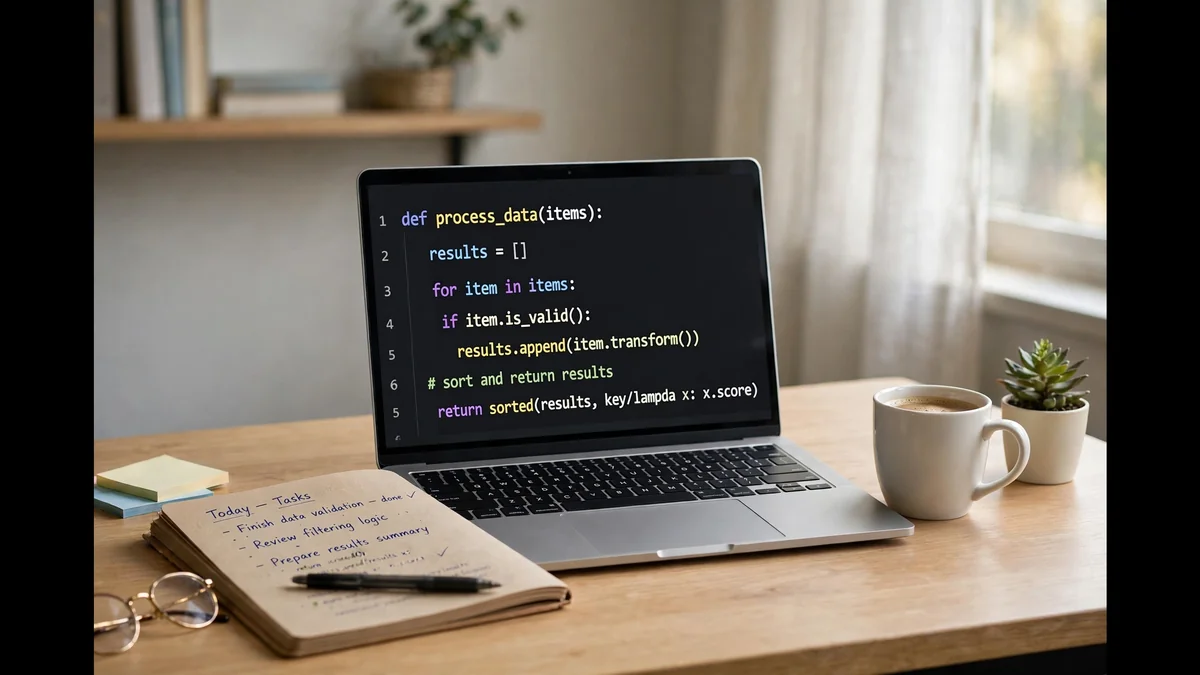
Choosing the best laptop for computer science students in 2027 comes down to a few practical questions: how much code will you compile, how heavy are the virtual machines and containers you run, and how long does the battery need to last between lectures? A computer science degree is one of the few courses where the laptop is a daily work tool rather than a note-taking device, so the wrong pick means slow builds and a machine that struggles by your third year.
Most coursework runs comfortably on a modern mid-range machine with 16GB of RAM and a fast SSD, and the best laptops for computer science students balance processor speed, memory, keyboard comfort, and battery life. The picks below were chosen for real student workloads: compiling code, running Docker containers, working in IDEs, and the occasional machine learning assignment.
Prices are approximate starting prices, and student discounts can bring several of these down further. Check current pricing before you buy.
Key takeaways
- The MacBook Air with the M4 chip is the best laptop for computer science students overall, thanks to its speed, silent design, and 18-hour battery life.
- 16GB of RAM and a 512GB SSD are the minimum worth buying in 2027; 8GB machines will slow down with containers and virtual machines.
- ThinkPad and Framework machines are the strongest picks for students who want Linux, easy repairs, and a great keyboard.
- A dedicated GPU only matters if your course covers machine learning, graphics, or game development.
- Buy the laptop that survives four years of daily use, not the flashiest specification sheet.
At a glance: the shortlist
| Laptop | Best for | Starting price | Standout limit |
|---|---|---|---|
| MacBook Air M4 (13-inch) | Best overall | From $999 | Two ports only |
| Lenovo ThinkPad T14 Gen 5 | Linux and dual-boot | From $1,099 | Heavier than ultrabooks |
| Dell XPS 14 | Best Windows ultraportable | From $1,299 | Pricey upgrades |
| ASUS ROG Zephyrus G14 | Machine learning and GPU work | From $1,599 | Shorter battery life |
| Acer Swift Go 14 | Best budget pick | From $649 | Average screen brightness |
| Framework Laptop 13 | Repairability and upgrades | From $899 | DIY assembly option |
| MacBook Pro 14 (M4 Pro) | Heavy workloads | From $1,599 | Premium price |
MacBook Air M4 (13-inch) — Best overall
The MacBook Air with the M4 chip is the best laptop for computer science students in 2027 because it removes the usual compromises. It compiles code quickly and stays silent under load since it has no fan, and the battery genuinely lasts a full day of lectures, library sessions, and evening coding.

For computer science work, macOS is a strong fit: the Unix-based terminal, Homebrew package manager, and native support for Python, Git, and Docker cover almost everything a degree asks for. The base model ships with 16GB of unified memory; students running several virtual machines at once should consider the 24GB upgrade. If you want a broader view of coding machines, the best laptops for programming covers more desktop-replacement options.
Pros: outstanding battery life, silent fanless design, fast M4 chip, excellent build quality. Cons: only two Thunderbolt ports, no dedicated GPU, RAM upgrades are expensive.
Lenovo ThinkPad T14 Gen 5 — Best for Linux and dual-boot
The ThinkPad T14 is the classic computer science laptop, and the Gen 5 keeps that reputation with a superb keyboard, a tough magnesium chassis, and full Linux support that few rivals match. Ubuntu and Fedora run cleanly on it, drivers included, which matters if your course expects you to work in Linux or dual-boot.
Performance comes from Intel Core Ultra or AMD Ryzen processors with up to 64GB of RAM, so the T14 handles containers, databases, and Android emulators without complaint. The low-power display option stretches battery life past 12 hours, and the port selection is generous: two USB-C, two USB-A, HDMI, and Ethernet.
Pros: best-in-class keyboard, excellent Linux support, durable build, wide port selection. Cons: heavier than ultrabooks, base screen is dimmer than rivals, fan noise under heavy load.
Dell XPS 14 — Best Windows ultraportable
The Dell XPS 14 is the Windows laptop to buy if you want premium build quality without a gaming aesthetic. Its aluminium and glass design is premium, and the 14.5-inch display, available with a sharp OLED option, makes long coding sessions easier on the eyes. Intel Core Ultra processors with integrated Arc graphics handle everyday development work well.
Where the XPS 14 earns its place is in the details: the keyboard is comfortable and quiet, the speakers are strong for a 14-inch machine, and the 512GB SSD in the base configuration is fast enough that project builds rarely feel slow. Dell charges a premium for RAM and storage upgrades, so buy the configuration you need up front. Students comparing Windows options will also find the best laptops for developers useful for seeing how the XPS 14 stacks up against developer-focused rivals.
Pros: premium design, excellent OLED display option, quiet keyboard, strong speakers. Cons: expensive RAM and storage upgrades, no USB-A port, average webcam.
ASUS ROG Zephyrus G14 — Best for machine learning and GPU work
If your course touches machine learning, computer graphics, or game development, the Zephyrus G14 is the student laptop that makes those modules practical. Its dedicated NVIDIA RTX graphics card accelerates model training, CUDA work, and rendering in ways integrated graphics cannot, and the 14-inch OLED display is one of the best screens available at this size.
The trade-off is battery life: around eight hours of light use, far less when the GPU is working hard, so keep the charger in your bag. For most computer science students the G14 is more than needed, but if your degree includes GPU-heavy work, it is the most portable way to get it done properly.
Pros: powerful dedicated GPU, superb OLED display, portable for its power, good keyboard. Cons: shorter battery life, runs warm under load, premium price.
Acer Swift Go 14 — Best budget pick
The Acer Swift Go 14 proves you do not need to spend four figures to study computer science well. With an Intel Core Ultra 5 or 7 processor, 16GB of RAM, and a 512GB SSD, it runs VS Code, Python, Git, and a browser full of documentation tabs without stumbling, and it weighs just 1.3kg.
Compromises are honest ones: the 14-inch display is decent but not especially bright, so outdoor use is limited, and the speakers are average. Battery life is around ten hours of mixed use, which covers a typical teaching day. A wider look at student machines in general is available in our roundup of the best laptops for students, which covers budget options across every degree.
Pros: strong value, light at 1.3kg, 16GB RAM in the base model, solid battery life. Cons: average screen brightness, modest speakers, plastic keyboard deck flex.
Framework Laptop 13 — Best for repairability and upgrades
The Framework Laptop 13 is the only laptop here you can take apart with a single screwdriver and upgrade yourself, which makes it a natural fit for computer science students. RAM, storage, the battery, the screen, and even the ports are user-replaceable, and the expansion card system lets you swap USB-C, USB-A, HDMI, and Ethernet modules to suit the day.
Performance is solid rather than spectacular, with Intel Core Ultra or AMD Ryzen options that handle coursework easily, and the 13.5-inch display has a practical 3:2 aspect ratio that shows more lines of code. The DIY edition arrives without RAM or storage and is the cheapest way in if you install your own parts.
Pros: fully user-upgradeable and repairable, great Linux support, modular ports, 3:2 display. Cons: plain design, average speakers and webcam, DIY edition needs assembly.
MacBook Pro 14 (M4 Pro) — Best for heavy workloads
The MacBook Pro 14 with the M4 Pro chip is for students whose work regularly pushes a machine hard: large codebases, iOS development, data science, or running several virtual machines at once. The M4 Pro chip compiles projects noticeably faster than the Air, the mini-LED display is brighter and smoother, and the active cooling means sustained performance does not throttle during long builds.
Battery life is still excellent at around 18 hours of light use, and the port selection is the best of any MacBook, with three Thunderbolt 4 ports, HDMI, and an SD card slot. The price is the obvious barrier, and most students will never use the extra power, but if your degree leans into iOS development, media processing, or heavy data work, the Pro pays for itself in time saved.
Pros: fastest sustained performance here, superb mini-LED display, generous ports, excellent battery life. Cons: expensive, heavier than the Air, overkill for most coursework.
How to choose
Start with the software your course requires. If your university teaches iOS development or uses Xcode, a Mac is effectively mandatory; if it expects Windows-only tools or heavy Linux use, a ThinkPad or Framework is the safer bet. Beyond that, prioritise 16GB of RAM and a 512GB SSD over a faster processor, since memory and storage are what actually slow a student laptop down.
Weight and battery life decide how much you enjoy carrying the machine every day. A 14-inch laptop under 1.5kg with ten or more hours of battery is the sweet spot for campus life, and it is worth paying a little extra for. Finally, check your university’s student discount programmes before buying: Apple, Lenovo, Dell, and Microsoft all offer education pricing.
Checklist: before you buy
- Confirm your course software runs on the operating system you are choosing.
- Buy 16GB of RAM and a 512GB SSD as a minimum; 8GB is not enough in 2027.
- Check education pricing and student discounts before paying full price.
- Test the keyboard and trackpad in a shop if you can; you will use them every day.
- Make sure the battery lasts a full teaching day, ideally ten hours or more.
- Check the warranty and accidental damage cover, since student life is hard on laptops.
Frequently asked questions
Do computer science students need a powerful laptop?
Not usually. Most coursework runs well on a modern mid-range laptop with 16GB of RAM. A powerful machine only matters for machine learning, graphics, game development, or very large codebases.
Is a MacBook good for computer science?
Yes. The Unix-based terminal, strong developer tools, and long battery life make MacBooks popular with computer science students. The main exception is courses that require Windows-only software.
How much RAM do I need for computer science?
16GB is the minimum worth buying in 2027. It handles IDEs, browsers, containers, and virtual machines together. Students running several virtual machines or large datasets should consider 24GB or 32GB.
Should I get a Windows laptop or a MacBook?
Choose based on your course software first. MacBooks suit iOS development and Unix-based workflows, while Windows laptops offer more choice, better value, and compatibility with Windows-only tools.
Do I need a dedicated graphics card?
Only if your course covers machine learning, computer graphics, or game development. Integrated graphics are more than enough for standard coursework and give better battery life.
Is 512GB of storage enough?
Yes for most students, especially with cloud storage for documents. If you install multiple operating systems, large datasets, or game engines, consider 1TB or an external SSD.
The bottom line
For most computer science students, the MacBook Air M4 is the best laptop to buy in 2027: it is fast, silent, light, and lasts all day. If you want Windows or Linux, the ThinkPad T14 is the most dependable choice, and the Acer Swift Go 14 is the best way to get a capable machine on a student budget.
Whatever you choose, spend your money on RAM, storage, and build quality rather than a graphics card you will rarely use. The right laptop is the one that is still fast and reliable in your final year, not the one with the biggest numbers on the box.



