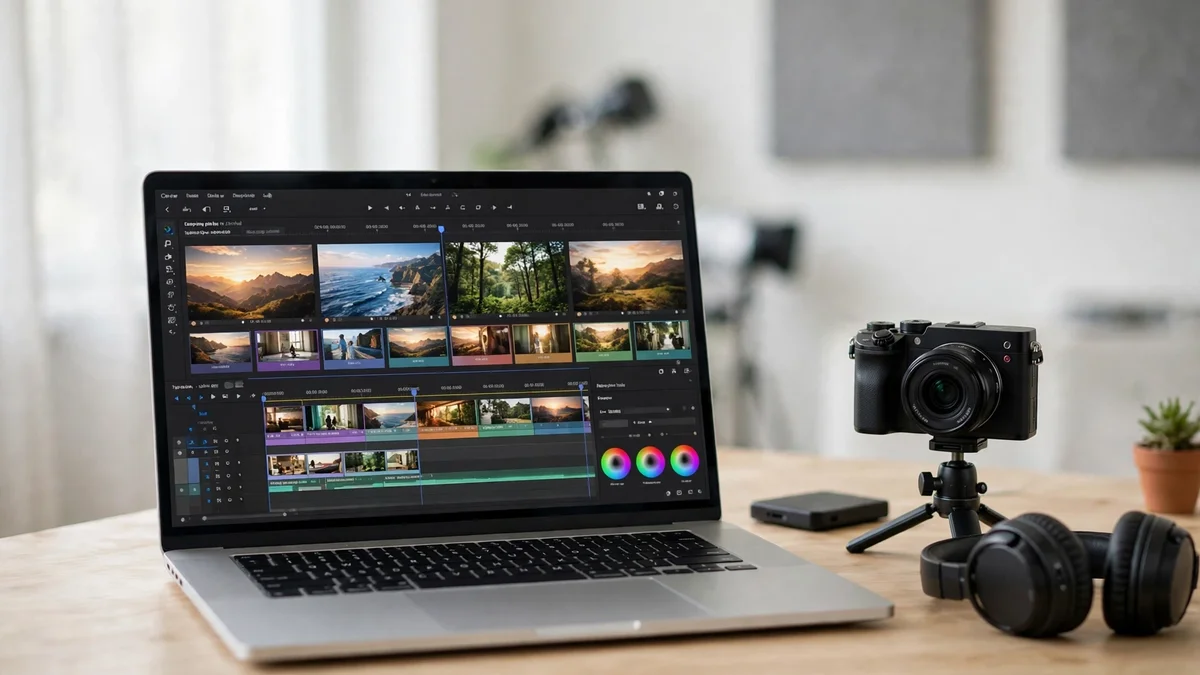
The best laptops for videographers in 2027 need serious power, because editing 4K footage, grading colour, and rendering timelines punish weak hardware. A videographer needs a fast processor, a capable graphics card, at least 32GB of memory, and a bright, colour-accurate display that can be trusted for grading. Storage speed matters too, since video files are large and slow drives stall playback.
This shortlist was chosen on editing performance, display accuracy, thermal design, port selection, and battery life on location. Every laptop here runs Premiere Pro, DaVinci Resolve, and Final Cut Pro smoothly, and the stronger models handle 4K and 6K timelines, effects, and colour grading without constant proxy files. Prices below are approximate starting prices; check current pricing before buying, since configurations change often.
Apple dominates for portable editing thanks to its efficient chips and excellent displays, but Windows workstations such as the ASUS ProArt P16 and Lenovo ThinkPad P16 offer more graphics power and upgrade options. Budget-conscious videographers should look at the Acer Swift X 14, while heavy 4K editors will get the most from the MacBook Pro 16.
Key takeaways
- The MacBook Pro 16 with the M4 Max is the best overall laptop for videographers, with superb editing speed and display quality.
- Choose at least 32GB of memory and 1TB of fast storage for 4K editing; 16GB will struggle with large timelines.
- A colour-accurate display with wide P3 coverage is essential for trustworthy colour grading.
- The Acer Swift X 14 is the best budget pick for light editing and travel work.
- Avoid thin laptops with weak cooling, since sustained rendering will throttle them.
At a glance: the shortlist
| Product | Best for | Starting price | Standout limit |
|---|---|---|---|
| Apple MacBook Pro 16 (M4 Max) | Best overall | From $2,499 | Expensive |
| Apple MacBook Pro 14 (M4 Pro) | Portable editing | From $1,999 | Smaller screen for timelines |
| Dell XPS 16 | Windows editing | From $1,899 | Price rises with options |
| ASUS ProArt P16 | Creator features | From $1,899 | Shorter battery life |
| Lenovo ThinkPad P16 Gen 2 | Workstation power | From $2,199 | Heavy |
| Razer Blade 16 | Editing and gaming | From $2,499 | Runs warm under load |
| Acer Swift X 14 | Budget | From $999 | Not for heavy 4K work |
Apple MacBook Pro 16 (M4 Max) — Best overall
The MacBook Pro 16 is the benchmark laptop for video editing in 2027. Its M4 Max chip, with dedicated media engines, scrubs through 4K and 6K timelines smoothly in Final Cut Pro, Premiere Pro, and DaVinci Resolve, and renders exports far faster than most Windows rivals. The 16.2-inch Liquid Retina XDR display is bright, sharp, and colour-accurate, making it trustworthy for grading without an external monitor.
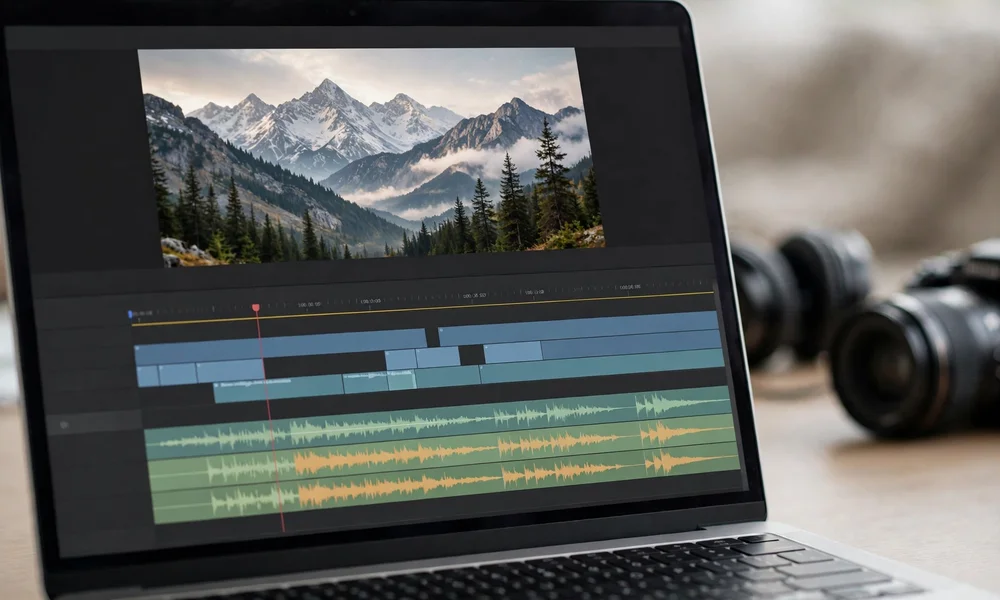
Battery life is remarkable for such a powerful machine, often lasting a full day of editing, and it stays quiet even during long renders. The ports include three Thunderbolt ports, HDMI, and an SD card slot, so card readers and external drives connect without dongles. It is expensive, but for professionals who edit video for a living, it pays for itself in saved time.
Pros: Outstanding editing performance; superb colour-accurate display; excellent battery life; SD card slot and HDMI.
Cons: Very expensive; heavy to carry daily; storage upgrades are costly.
Apple MacBook Pro 14 (M4 Pro) — Best for portable editing
The MacBook Pro 14 brings most of the 16-inch model’s editing power into a smaller, lighter body. The M4 Pro chip handles 4K timelines, colour grading, and effects work comfortably, and the same excellent XDR display technology makes grading reliable on the move. It fits easily in a camera bag alongside a mirrorless body and lenses.
The smaller screen means timelines feel cramped during long sessions, so many editors pair it with an external monitor at home. Battery life is strong, and the machine stays quiet under load. For videographers who travel, shoot on location, and edit between shoots, it is the best balance of power and portability.
Pros: Fast and quiet; excellent display; portable; strong battery life.
Cons: Smaller screen for timelines; expensive; limited upgrade options.
Dell XPS 16 — Best Windows editing laptop
The Dell XPS 16 is the leading Windows laptop for video editors who want a large, beautiful display and strong performance. Its OLED panel option delivers vivid colour and deep contrast, which suits grading and preview work, and the latest Intel processors with NVIDIA graphics handle 4K editing smoothly. The slim aluminium body looks professional on set and in the studio.
Choose the OLED display and at least 32GB of memory for serious editing, since the base configuration is less convincing. Battery life is decent but falls behind the MacBooks during long renders.
Pros: Superb OLED display; strong editing performance; slim premium build; good speakers.
Cons: OLED option adds cost; battery life is average; runs warm under sustained load.
ASUS ProArt P16 — Best for creator features
The ASUS ProArt P16 is built around creative work, with a factory-calibrated OLED display, a dedicated creator dial for timeline and brush control, and powerful AMD and NVIDIA hardware for rendering. It handles 4K timelines, colour grading, and AI-assisted editing tools with ease, and its colour accuracy makes it a strong grading laptop without an external monitor.
Videographers who work with laptops for video editing will recognise the same priorities here: display accuracy, fast storage, and reliable thermal design. The ProArt’s main weakness is battery life, which is shorter than the MacBooks when editing away from power. As a portable editing workstation, it offers excellent value for its performance.
Pros: Calibrated OLED display; creator dial; very fast rendering; strong value.
Cons: Shorter battery life; fan noise under load; heavier than ultraportables.
Lenovo ThinkPad P16 Gen 2 — Best workstation power
The ThinkPad P16 Gen 2 is a full mobile workstation for videographers who need maximum power and reliability. Its professional NVIDIA graphics, large memory capacity, and ISV-certified drivers keep DaVinci Resolve, Premiere Pro, and 3D tools stable during long projects. The 16-inch display is bright and colour-accurate, and the keyboard is excellent for long editing sessions.
It is heavy and plain-looking, and it is not the laptop to carry on a long shoot day. For studio-based editors and videographers who render complex projects daily, its power, upgrade options, and professional support make it a dependable workhorse.
Pros: Very powerful workstation graphics; large memory options; durable build; excellent keyboard.
Cons: Heavy; plain design; expensive when well configured.
Razer Blade 16 — Best for editing and gaming
The Razer Blade 16 combines a colour-accurate 16-inch display with powerful NVIDIA graphics, making it a strong choice for videographers who also work in 3D, motion graphics, or gaming. Its fast display and strong graphics handle 4K timelines and effects smoothly, and the slim aluminium body is far more portable than most workstations with this much power.
It runs warm and the fans are audible during renders, and battery life drops sharply when the graphics card is active. If you edit mostly on battery, a MacBook is a better fit. If you want one laptop for editing, 3D, and gaming, the Blade 16 is one of the few that does all three well.
Pros: Fast graphics; colour-accurate high-refresh display; slim for its power; strong for 3D and effects.
Cons: Runs warm; fan noise under load; short battery life when rendering.
Acer Swift X 14 — Best budget pick
The Acer Swift X 14 is the most affordable laptop here that can genuinely edit video. Its Intel processor and NVIDIA graphics handle 1080p and light 4K editing, proxy workflows, and short social videos comfortably, and it is light enough to carry on shoots. The price leaves room for an external drive and a monitor, which matter more for video than a premium laptop body.
It is not a heavy 4K editing machine. Long timelines and complex effects will push it hard, and the base screen is not accurate enough for critical grading, so choose the better display option and use proxies. For beginners and videographers on a tight budget, it is a sensible starting point.
Pros: Affordable; capable graphics for light editing; light and portable; good value.
Cons: Not suited to heavy 4K work; base screen is weak for grading; average battery life.
How to choose
Start with the processor and graphics, since video editing is one of the most demanding tasks a laptop can do. Look for a modern high-end chip with dedicated media encoding, a discrete graphics card for effects and grading, and at least 32GB of memory. Sixteen gigabytes will manage light editing, but 4K timelines, effects, and colour grading need more headroom.
Next, check the display and storage. A bright, colour-accurate display with wide P3 coverage is essential for grading, and a 16-inch screen gives timelines room to breathe. Storage should be at least 1TB of fast SSD, since video files grow quickly, and a second drive or fast external SSD is worth budgeting for. A good external display also helps: the guide to 4K monitors explains what to look for in a grading monitor.
Finally, think about where you edit. If you work on location, battery life, weight, and an SD card slot matter more than raw power. If you edit in a studio, a heavier workstation with better cooling and more ports is the better buy.
Checklist: before you buy
- Choose at least 32GB of memory for 4K editing, or 16GB only for light 1080p work.
- Pick 1TB of fast SSD storage as a minimum, plus an external drive for footage.
- Check the display covers close to 100% DCI-P3 and reaches at least 400 nits.
- Confirm the laptop has an SD card slot or budget for a fast card reader.
- Check cooling and reviews for throttling during long renders.
- Confirm your editing software runs well on the laptop’s operating system and graphics.
Frequently asked questions
How much memory do videographers need?
Thirty-two gigabytes is the practical minimum for 4K editing in 2027. Choose 64GB if you edit 6K footage or use heavy effects, since it prevents slowdowns and extends the laptop’s useful life.
Is a MacBook or a Windows laptop better for video editing?
Both are excellent. MacBooks lead on battery life, quiet operation, and Final Cut Pro performance, while Windows laptops offer more graphics power, upgrade options, and choice. Your editing software and workflow matter more than the brand.
Do I need a dedicated graphics card for video editing?
Yes, for serious 4K work. A dedicated graphics card speeds up effects, colour grading, and rendering in Premiere Pro and DaVinci Resolve. Integrated graphics can manage light 1080p editing, but they struggle with 4K timelines.
What display should a videographer choose?
Choose a bright, colour-accurate display with wide P3 coverage and at least 400 nits. A 16-inch screen is ideal for timelines, and a calibrated external monitor is worth adding for final colour grading.
Can a budget laptop edit 4K video?
It can, with compromises. Use proxy files, keep timelines simple, and avoid heavy effects. A budget laptop with a decent graphics card handles short 4K projects, but long or complex edits need a stronger machine.
Freelance videographers should also compare these picks with the guide to laptops for content creators, which covers overlapping performance and portability needs for creators who shoot and edit.
How much storage does a videographer need?
One terabyte of fast internal storage is the minimum, since video files are large. Most videographers also keep footage on fast external SSDs and archive finished projects on larger drives.
The bottom line
For most videographers, the MacBook Pro 16 with the M4 Max is the best laptop to buy in 2027, thanks to its editing speed, colour-accurate display, and all-day battery life. Windows users should look first at the ASUS ProArt P16 or the Dell XPS 16, while studio editors who need maximum power should consider the ThinkPad P16 Gen 2.
If your budget is tight, the Acer Swift X 14 is the smartest starting point.